Hero blocks: how to choose
Pick the layout first, then the art. Split puts the copy beside the art, centered stacks it in the middle, poster fills the screen, and minimal uses no art at all.
Compare
| Block | Layout | Theme | Art | Access |
|---|---|---|---|---|
| Split Hero with Eclipse Orb | Split | Dark | Eclipse orb with a warm glow | Licensed |
| Split Hero with Solar Flare | Split | Dark | Solar flare orb, replaceable | Licensed |
| Letterpress Card Stock Hero | Split | Light | Letterpress card stock, gold plate | Licensed |
| Centered Fogbow Hero | Centered | Dark | Fogbow arc over grain | Licensed |
| Blue Bloom Serif Hero | Centered | Dark | Blue blooms, row of publication names | Licensed |
| Navbar Hero with Art Tiles | Centered, own navbar | Dark | Art tiles around the copy | Licensed |
| Eclipse Noir Hero | Centered, own navbar | Dark | Noir eclipse, install command | Licensed |
| Amber Halo Studio Hero | Full screen | Dark | Amber halo, nav in the corners | Licensed |
| Blue Hour Poster Hero | Full screen | Dark | Blue hour photograph | Licensed |
| Wedge Orb Full Poster Hero | Full width | Light | Red wedge and painted orb | Licensed |
| Hero with Black Hole Orb | Offset | Dark | Black hole orb | Licensed |
| Moon Hero with Changelog | Offset | Dark | Moon, with a changelog strip | Licensed |
| Full-Bleed Art Hero with Scrim | Full bleed | Dark | Art behind, darkened under the copy | Licensed |
| Minimal Centered Hero | Centered | Light and dark | None | Free |
| Minimal Left-Aligned Hero | Left-aligned | Light and dark | None | Free |
Split
Copy on one side, art on the other.
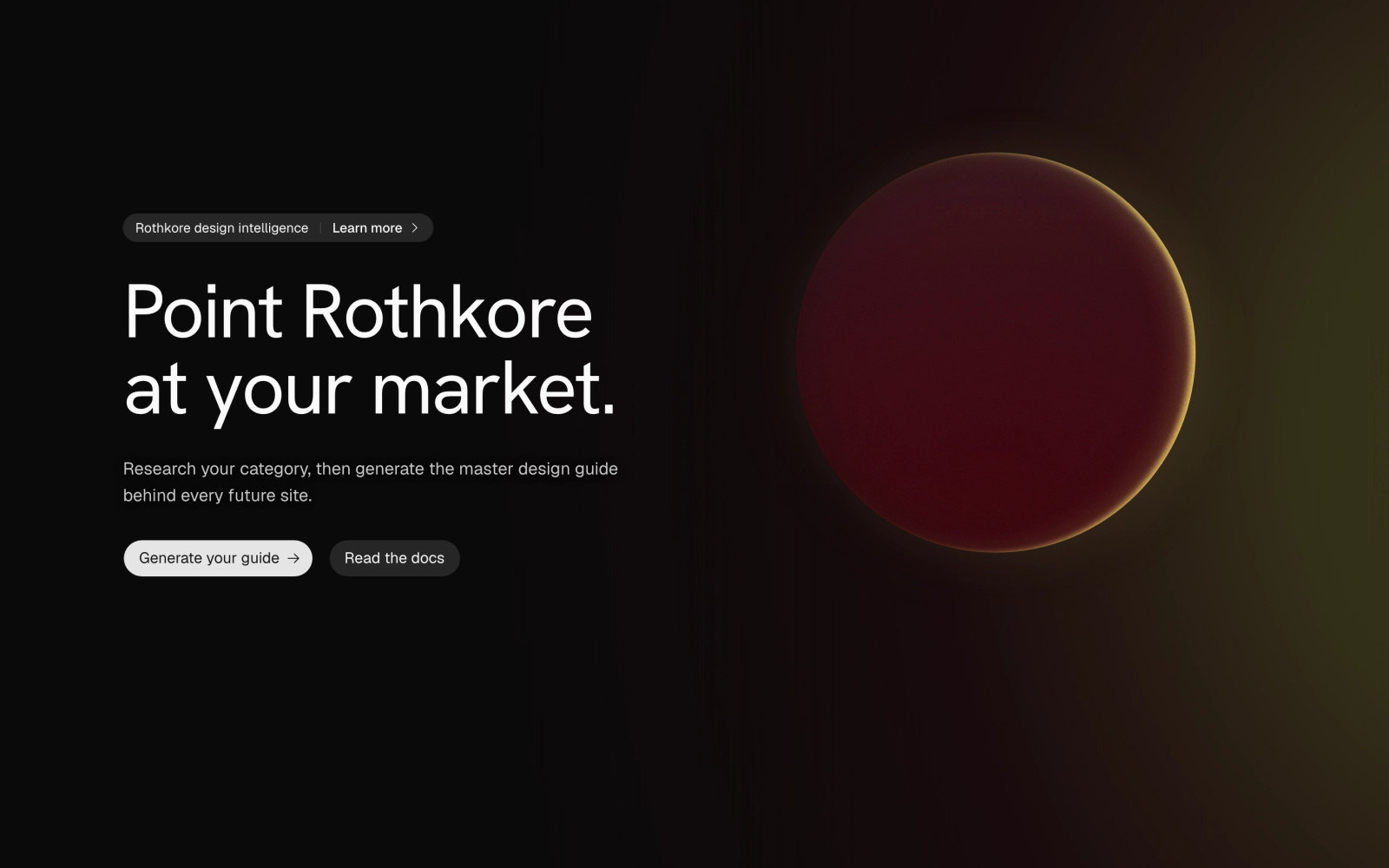
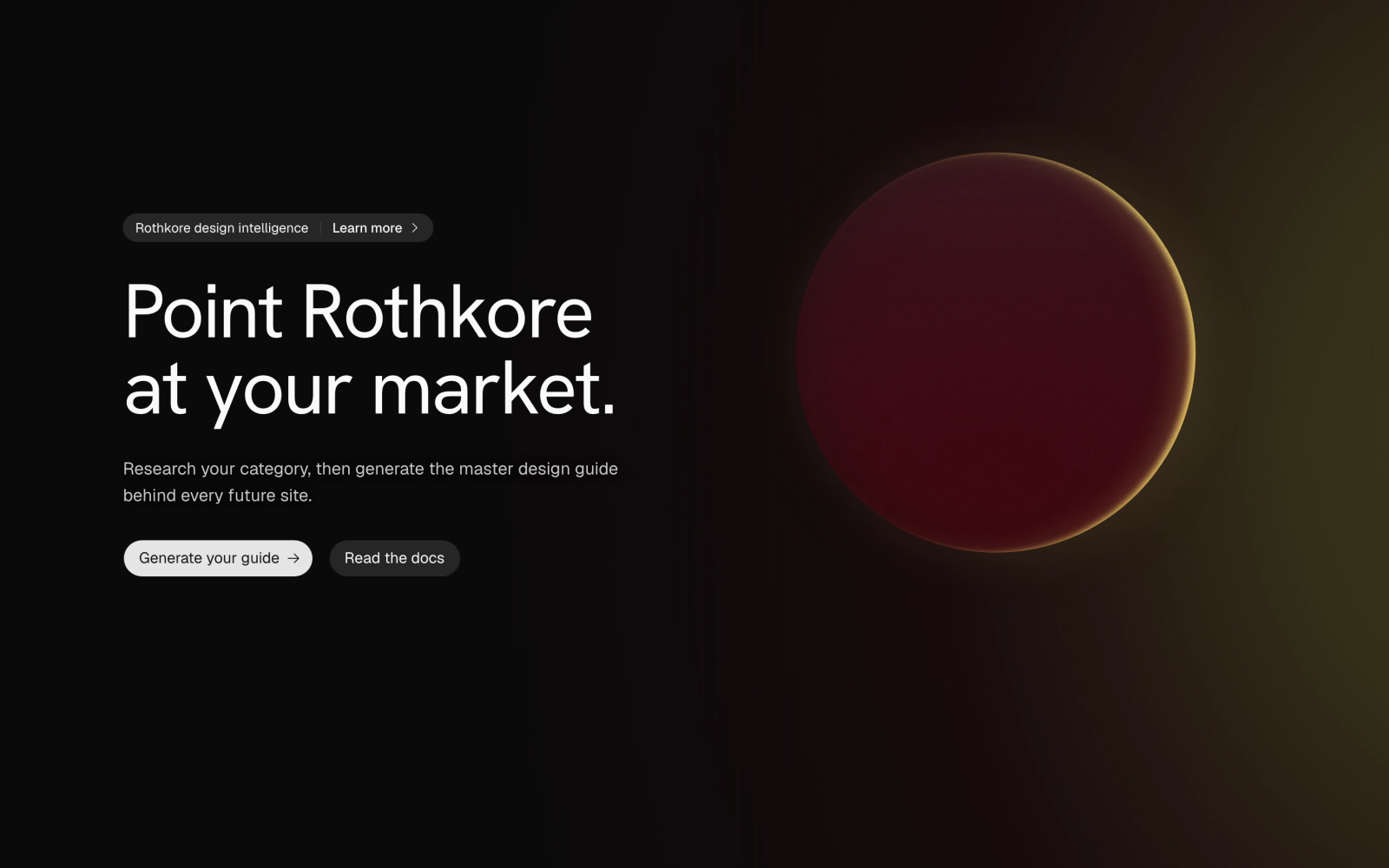 Split Hero with Eclipse OrbLicensedSplit dark hero with an Announcement pill, headline, description and two buttons beside a LimnedOrb eclipse, lit by one warm radial glow from the right edge on desktop and from the bottom on phones.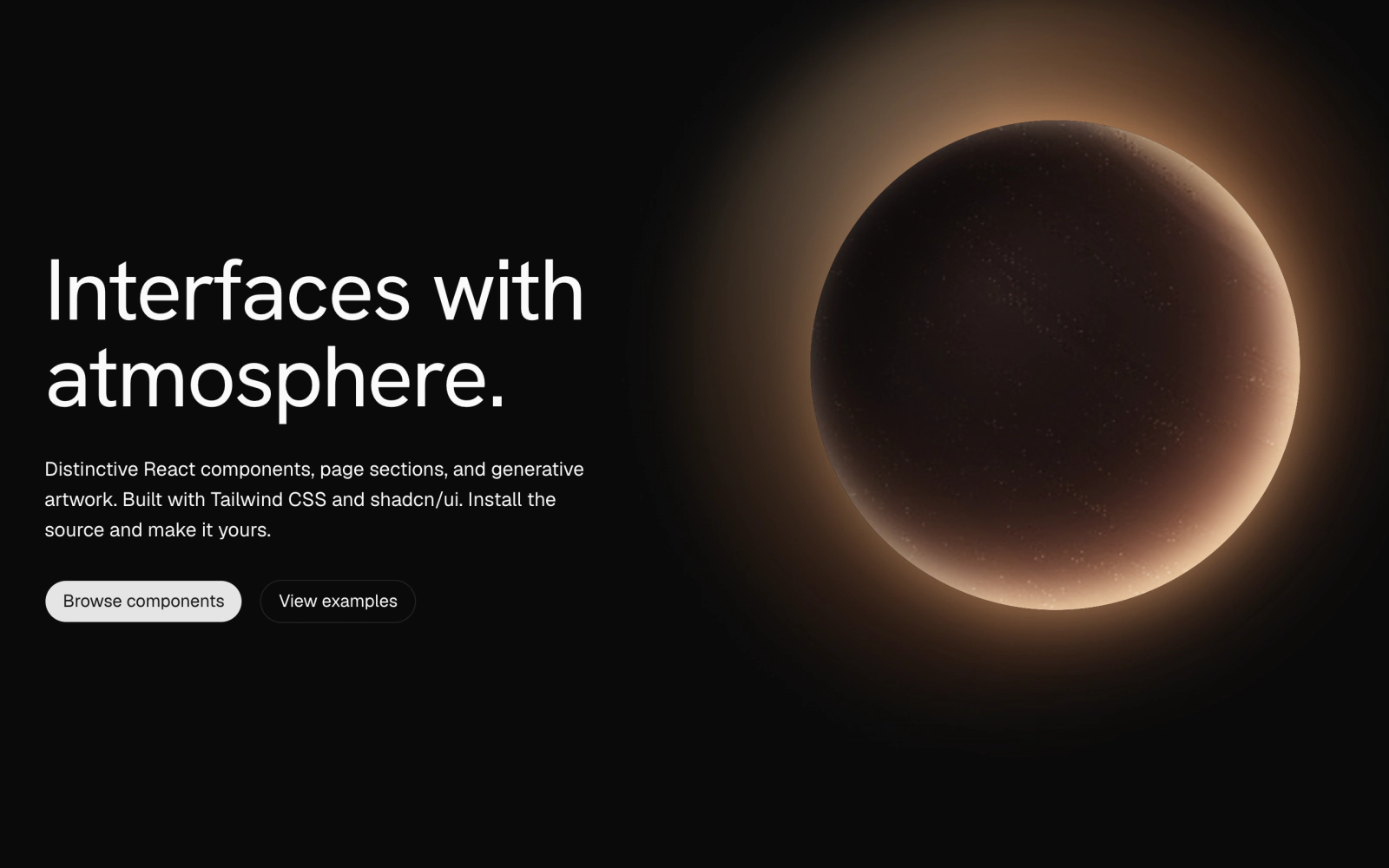
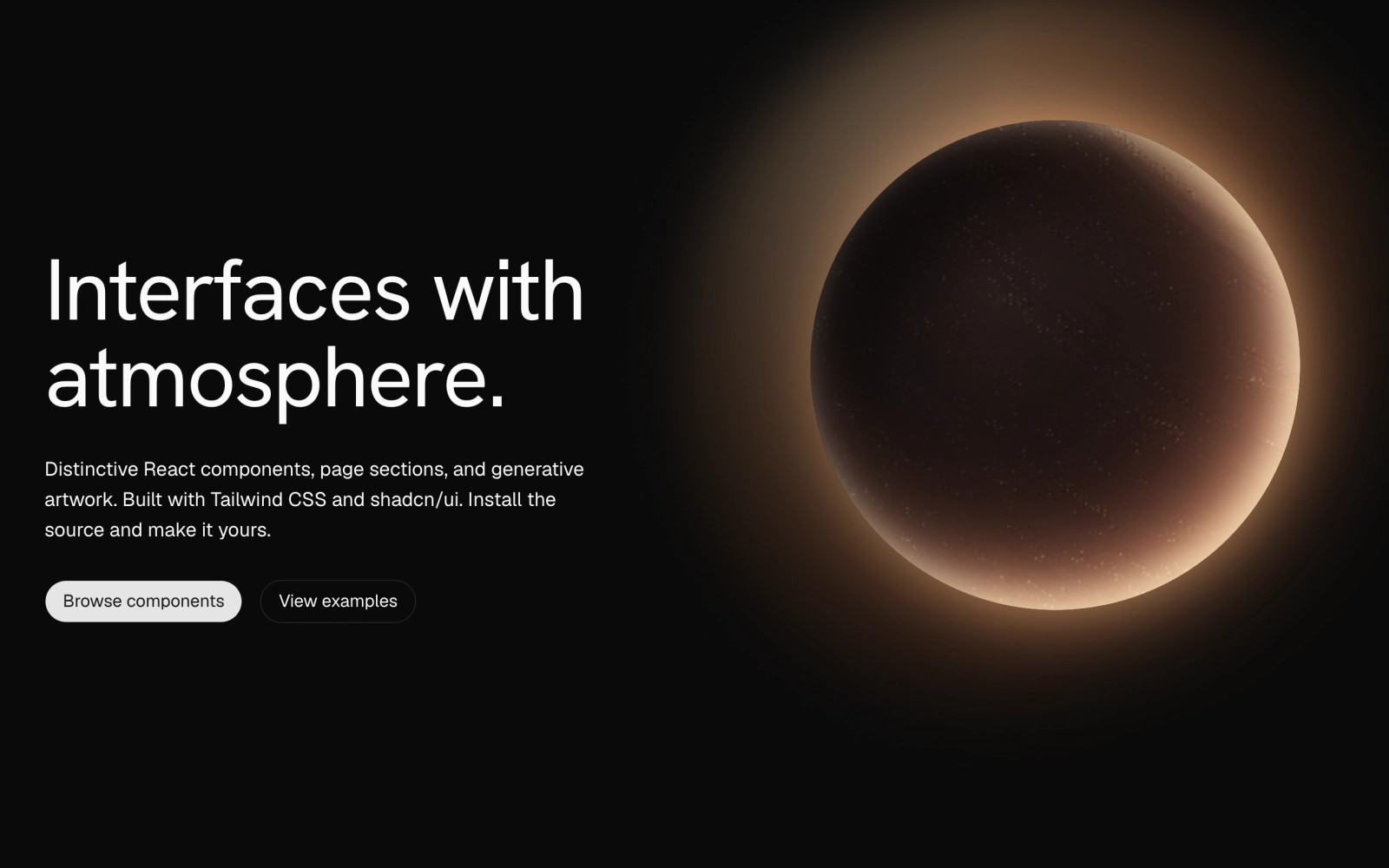 Split Hero with Solar FlareLicensedSplit dark hero with headline, description and two buttons beside a SolarFlareTextureScene orb, with a page-colored gradient keeping the text column clear on desktop. Children can replace the art.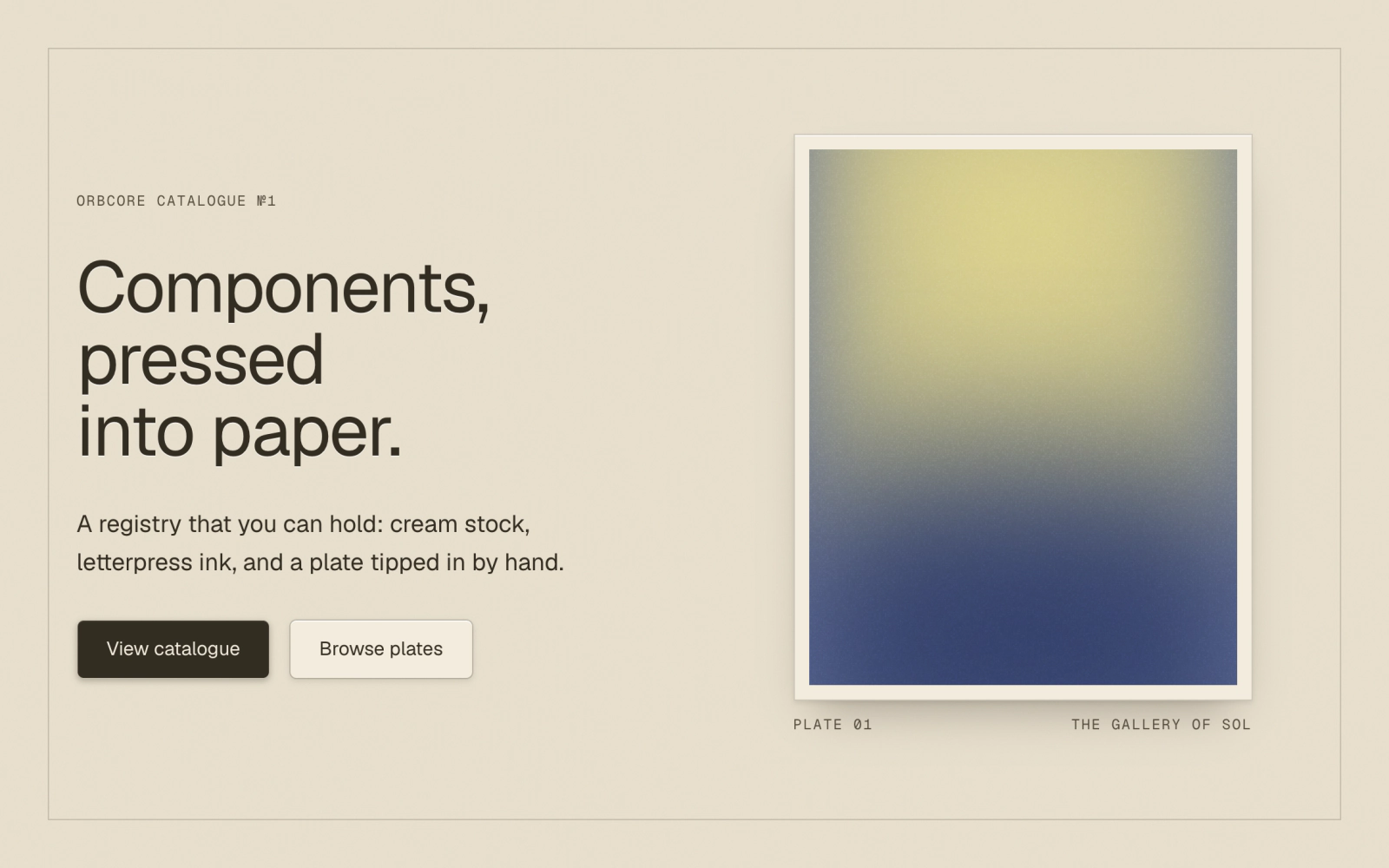
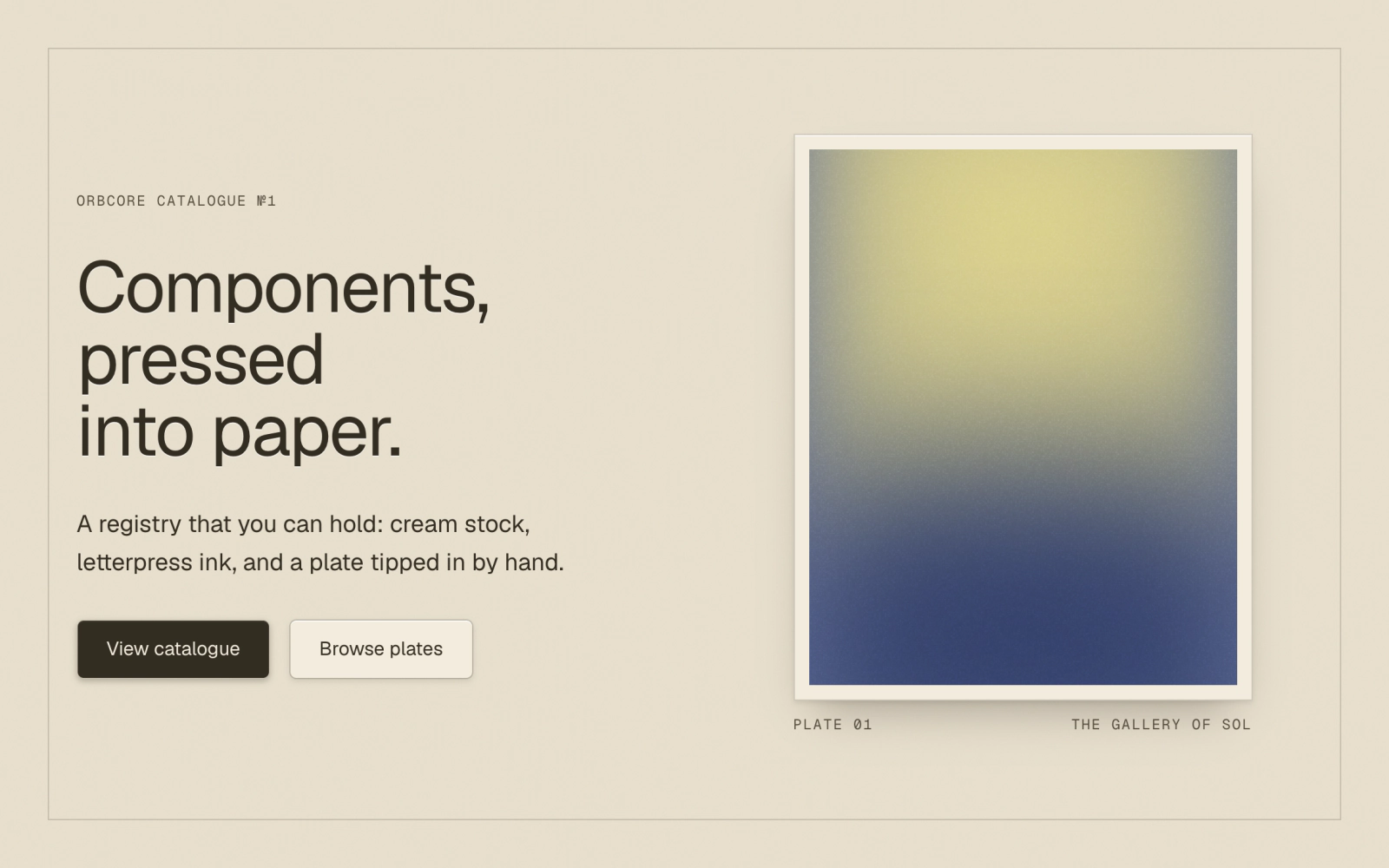 Letterpress Card Stock HeroLicensedLight letterpress hero on cream CardStock: an eyebrow, debossed sans headline, description, and an ink and a stock CardStockButton beside a tipped-in plate holding a gold ColorWash with a figure caption.
Centered
Headline and buttons stacked in the middle, with the art around or behind them.
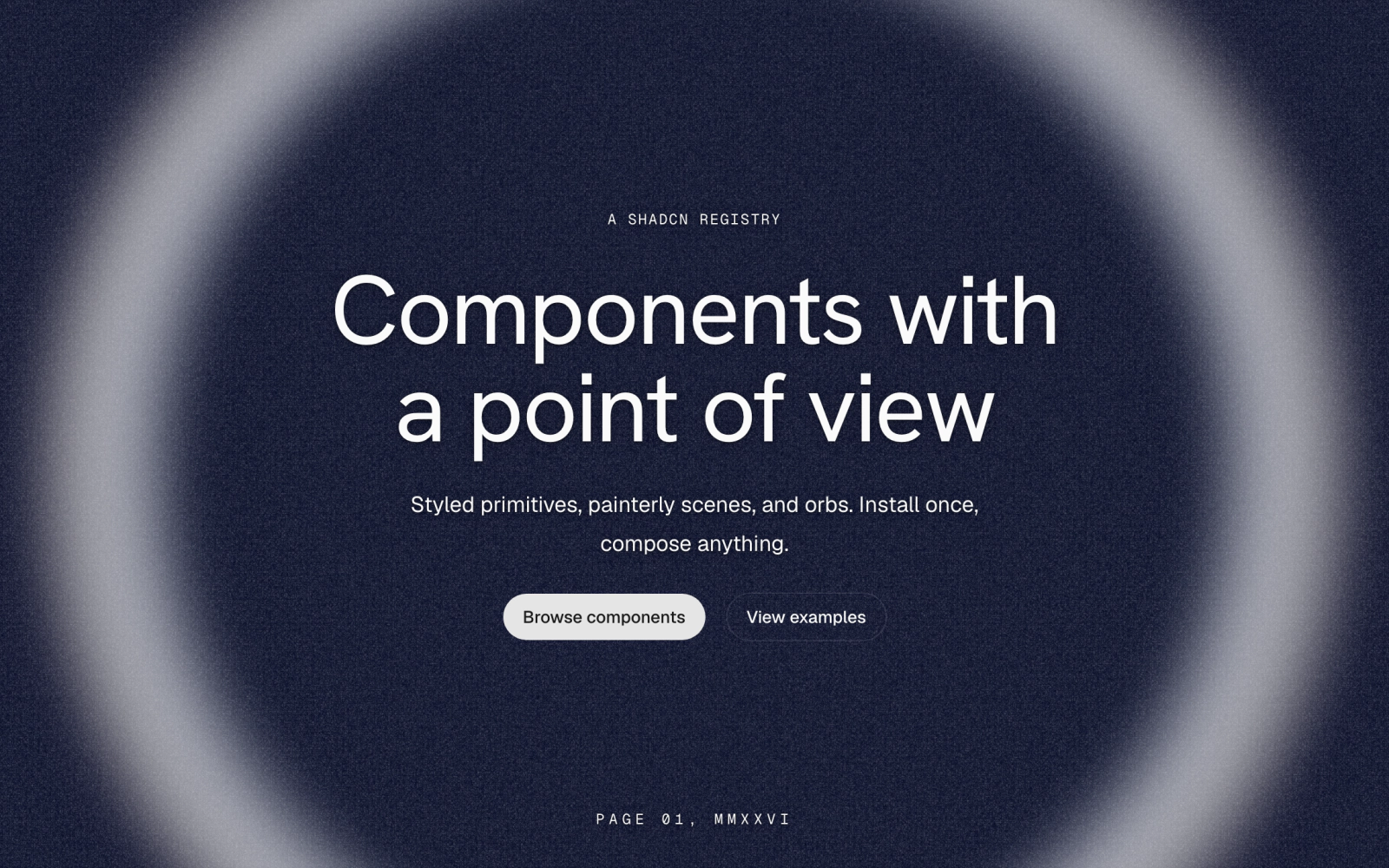
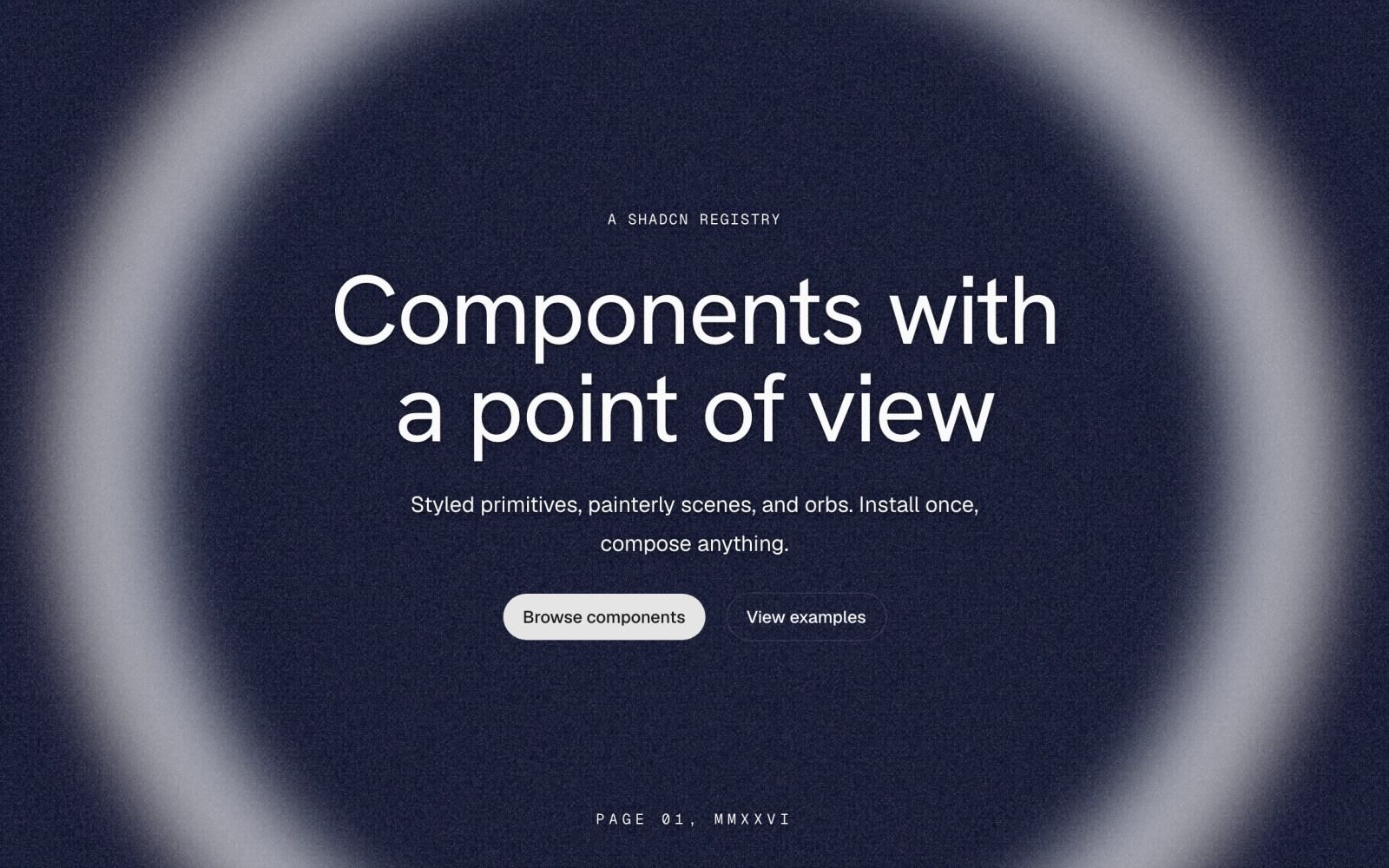 Centered Fogbow HeroLicensedCentered dark hero with an eyebrow, headline, two buttons and a Geist Mono caption, over a Fogbow arc and two Grain layers, paper and sandpaper, on a deep blue ground.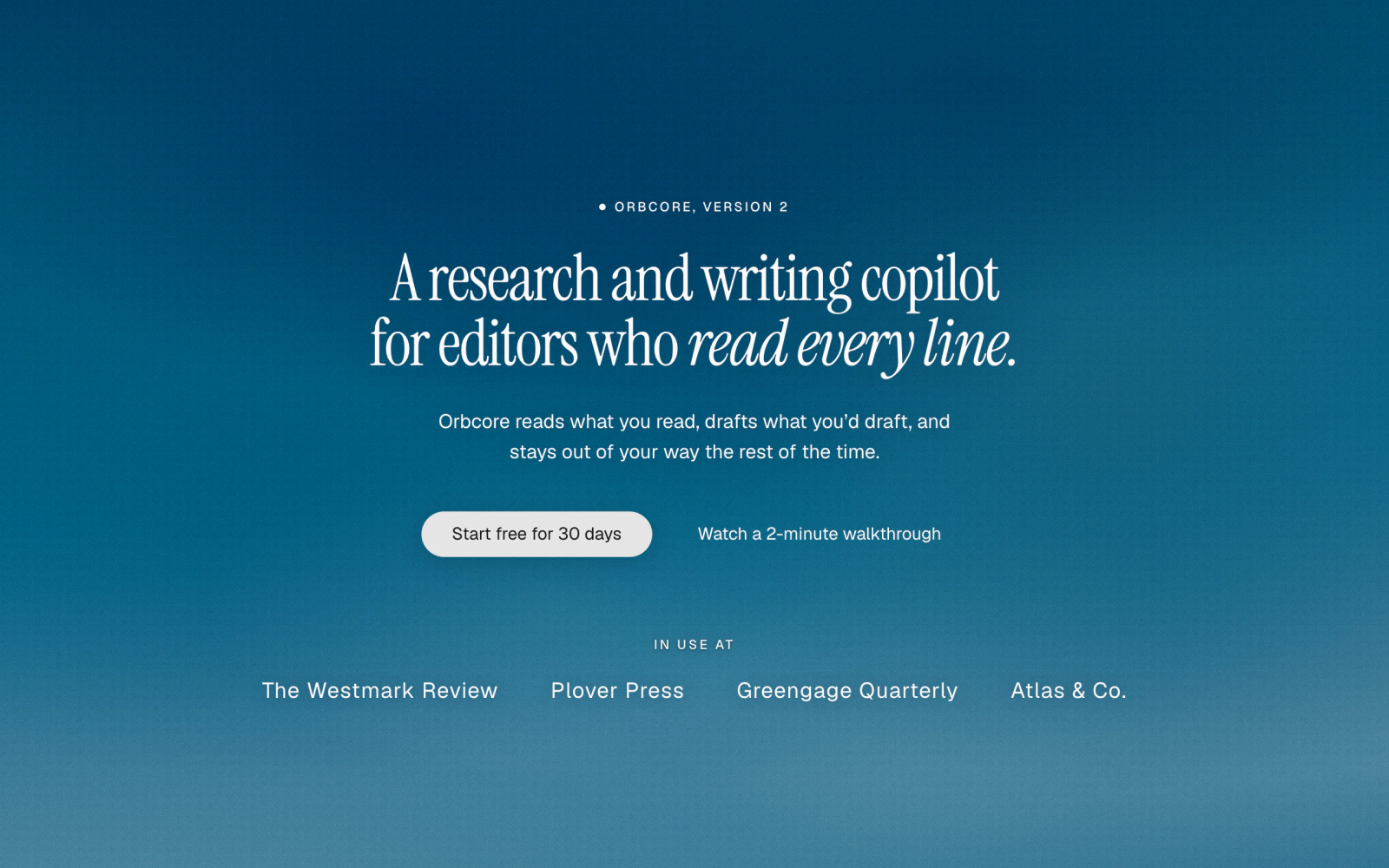
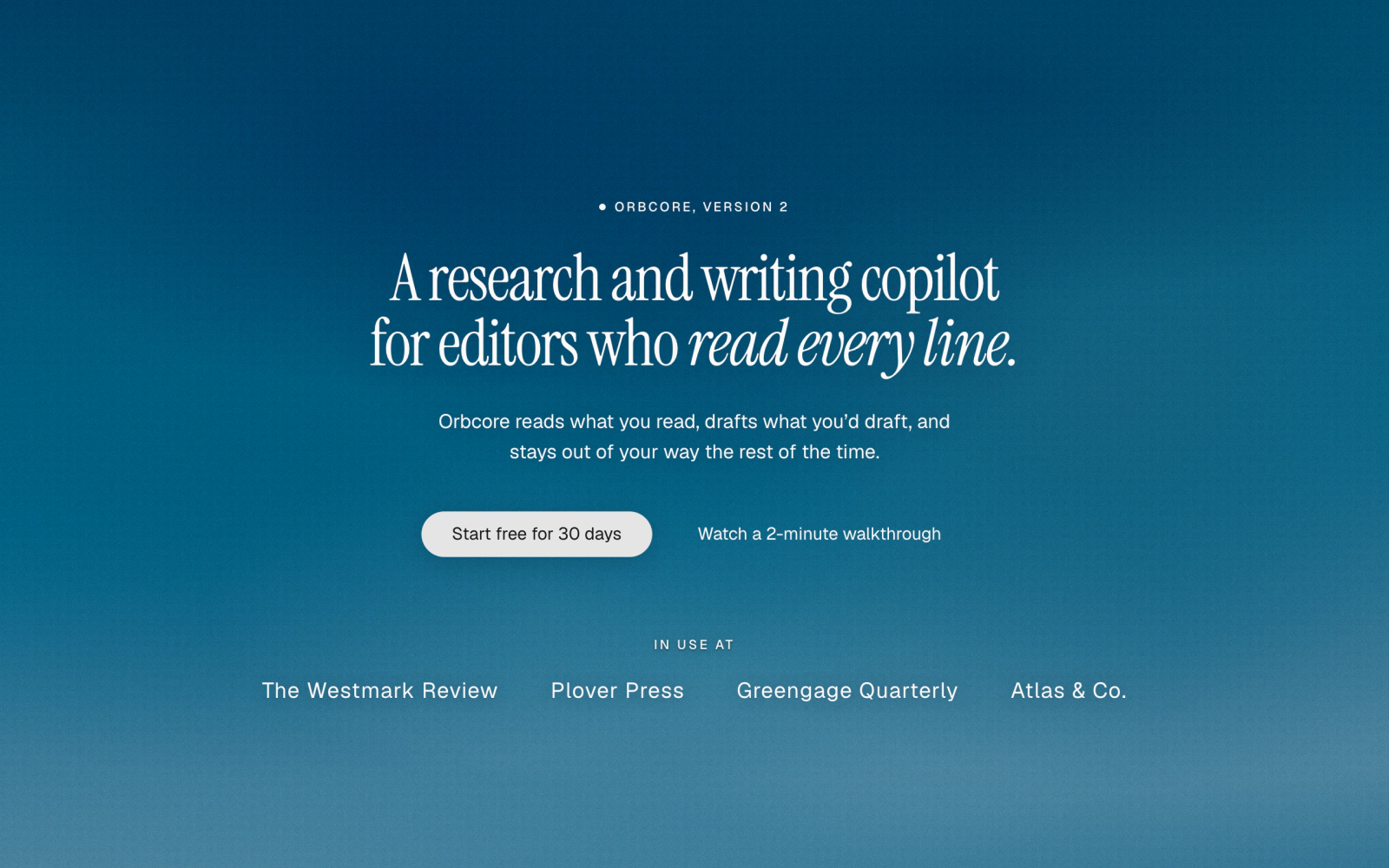 Blue Bloom Serif HeroLicensedCentered dark hero on a blue wash of nine radial blooms under two grain layers, with a dot eyebrow, an Instrument Serif headline ending in an italic aside, two buttons and a row of publication names.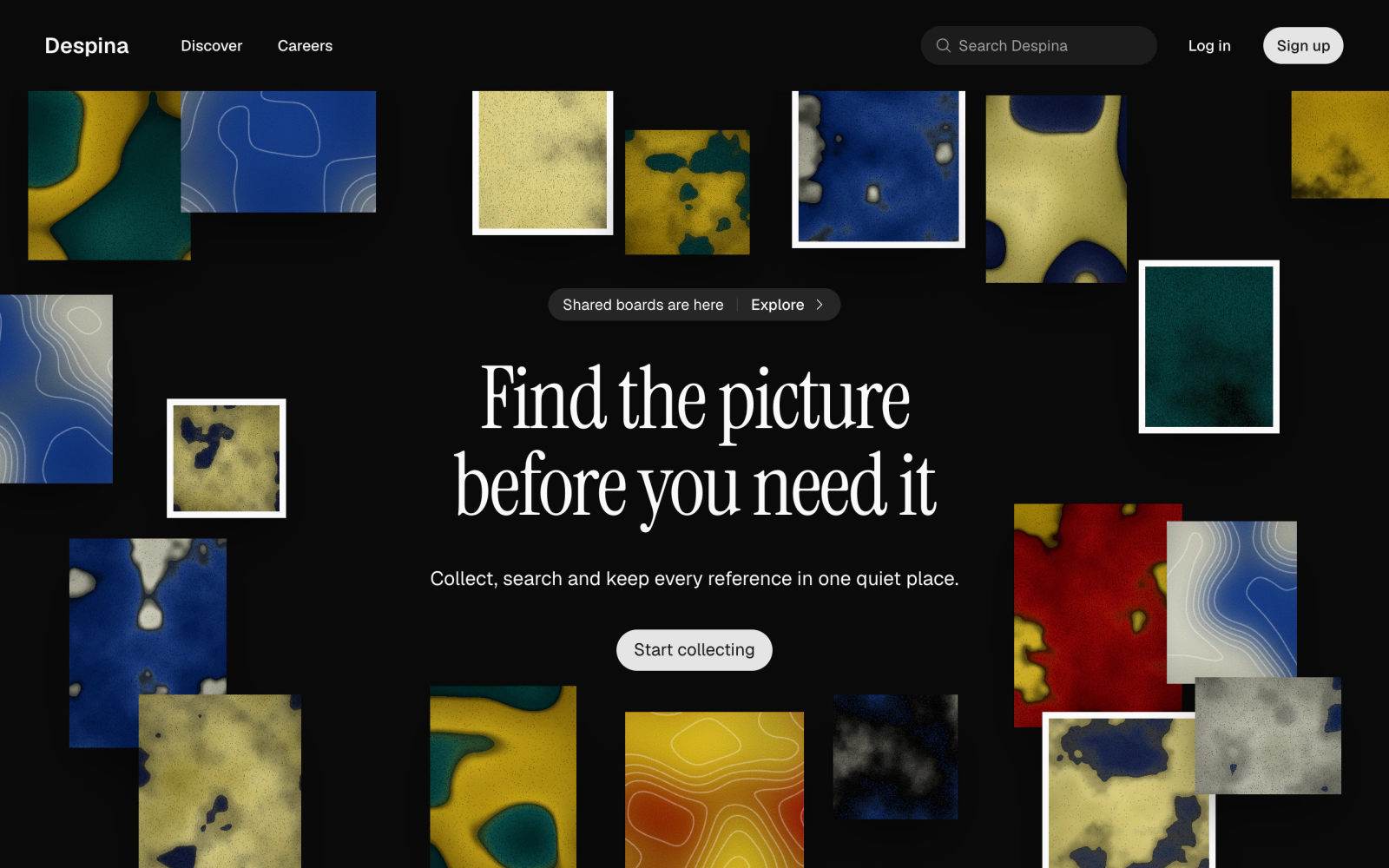
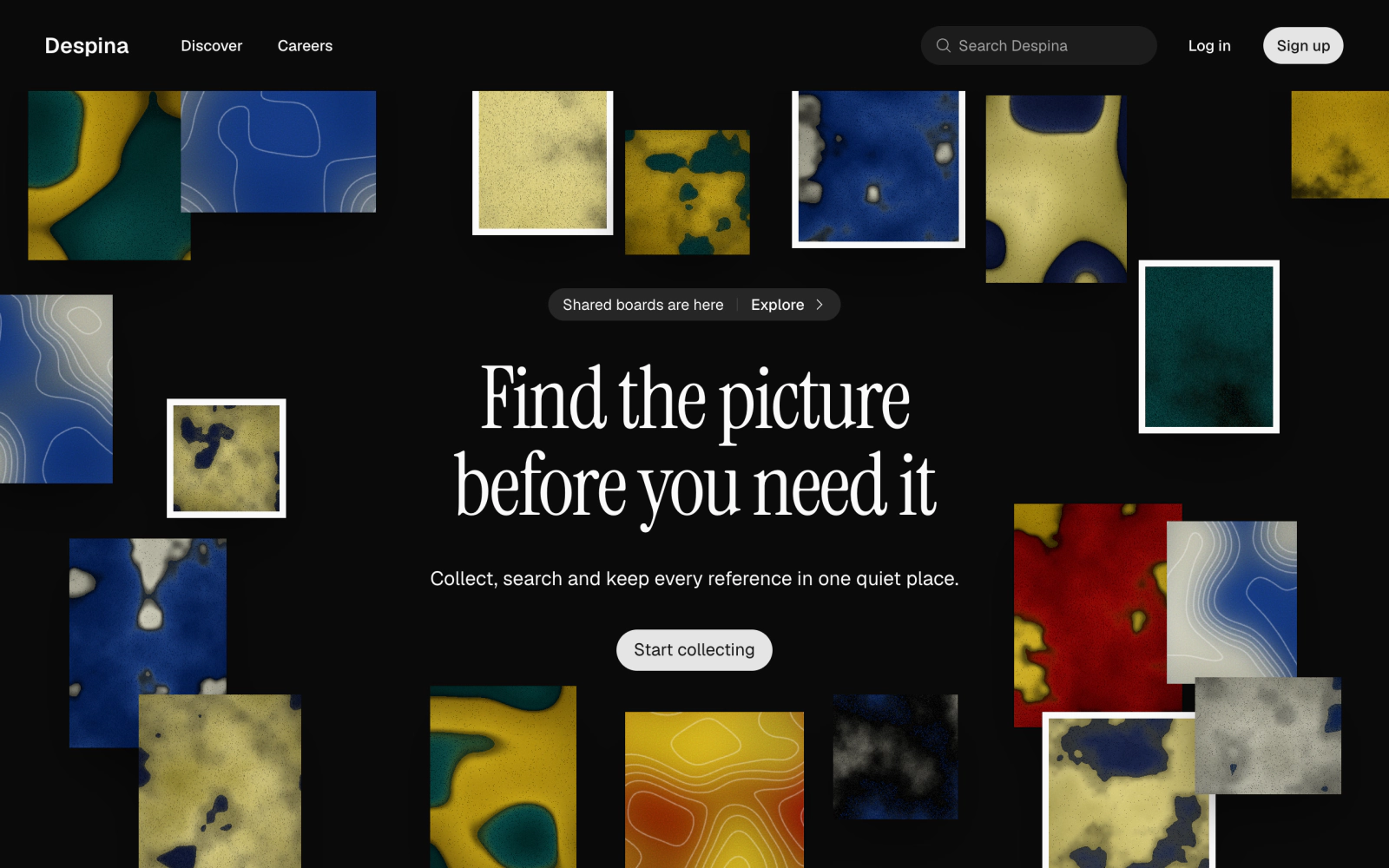 Navbar Hero with Art TilesLicensedDark hero with its own Navbar (links, a search field, Log in and Sign up buttons) above a centered Announcement, Instrument Serif headline and one button, surrounded by scattered CelestographCover and ContourField tiles.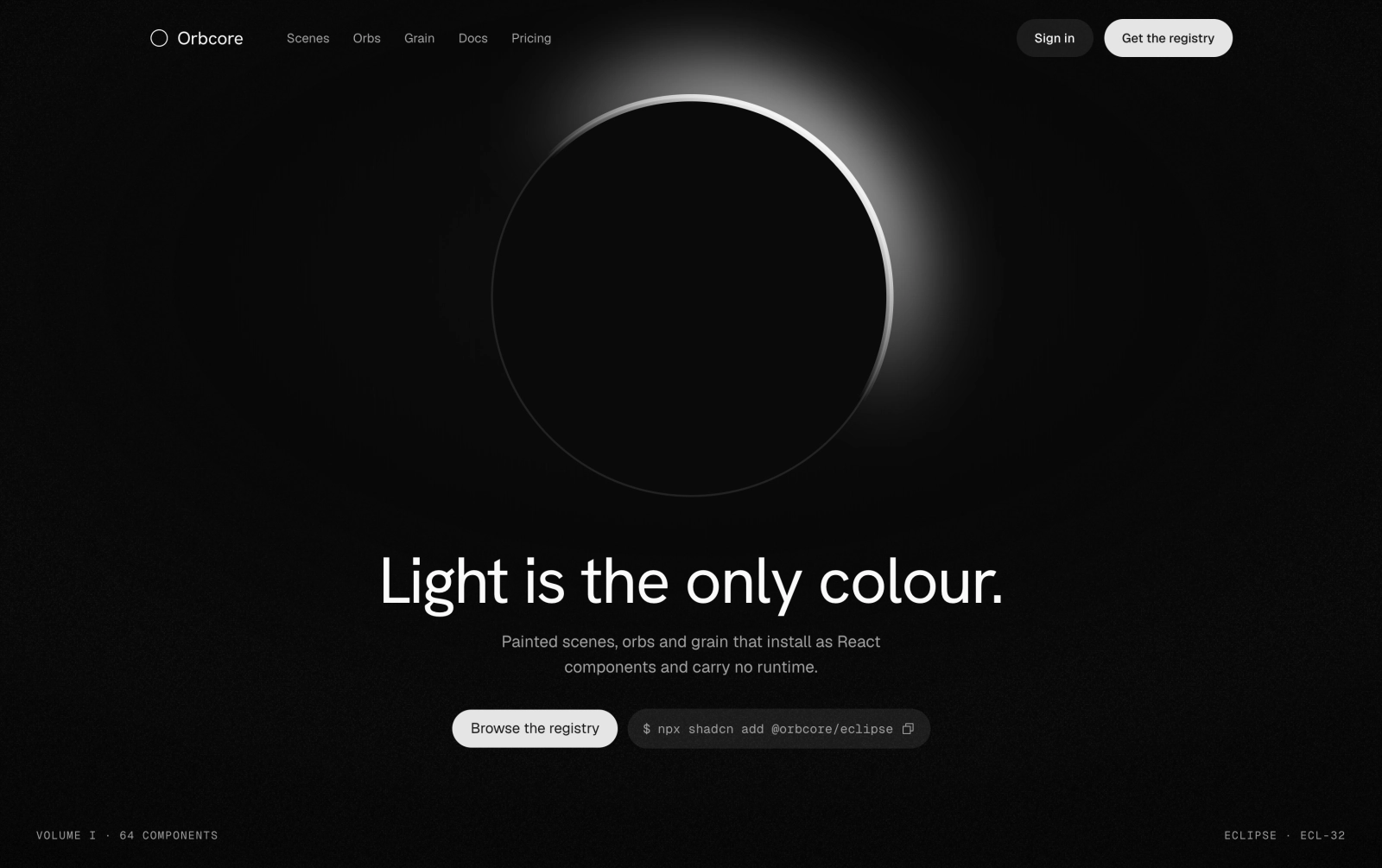
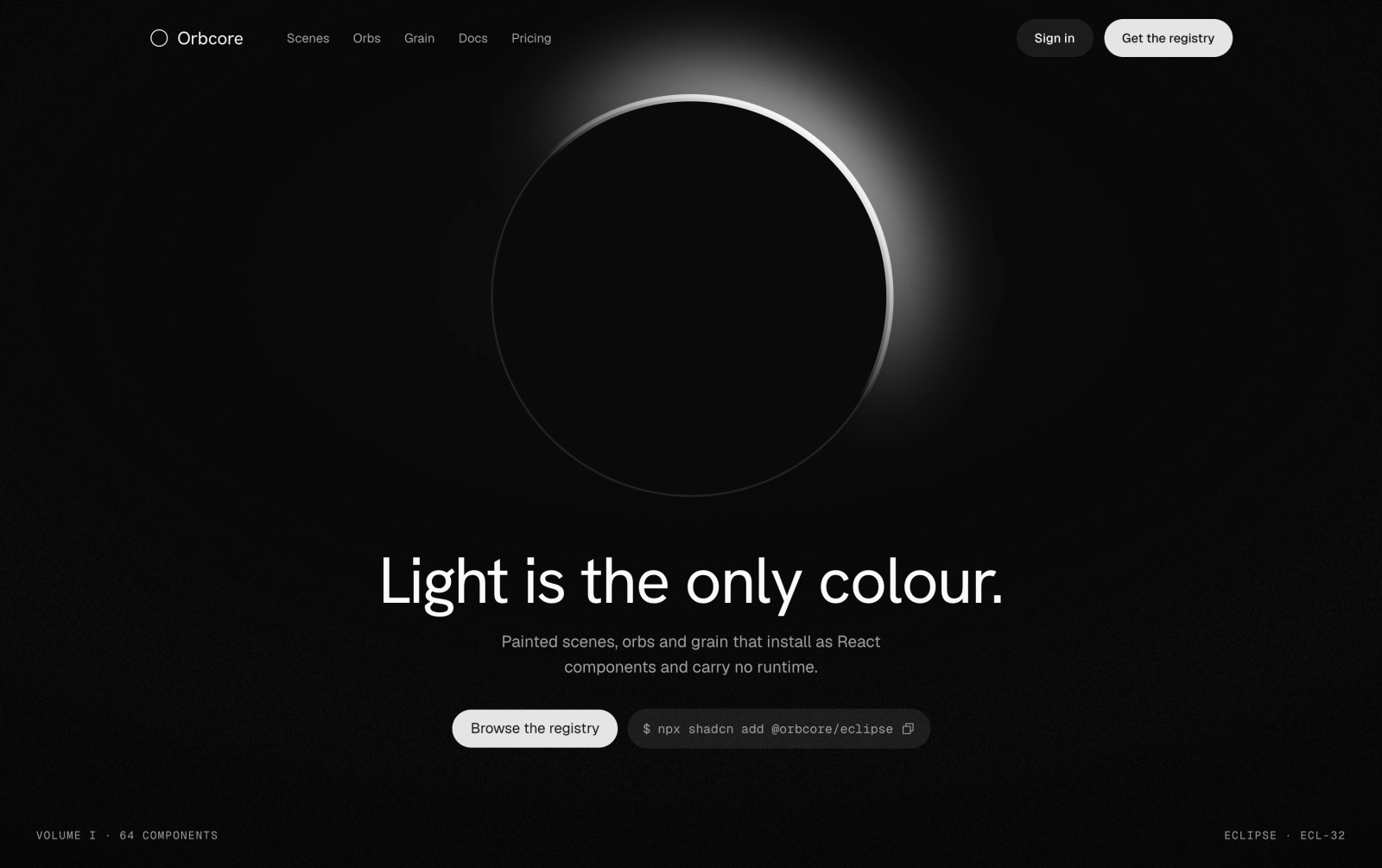 Eclipse Noir HeroLicensedFull-height monochrome hero: its own Navbar, a Noir Eclipse above a centered headline, description, one button and a copyable install command, with a key light, vignette, film grain and a small mono footer line.
Poster
Full-screen art with the copy set into its corners or center.
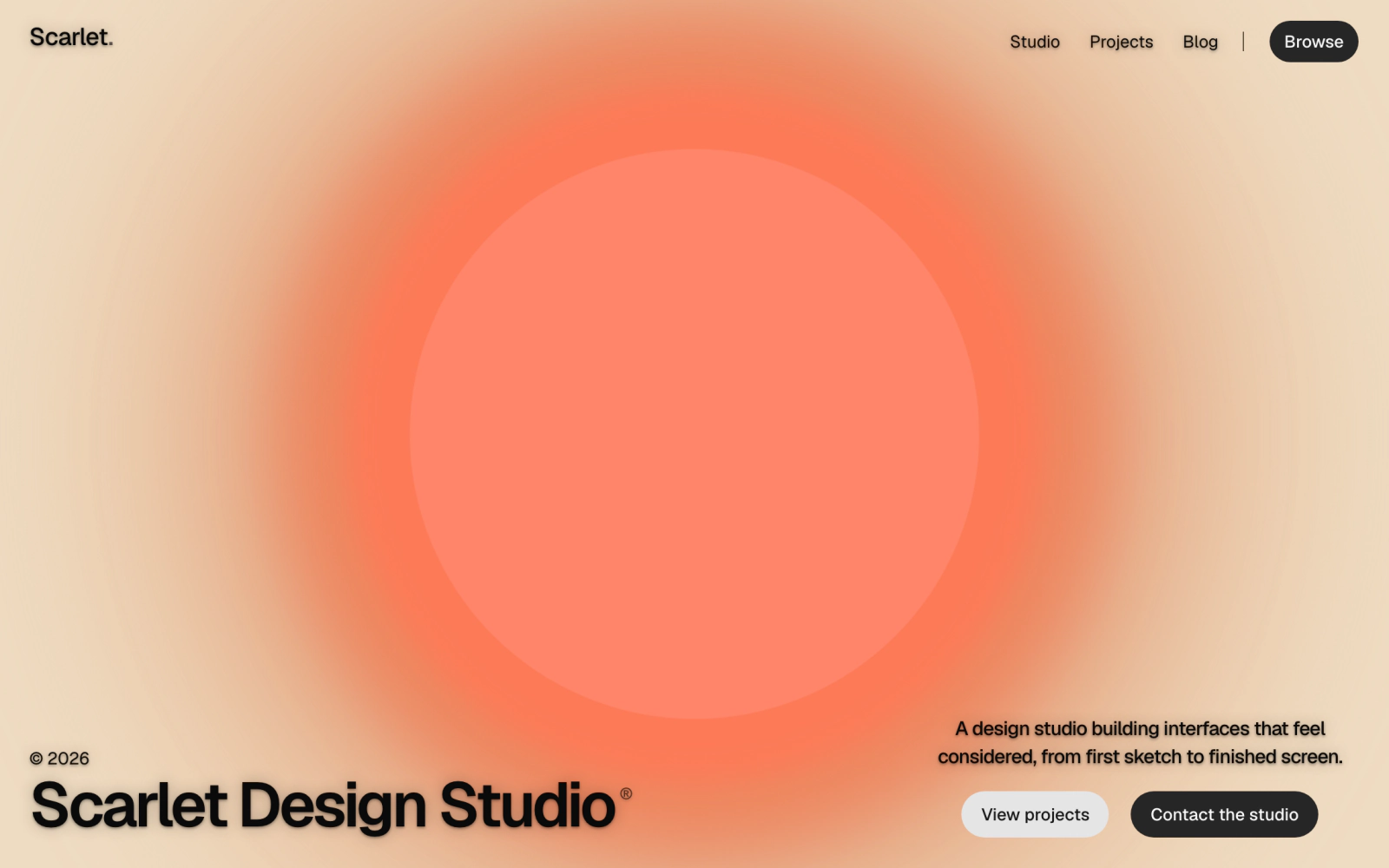
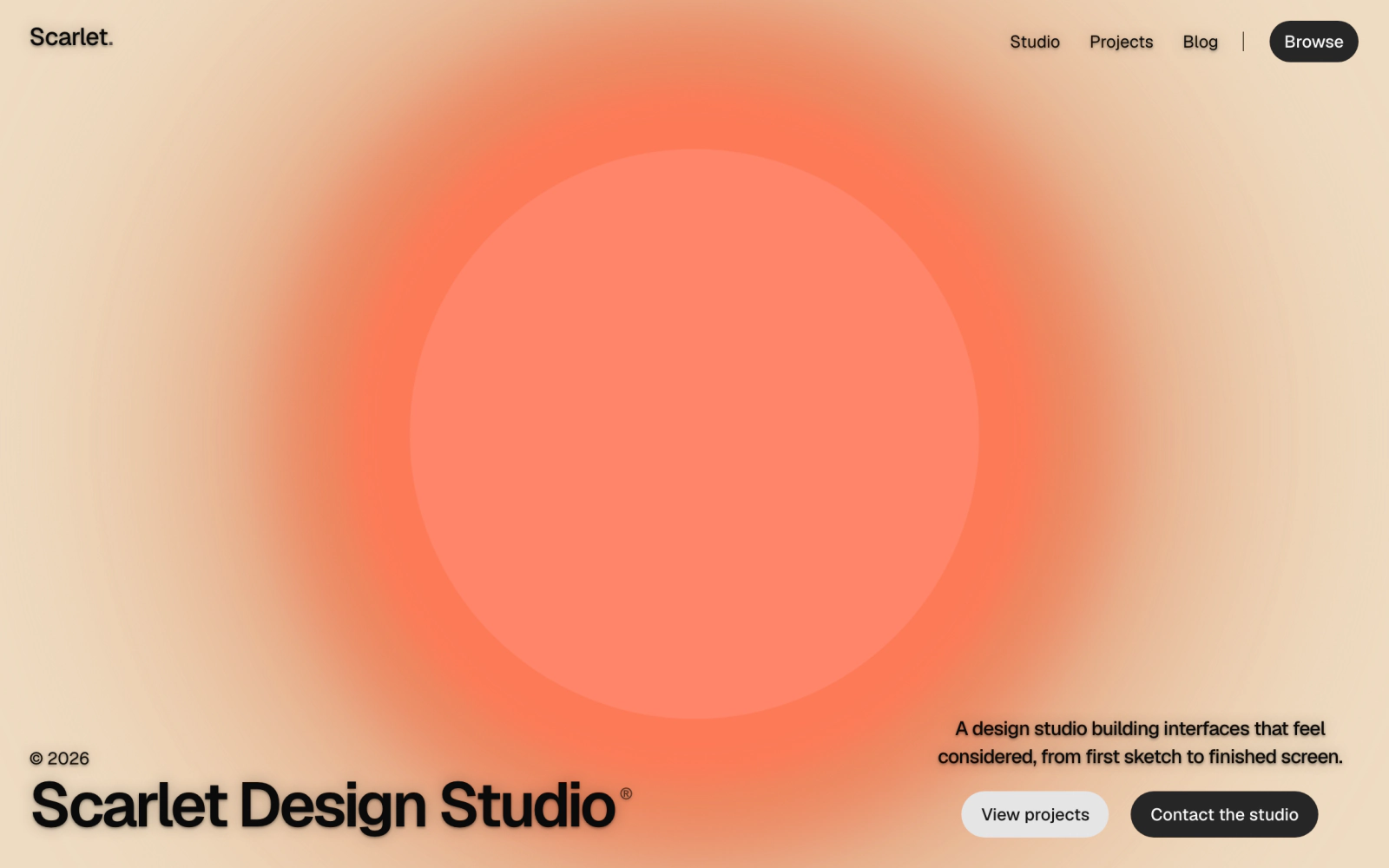 Amber Halo Studio HeroLicensedFull-viewport studio hero over the AmberHaloScene: wordmark and nav pinned to the top corners, a large headline with a registered mark at bottom left and a short pitch with two buttons at bottom right.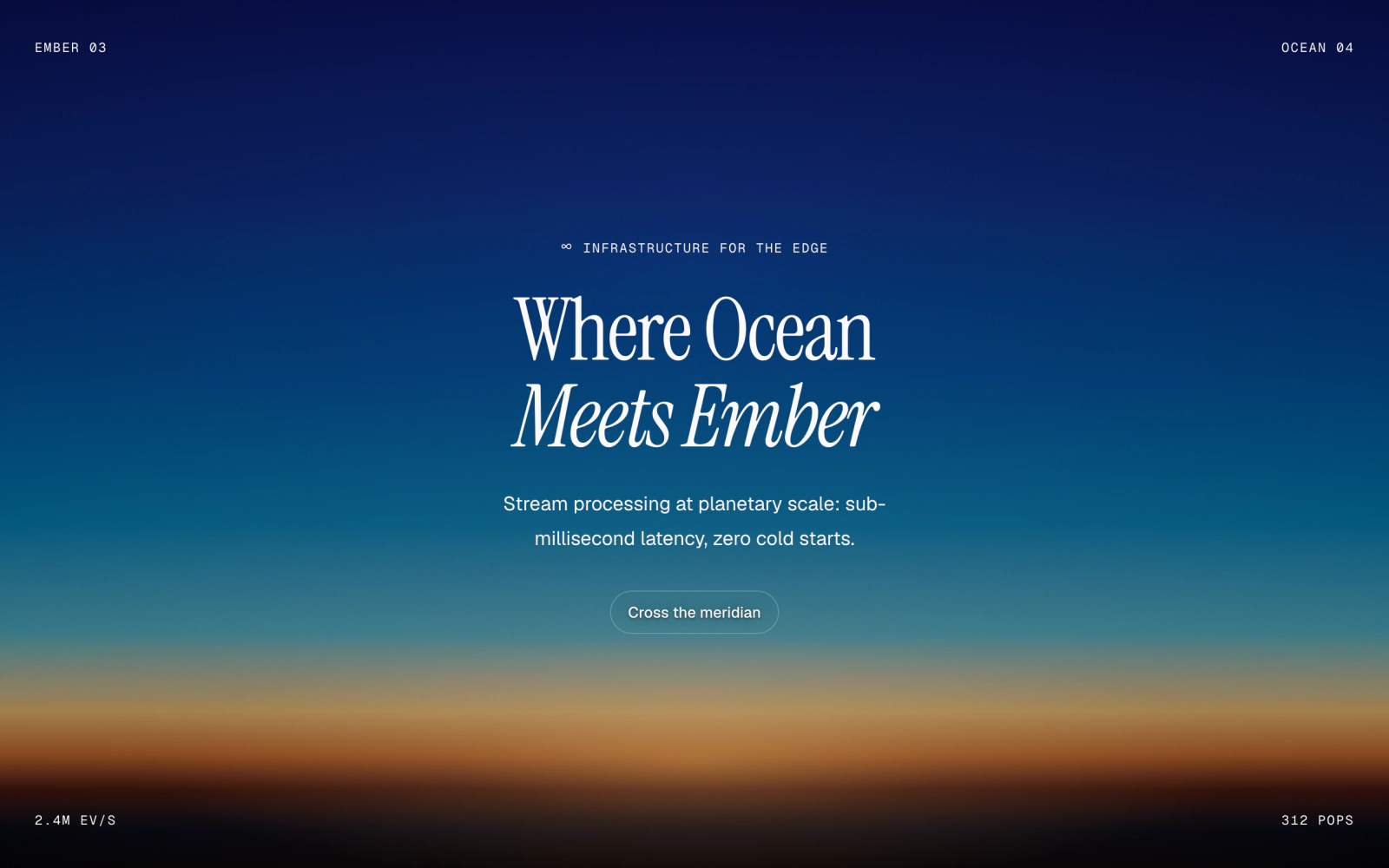
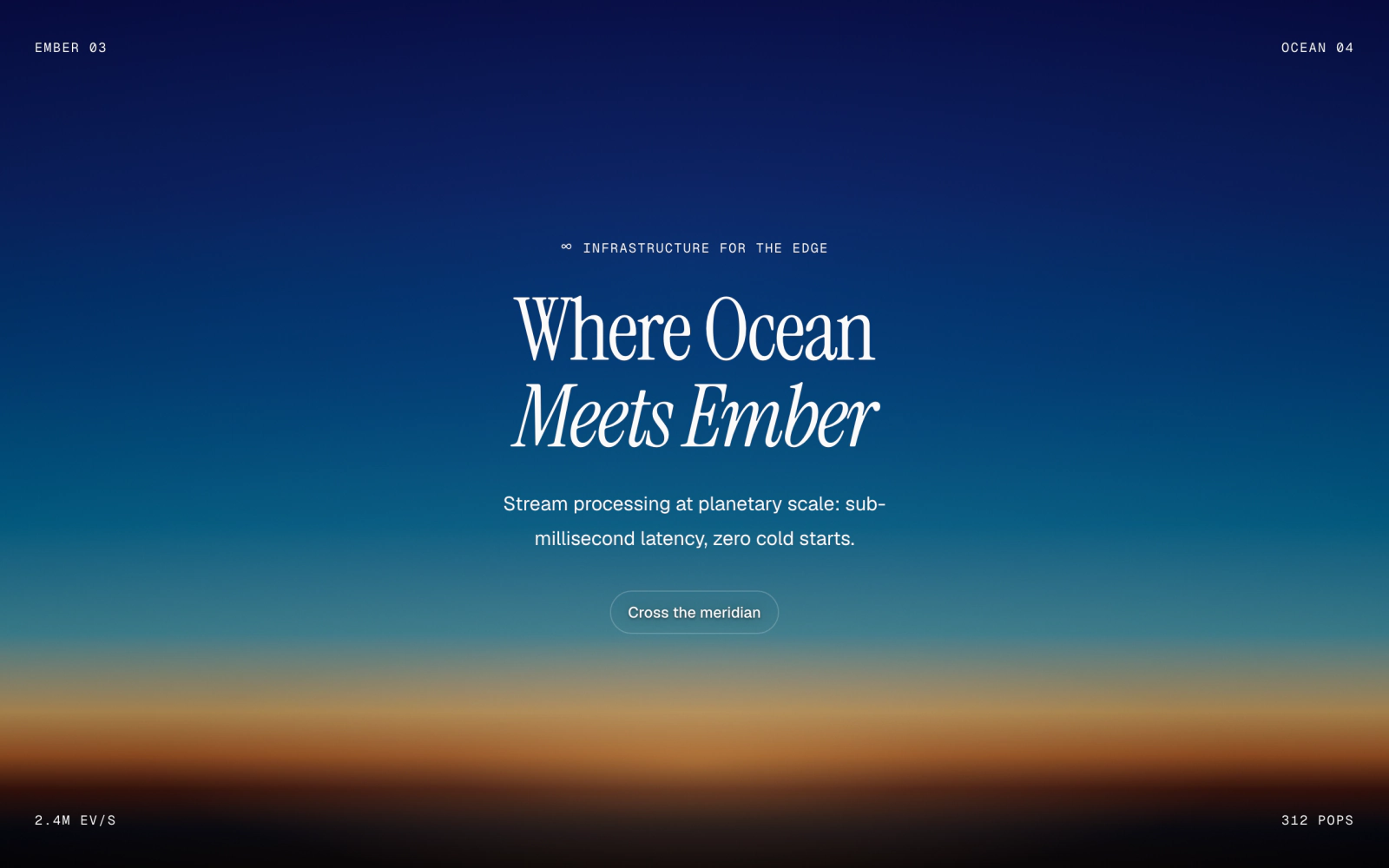 Blue Hour Poster HeroLicensedFull-screen poster hero over the BlueHourPhotographicScene: Geist Mono tags and stats in the four corners, a centered Instrument Serif headline with an italic second line and one outline button.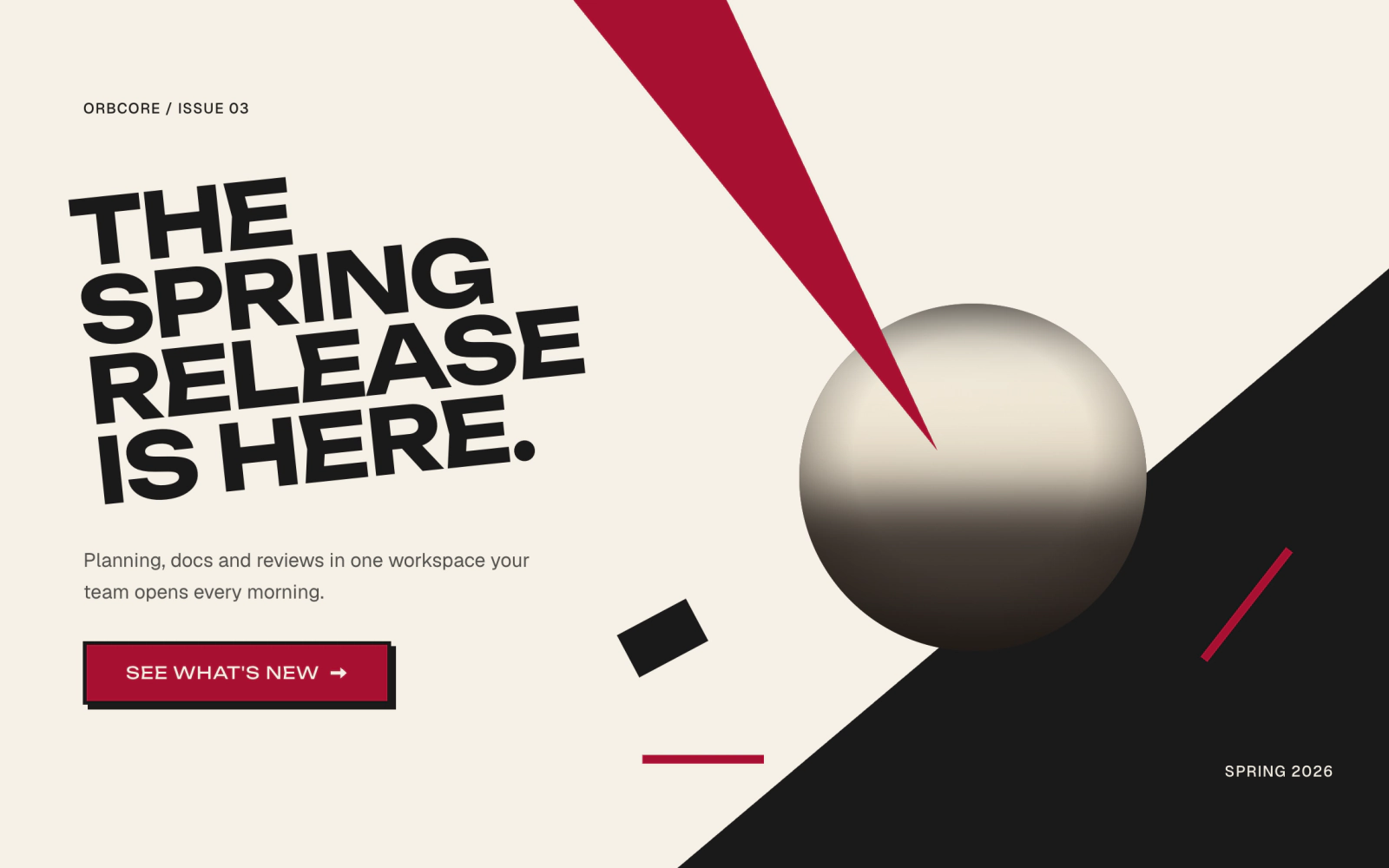
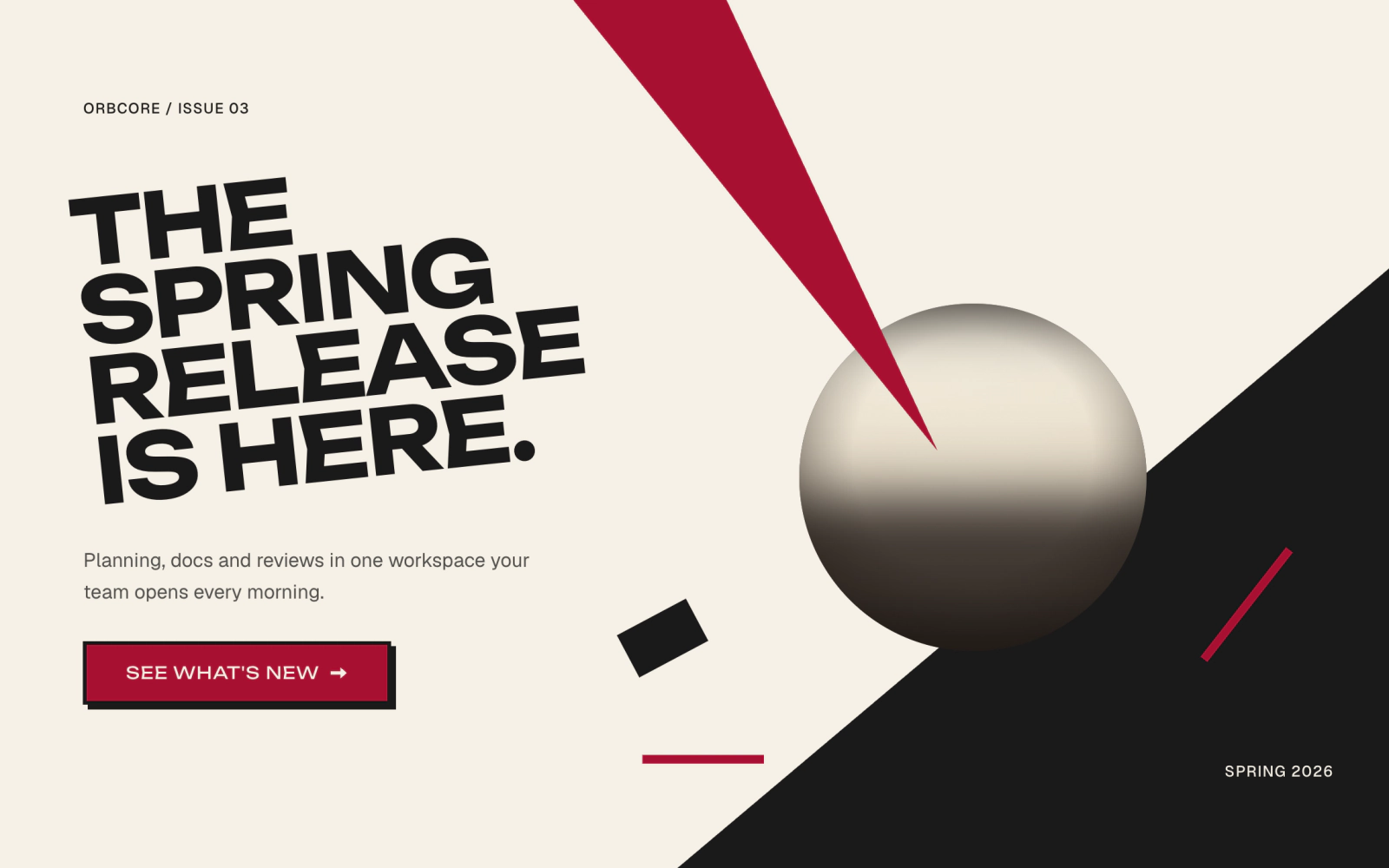 Wedge Orb Full Poster HeroLicensedFull-width Neoconstruct poster hero: a red wedge drops from the top edge and pierces a painted orb on a diagonal black field, with an angled Oswald headline, a line of copy and one button on the paper. Below 48rem the copy stacks above an upright Wedge Orb poster.
Offset and full bleed
The copy holds one side while the art takes the larger share of the section.
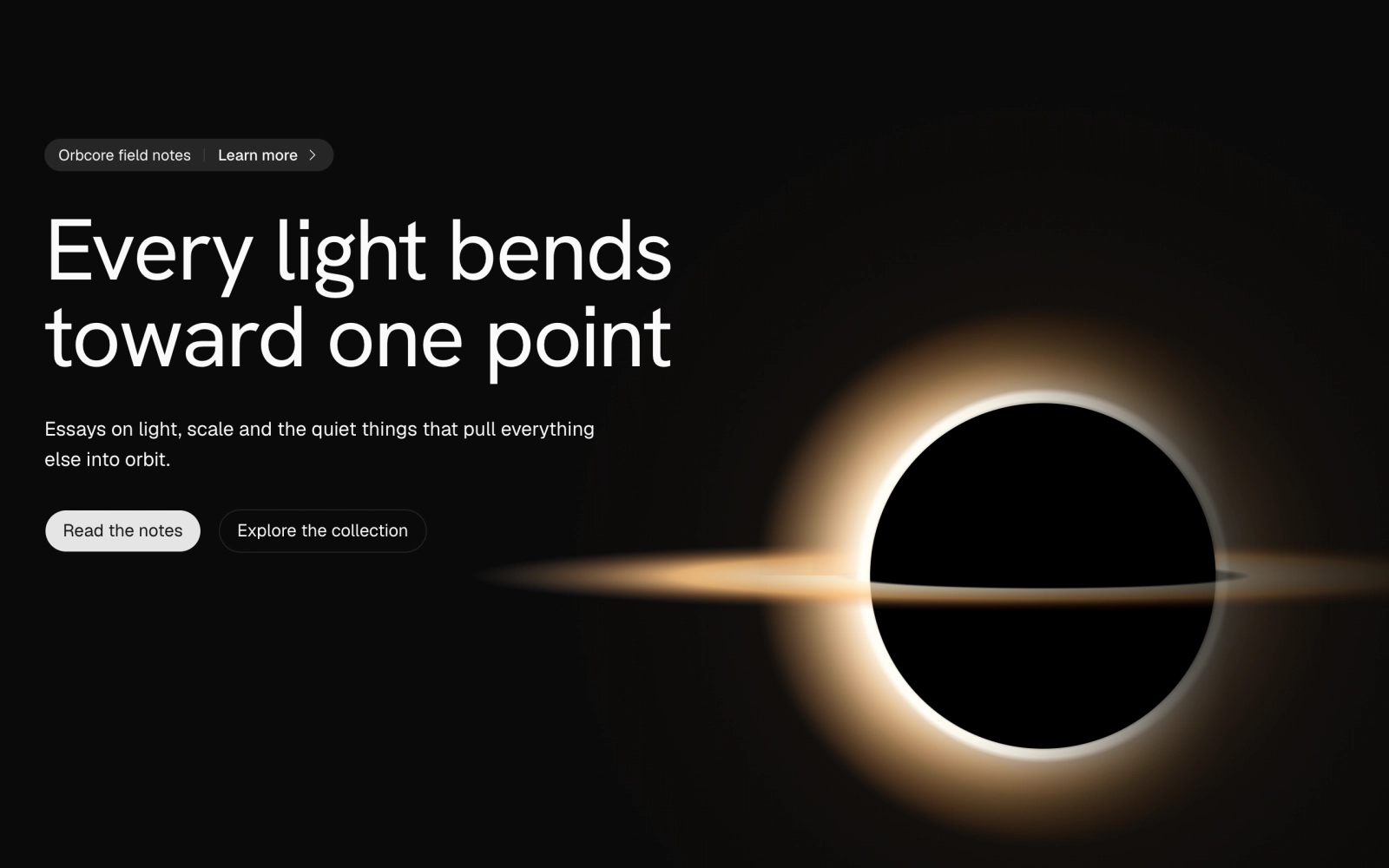
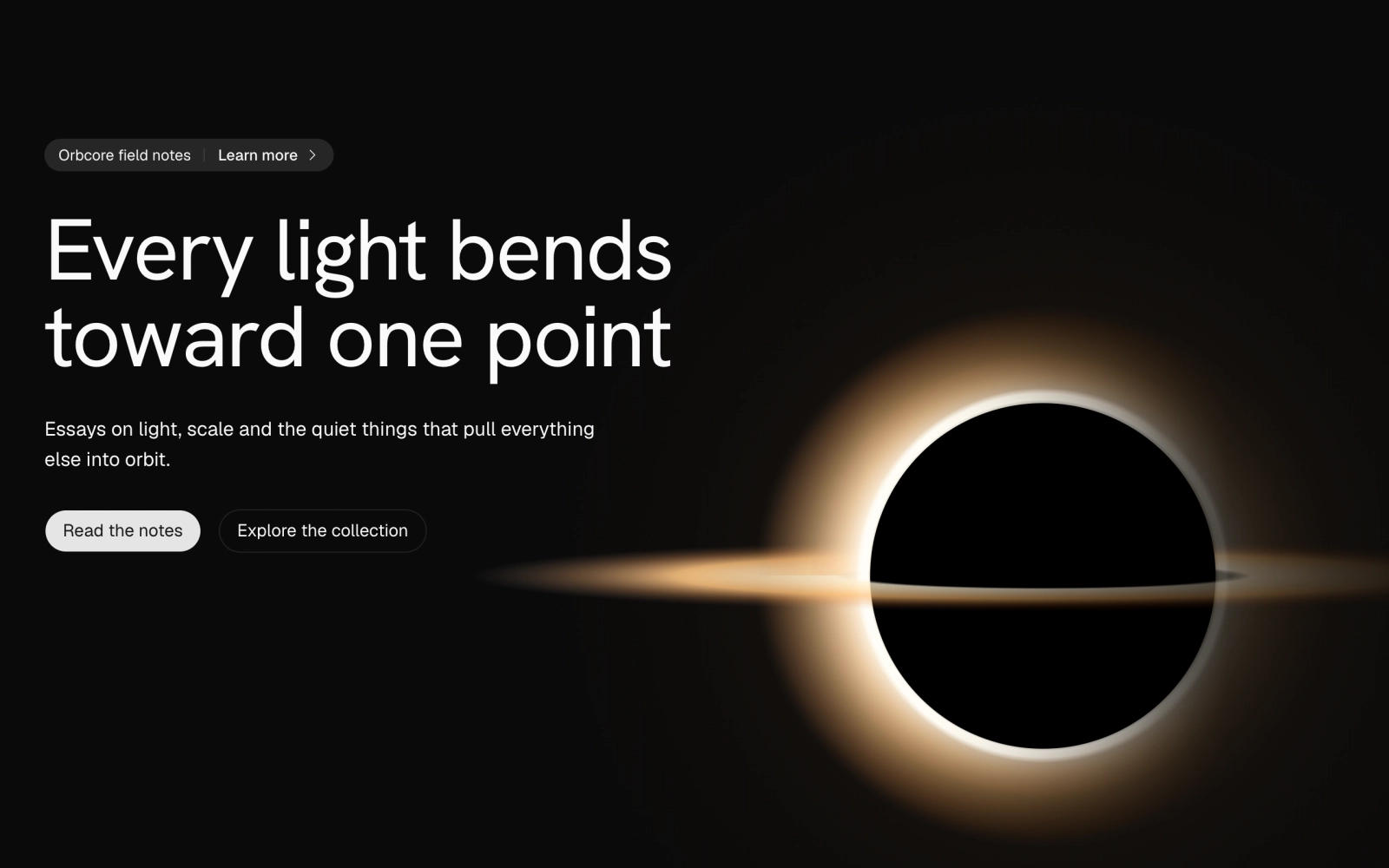 Hero with Black Hole OrbLicensedDark hero with an Announcement pill, headline and two buttons at top left, and a large BlackHole orb in a warm Gargantua palette that sits bottom right on wide screens and below the copy on narrow ones.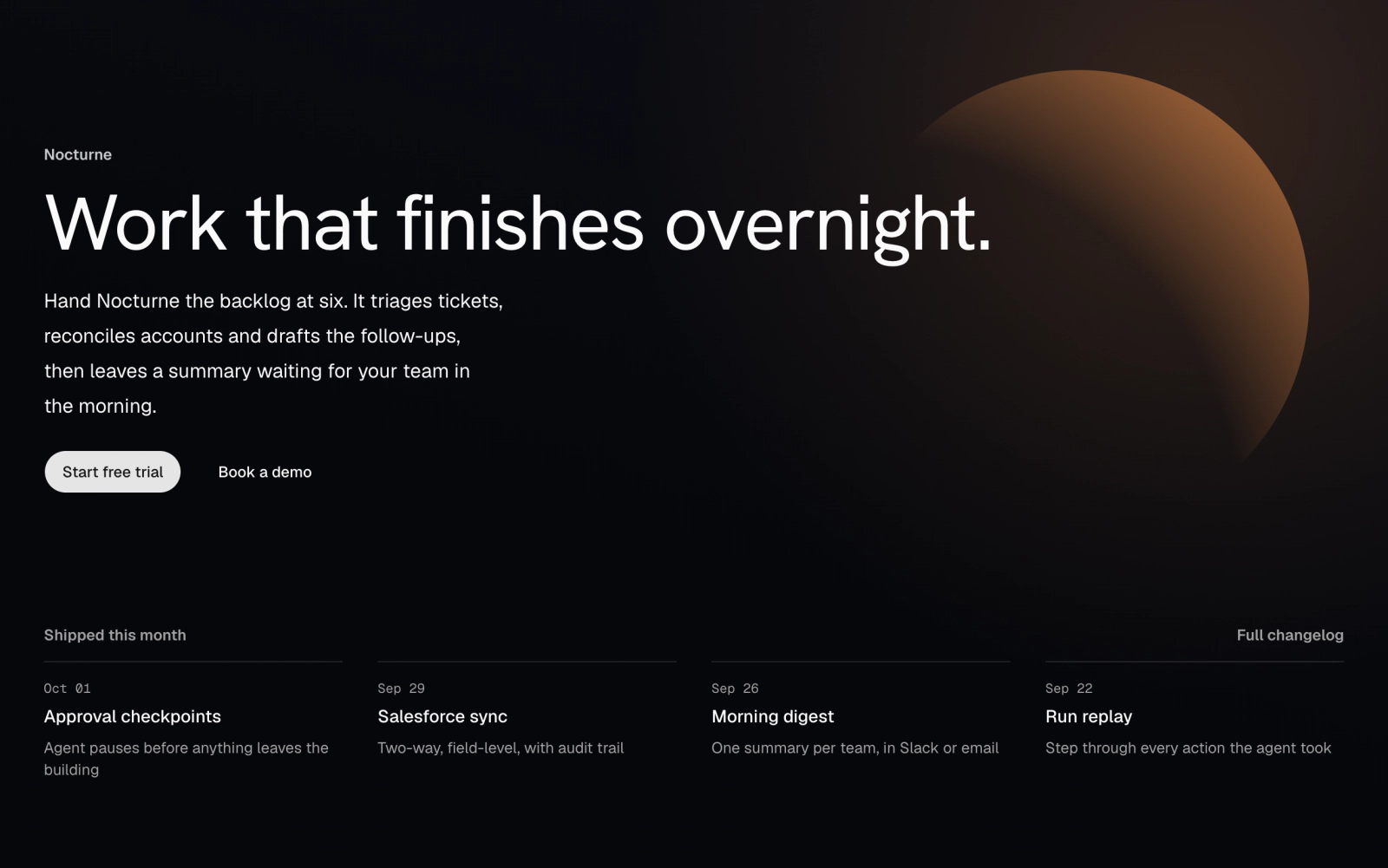
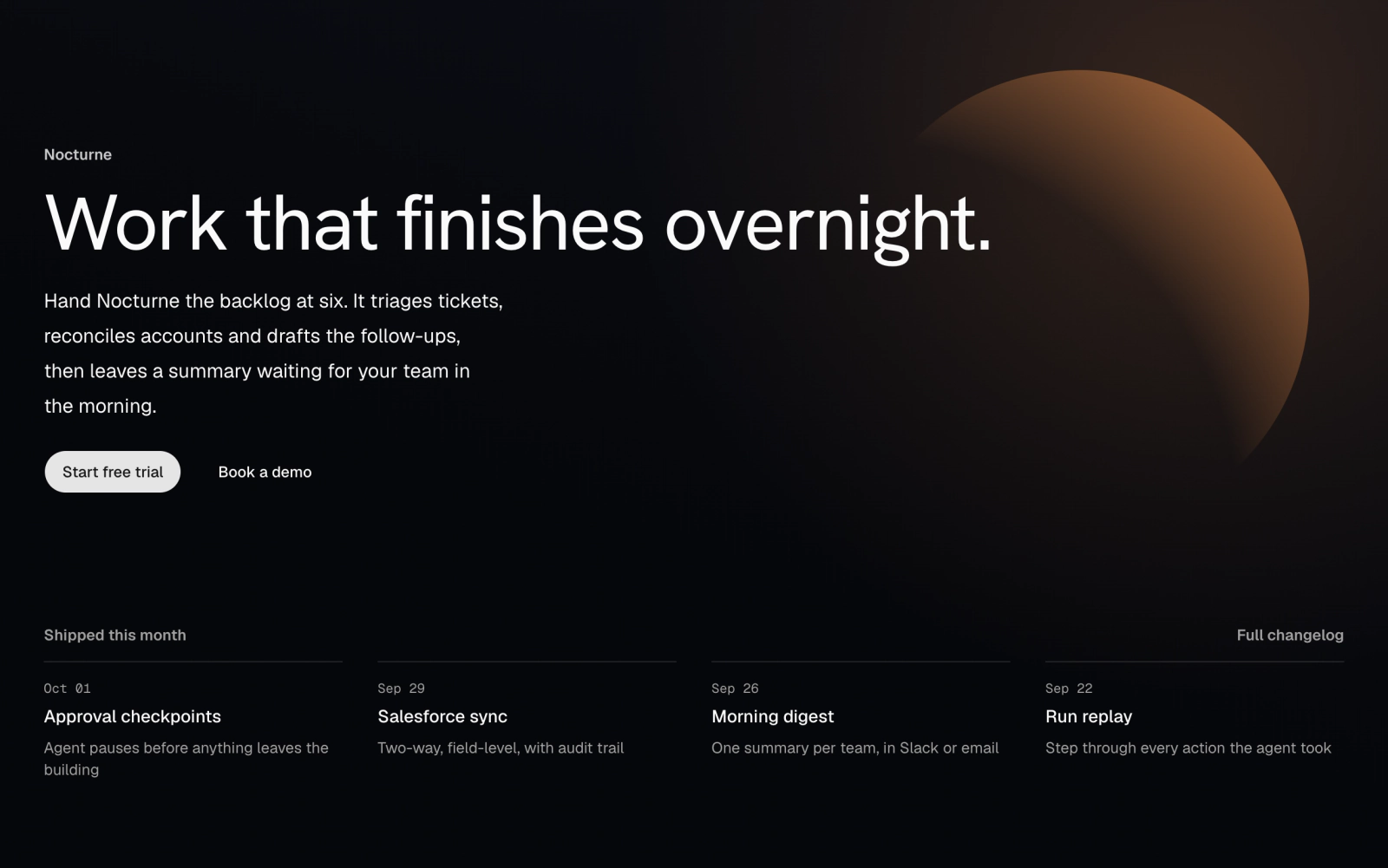 Moon Hero with ChangelogLicensedDark hero on a CornerBloom ground with a MoonSphere at top right on wider screens, a left-aligned headline and two buttons, and a four-entry changelog strip below with Geist Mono dates.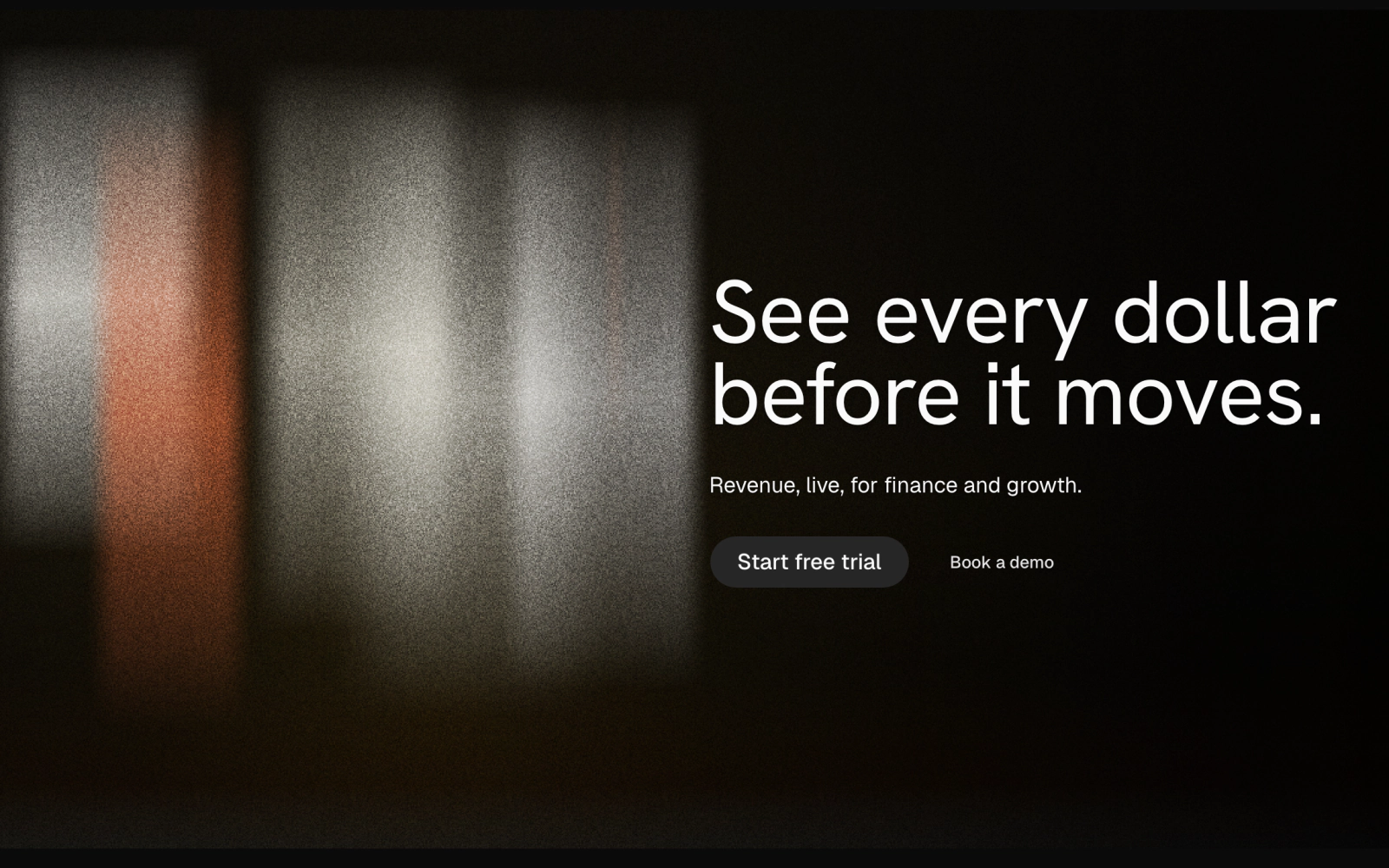
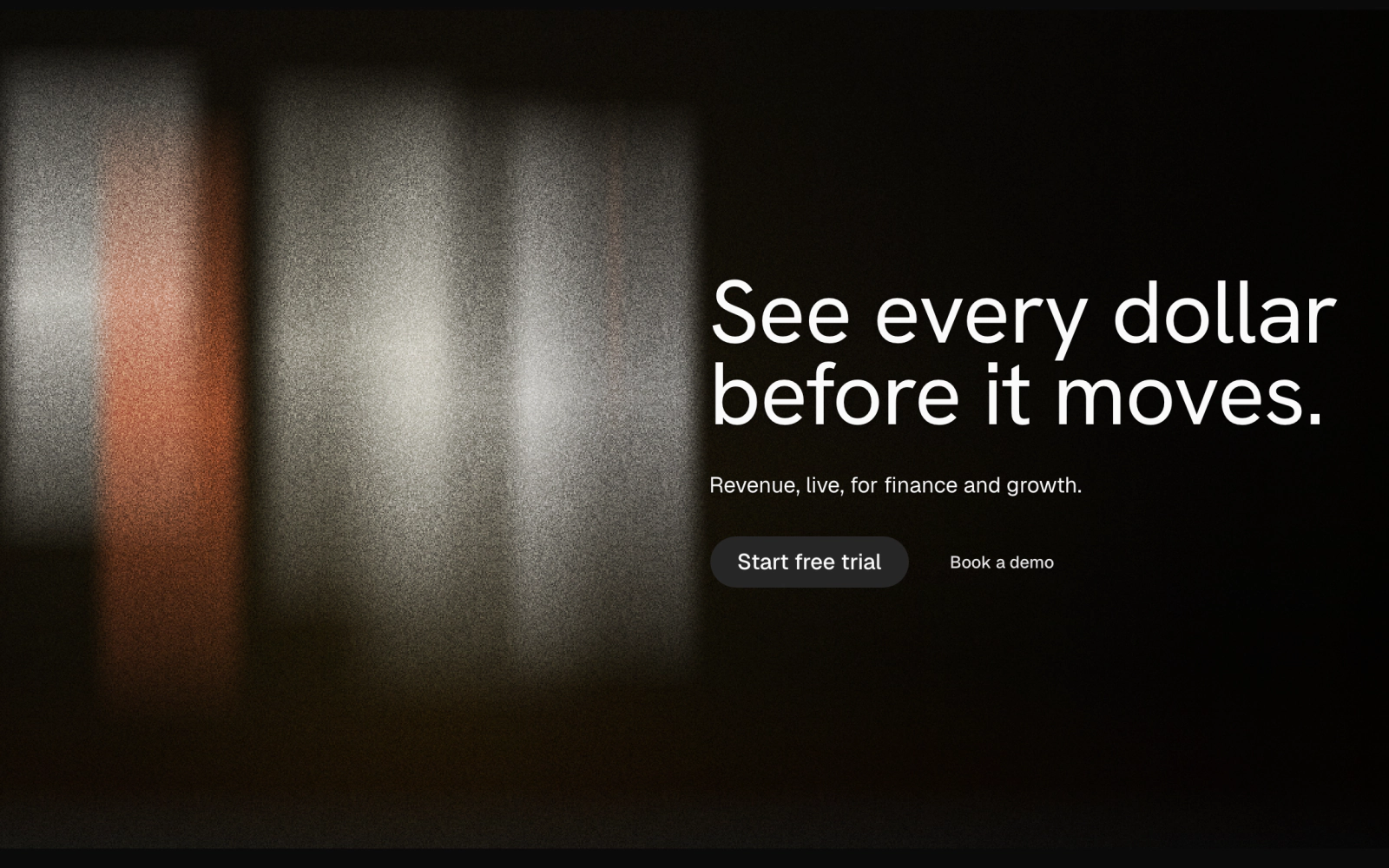 Full-Bleed Art Hero with ScrimLicensedDark hero with full-bleed art and the copy set in the right half, where an EdgeScrim darkens the scene. Uses BoneSlabs by default; title, description, both actions and the art are props.
Minimal
No art, theme colors only, so they follow your light and dark themes.
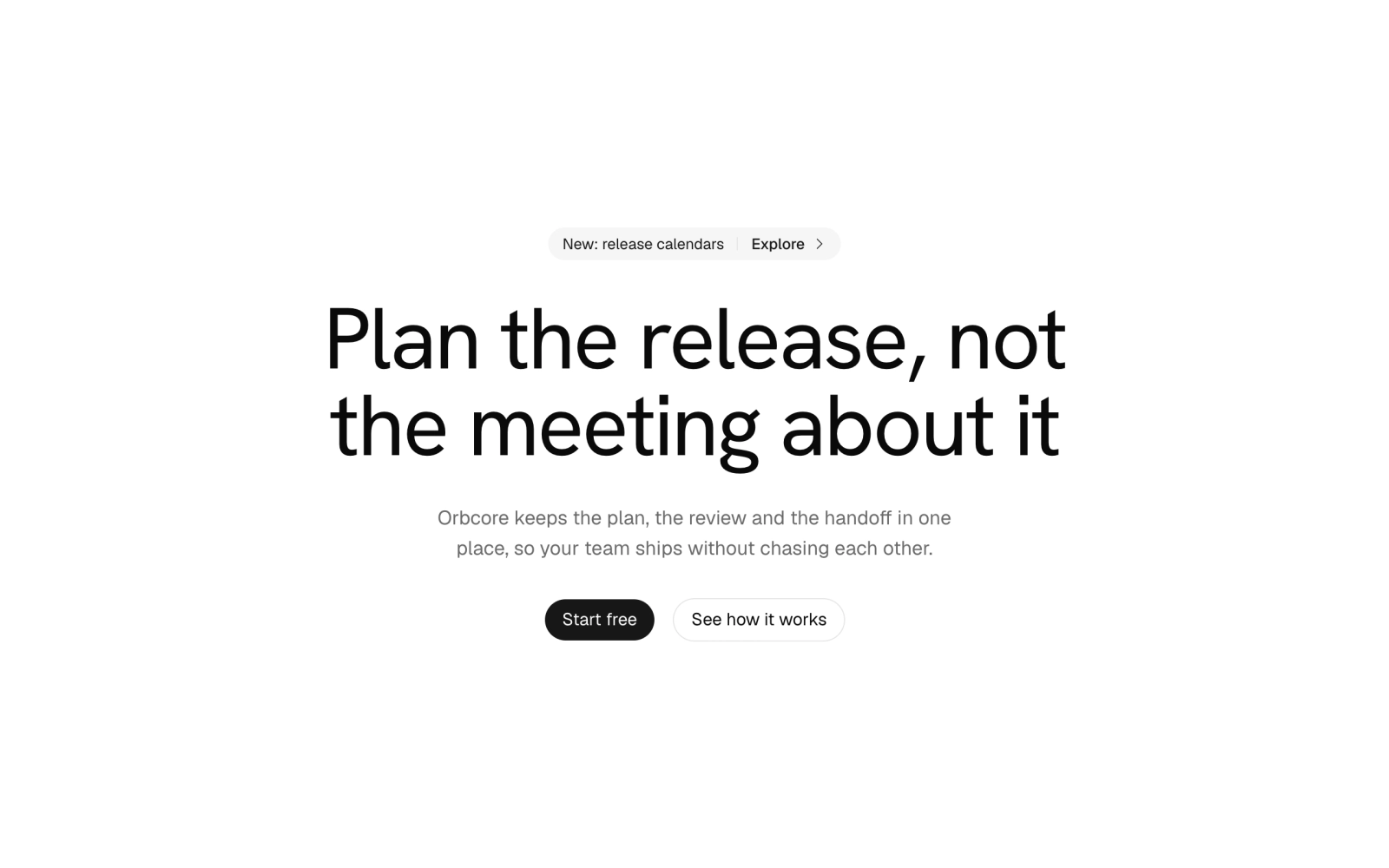
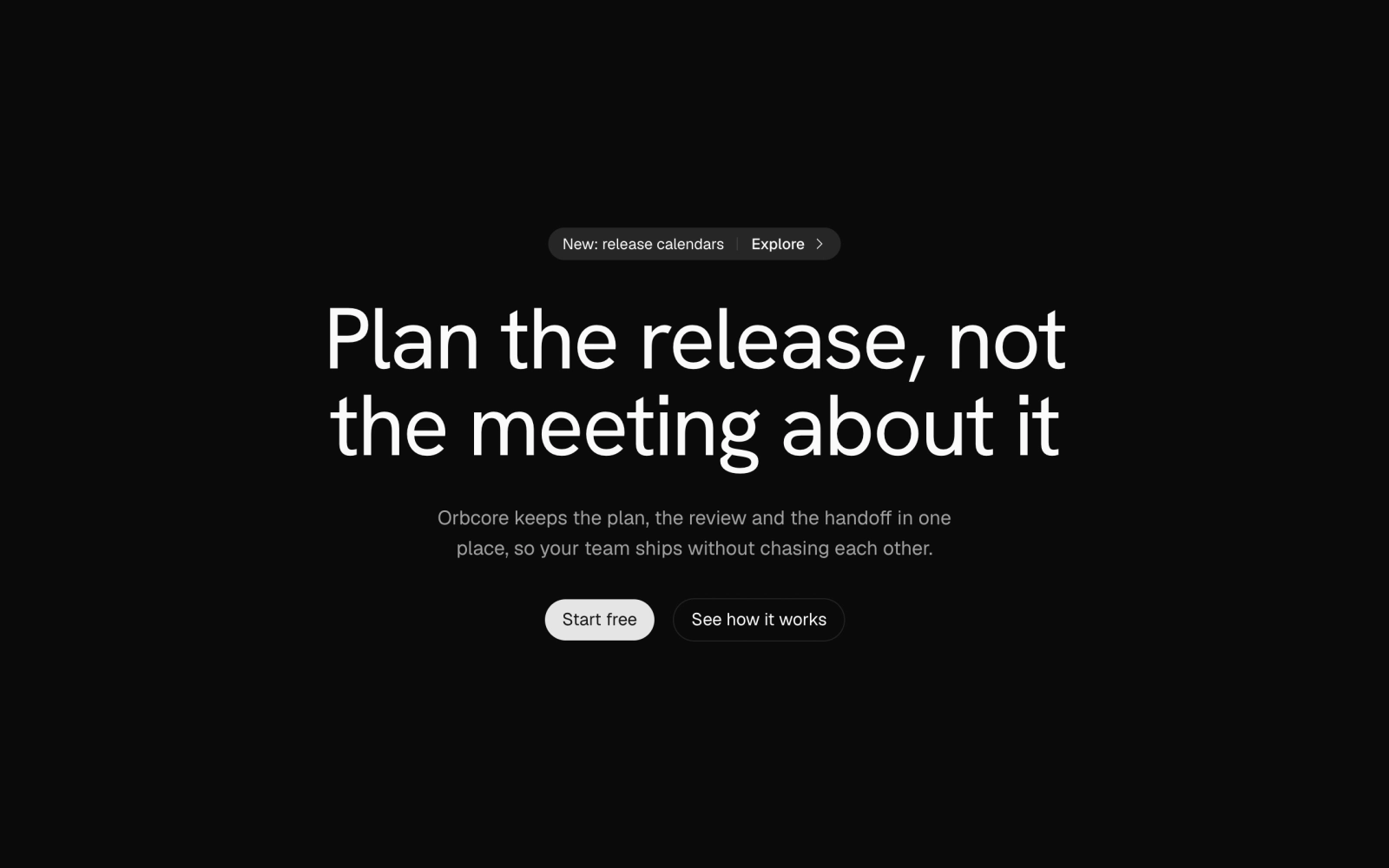 Minimal Centered HeroFreePlain centered hero: a small eyebrow, a large headline, a description and a primary and an outline button. Theme tokens only, light and dark.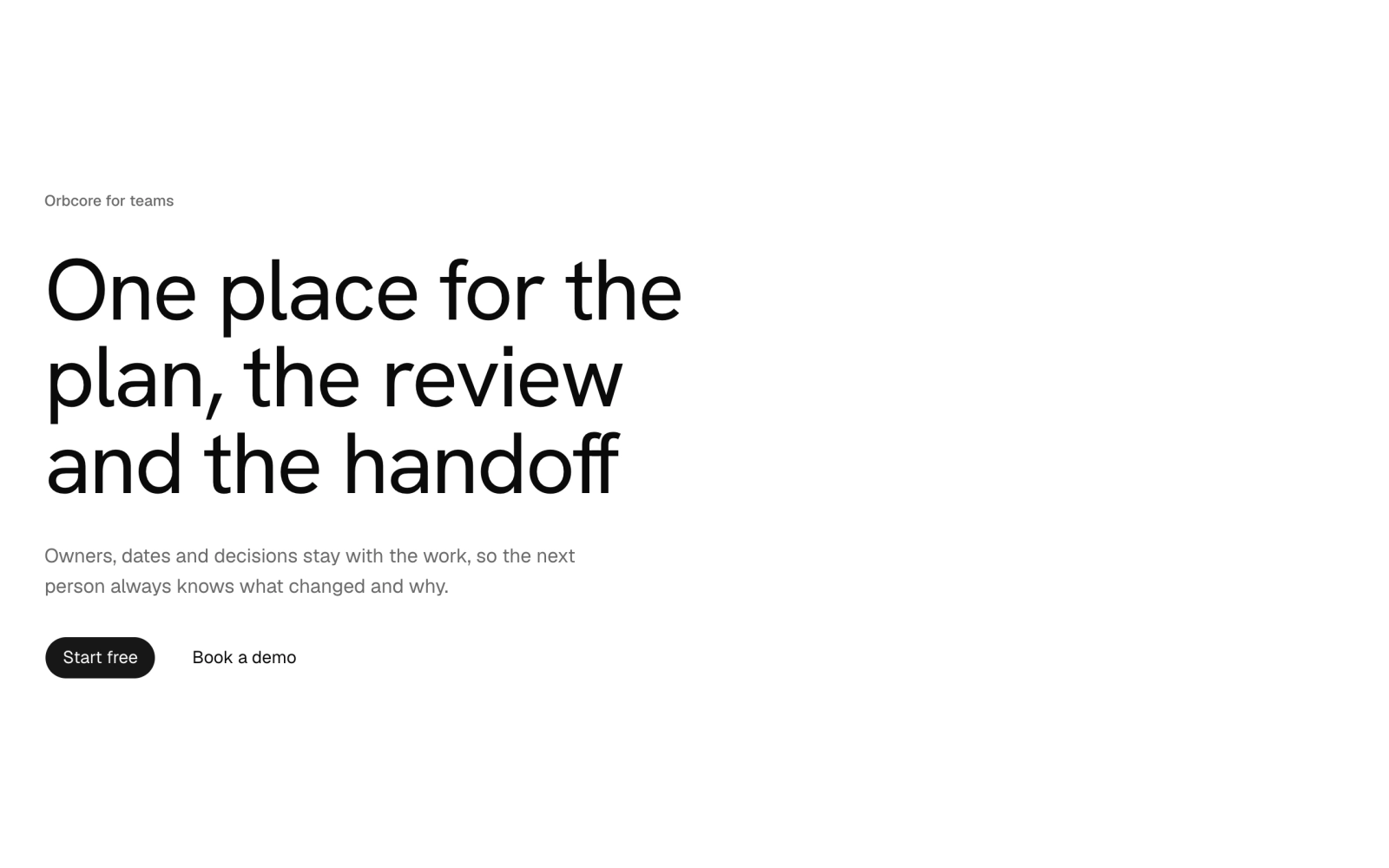
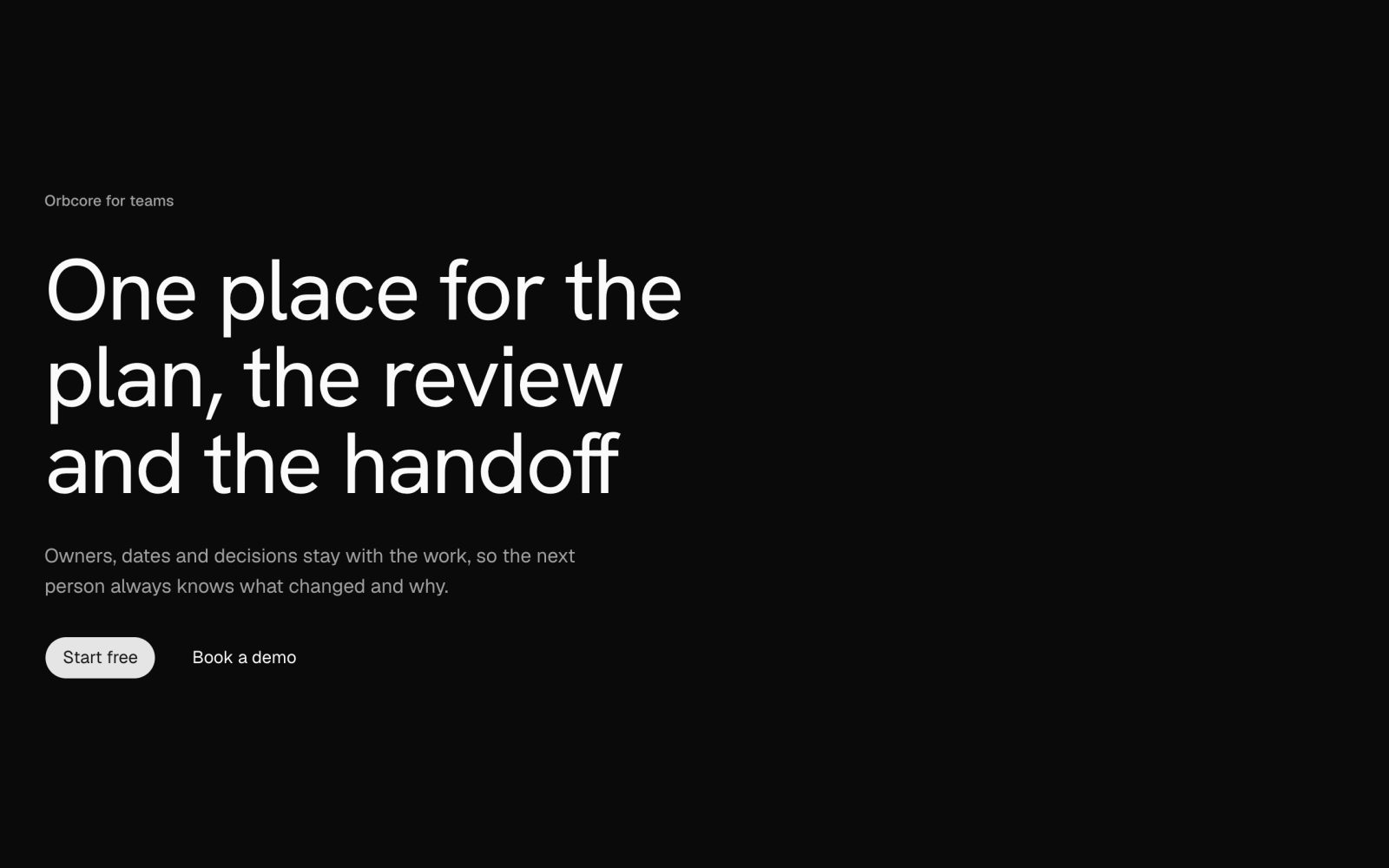 Minimal Left-Aligned HeroFreePlain left-aligned hero: a small eyebrow, a large headline, a description and a primary and a ghost button. Theme tokens only, light and dark.
Floating Chat Launcher Widget
Floating chat launcher pill with an Orbital orb that opens a non-modal Base UI dialog: a greeting with suggested prompts, then the conversation and a message input. Ships a scripted preview reply.
Amber Halo Studio Hero
Full-viewport studio hero over the AmberHaloScene: wordmark and nav pinned to the top corners, a large headline with a registered mark at bottom left and a short pitch with two buttons at bottom right.