All Media components
Every Media component side by side, with a picture and description of each. Open one for its preview, API and install.
4 components, A to Z.
Media
media
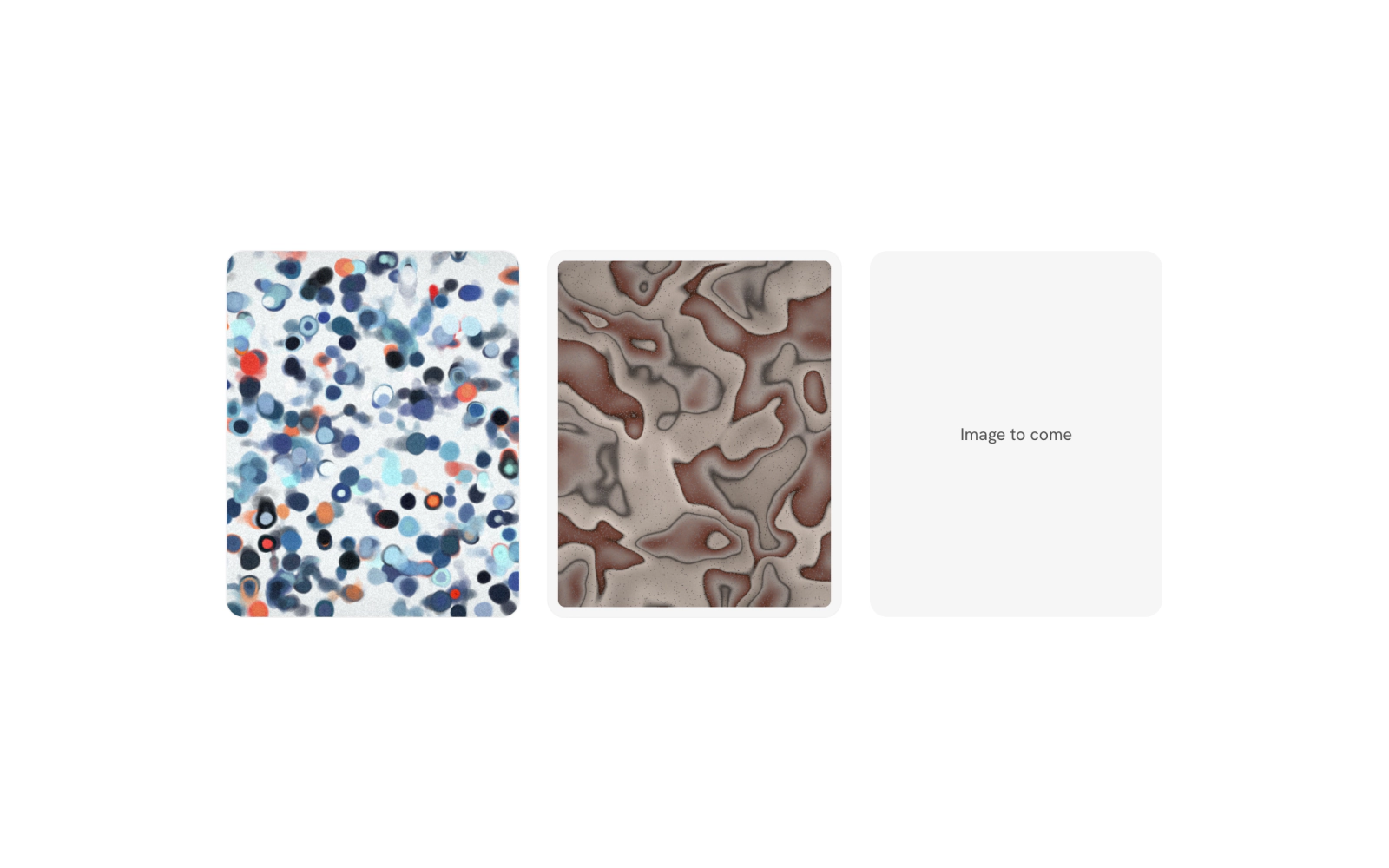
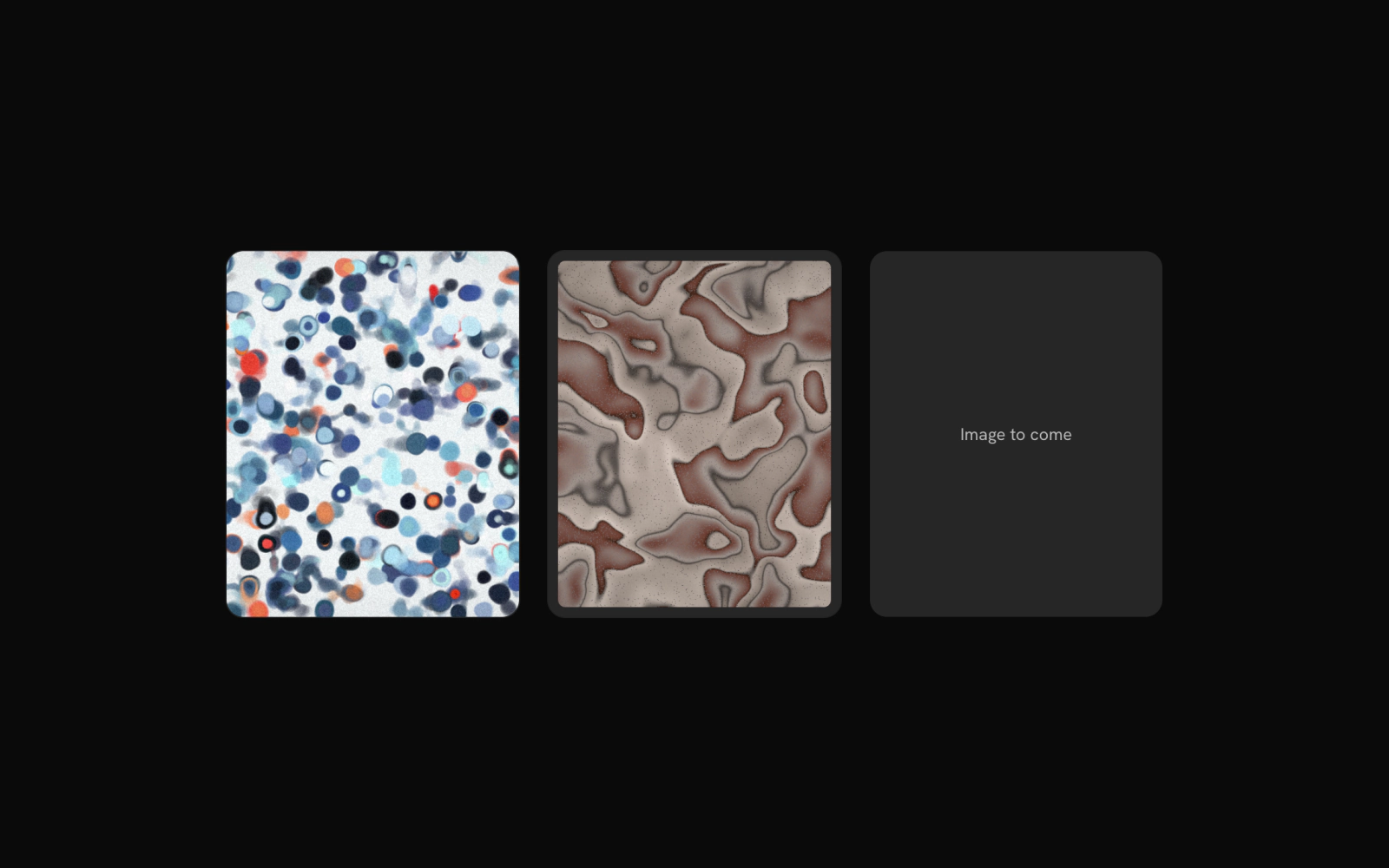
Media frame for images and scenes with default, outline hairline, muted mat and placeholder variants and four corner radii. A direct img fills the frame and crops, and it renders as any element.
Phone
phone
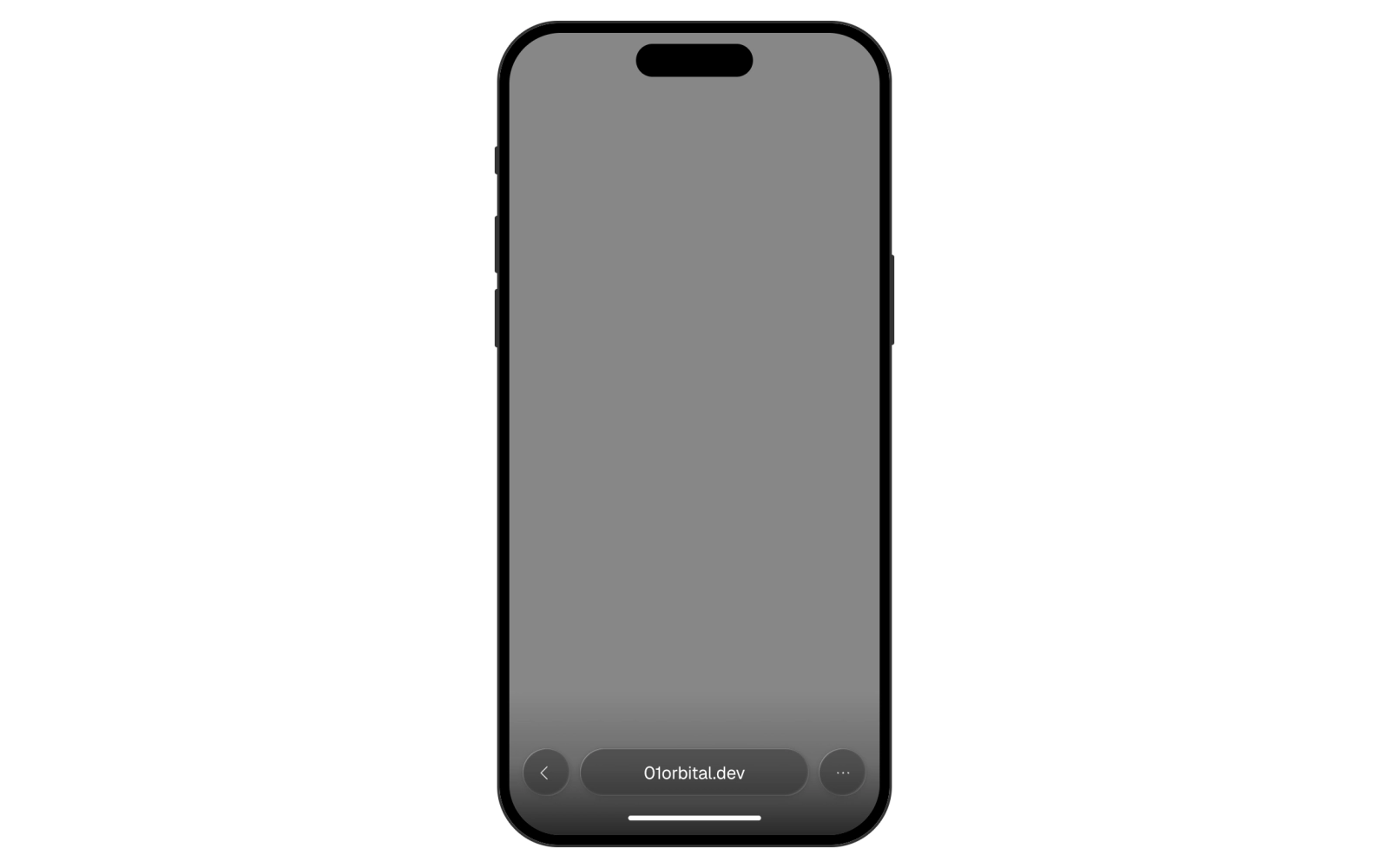
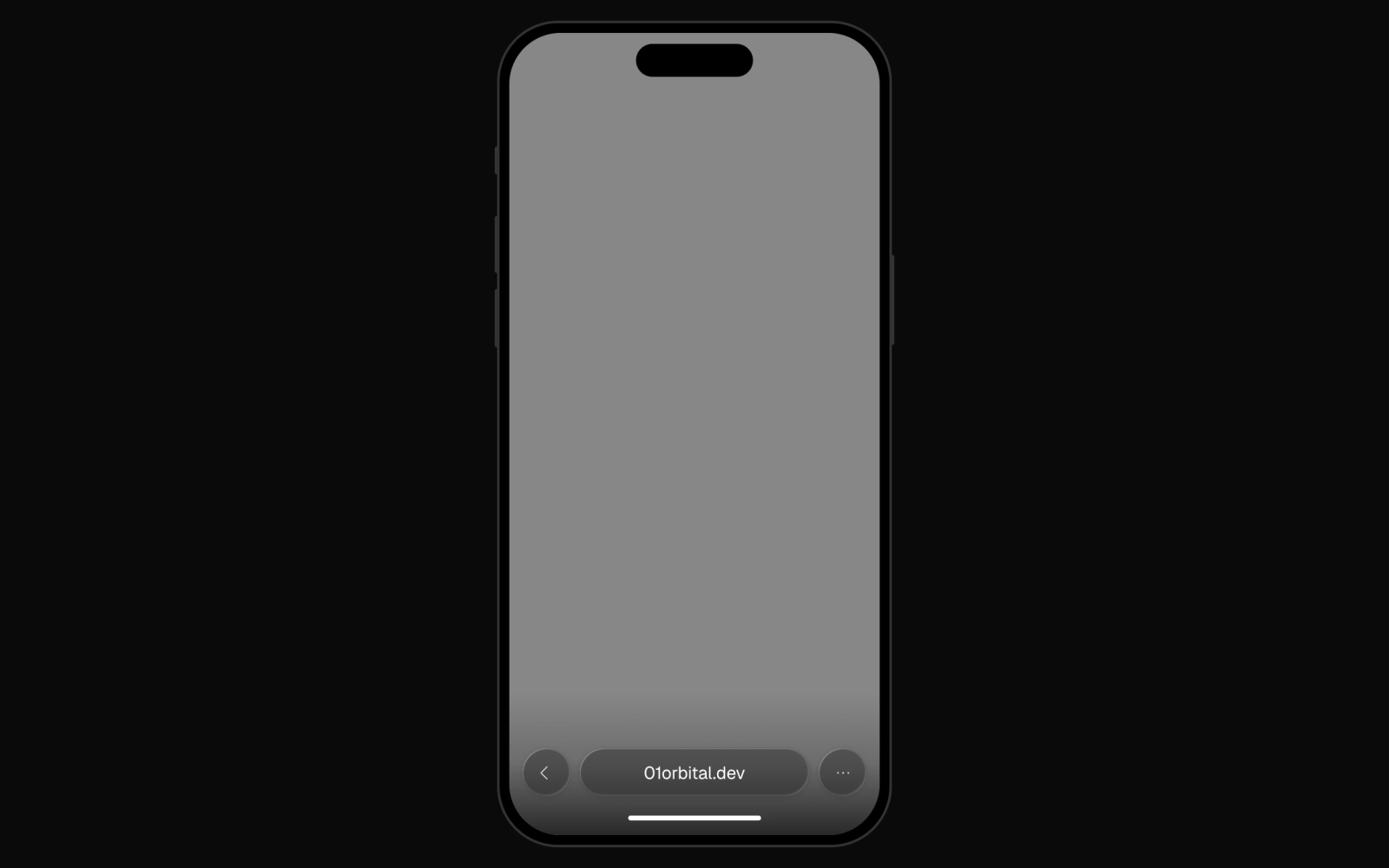
A responsive phone frame for screenshots, videos and other content, with light and dark finishes, an optional camera island and glass browser chrome when an address is supplied.
Screenshot Frame
screenshot-frame
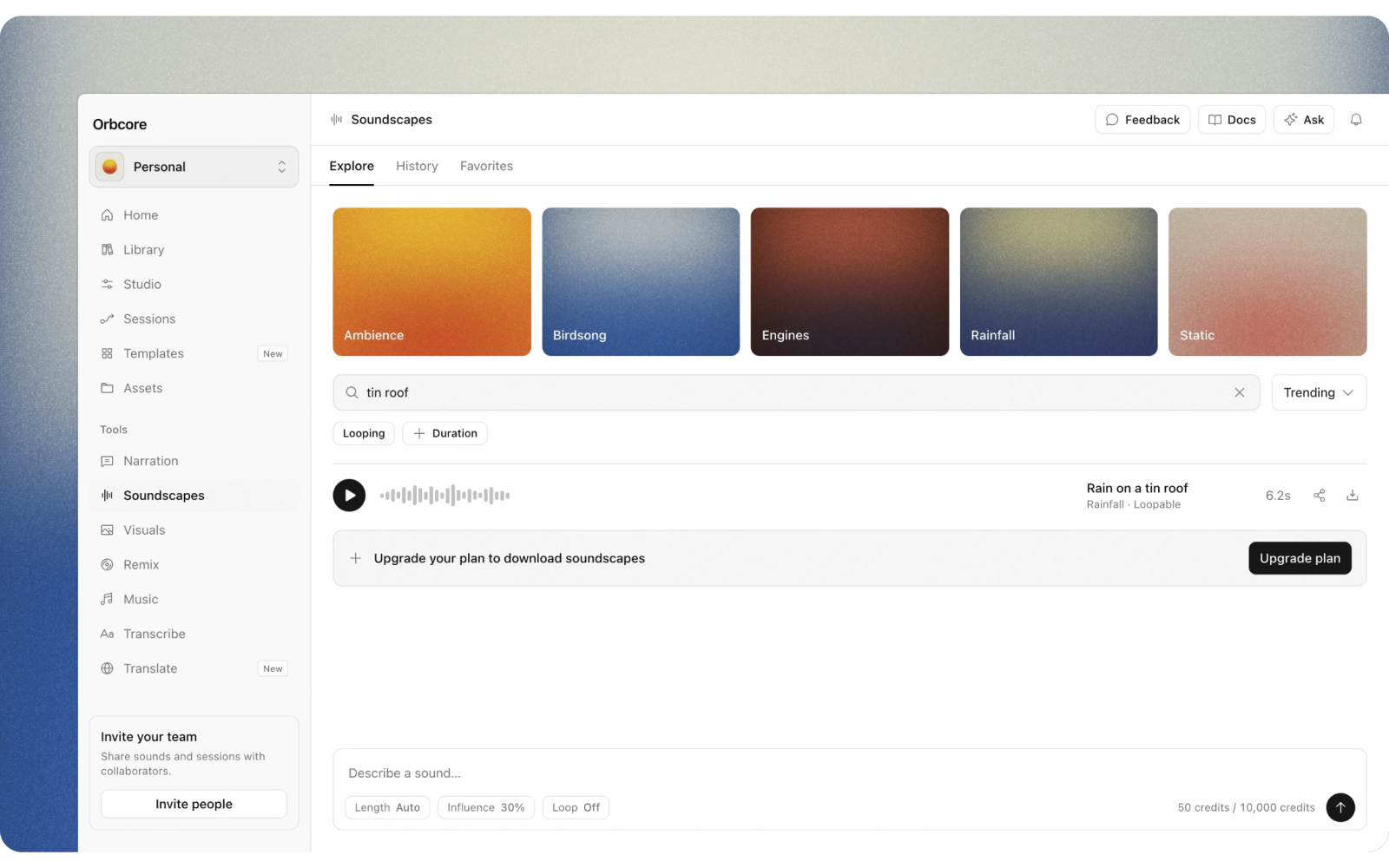
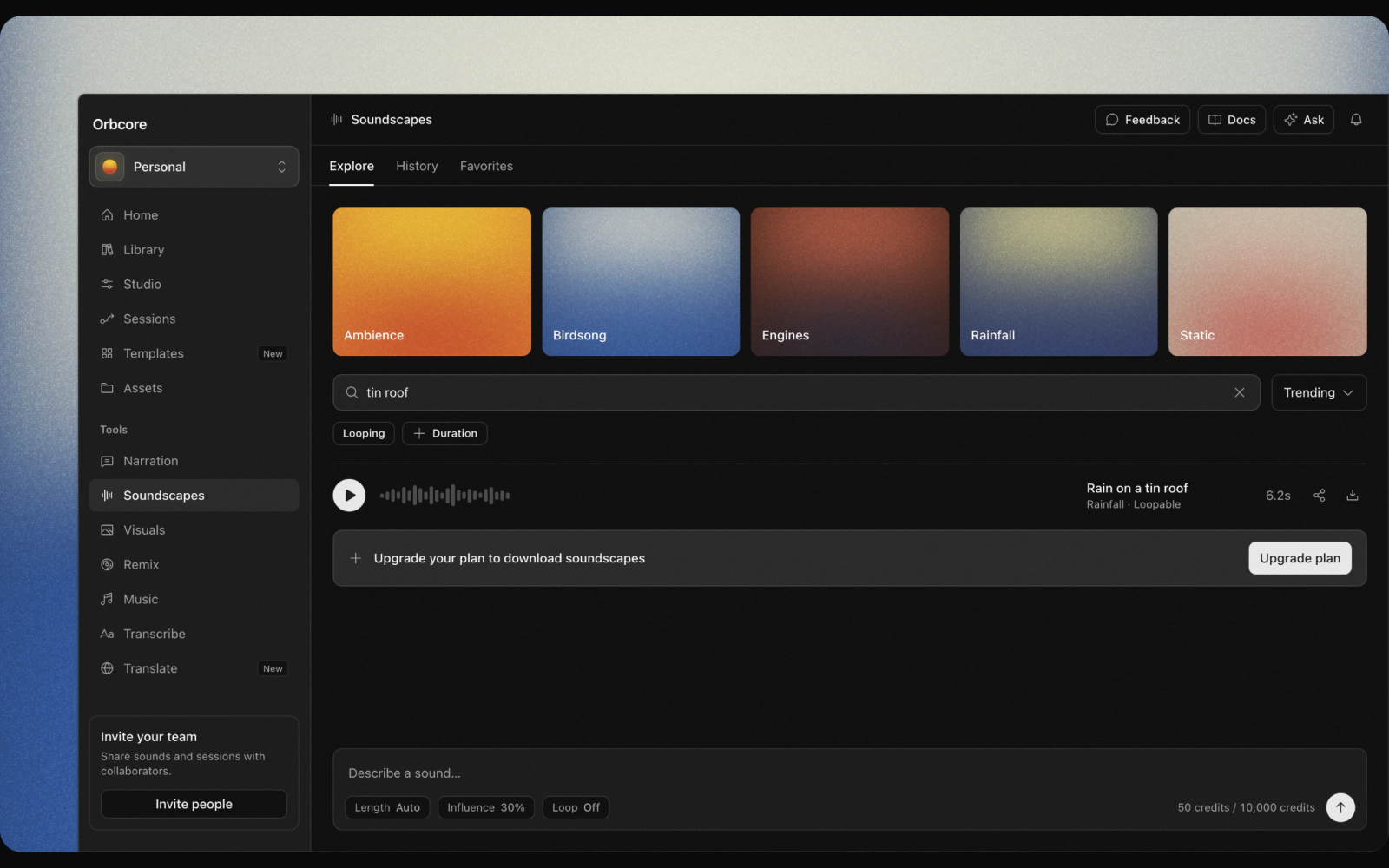
Screenshot frame that bleeds a product screenshot off one edge of its ground, with six placements, a padded gutter and an optional ring. ScreenshotImage keeps the natural ratio and inherits the corner.
Screenshot Plate
screenshot-plate
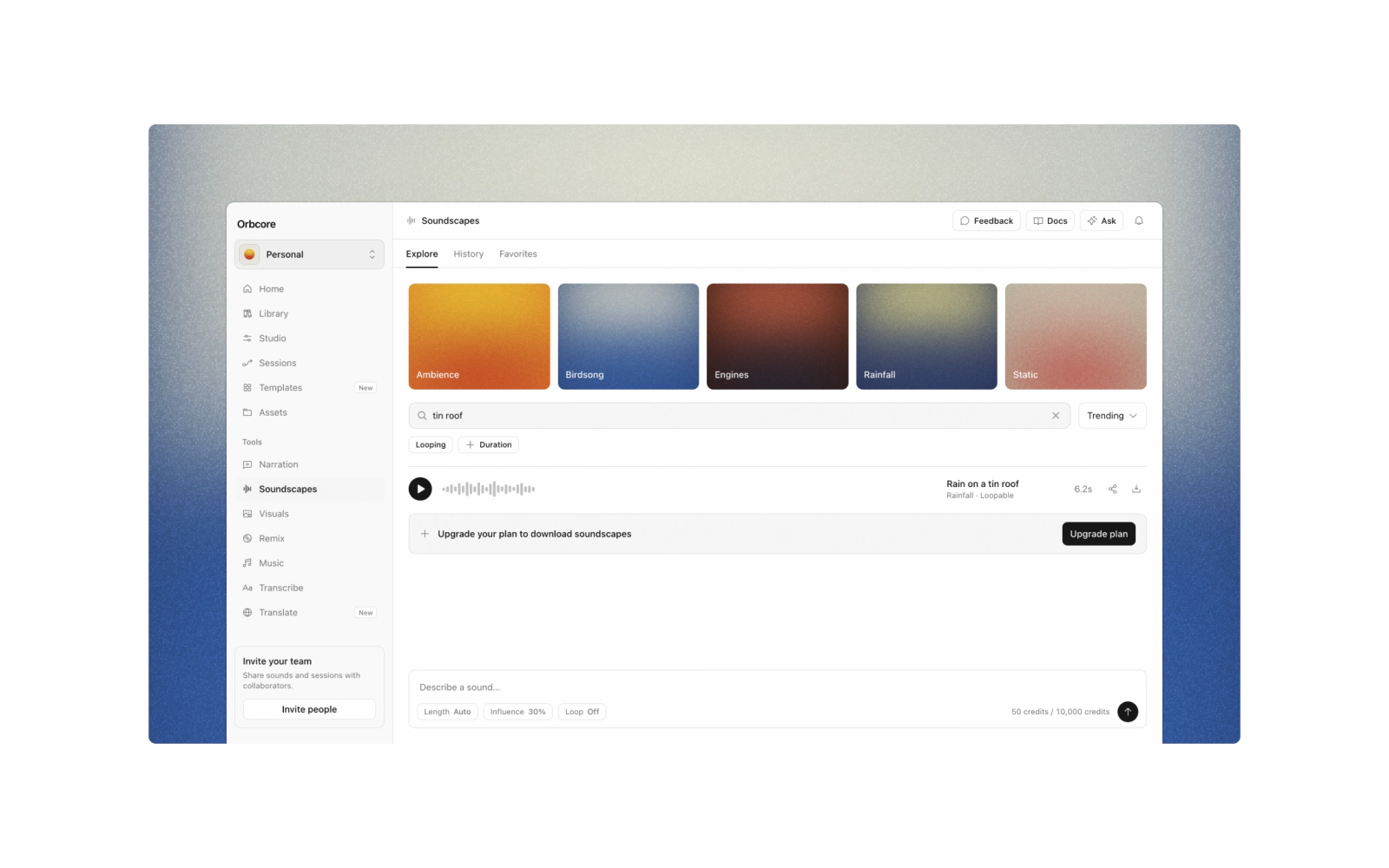
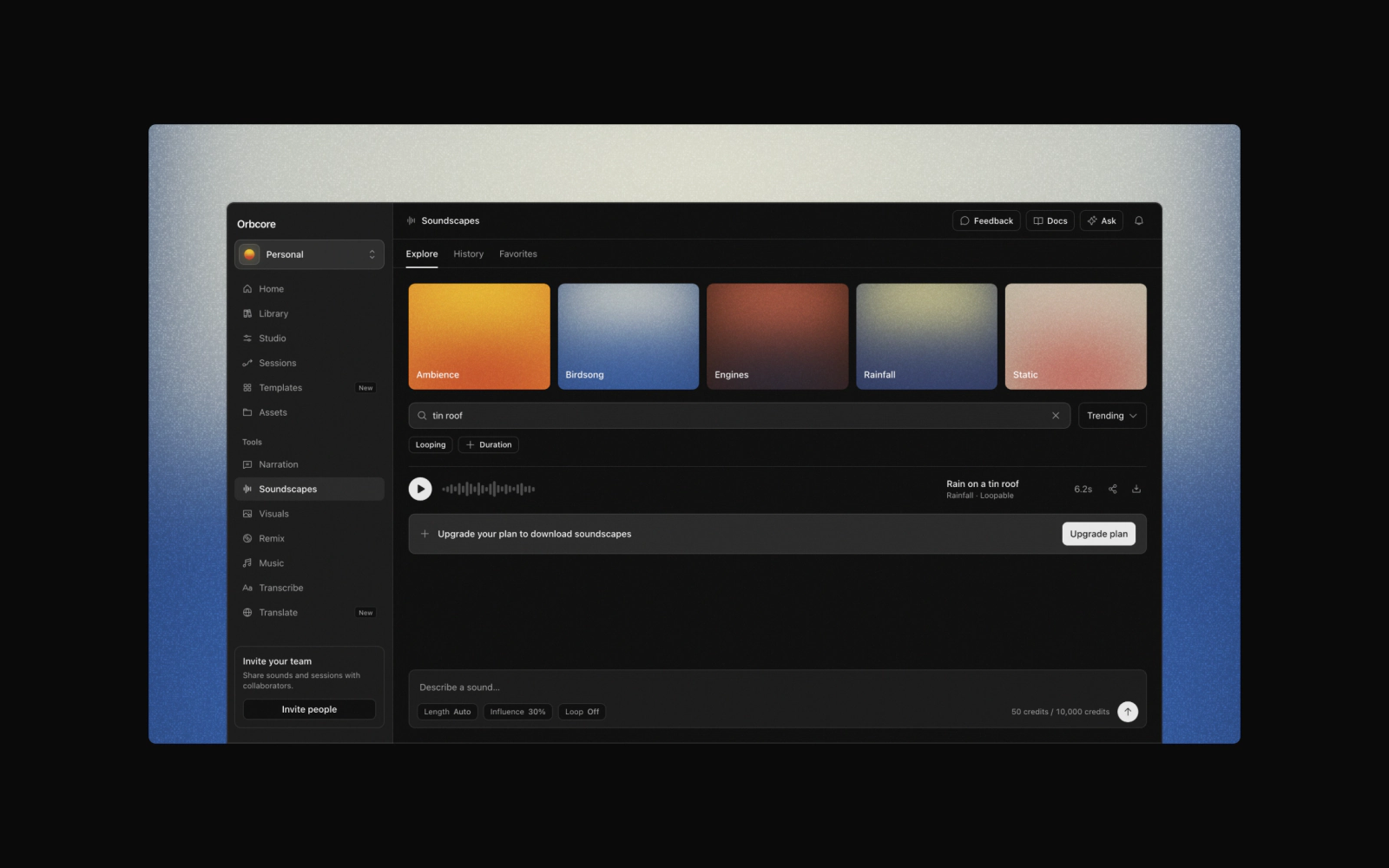
Screenshot plate: a product screenshot mounted on a painted mat, a delft ColorWash ground with a ScreenshotFrame bleeding the shot off the bottom. Pass a light and dark ScreenshotImage pair as children.