All Glow components
Every Glow component side by side, with a picture and description of each. Open one for its preview, API and install.
15 components, A to Z.
Arc
arc


Arc ring of light for decorative backgrounds, in three looks: a soft conic fade, an outline with a faint track and bright stroke, and a short traveling highlight. ArcLayer groups positioned arcs; spin is opt-in and stops for reduced motion.
Concentric Rings
concentric-rings


Concentric rings graphic of nested outline arcs from outer to inner, built on Arc, with optional content centered on top. Ring count, colors, stroke widths and arc sweep are props; optional spin alternates direction per ring.
Edge Scrim
edge-scrim
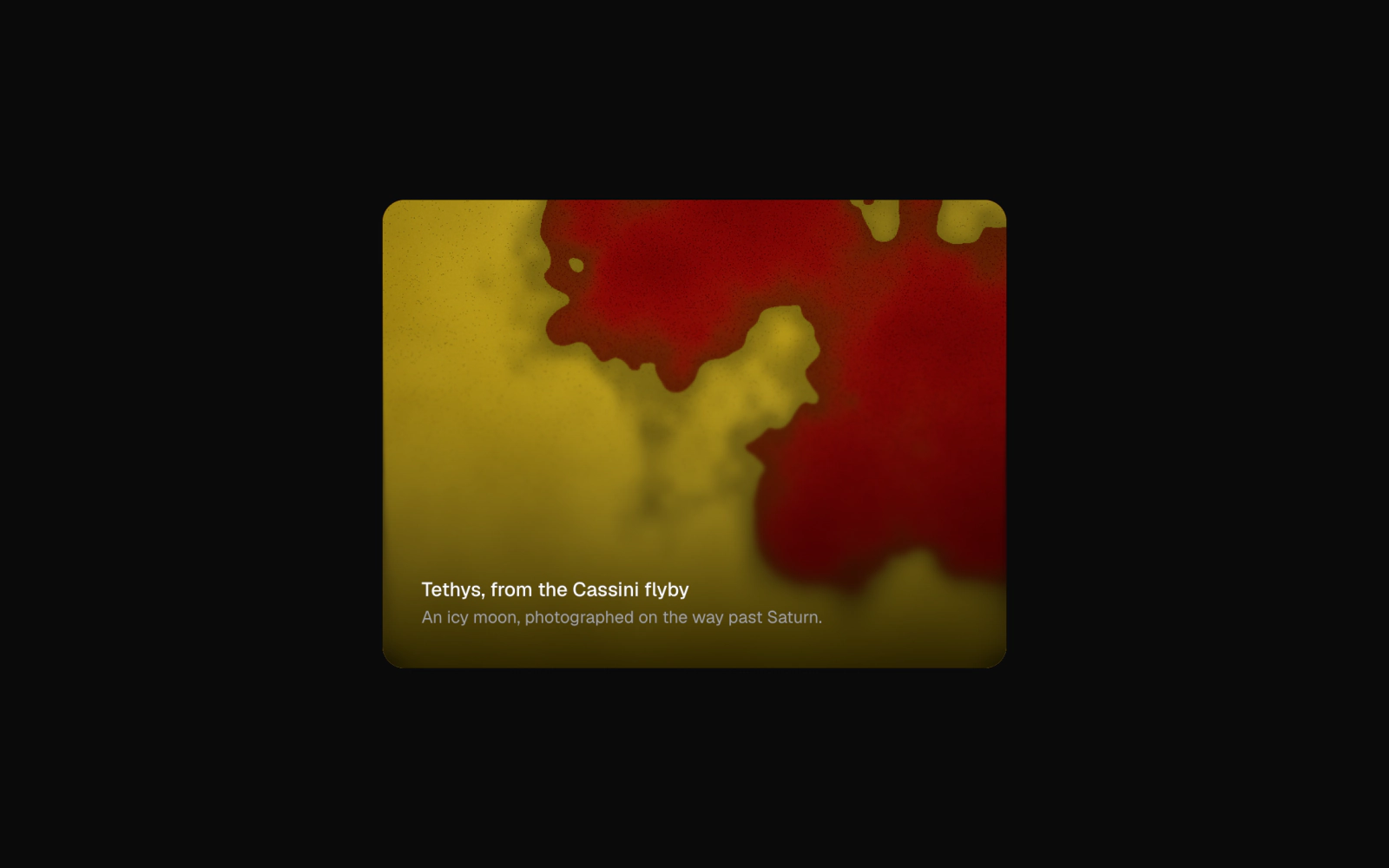
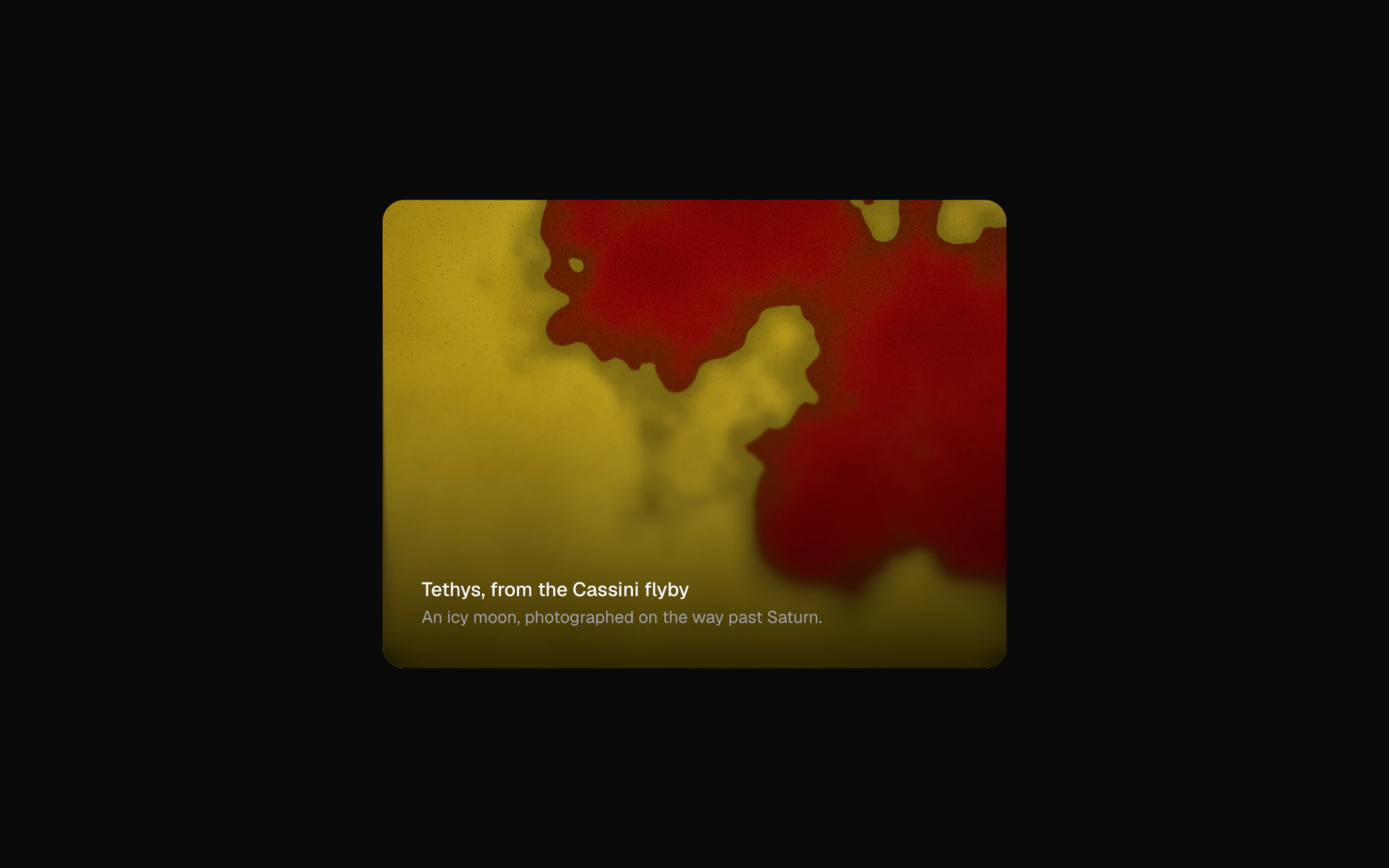
Edge scrim overlay that darkens and progressively blurs one edge of the art beneath it so text can sit on images and hero backgrounds. Direction, strength, reach, blur and an optional tint are adjustable.
Glow Glass
glow-glass
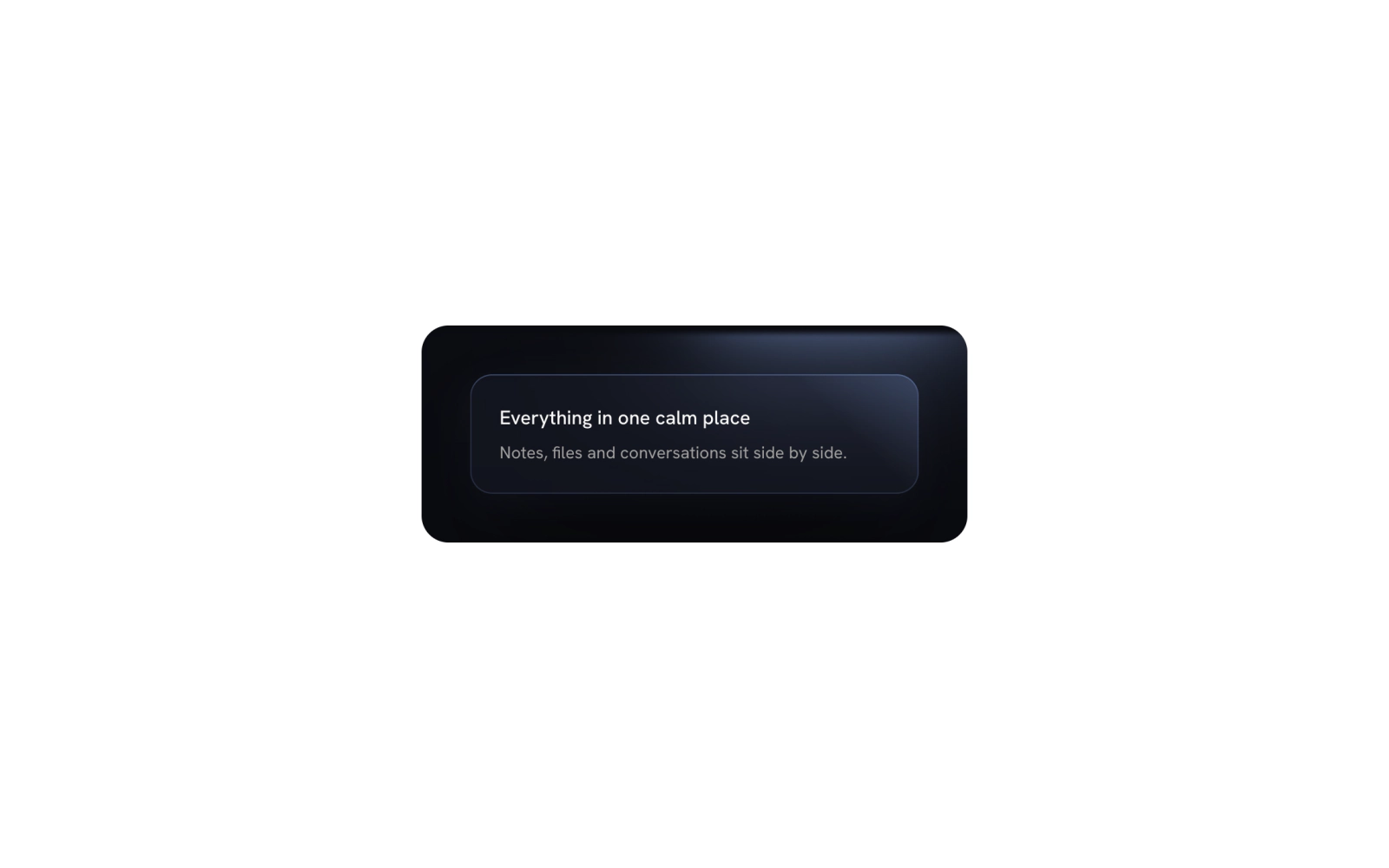
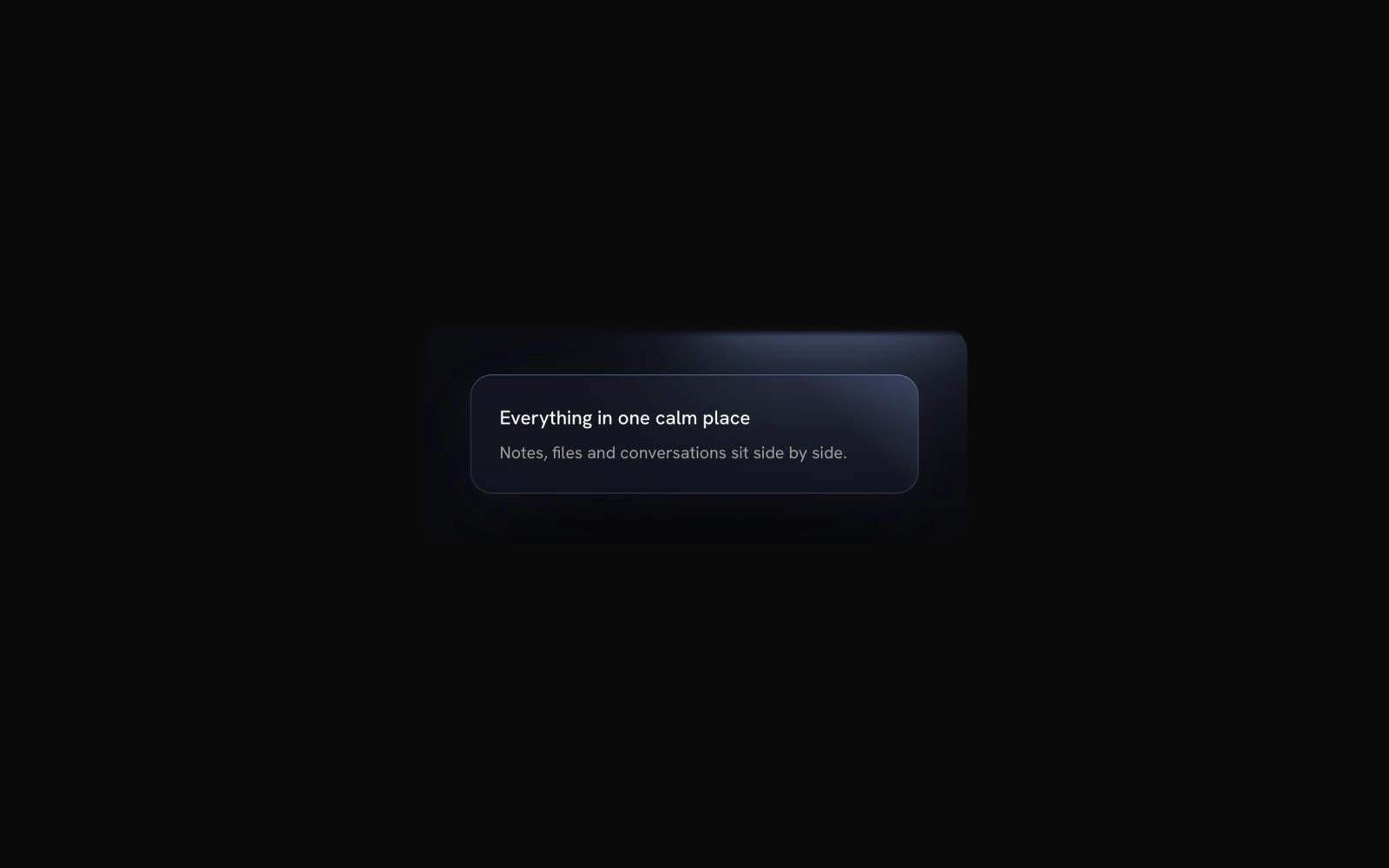
Frosted glass surface tinted by the surrounding lamp color, with a corner highlight and either a deep floating shadow with light spill or a short contact shadow. Applies to any element, a Card included, and follows a GlowSection's bulb when nested.
Glow Line
glow-line


Glowing line divider with layered bloom, horizontal or vertical, positioned along its parent. Takes any color, intensity and thickness; it glows on dark themes and becomes a shaded ink line on light ones.
Glow Rig
glow-rig


Picture light overlay for dark sections: a full-bleed lighting layer hangs one hooded lamp above the top edge, screen blended. Overhead or corner placement, intensity and bulb color; needs a dark ground and a positioned parent.
Glow Seam
glow-seam


Glowing divider marks: GlowSeam, a rose horizontal section seam, and StandingSeam, a cool vertical line that lights only the active tab trigger. Each glows on dark backgrounds and becomes ink on light.
Glow Section
glow-section


Dark section wrapper lit by a Glow Rig lamp, with optional film grain over a near-black ground. It passes the bulb color to cards inside; lamp position, intensity and grain are configurable.
Hover Edge
hover-edge


Hover edge accent: a thin rose and amber line on any edge of a positioned parent, as used on cascade Card examples. It appears on parent hover or keyboard focus, can mark a selected item, and honors reduced motion.
Neon Sign
neon-sign


Neon sign lettering component with tube glow, four sizes, an intensity dimmer and opt-in flicker for the whole sign or single letters, plus burnt-out letters. Flicker is capped for flash safety and stops under reduced motion.
Rim Glow
rim-glow
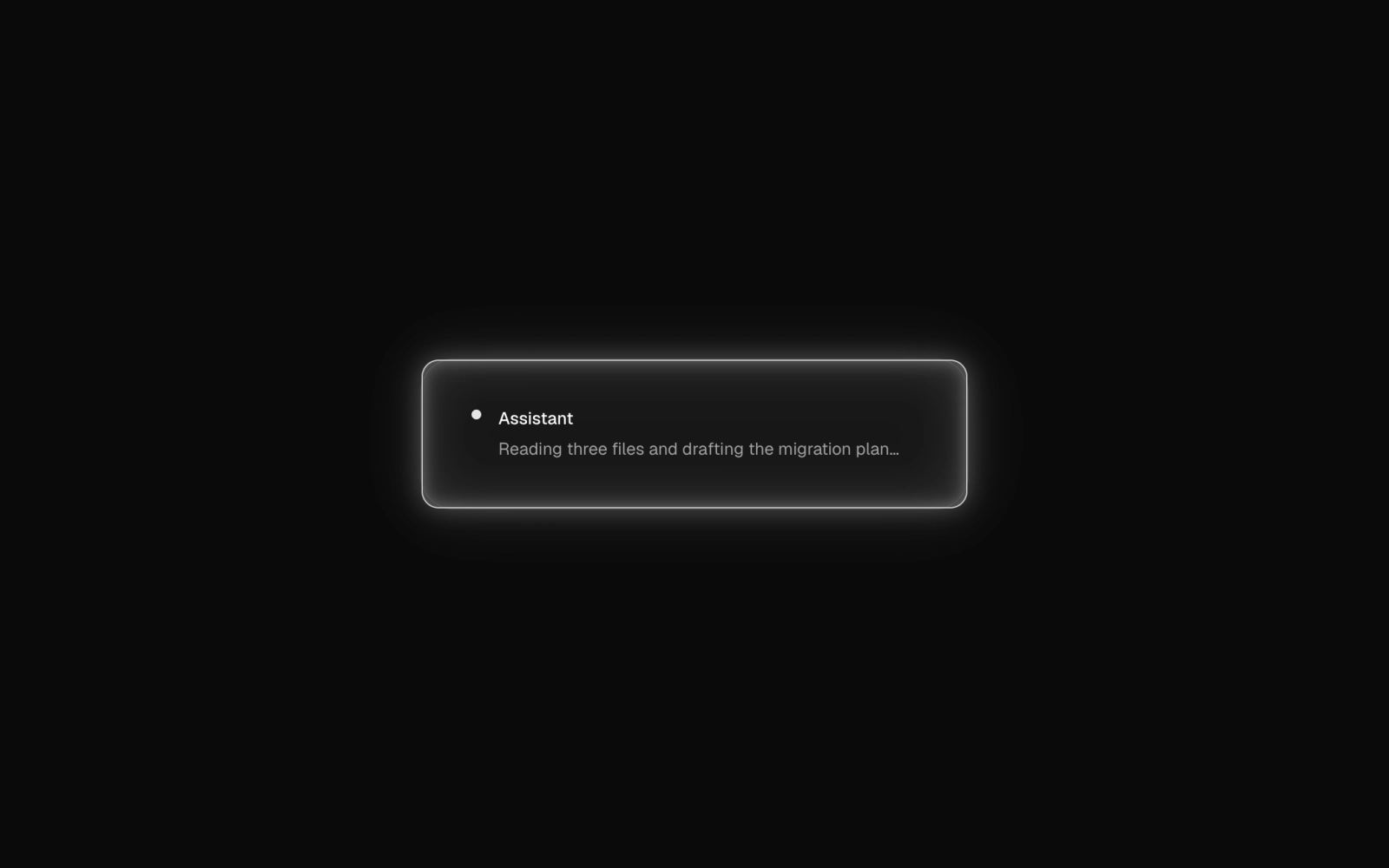
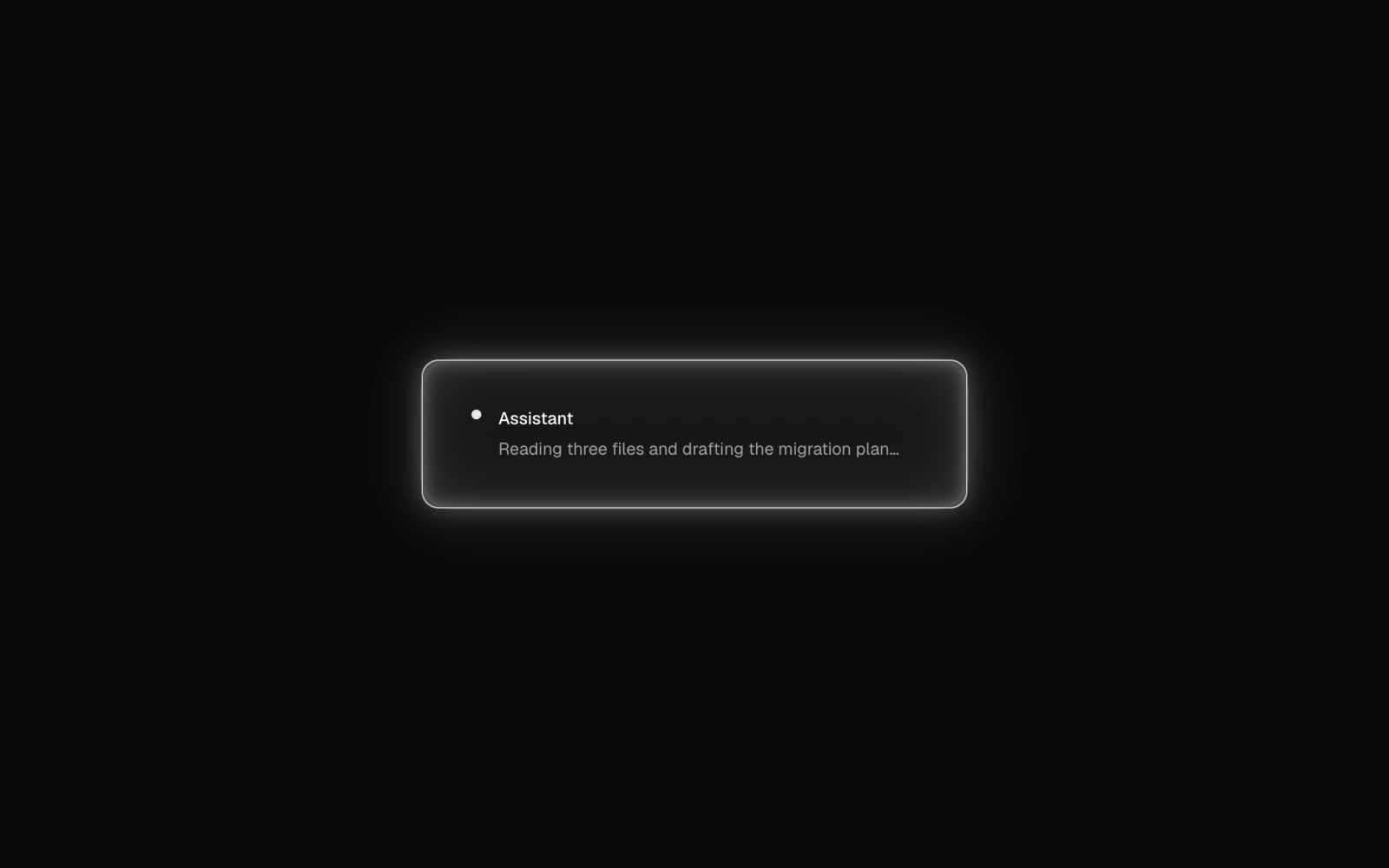
Rim glow wrapper that outlines its content with a currentColor glow, inside and out, in dim, steady or breathing states. It can also cover the viewport as a presence overlay; breathing holds steady under reduced motion.
Side Glow
side-glow


Soft blue edge glow anchored to one side of a positioned parent: top, right, bottom or left. Comes with SeamLine, a one-pixel overlay-blended rule for marking a panel edge.
Stars
stars
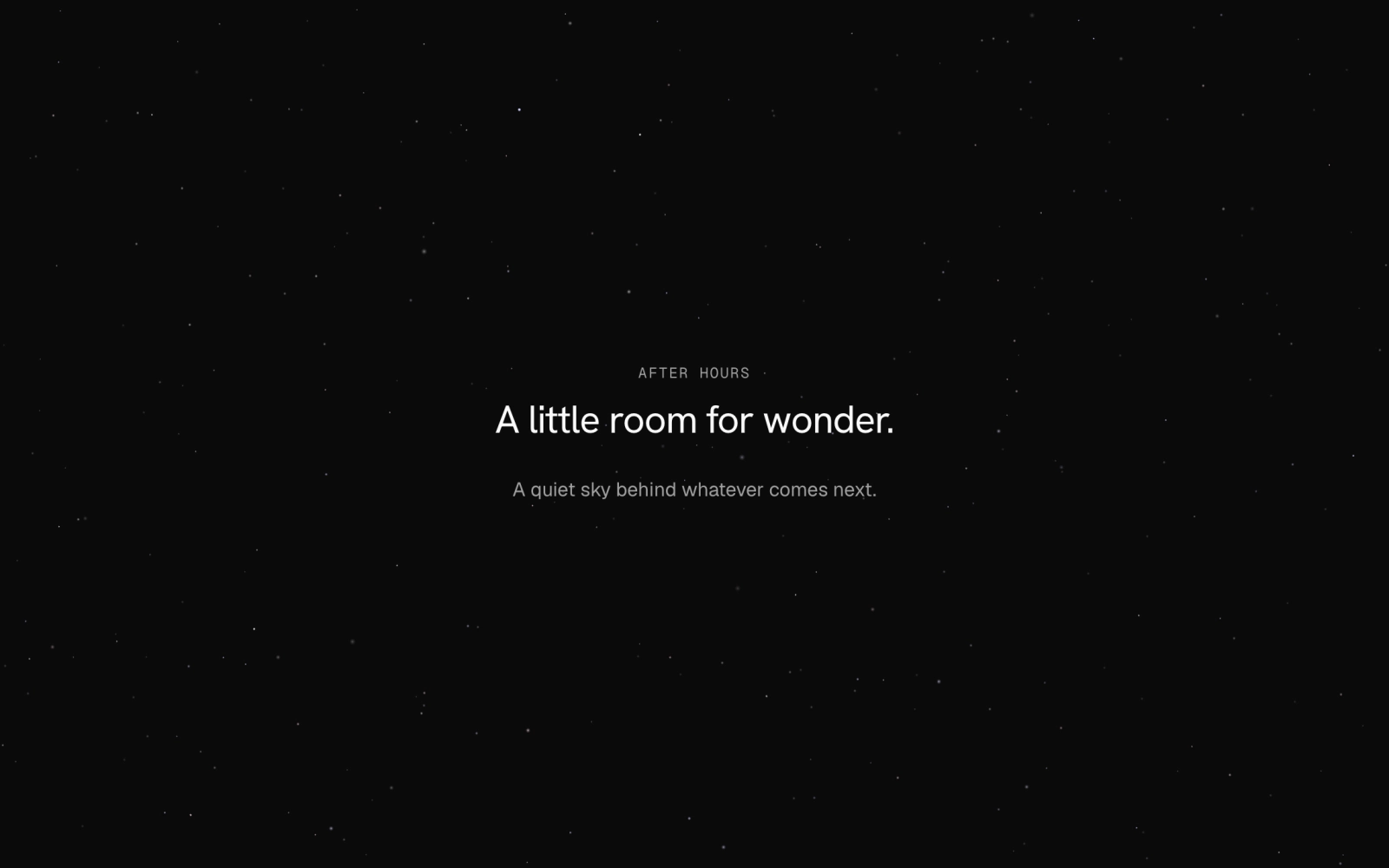
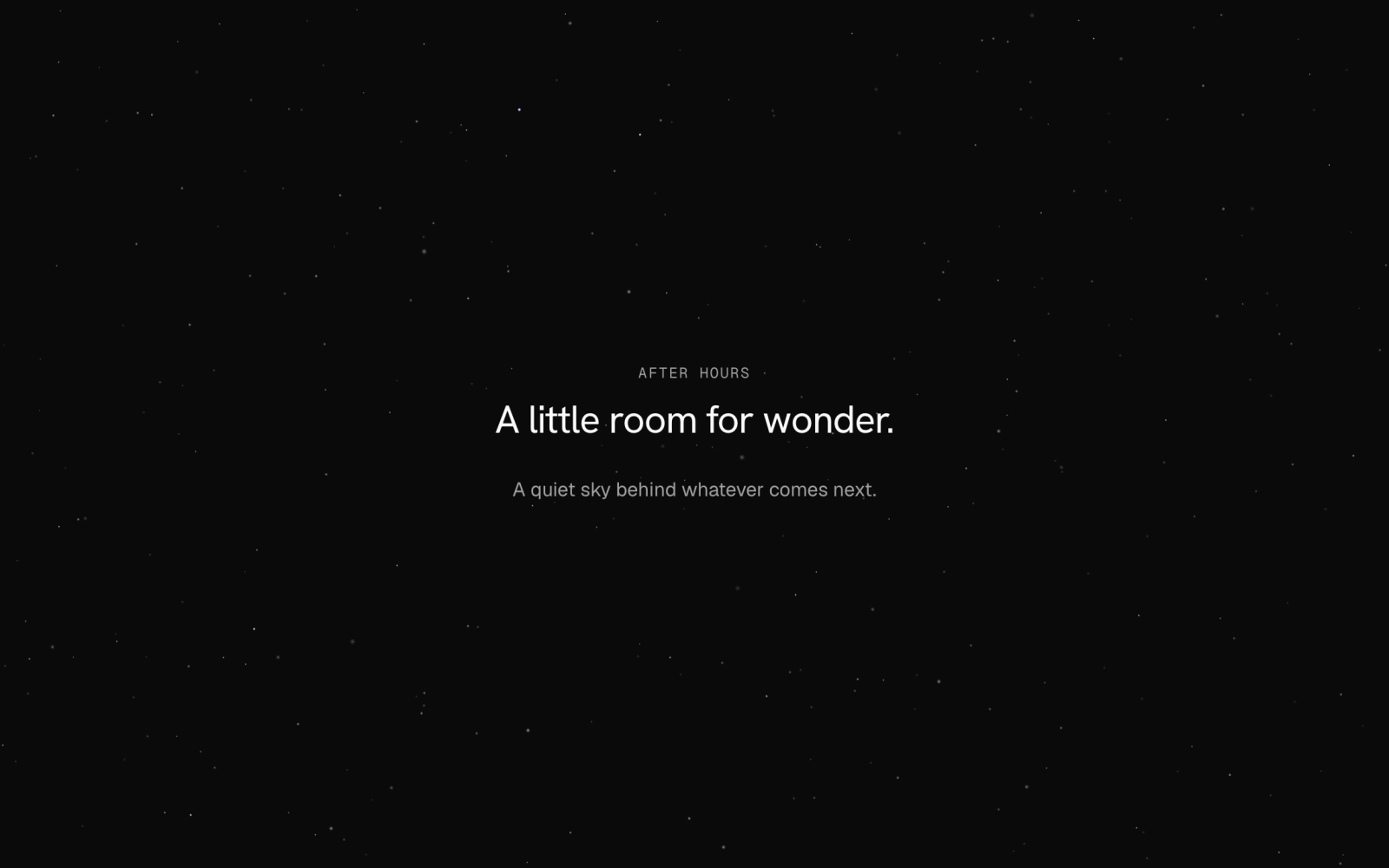
Starfield background that fills a positioned parent with a seeded canvas of sharp and soft stars. Optional twinkle and fade-in respect reduced motion, and a circular cutout can hide stars behind an orb.
Traveling Arc
traveling-arc


Circular frame with one short highlight running around its rim, built on the Arc traveling look, with children centered inside. Size, stroke, color or hue and arc length are adjustable; motion is opt-in.
Vignette
vignette
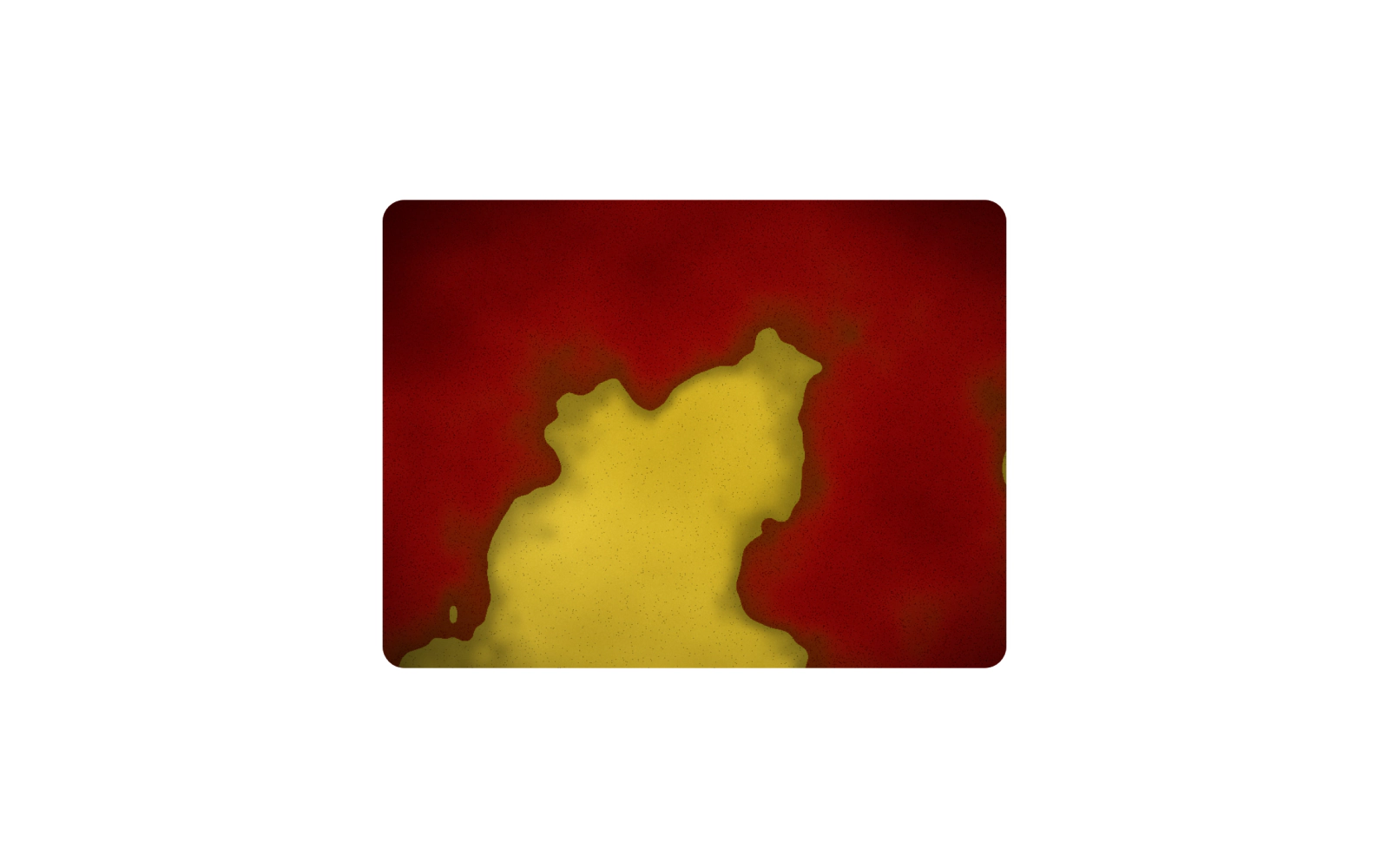
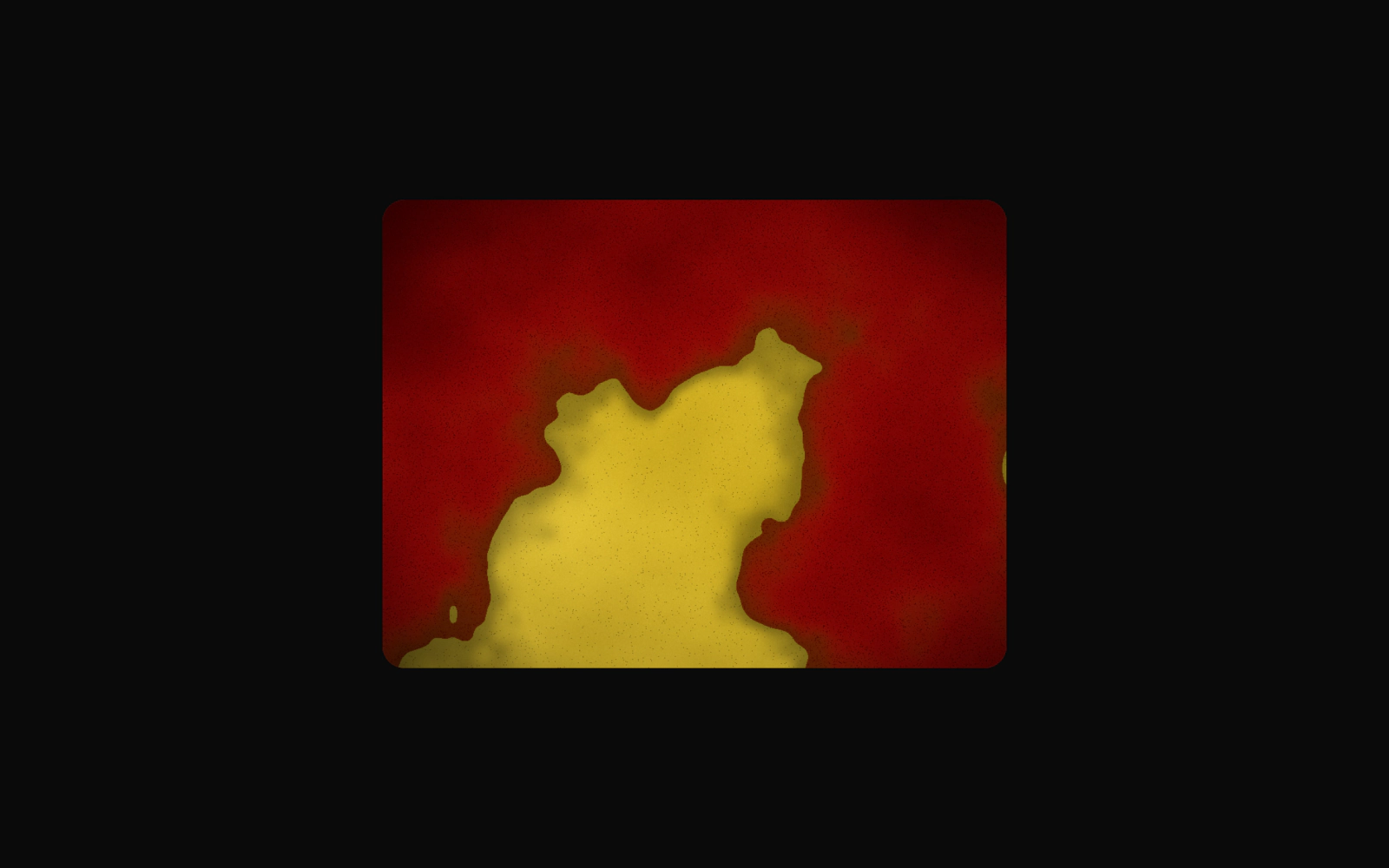
Vignette overlay: a full-bleed radial darkening layer that shades the corners of a scene, in soft, medium or strong. It focuses the center and helps text sit on art inside a positioned parent.