Pricing blocks: how to choose
Start with how many plans you sell, then pick how much the section should carry: plain cards, a billing toggle, art on each plan, or a full comparison.
Compare
| Block | Plans | Billing toggle | Look | Access |
|---|---|---|---|---|
| Minimal Three-Plan Pricing | 3 | No | Plain, theme colors only | Free |
| Three-Plan Pricing with Toggle | 3 | Monthly or yearly | Featured middle plan | Licensed |
| Three-Plan Pricing with Highlights | 3 | No | Joined cells, check and minus marks | Free |
| Dark Grain Three-Plan Pricing | 3 | No | Dark section with paper grain | Licensed |
| Per-Member Pricing with Toggle | 3 | Monthly or yearly | Cover image per plan, per-member prices | Licensed |
| Dark Glow Rig Pricing | 3 | Monthly or yearly | Dark section under a glow | Licensed |
| Usage-Based Two-Plan Pricing | 2 | No | Free tier with usage fees | Free |
| Two-Plan Pricing with Banners | 2 | No | Banner art per plan | Licensed |
| Two-Plan Contact Sales Pricing | 2 | No | Marbled covers, no prices shown | Licensed |
| Minimal Single-Plan Pricing | 1 | No | Plain, theme colors only | Free |
| Single Plan Pricing | 1 | No | Serif heading beside the plan card | Licensed |
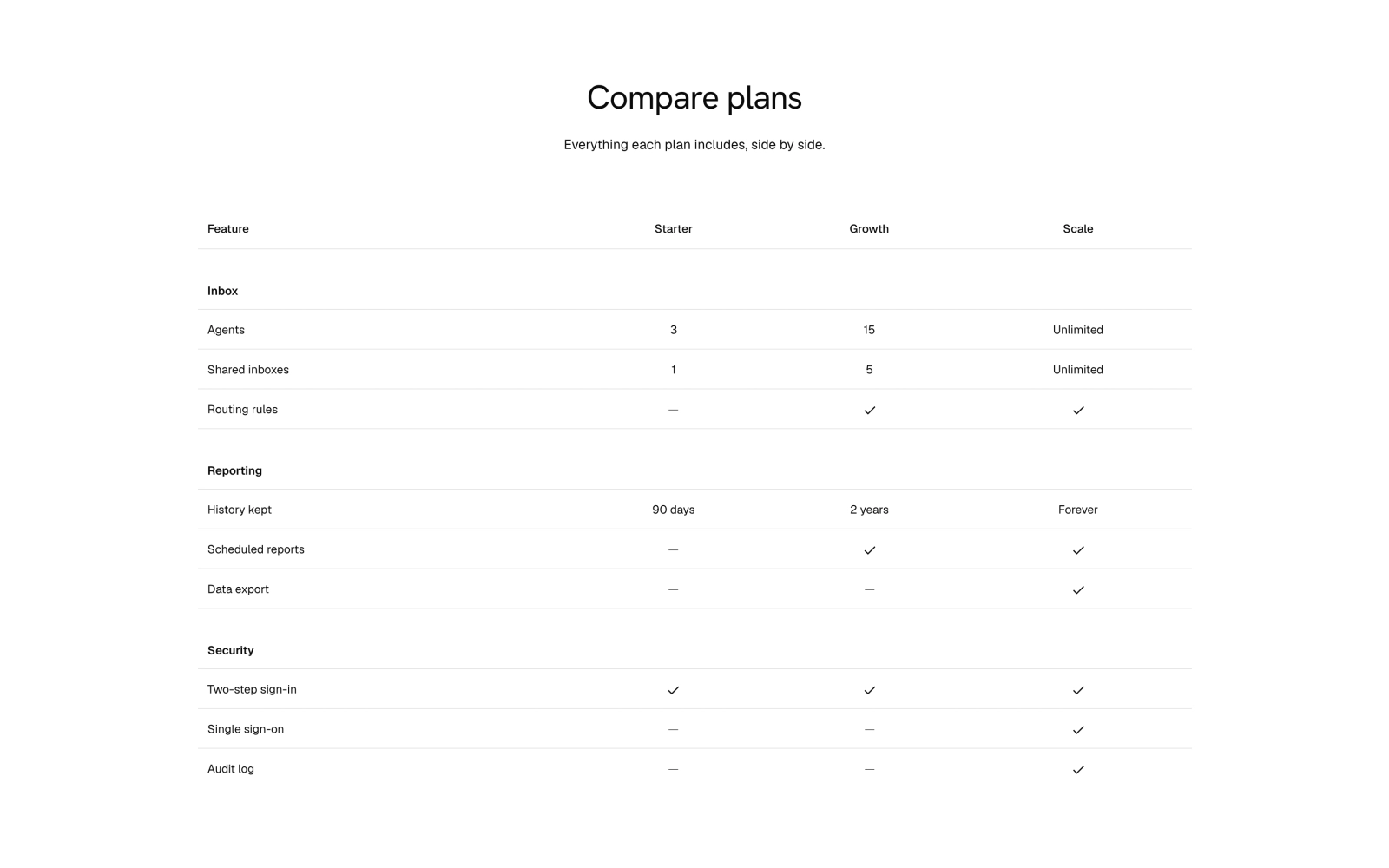
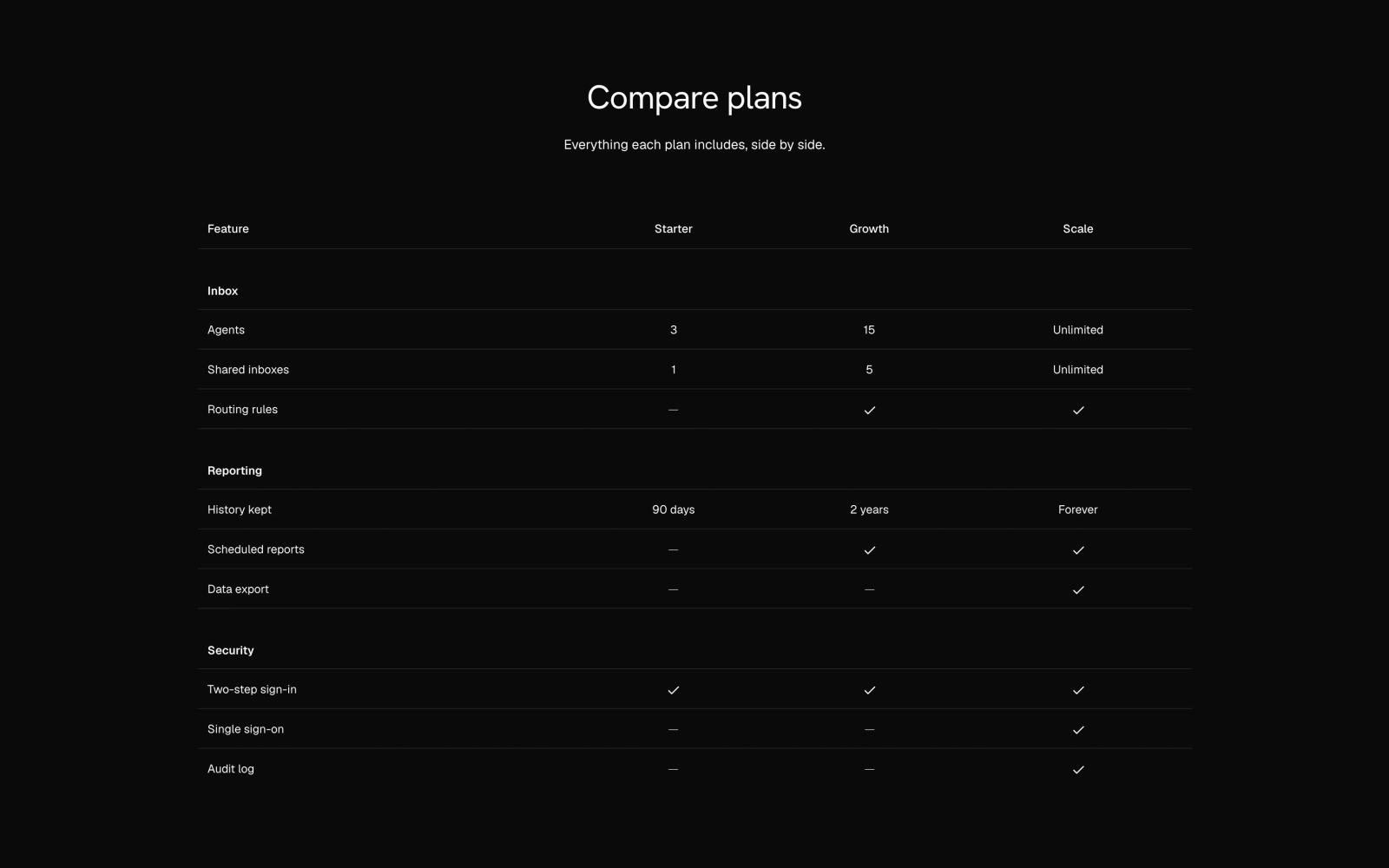
| Pricing Comparison Table | 3 by default | No | Feature rows, sticky first column | Licensed |
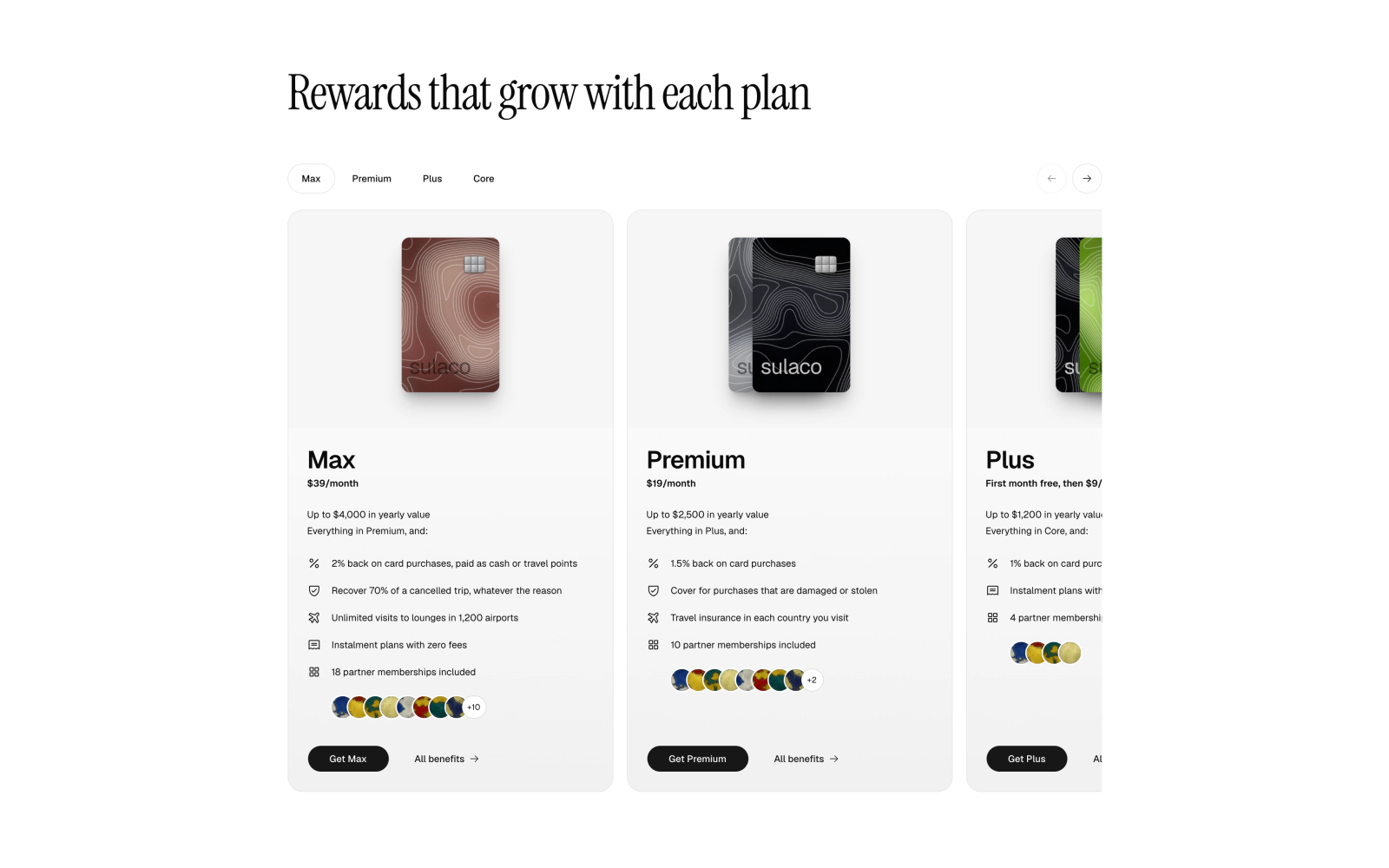
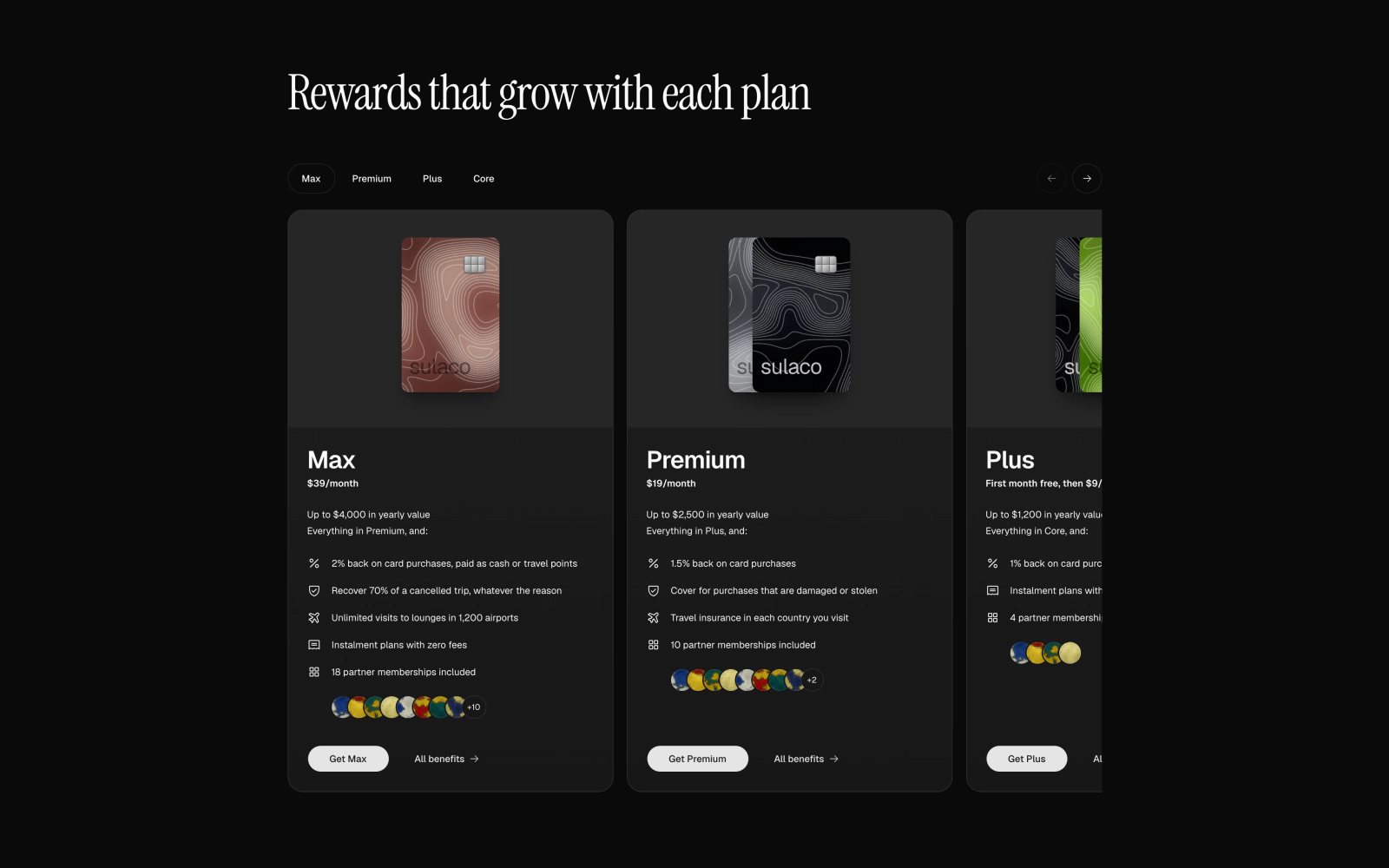
| Rewards Tier Pricing Carousel | 4 tiers | No | Engraved metal tier cards | Licensed |
Three plans
The usual ladder: a starter plan, a recommended middle plan and a top tier.
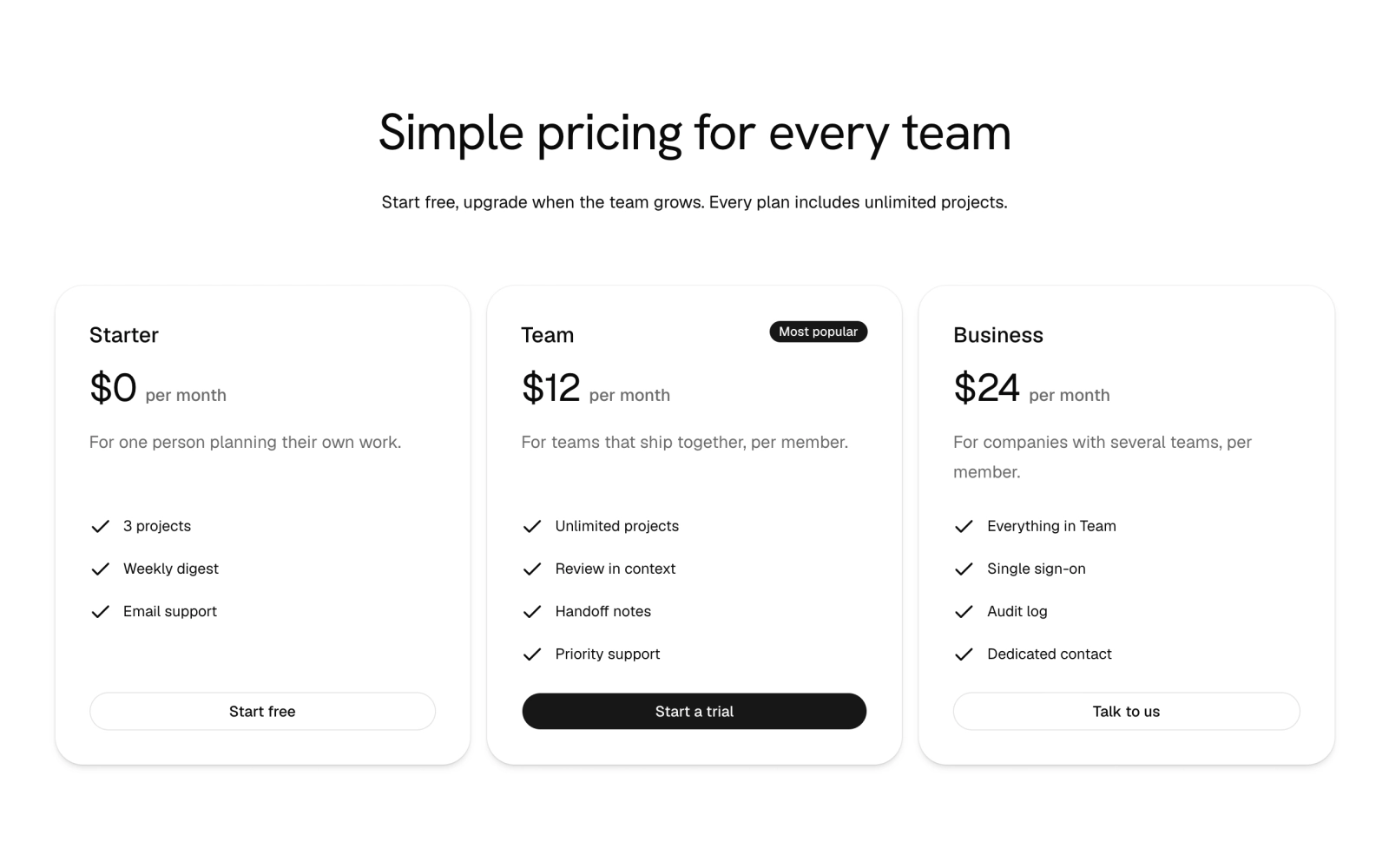
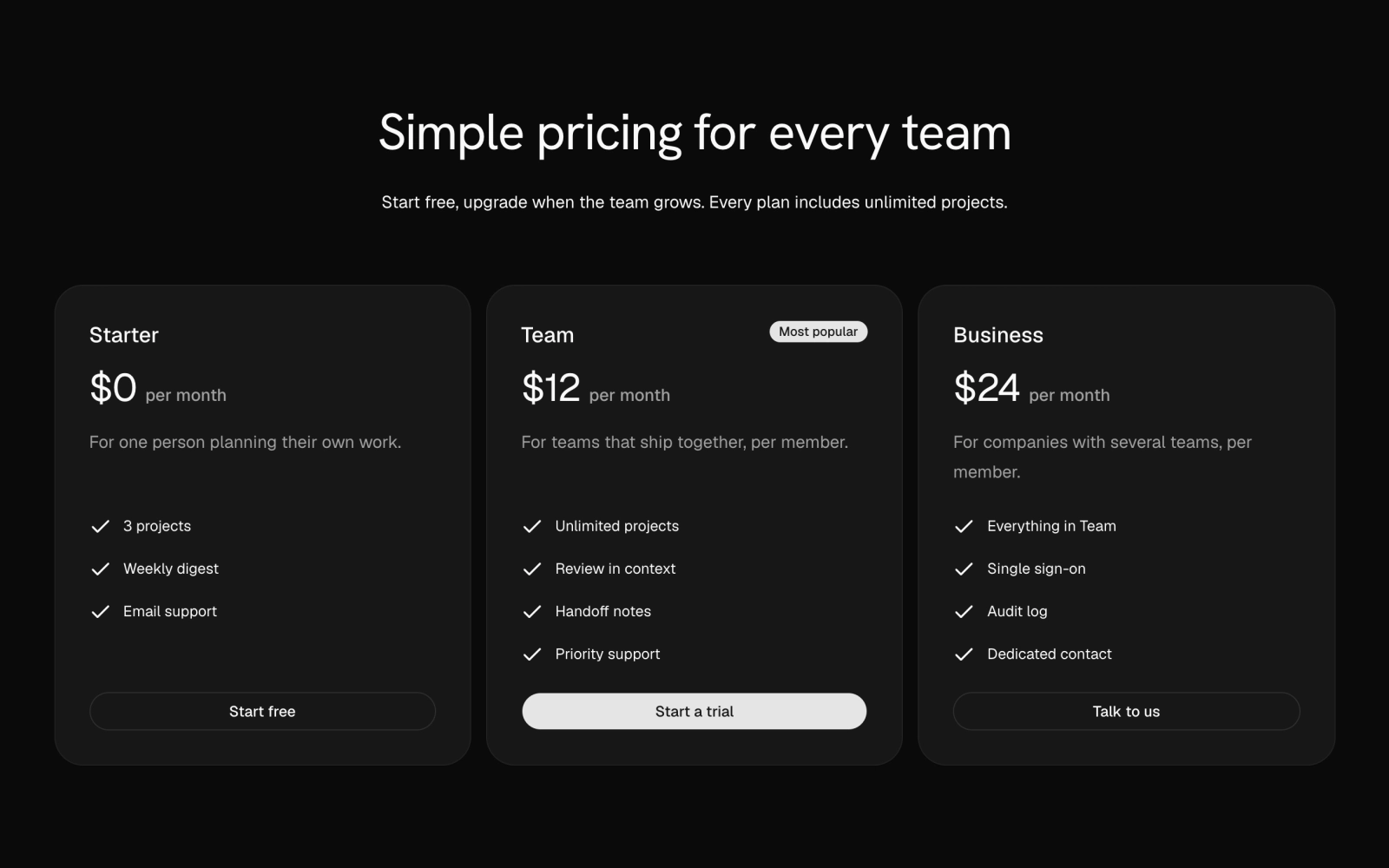 Minimal Three-Plan PricingFreePlain pricing: a centered heading above three plan cards with price, description, a checked feature list and a button; the featured plan carries a Most popular badge and the primary button. Theme tokens only, light and dark.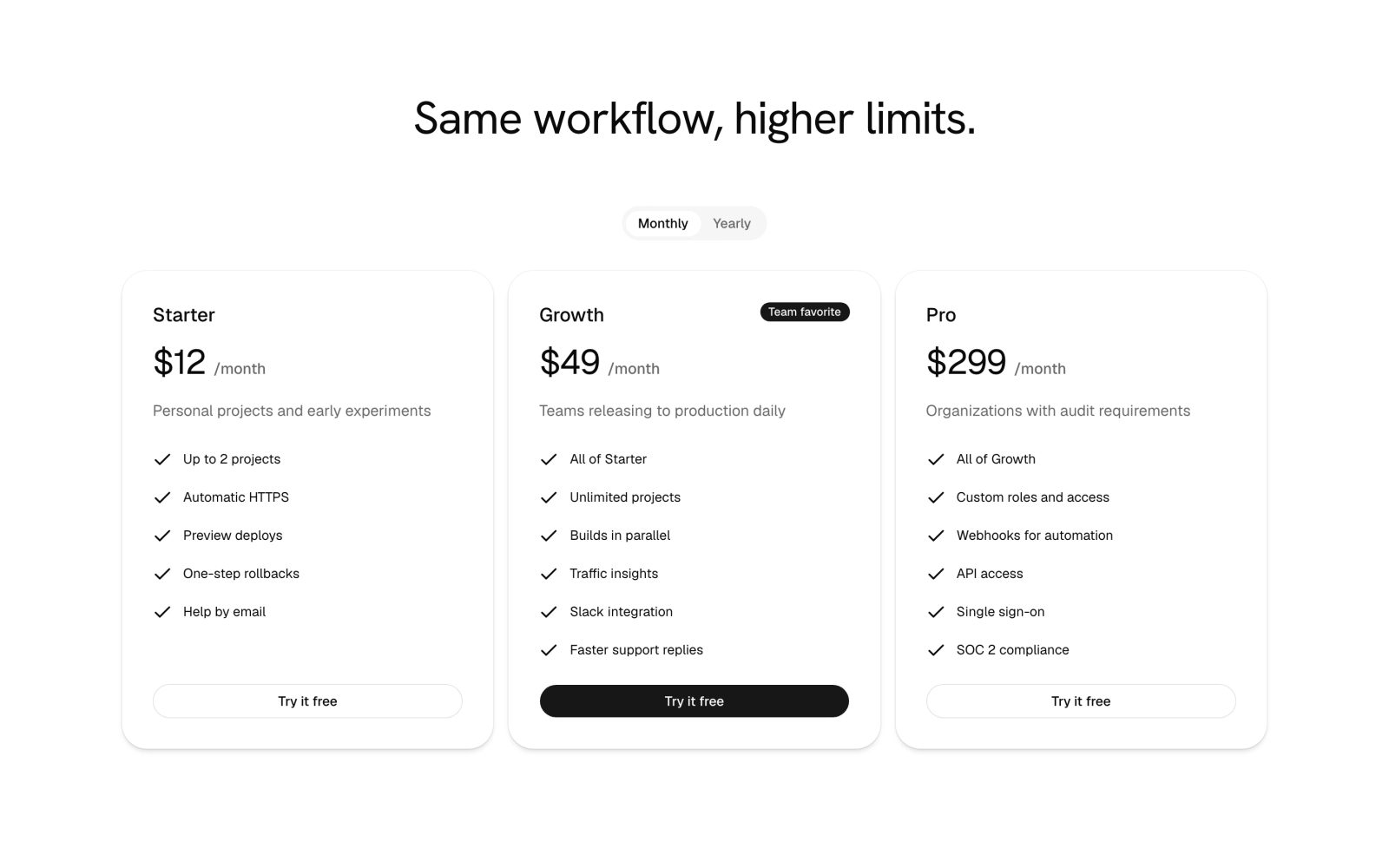
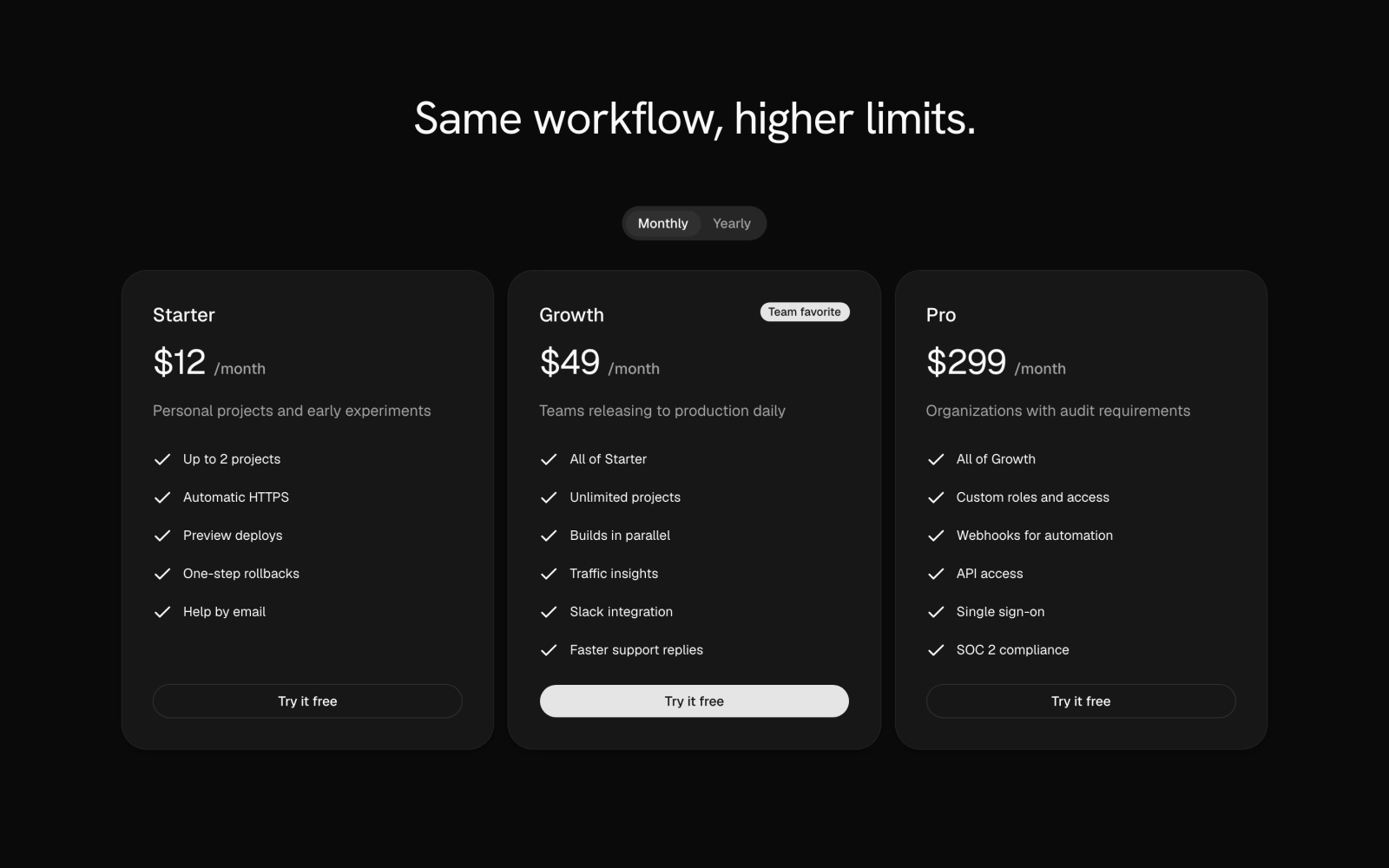 Three-Plan Pricing with ToggleLicensedThree-plan pricing with a monthly or yearly PricingToggle that swaps the amounts, a featured middle plan marked by a Team favorite badge and solid button, and check-marked feature lists. Client component.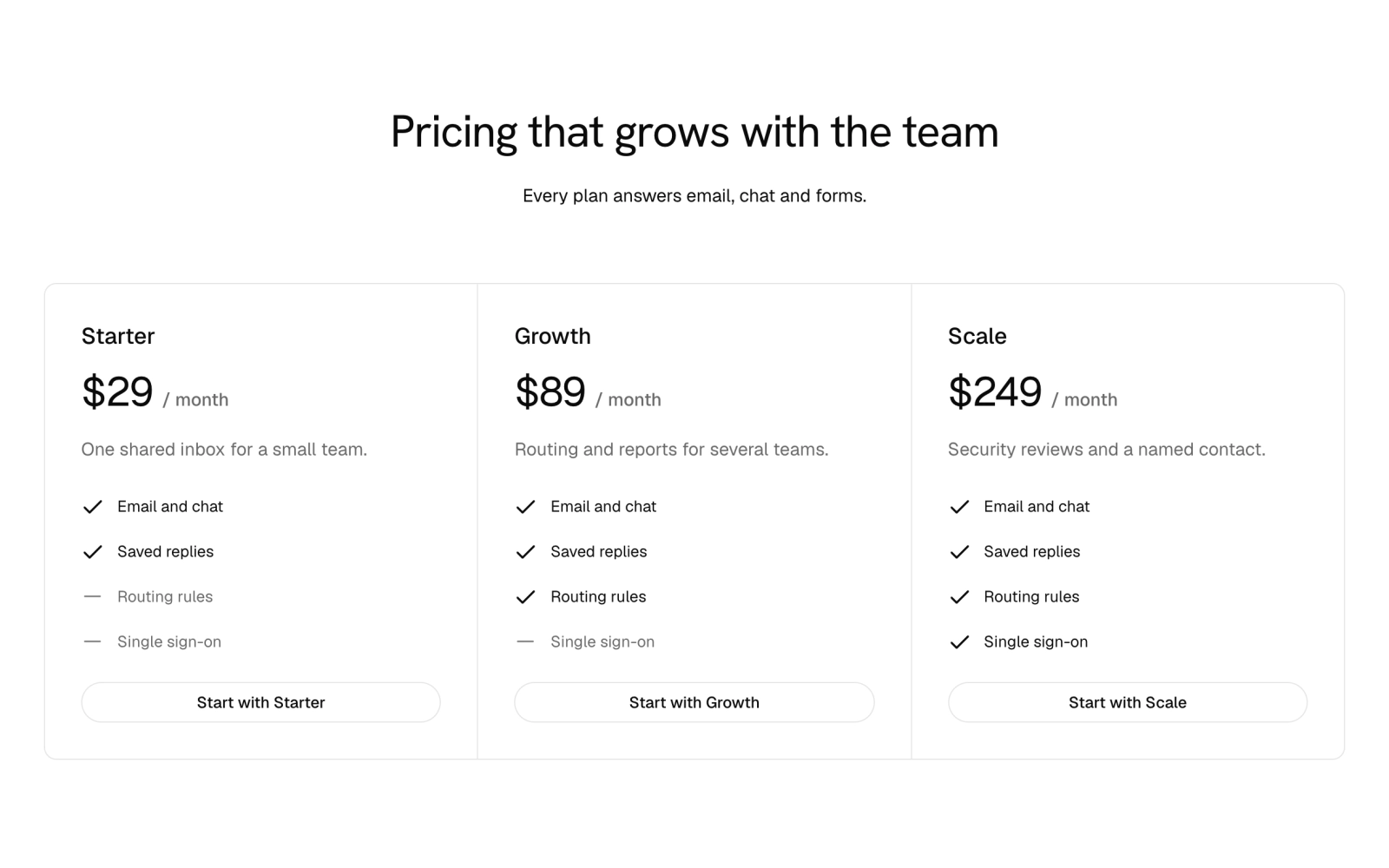
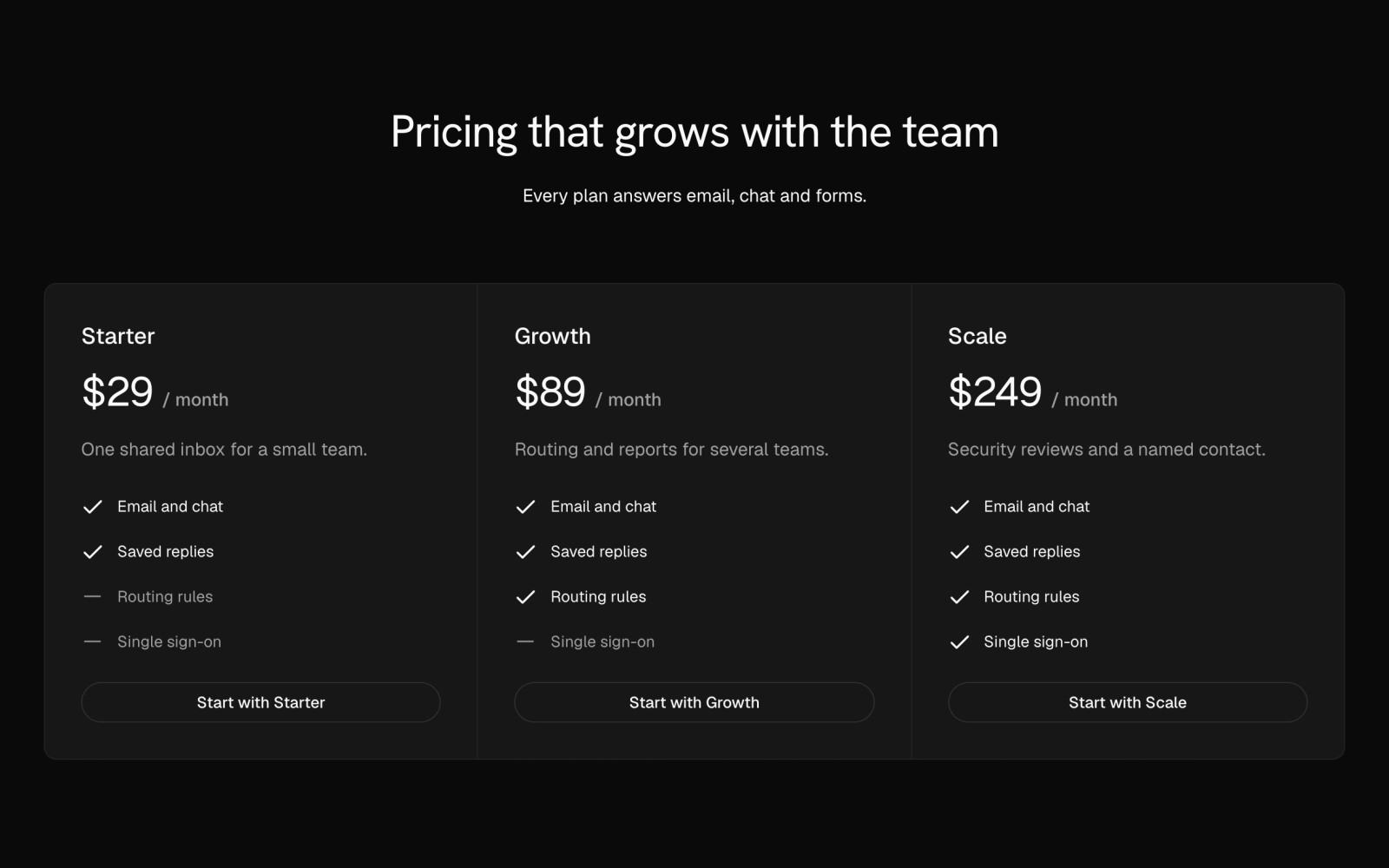 Three-Plan Pricing with HighlightsFreeThree plans in joined pricing cells with none featured, each listing the same four highlights with a check or a muted minus mark so the plans compare at a glance. Pairs with pricing-11.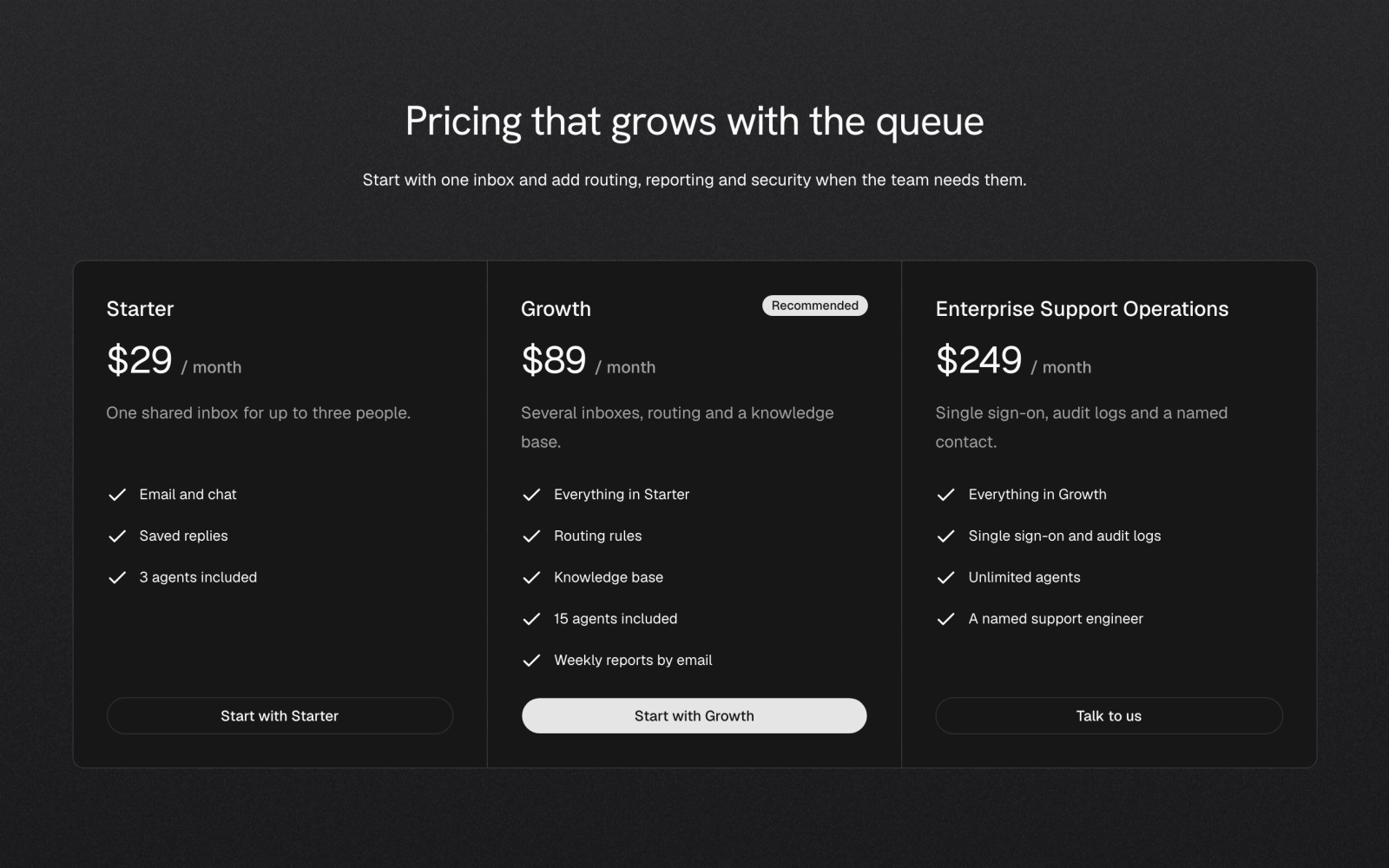
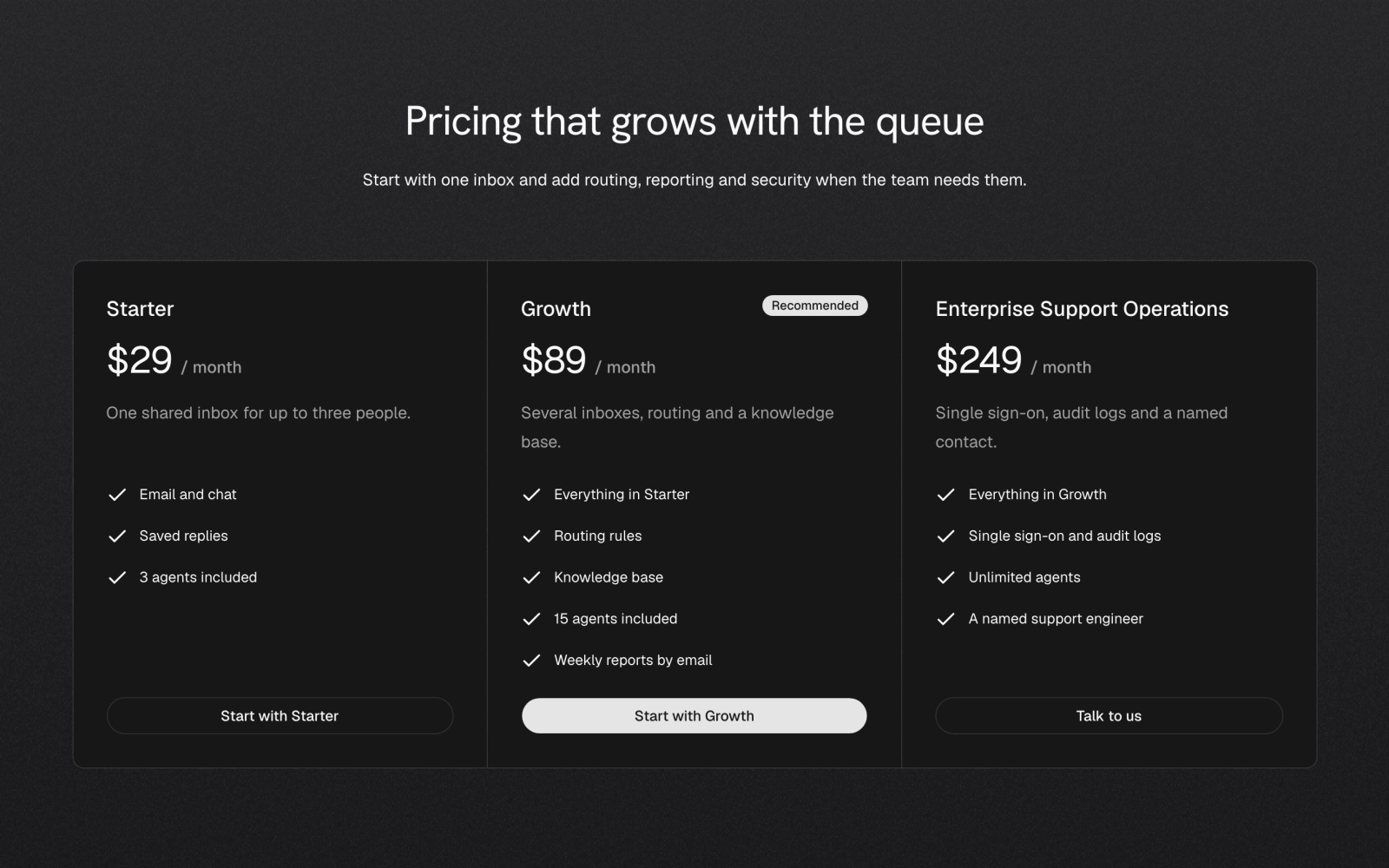 Dark Grain Three-Plan PricingLicensedThree plans in joined pricing cells on a section pinned dark with a paper grain surface, with a Recommended badge and solid button on the featured middle plan and outline buttons on the others.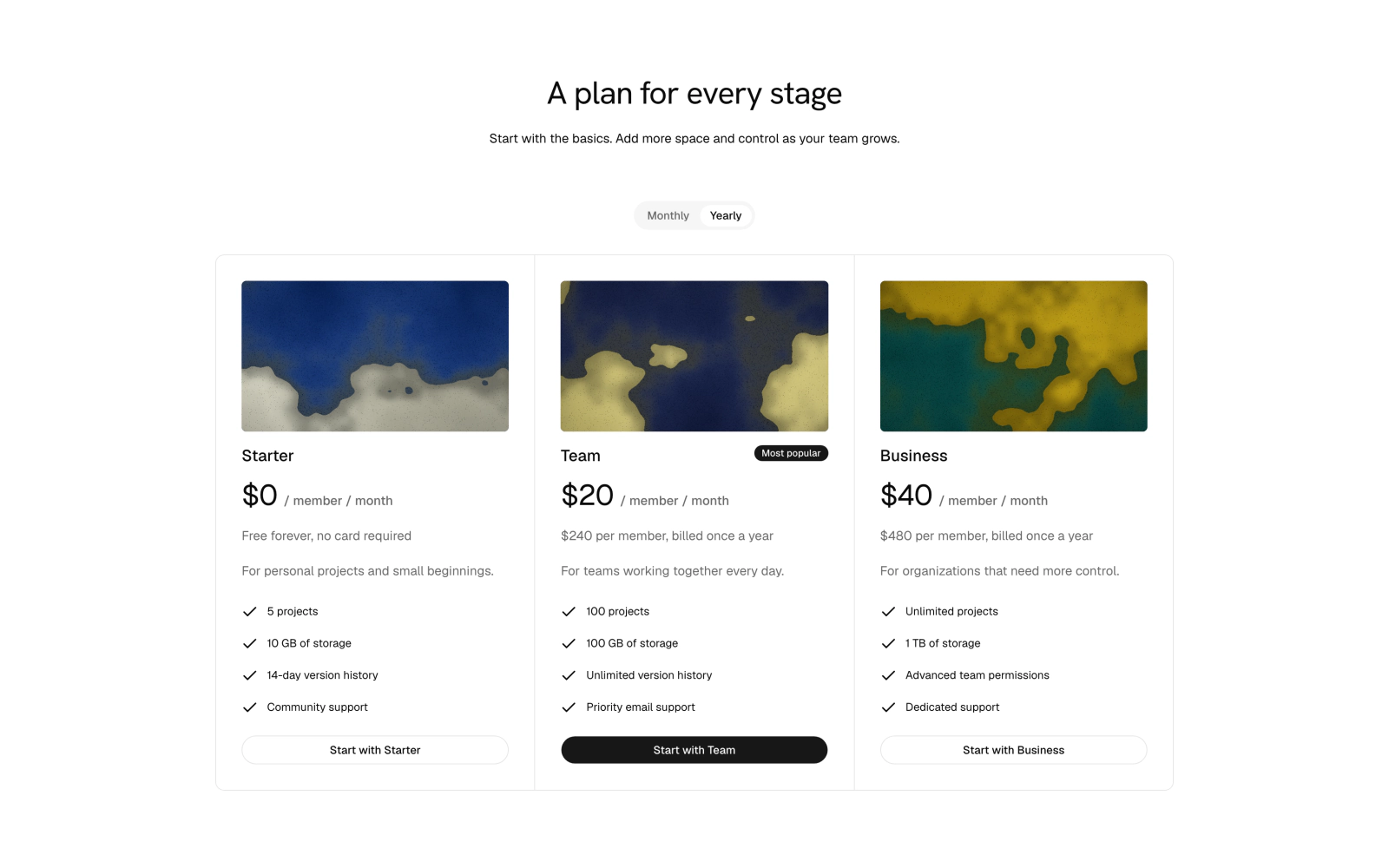
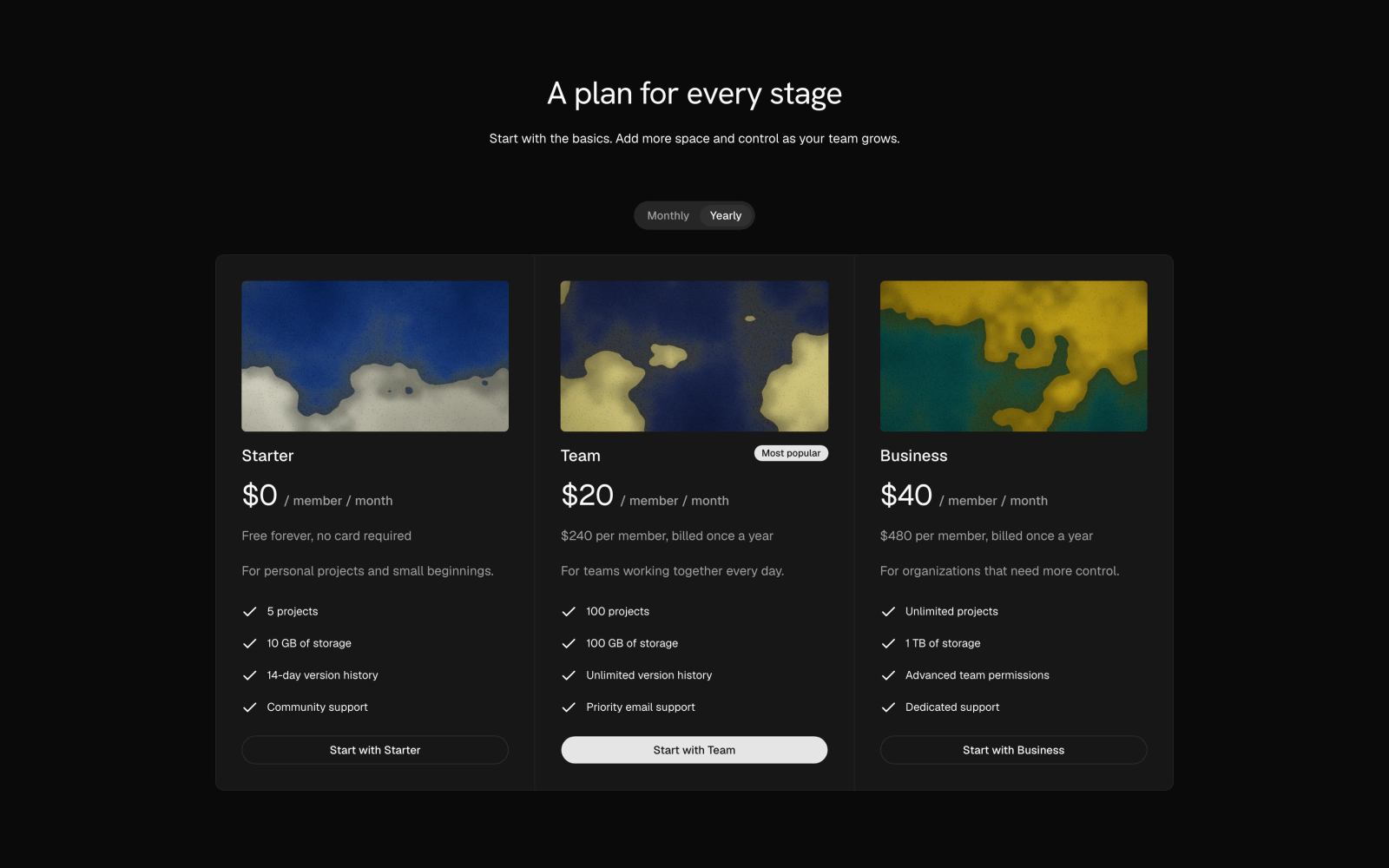 Per-Member Pricing with ToggleLicensedThree plans with a monthly or yearly toggle, each cell opening on a CelestographCover image, with per-member prices, a computed yearly total note and a Most popular badge. Client component.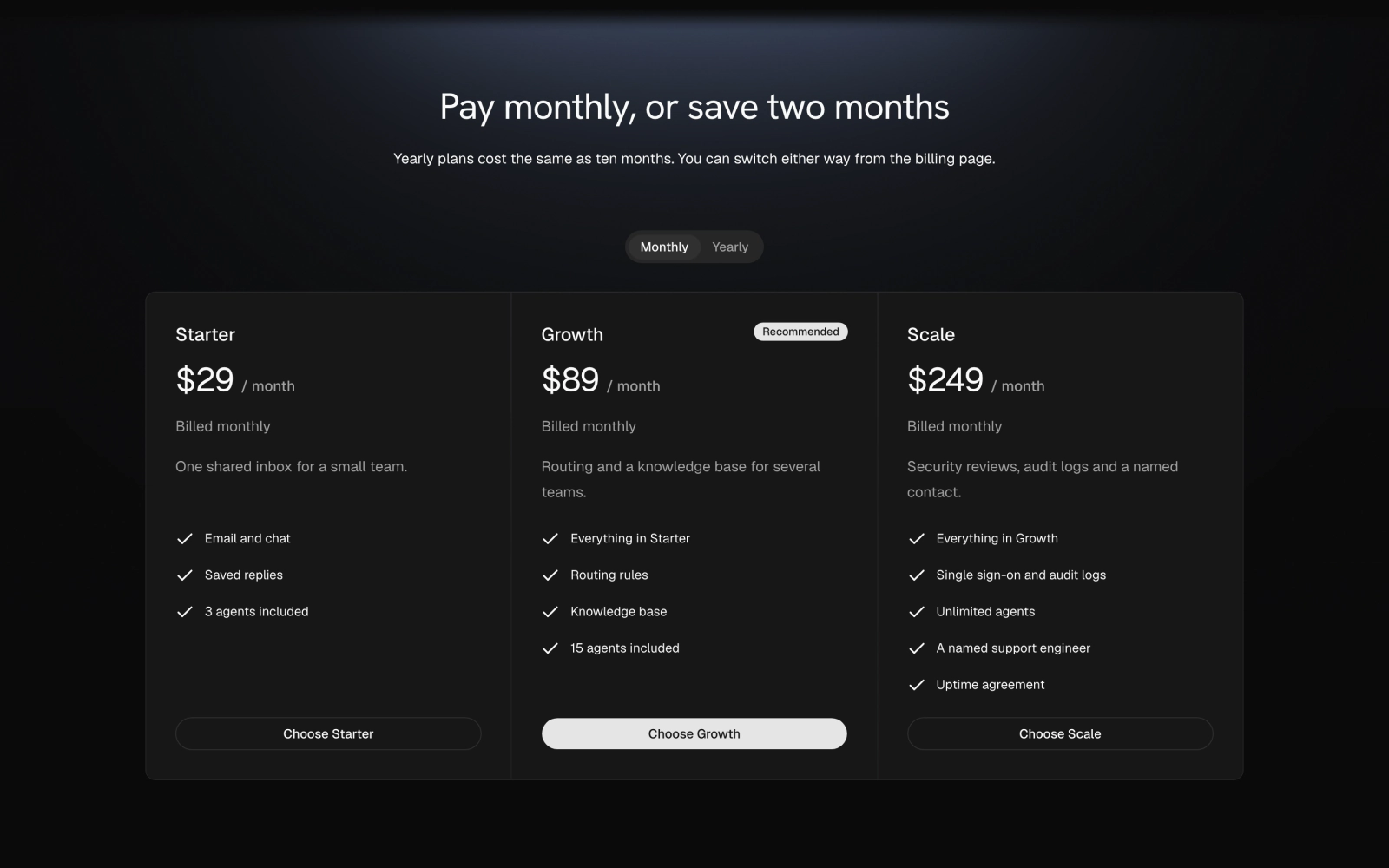
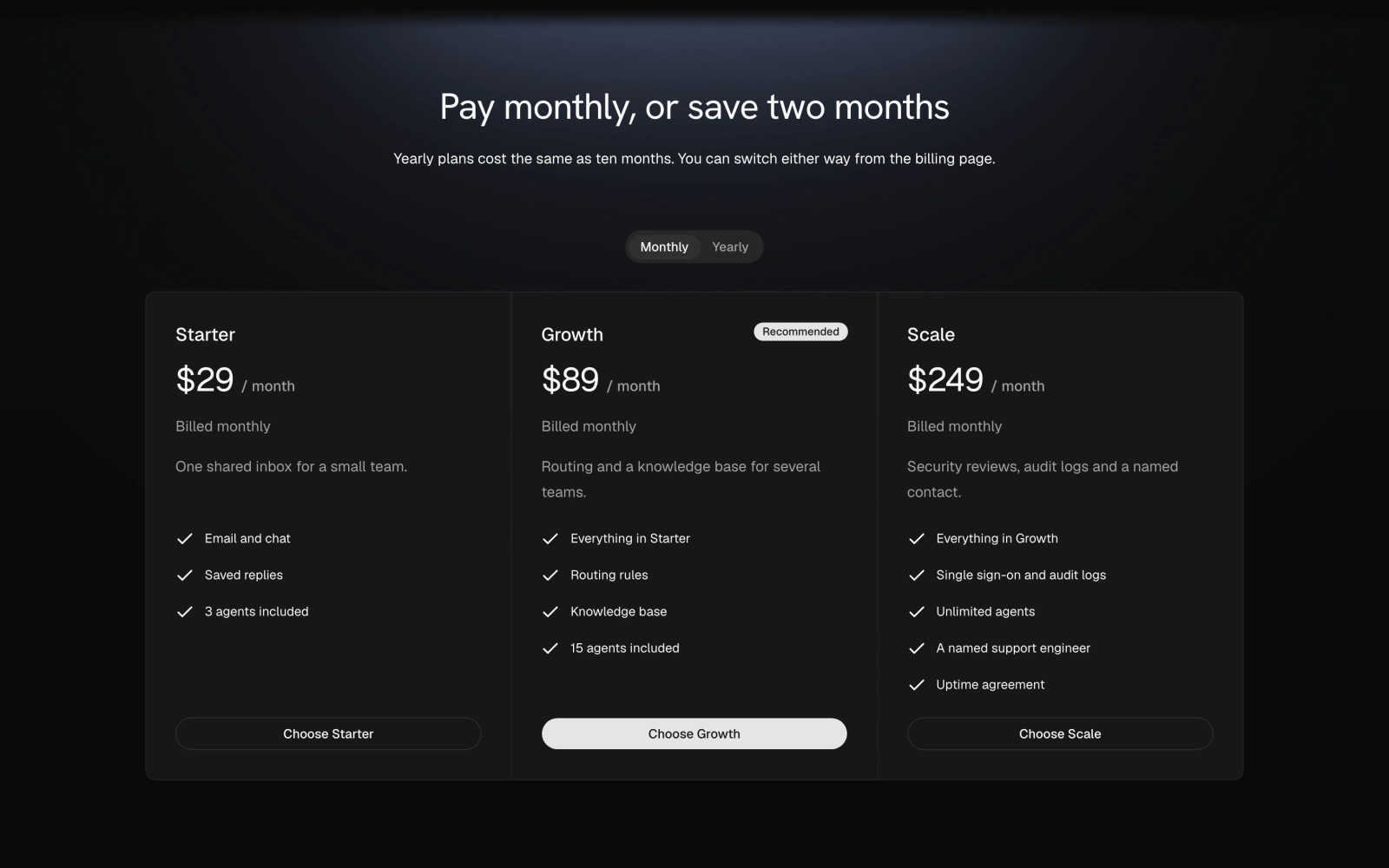 Dark Glow Rig PricingLicensedThree plans on a dark section lit by an overhead GlowRig under a GrainVeil, with a monthly or yearly toggle that shows the monthly equivalent and the yearly total charged. Client component.
Two plans
A free or usage-based plan beside a paid one, or two plans that lead to a sales conversation.
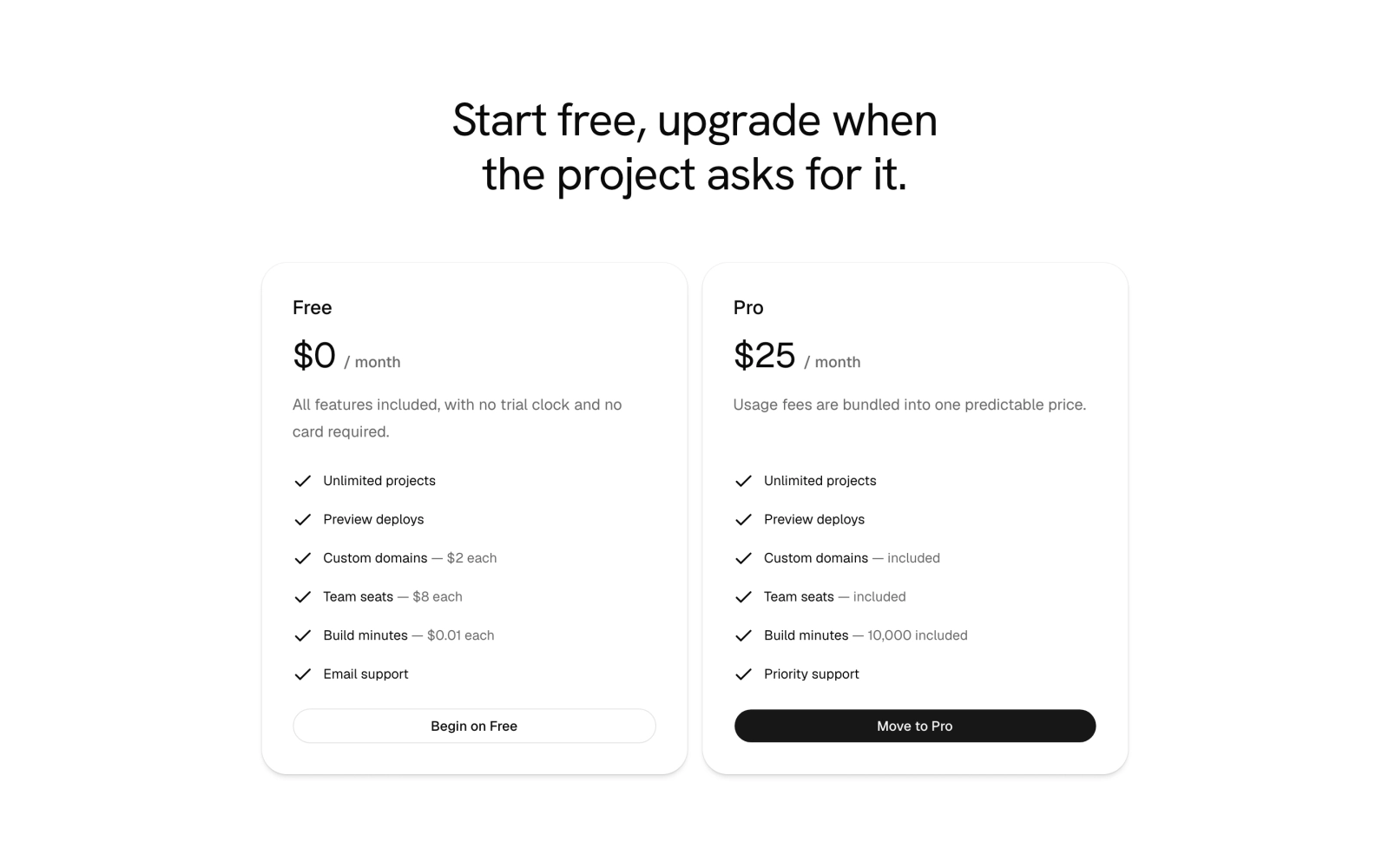
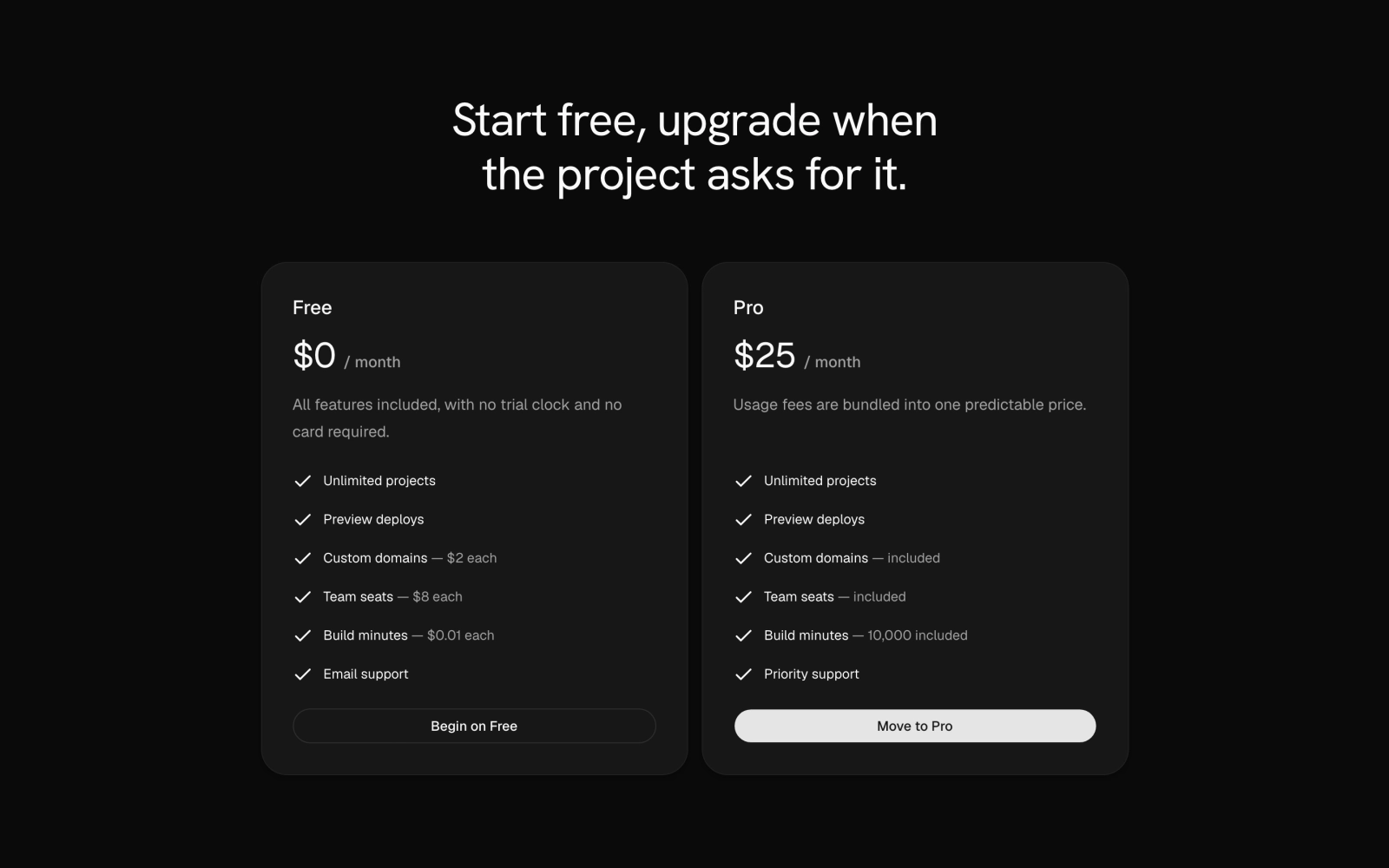 Usage-Based Two-Plan PricingFreeTwo-plan pricing that sets a free tier with per-item usage fees against a featured paid tier that bundles them, with the fee or included amount in muted text after each metered feature.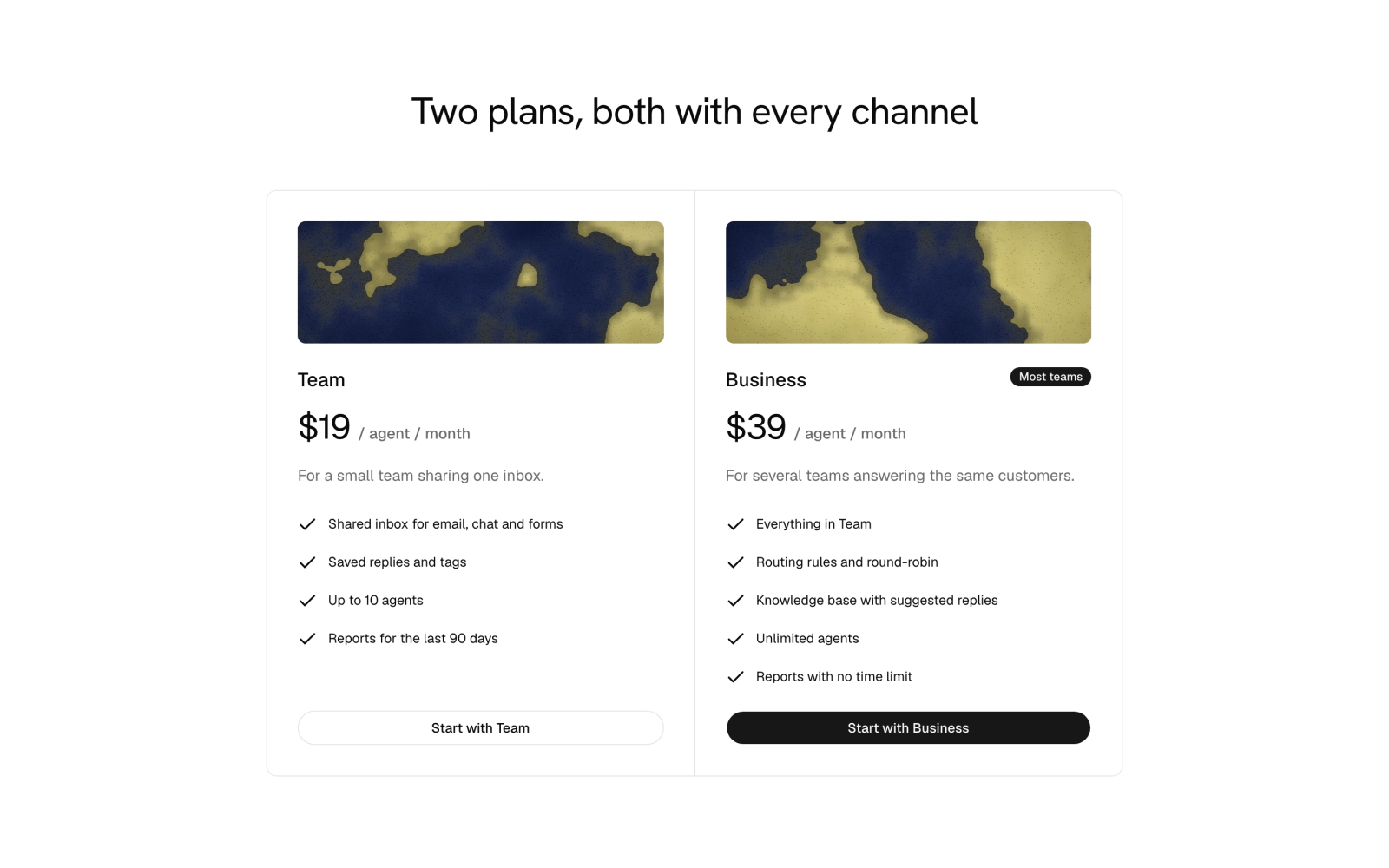
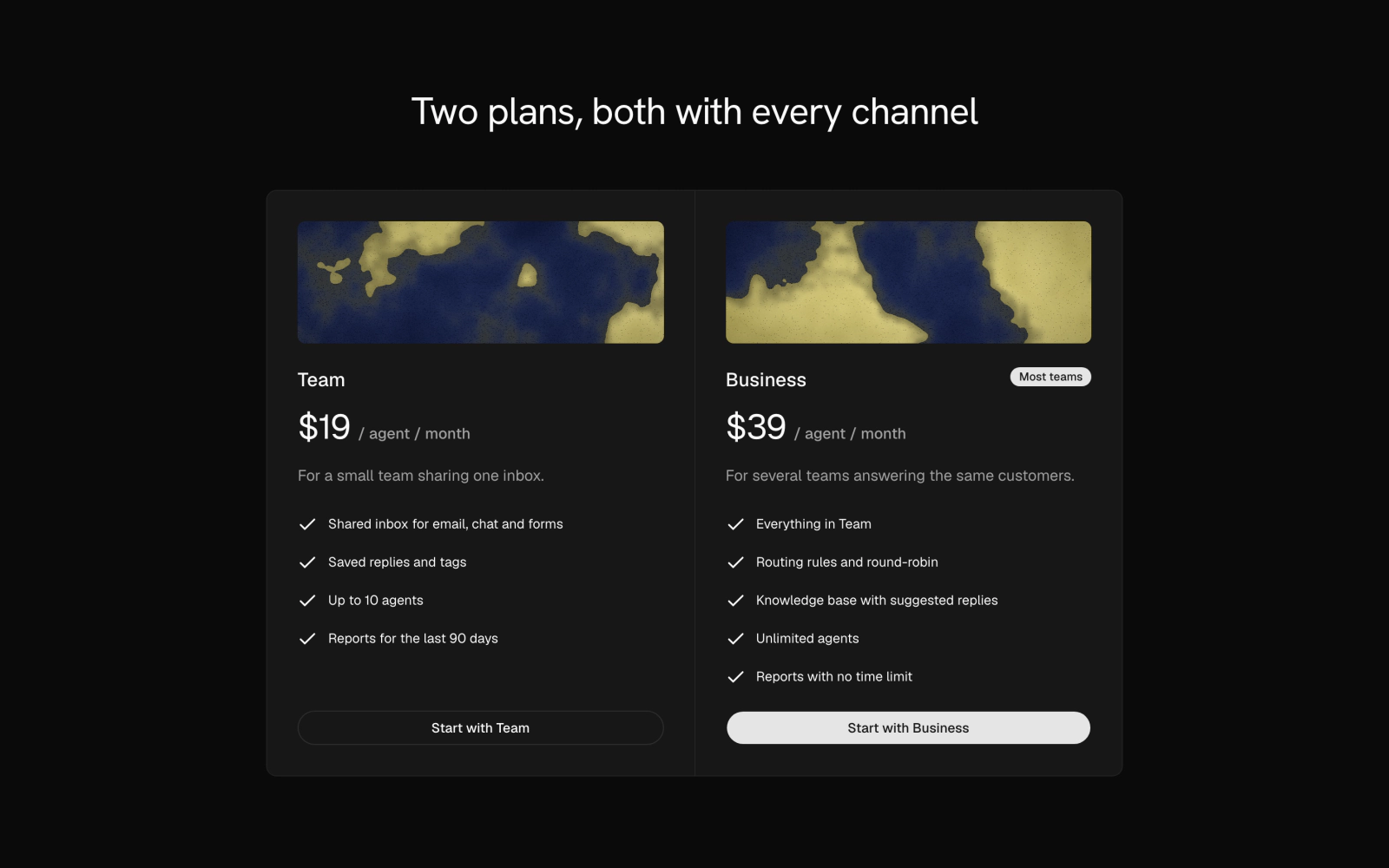 Two-Plan Pricing with BannersLicensedTwo plans in joined pricing cells, each topped by a CelestographPlaceholder banner seeded from the plan name, with a Most teams badge and a solid button on the featured plan.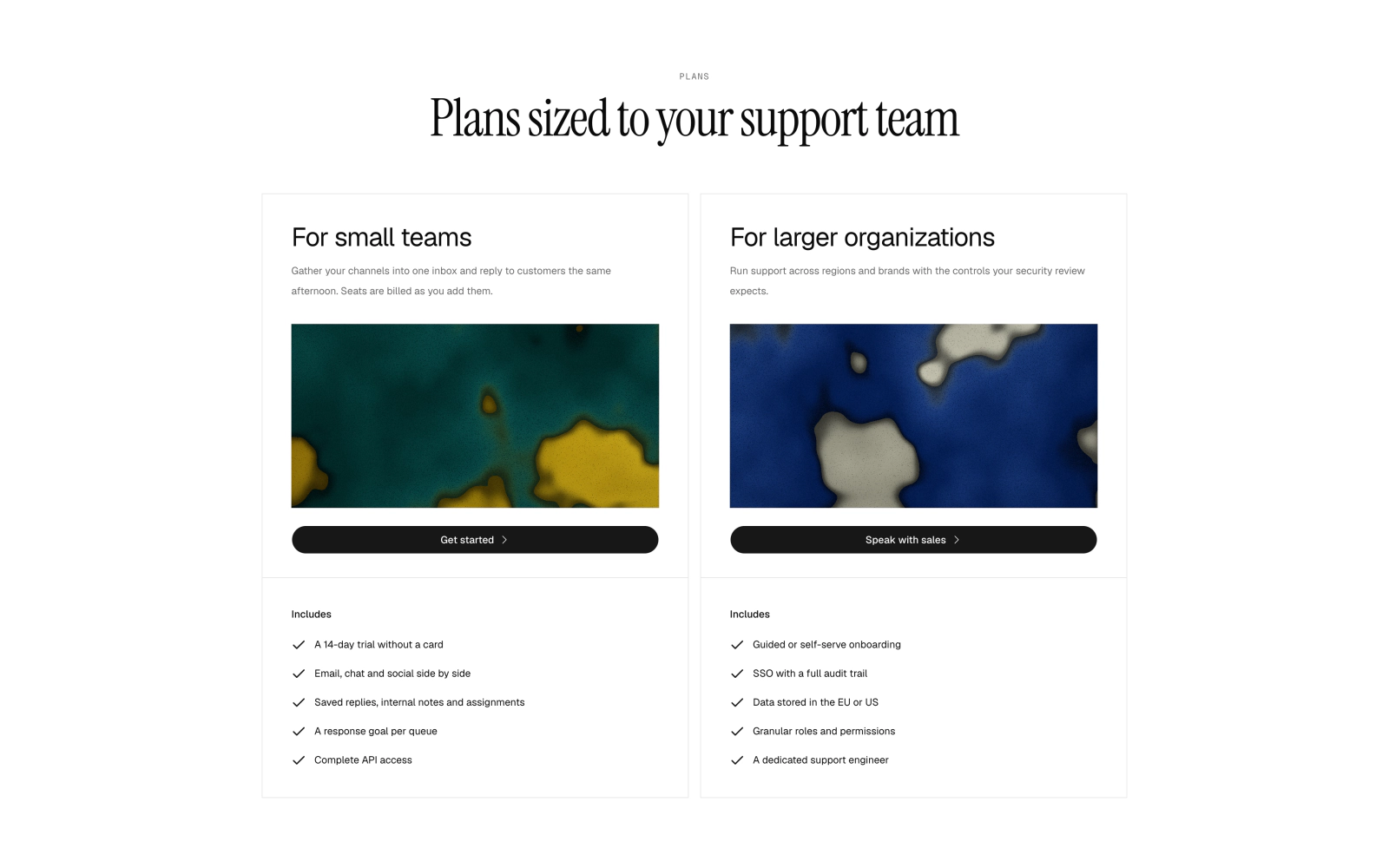
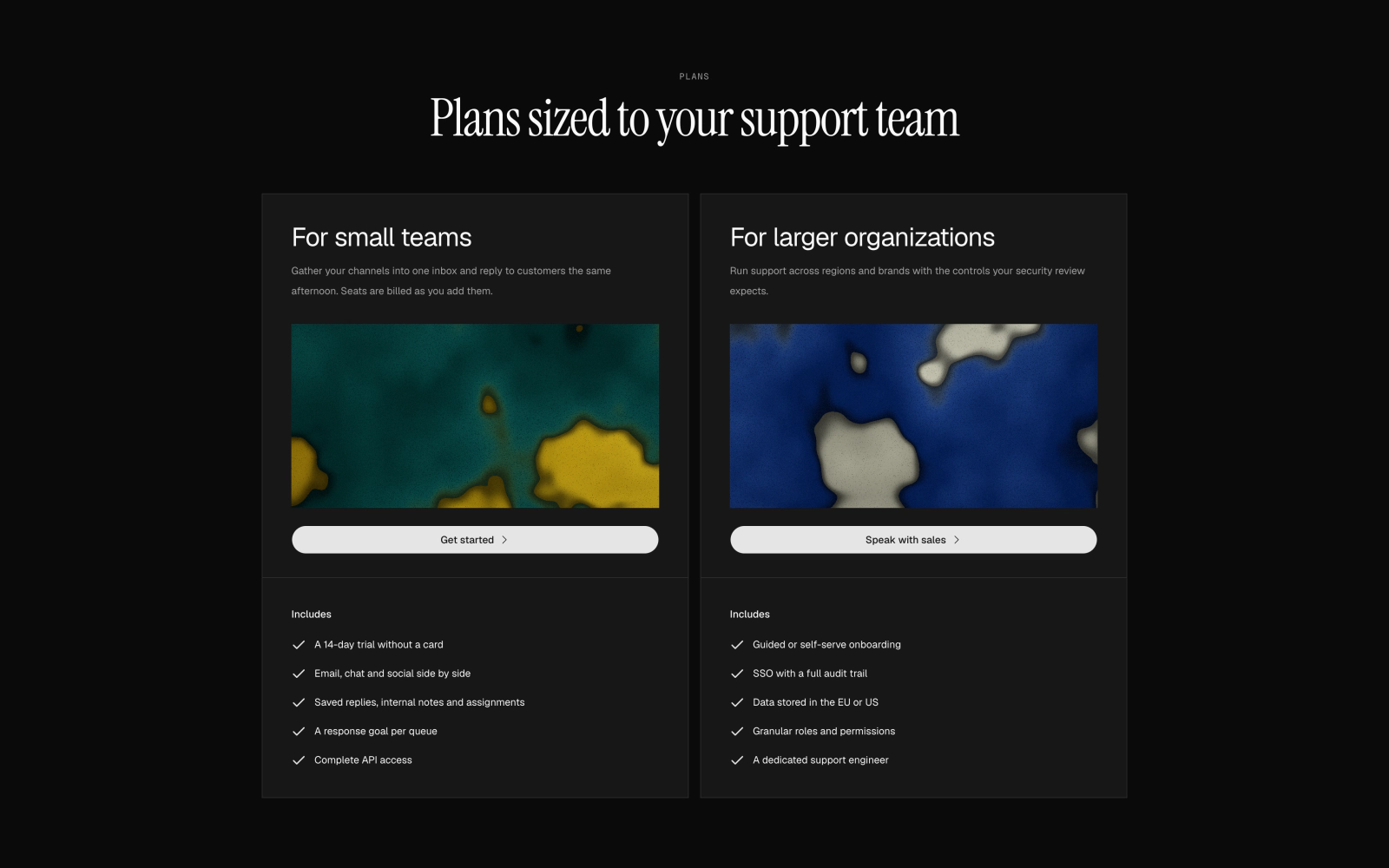 Two-Plan Contact Sales PricingLicensedTwo-plan sales-led pricing with no amounts under an Instrument Serif heading: square-cornered bordered cards on shared subgrid rows, each with a marbled CelestographCover, a pill button and an Includes checklist.
One plan
One price and the list of what it includes.
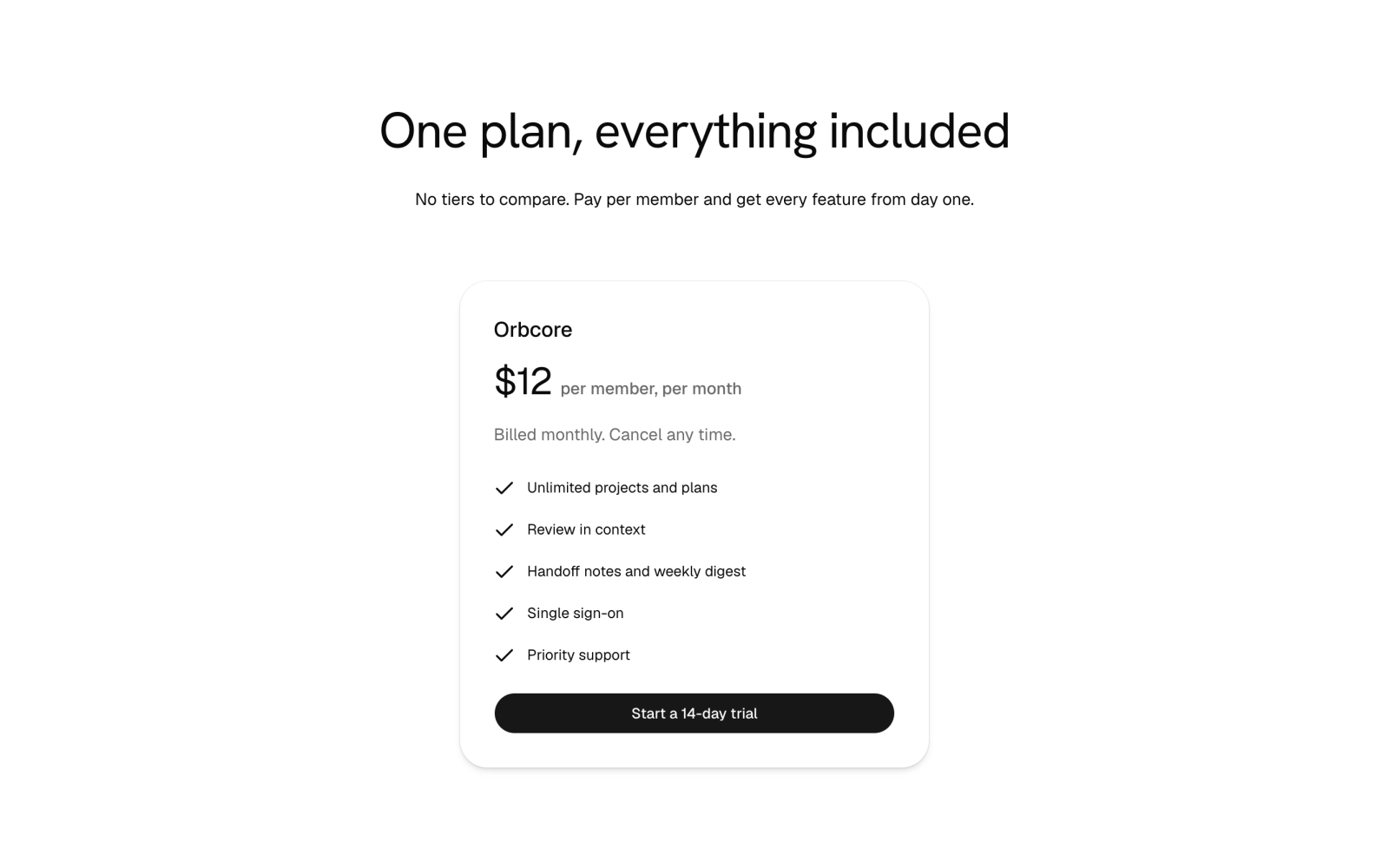
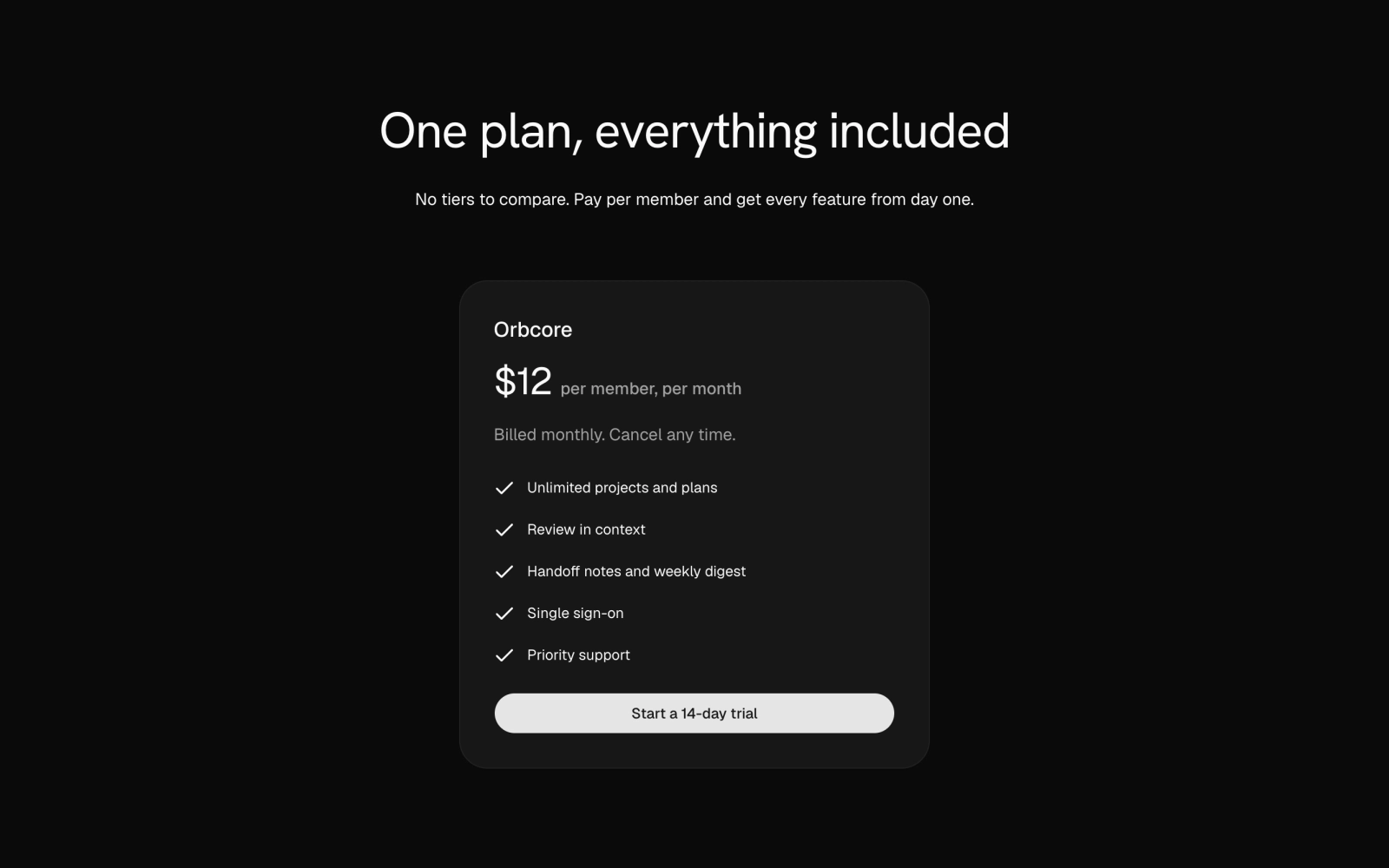 Minimal Single-Plan PricingFreePlain pricing: a centered heading above one plan card with price, period, a checked feature list and a trial button. Theme tokens only, light and dark.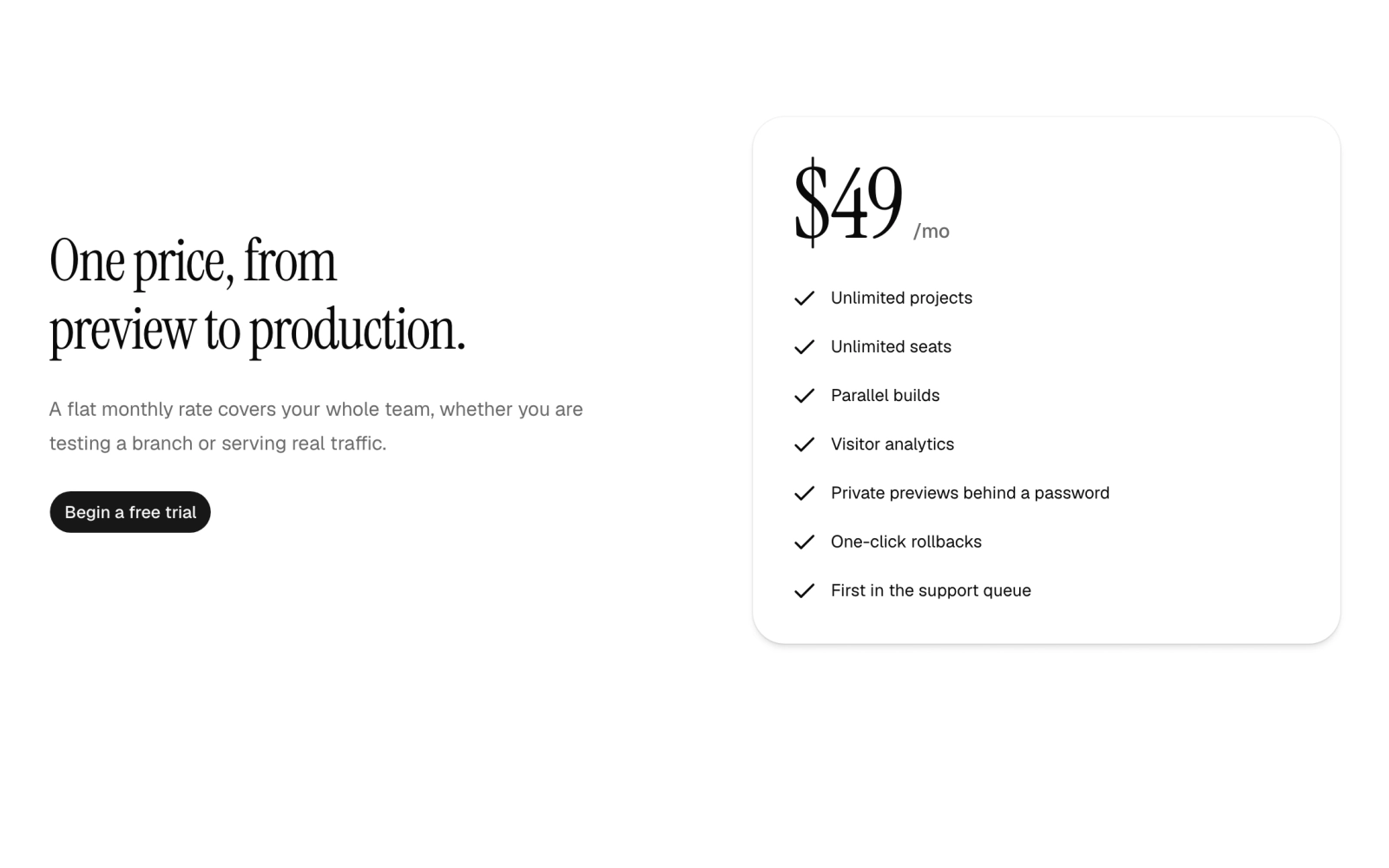
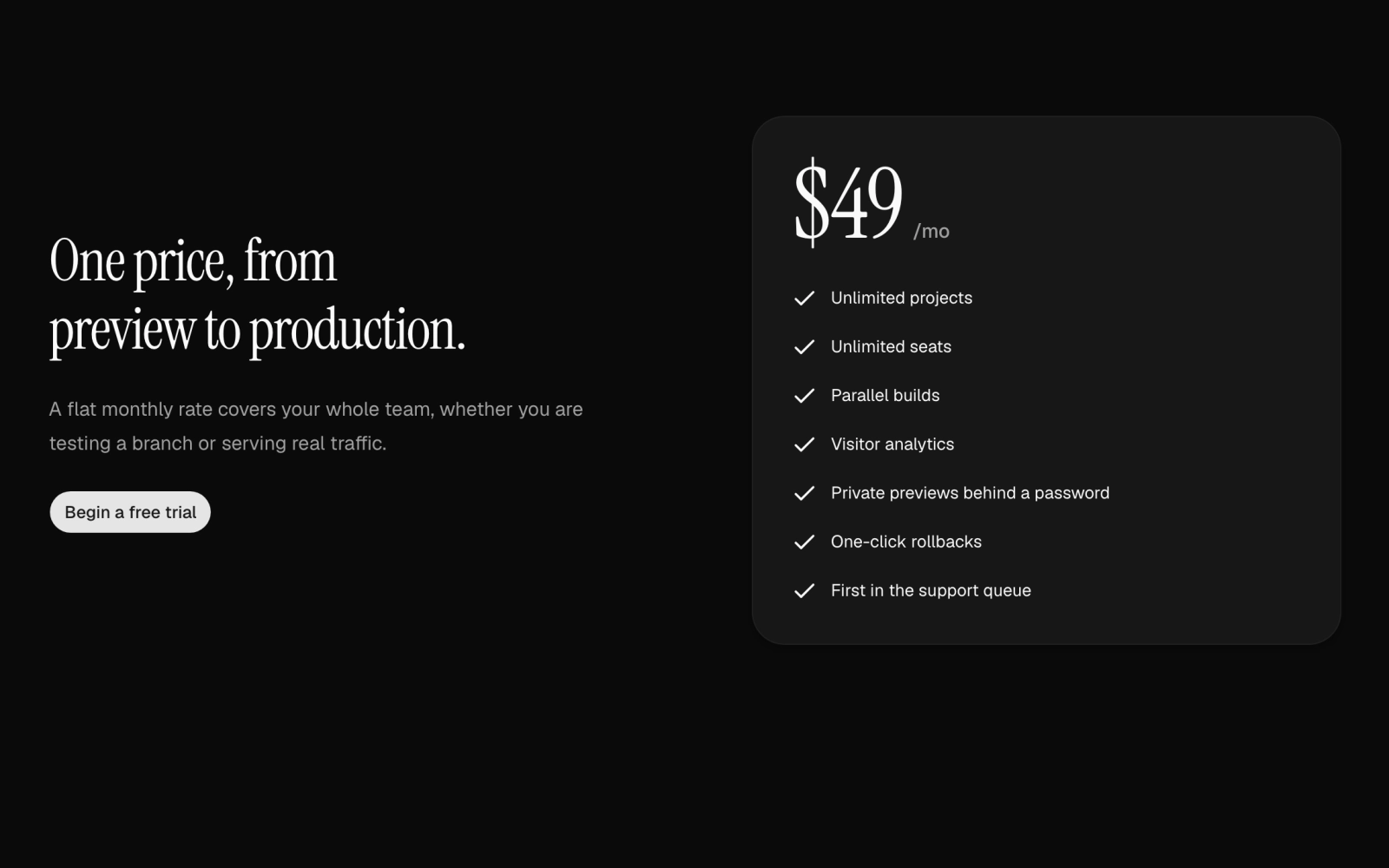 Single Plan PricingLicensedSingle-price section: an Instrument Serif heading, description and trial button on one side, and a PricingCard with a large display amount and a checklist of features on the other.
Comparison table
Every feature in rows, so buyers can compare plans line by line. Pairs with a plan section above it.
Tier carousel
Membership or rewards tiers on cards that scroll sideways.
Underwater Fish School Bento
Row of four unequal glass windows with porthole ends onto one underwater shaft scene, with a single seeded fish school swimming across all of them. The wide window carries a short caption about the deep.
Dark Glow Rig Pricing
Three plans on a dark section lit by an overhead GlowRig under a GrainVeil, with a monthly or yearly toggle that shows the monthly equivalent and the yearly total charged. Client component.