Workspace blocks: compare
Every Workspace block side by side, with a picture and description of each. Open one for its preview, props and install.
All Workspace blocks
5 blocks, A to Z.
agent-workspace
agent-workspace
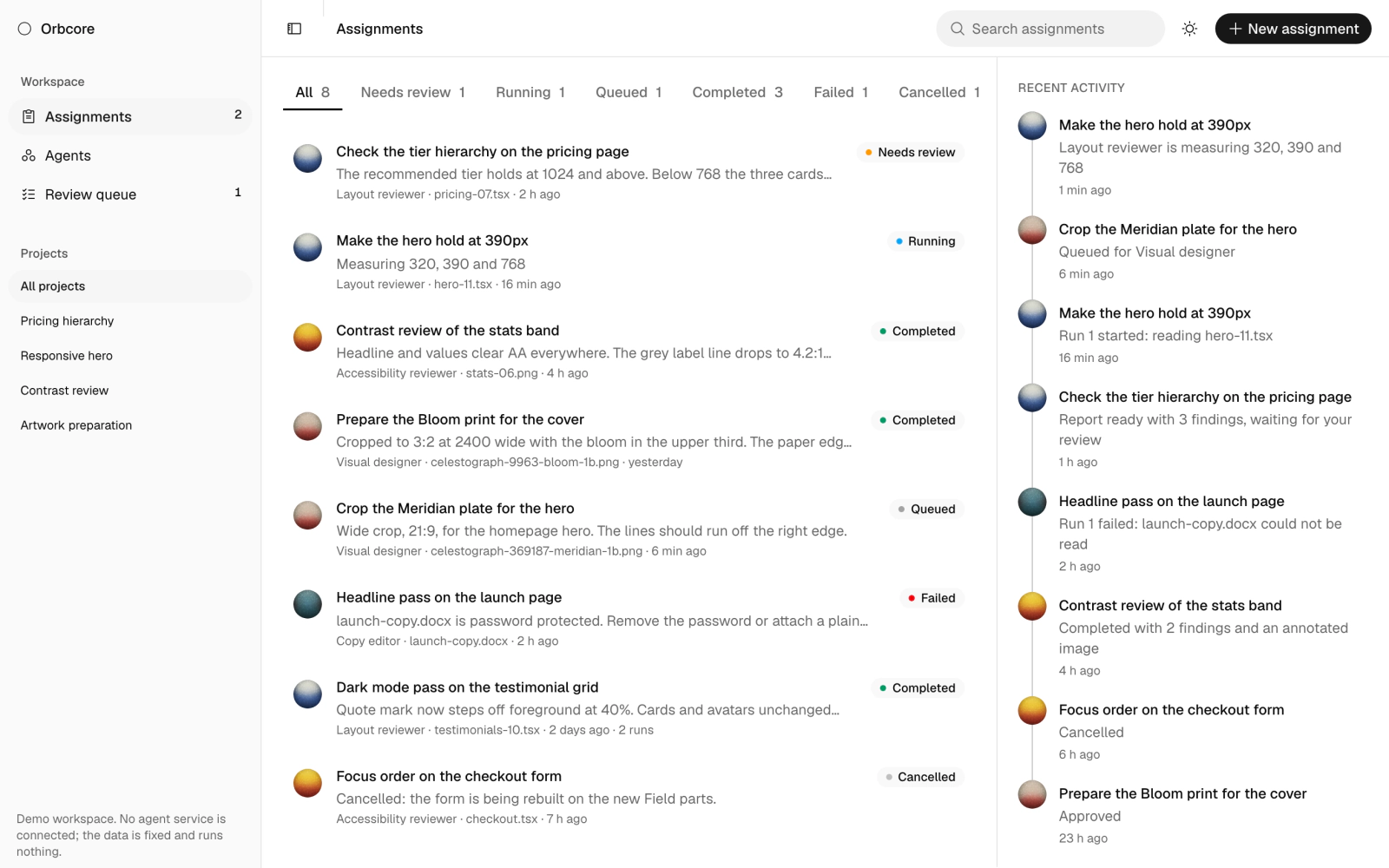
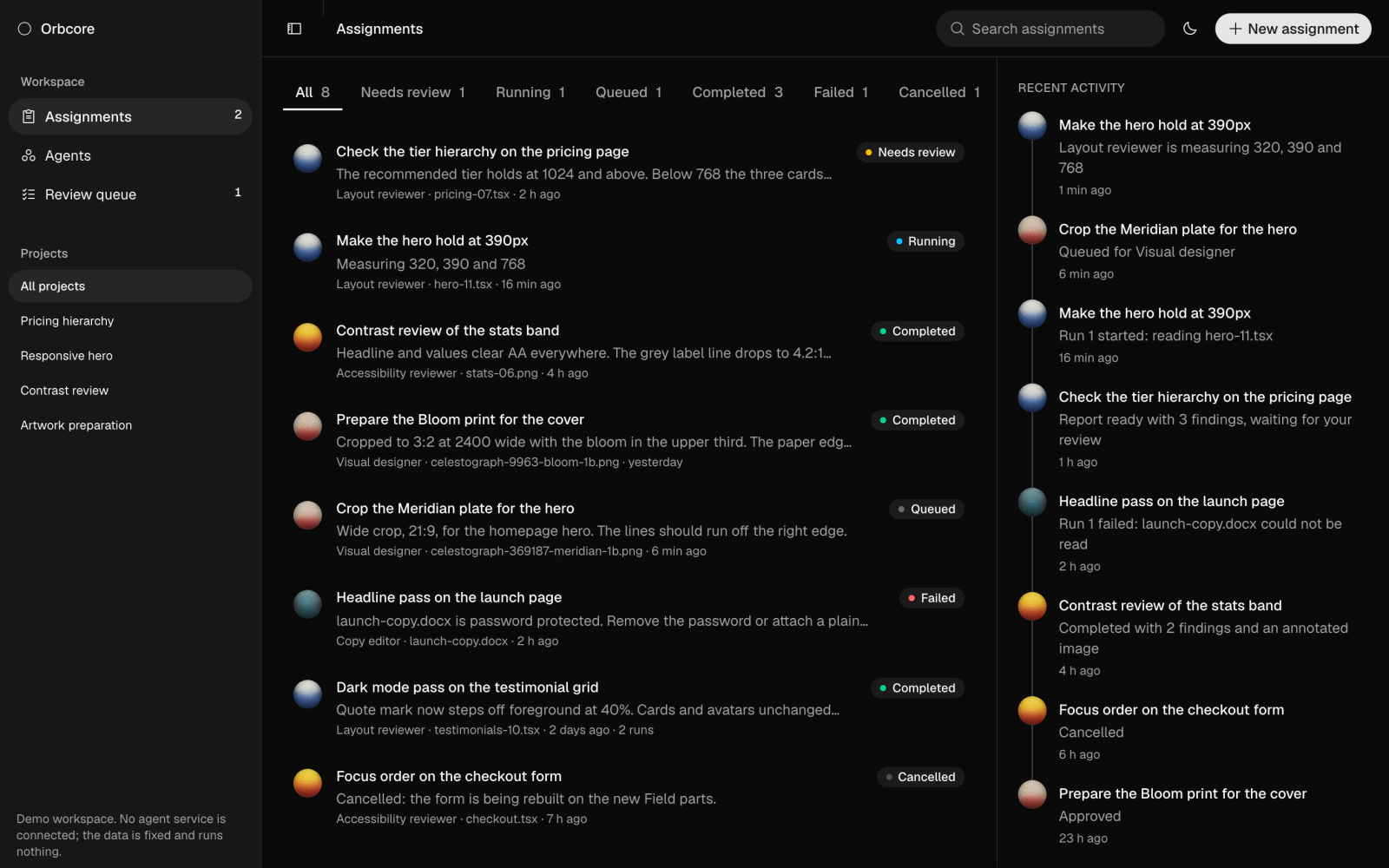
AI agent workspace dashboard demo with assignments, agents and a human-in-the-loop review queue, plus search, status filters, recent activity, a detail sheet and a new-assignment dialog. Runs on fixed sample data with no agent service.
application-status
application-status
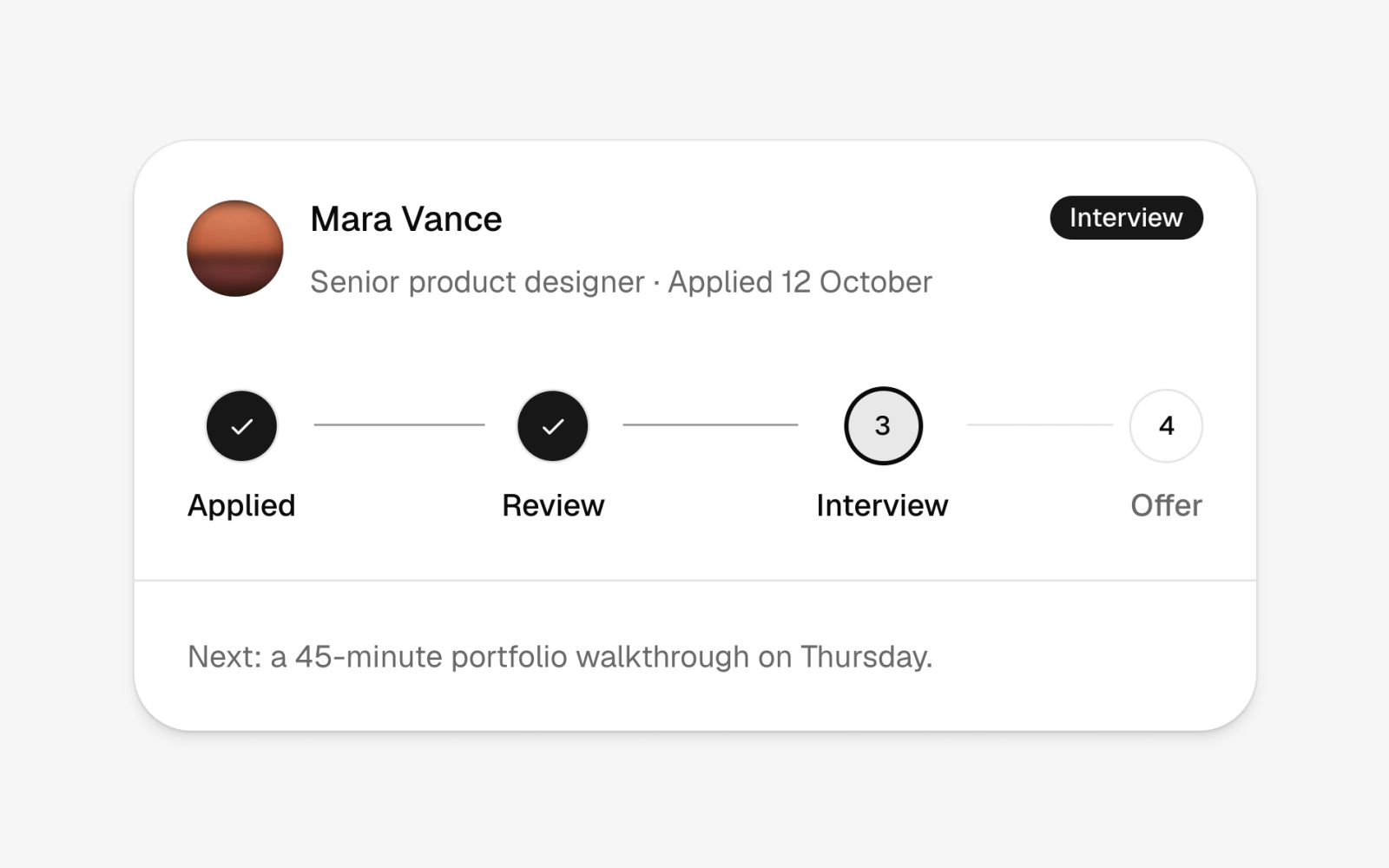
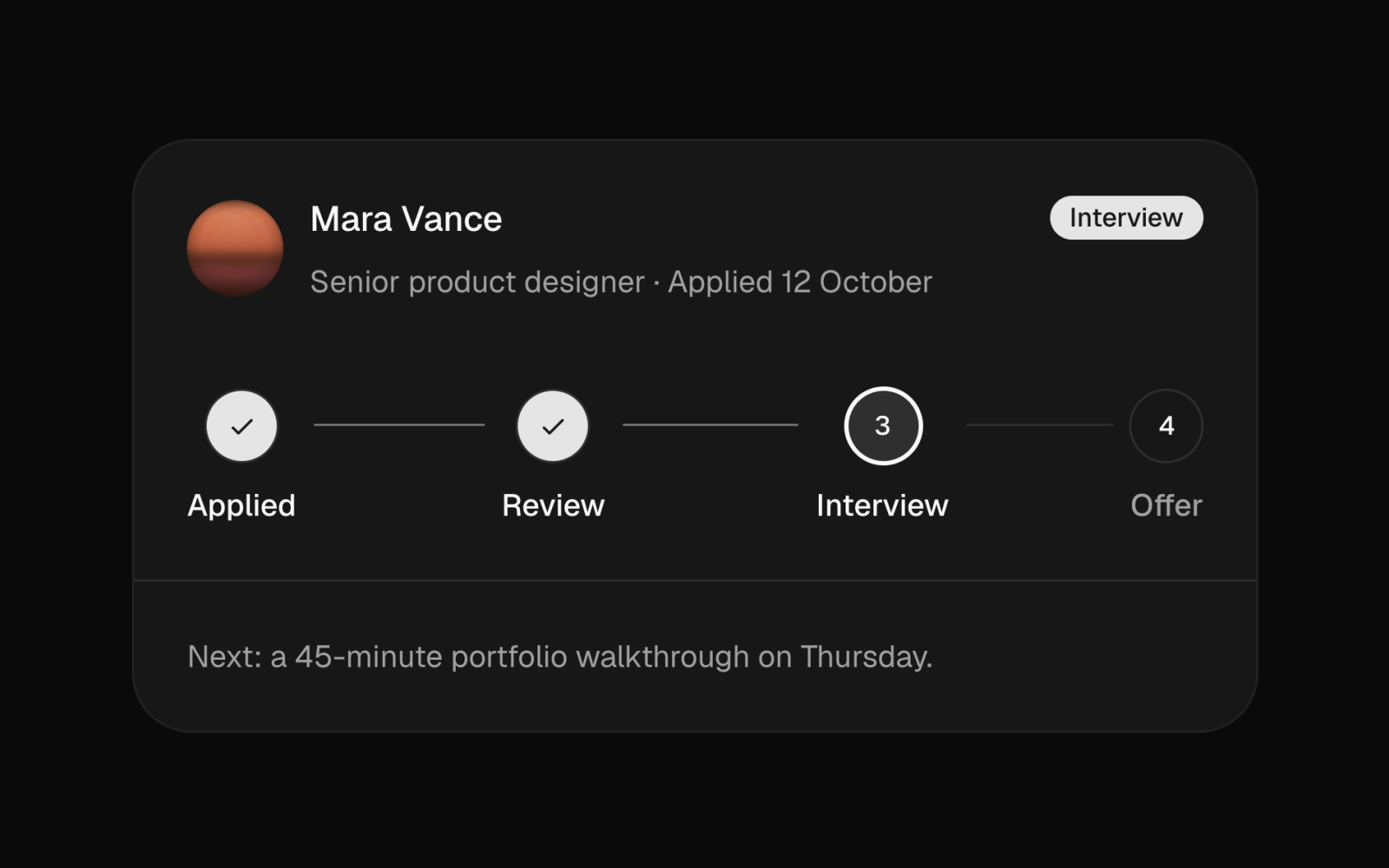
Application tracker card: one applicant's name with a Planet Avatar, the role and applied date, a stage badge, a read-only four-step stepper at Interview and a note about the next meeting. For hiring and onboarding status.
file-tree
file-tree
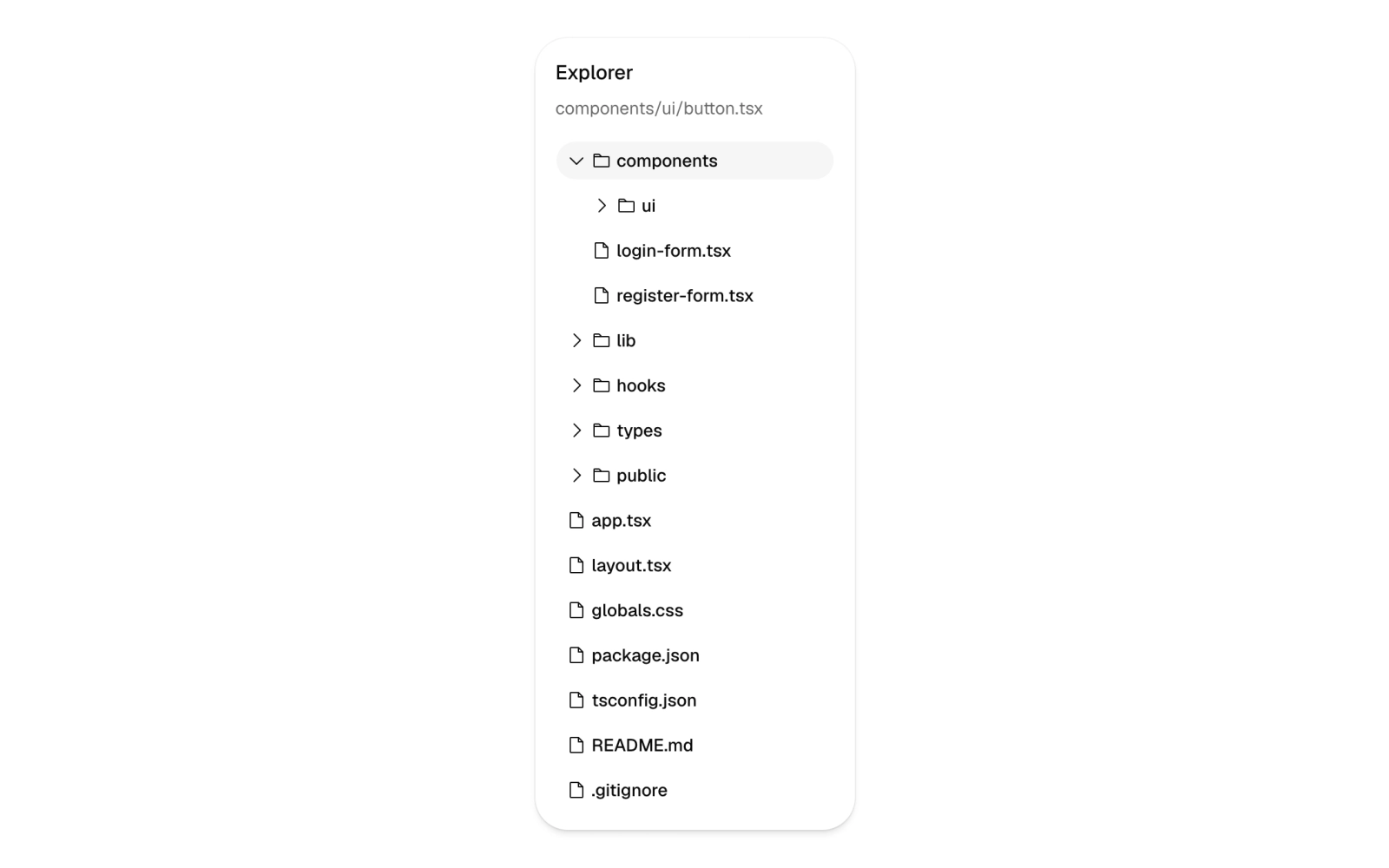
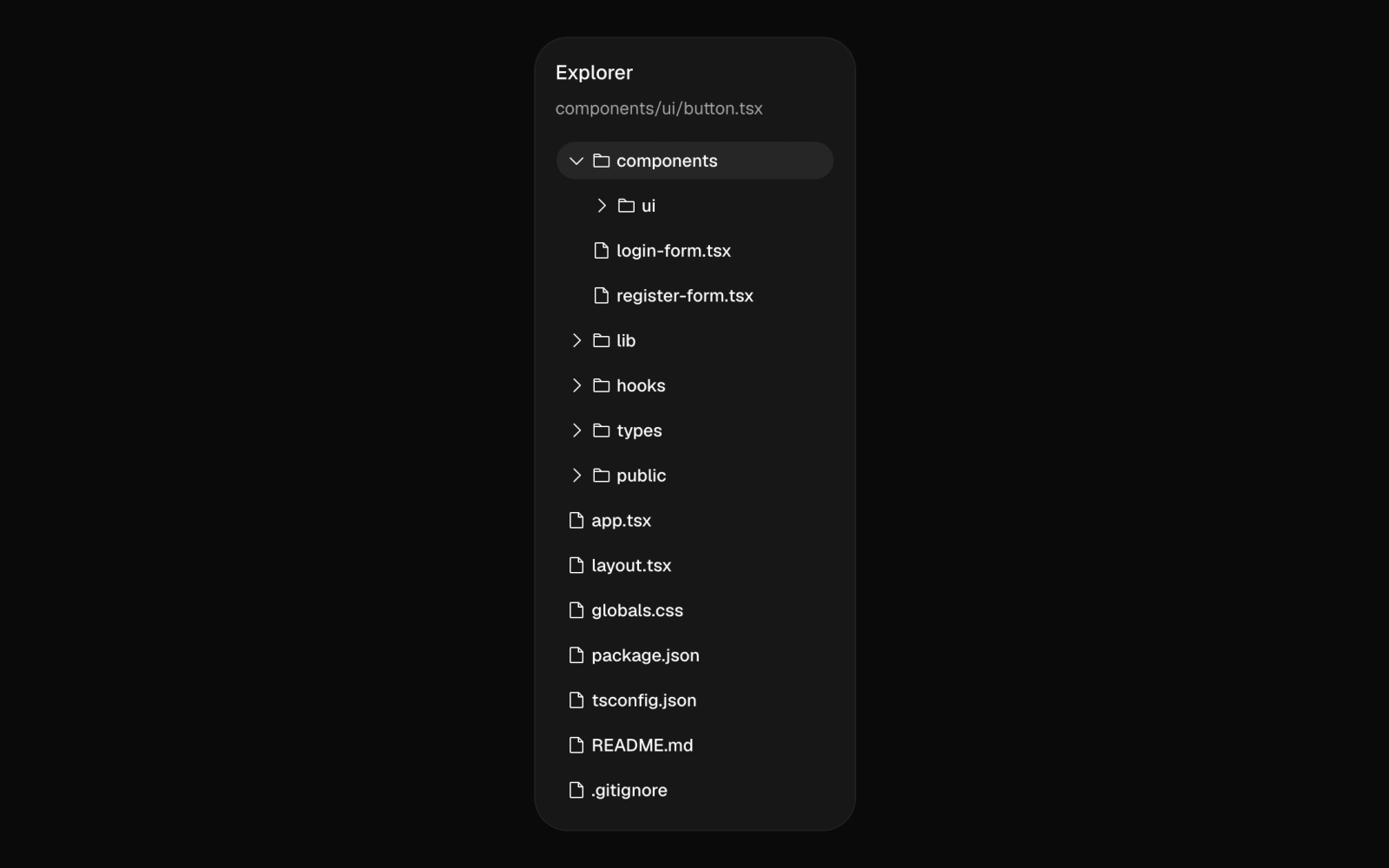
File explorer tree view card showing a nested project folder structure with collapsible folders, rotating carets and the selected file's path in the header. Rows are ghost buttons with icons.
shortcuts
shortcuts
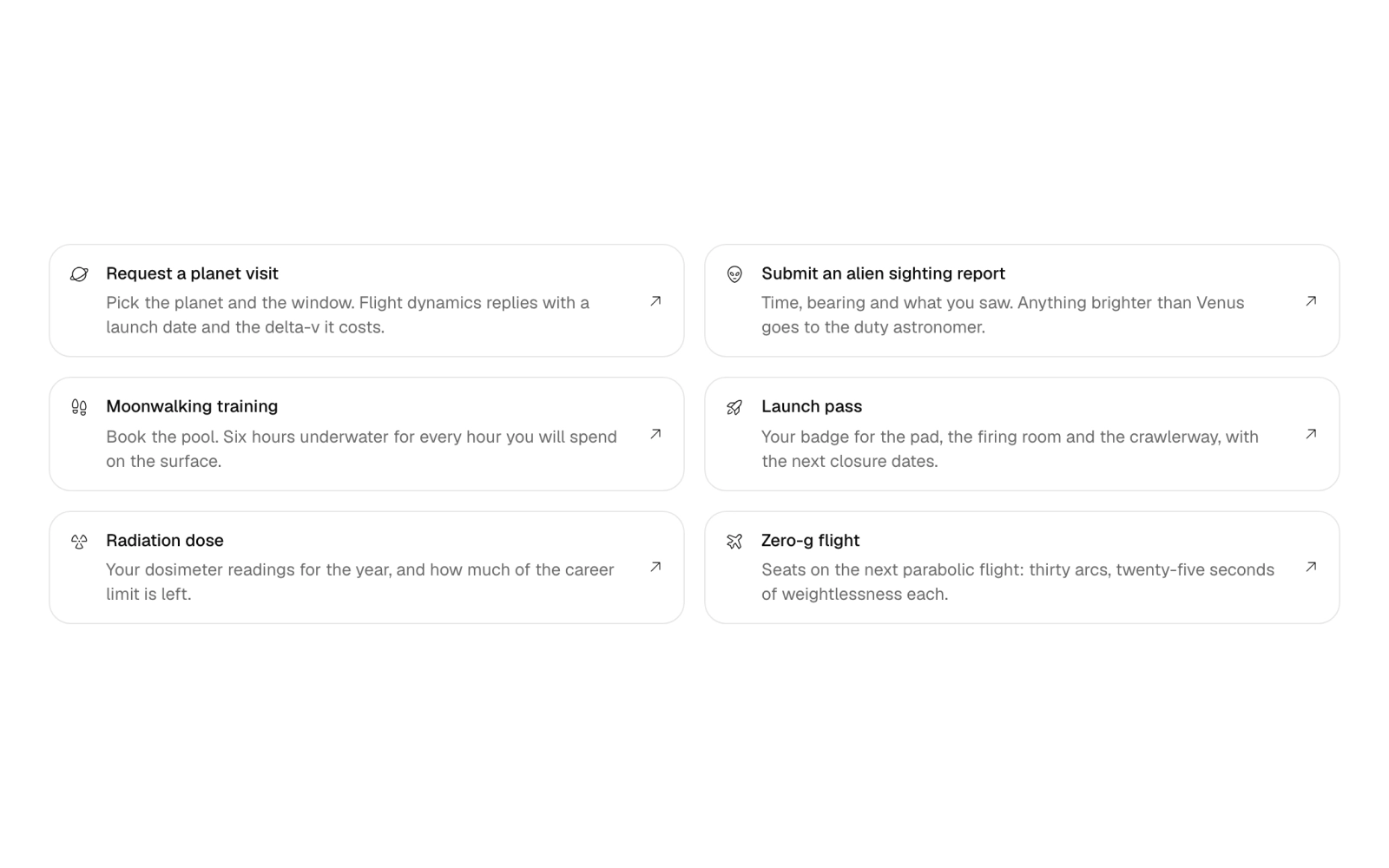
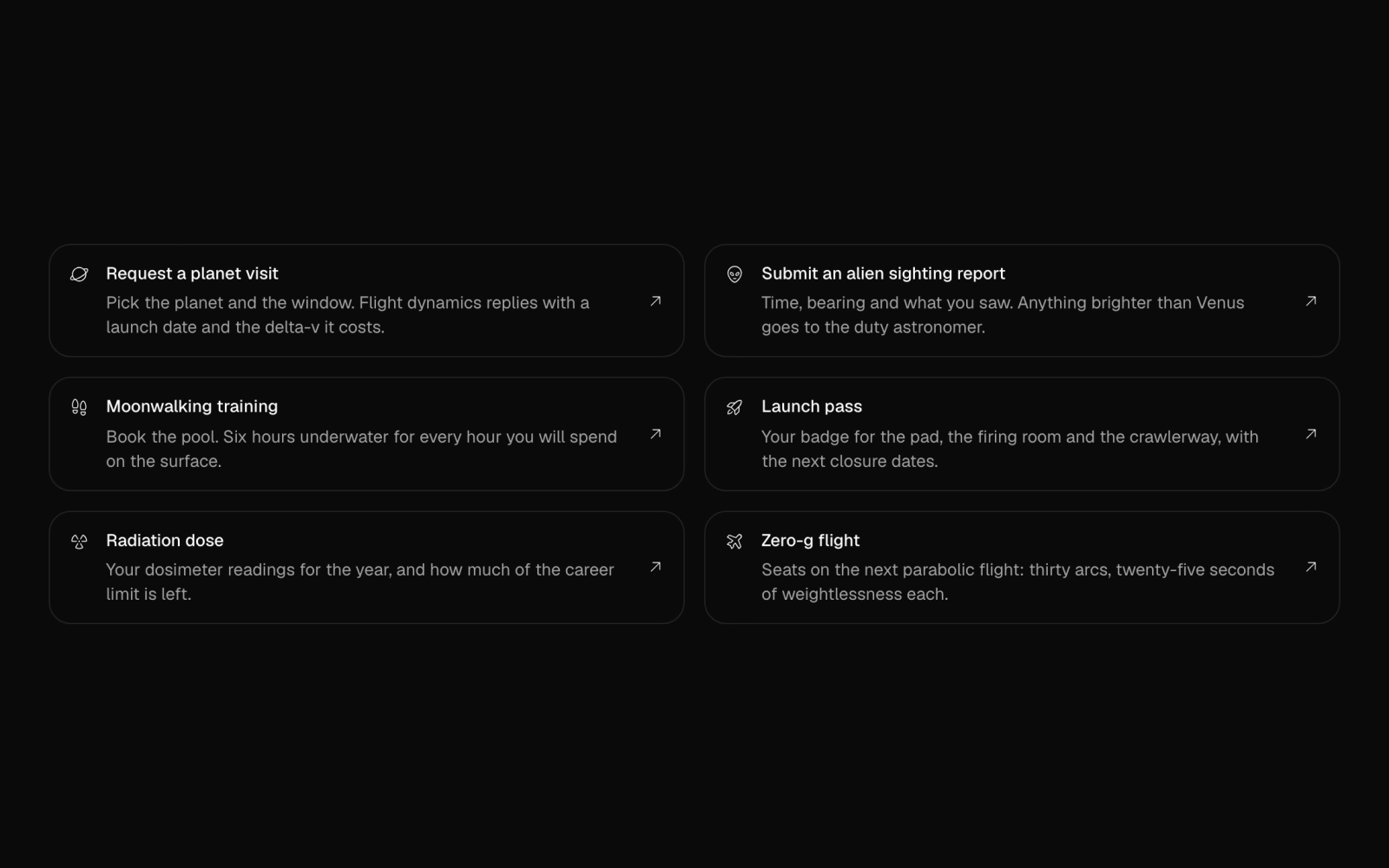
Quick actions grid of six outlined link cards for dashboard home or a help center: each has an icon, title, full description and arrow, such as requesting a planet visit. Steps to two columns as width shrinks.
team-selector
team-selector
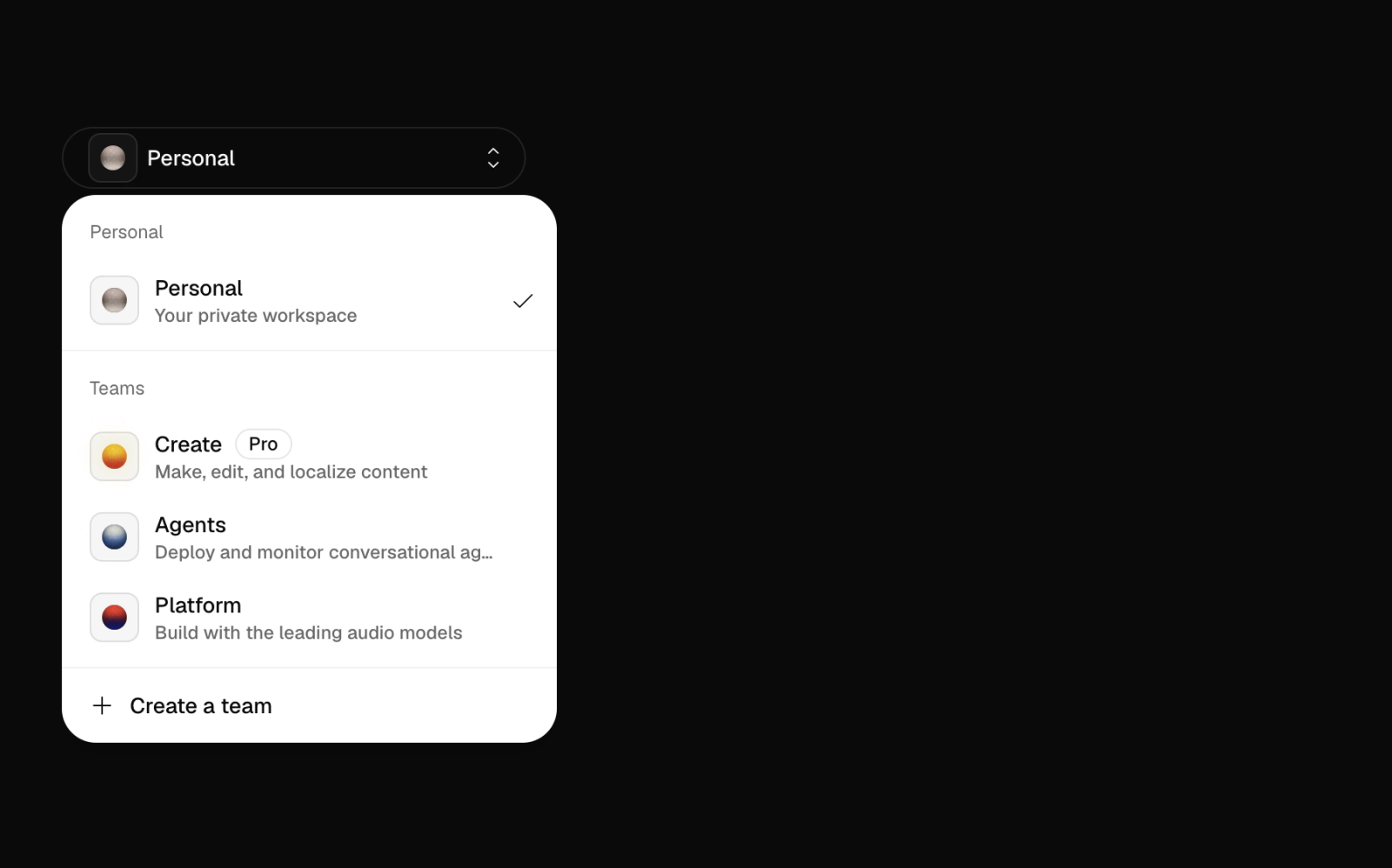
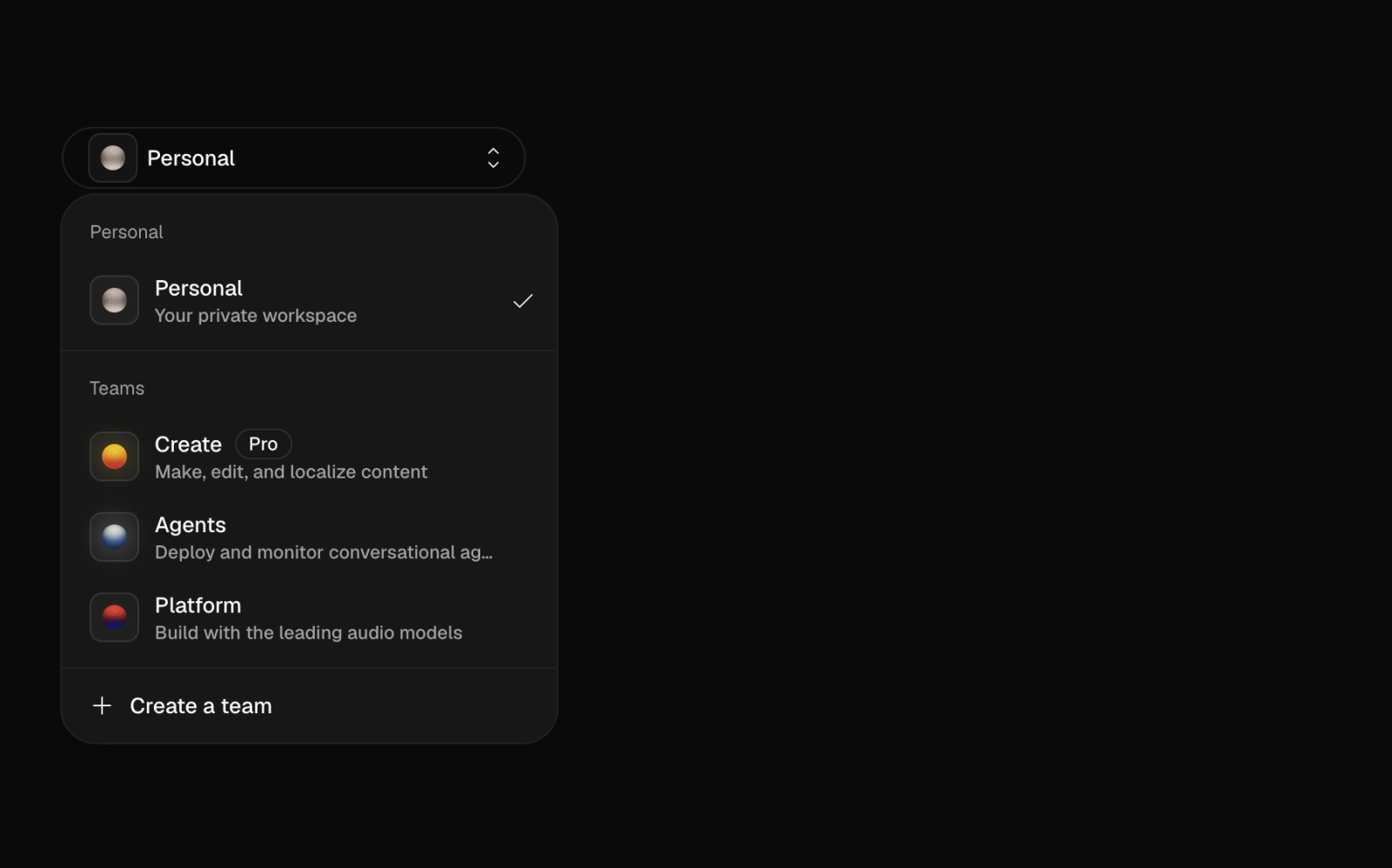
Workspace switcher dropdown on a dark full-height section: groups a personal workspace and teams, each with a small orb on a rounded tile, a Pro badge and a create-team action. Suited to a multi-tenant sidebar header.