Directory blocks: compare
Every Directory block side by side, with a picture and description of each. Open one for its preview, props and install.
All Directory blocks
8 blocks, A to Z.
accounts
accounts
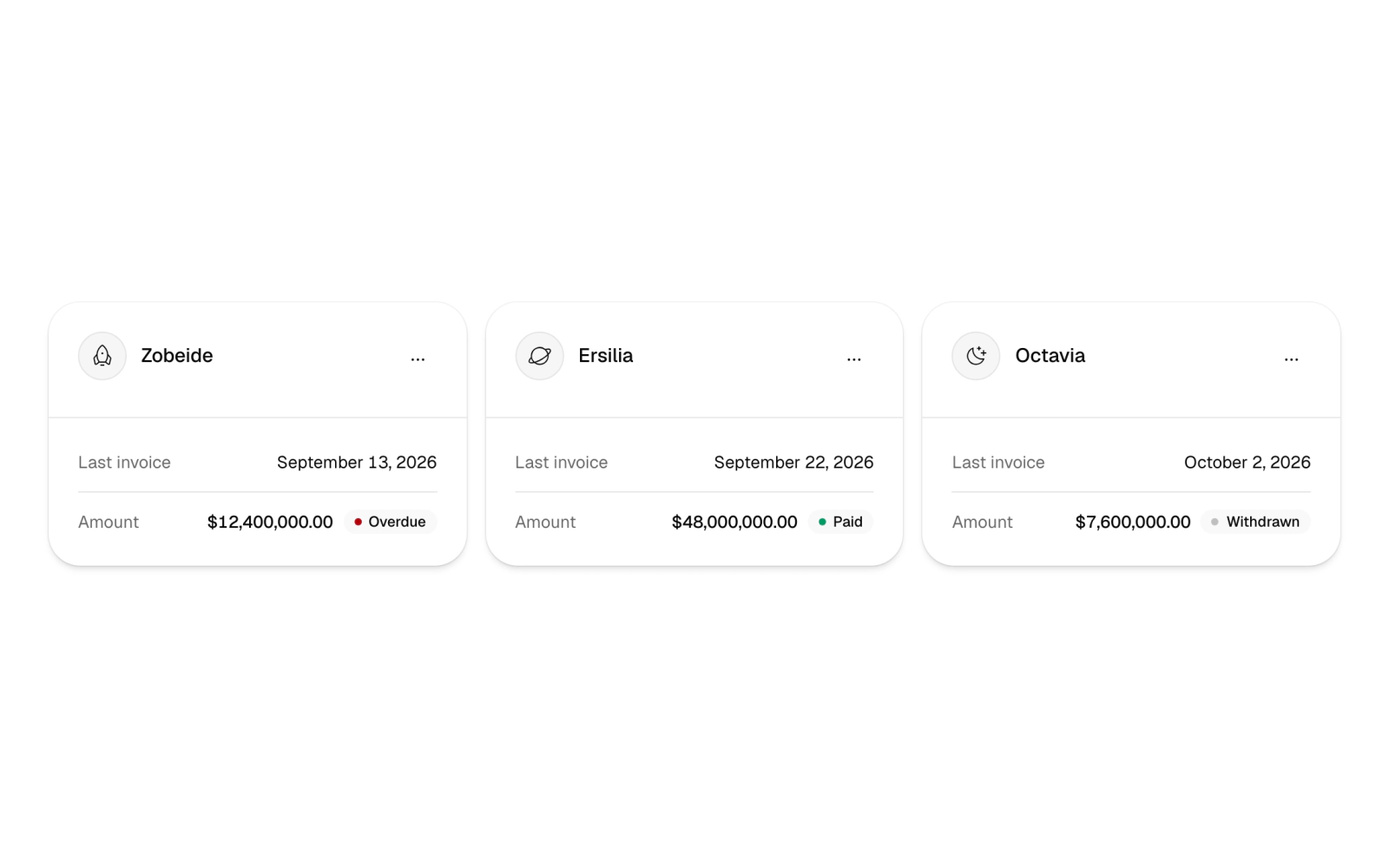
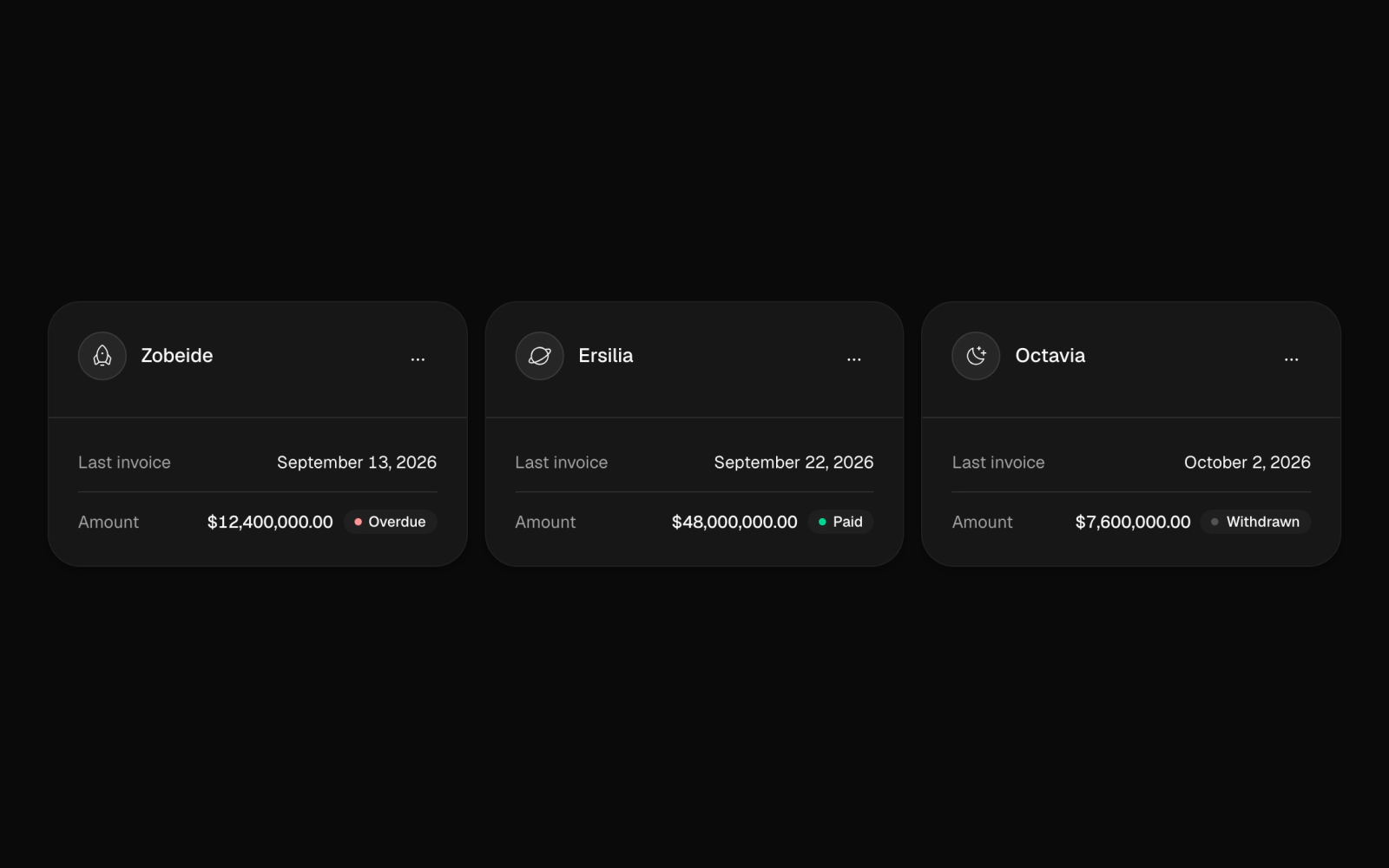
Client account cards grid for CRM and billing dashboards: each card has an icon avatar, an options menu and the last invoice's date, amount and a payment status badge pairing a word with a colored dot. Columns adapt to width.
contact-list
contact-list
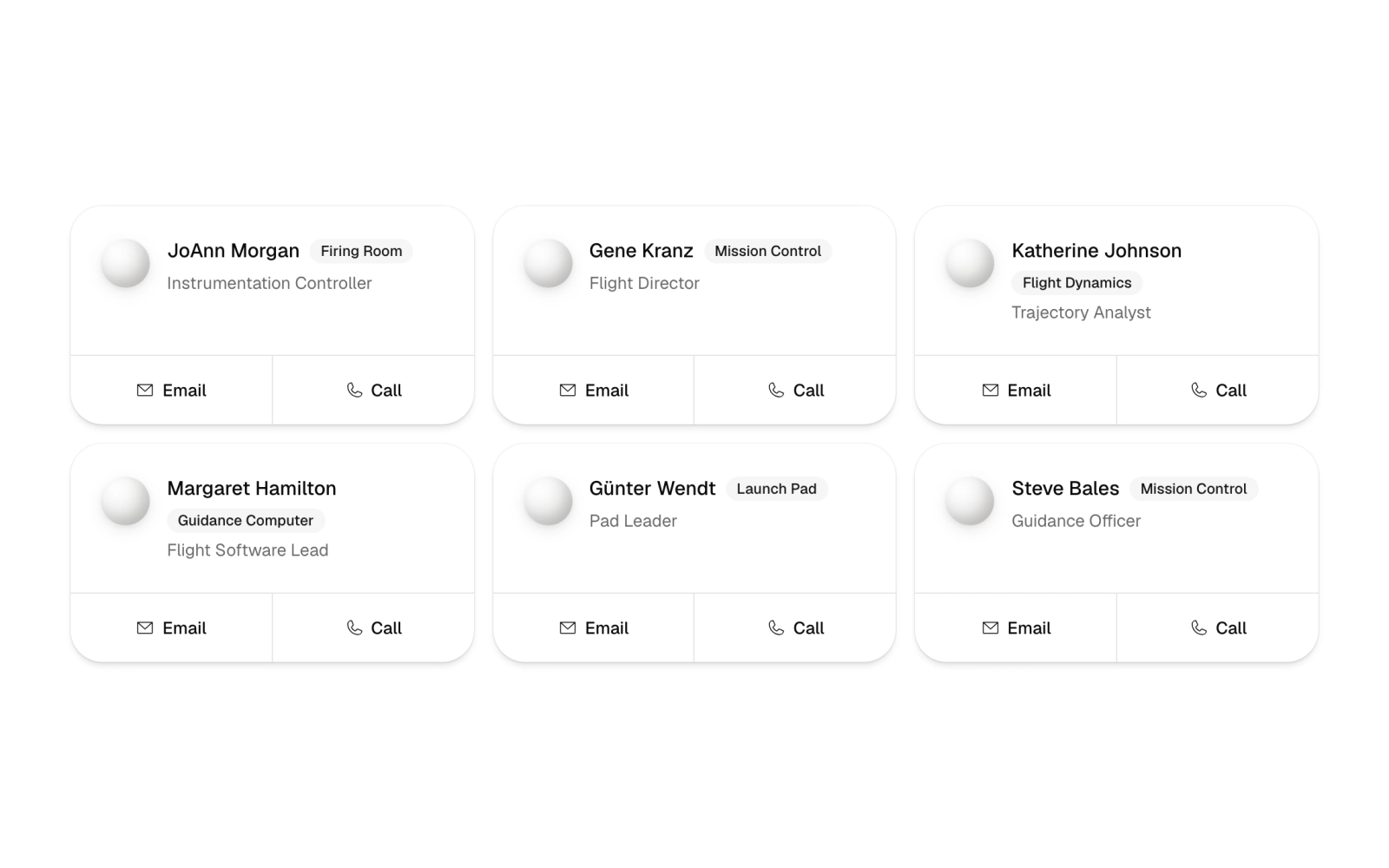
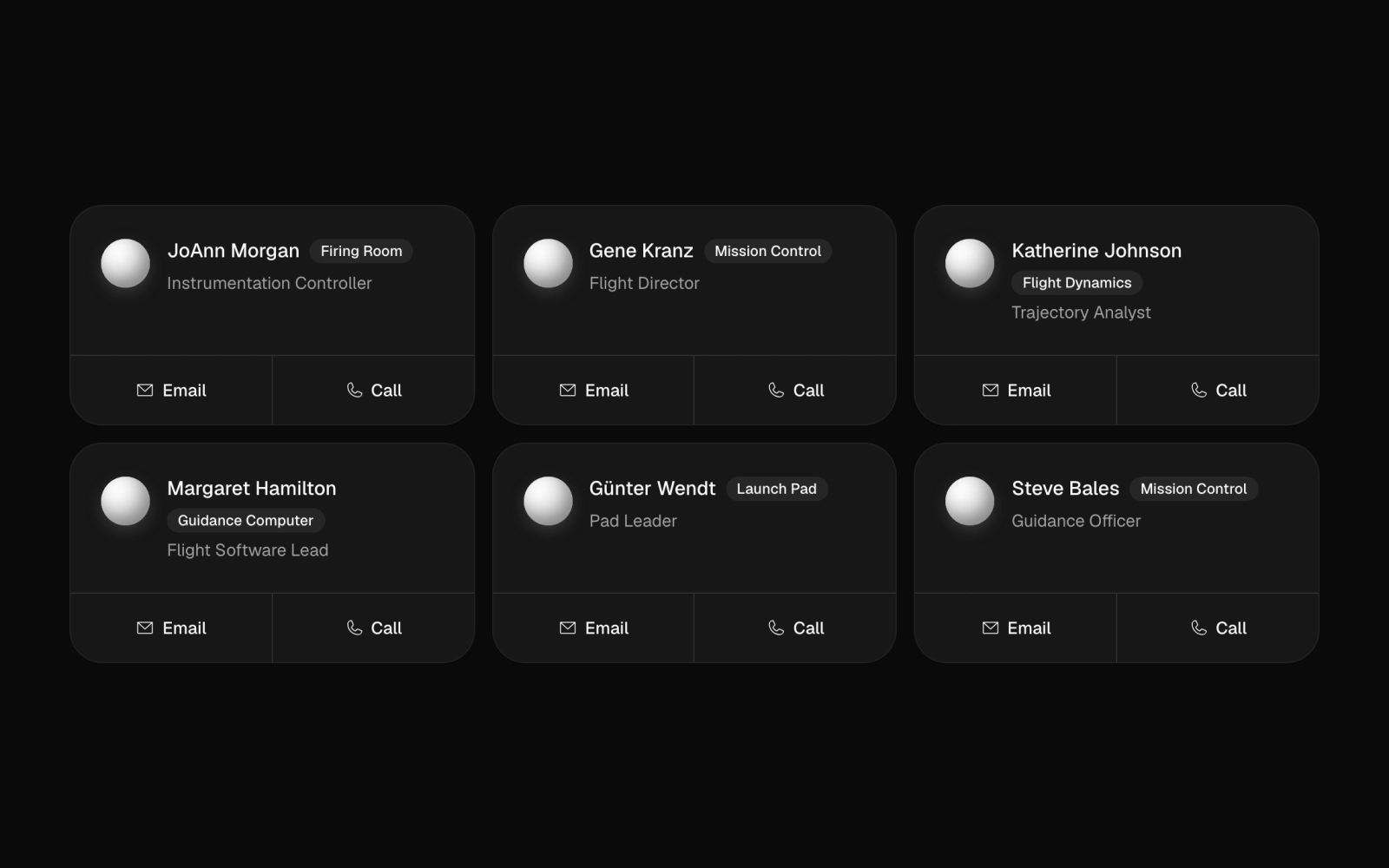
Team directory of six contact cards in up to three columns: grayscale cloud artwork, name and title bylines, department labels, and pill-shaped Email and Call links. Suits an about page or staff directory.
contact-list-card
contact-list-card
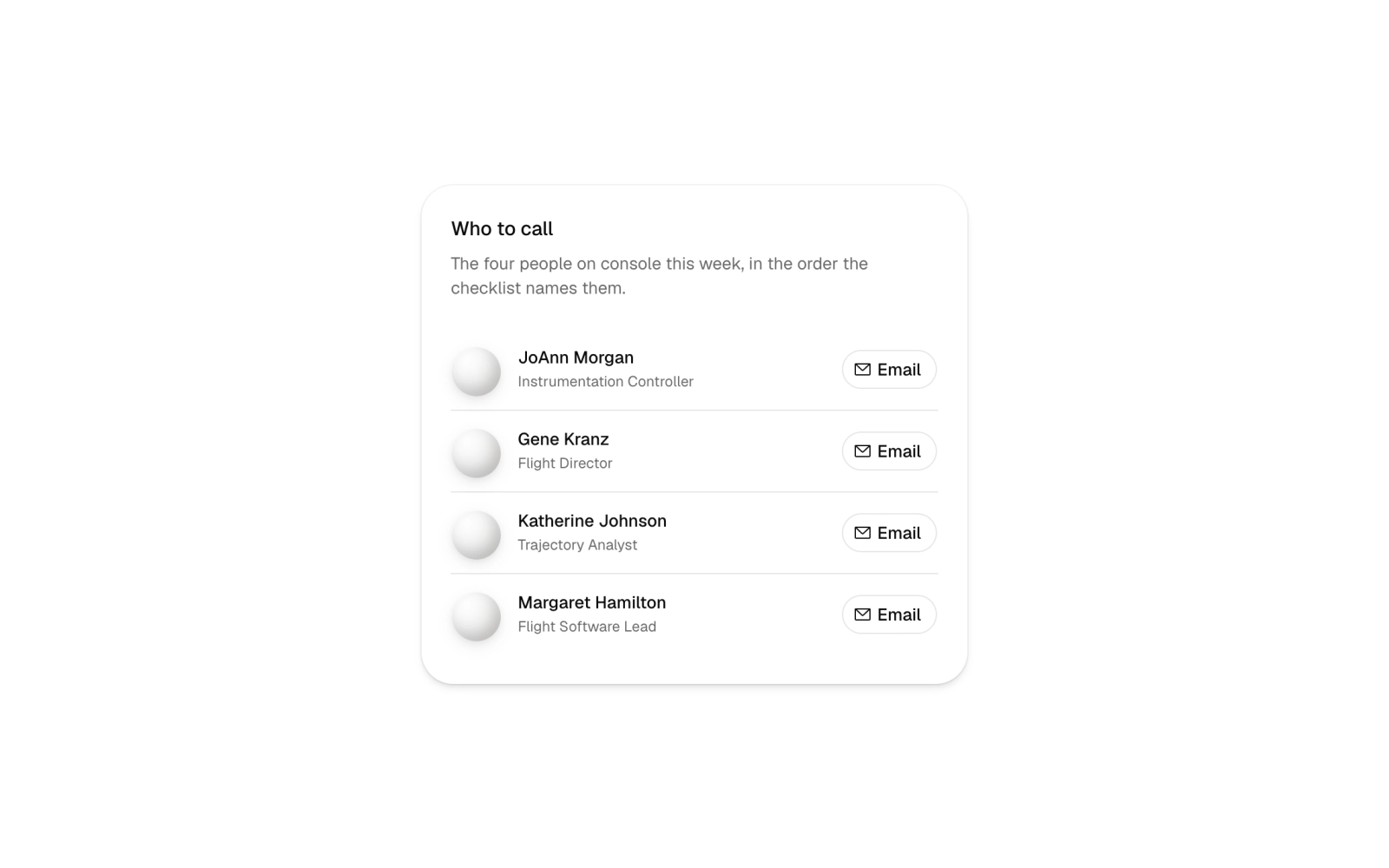
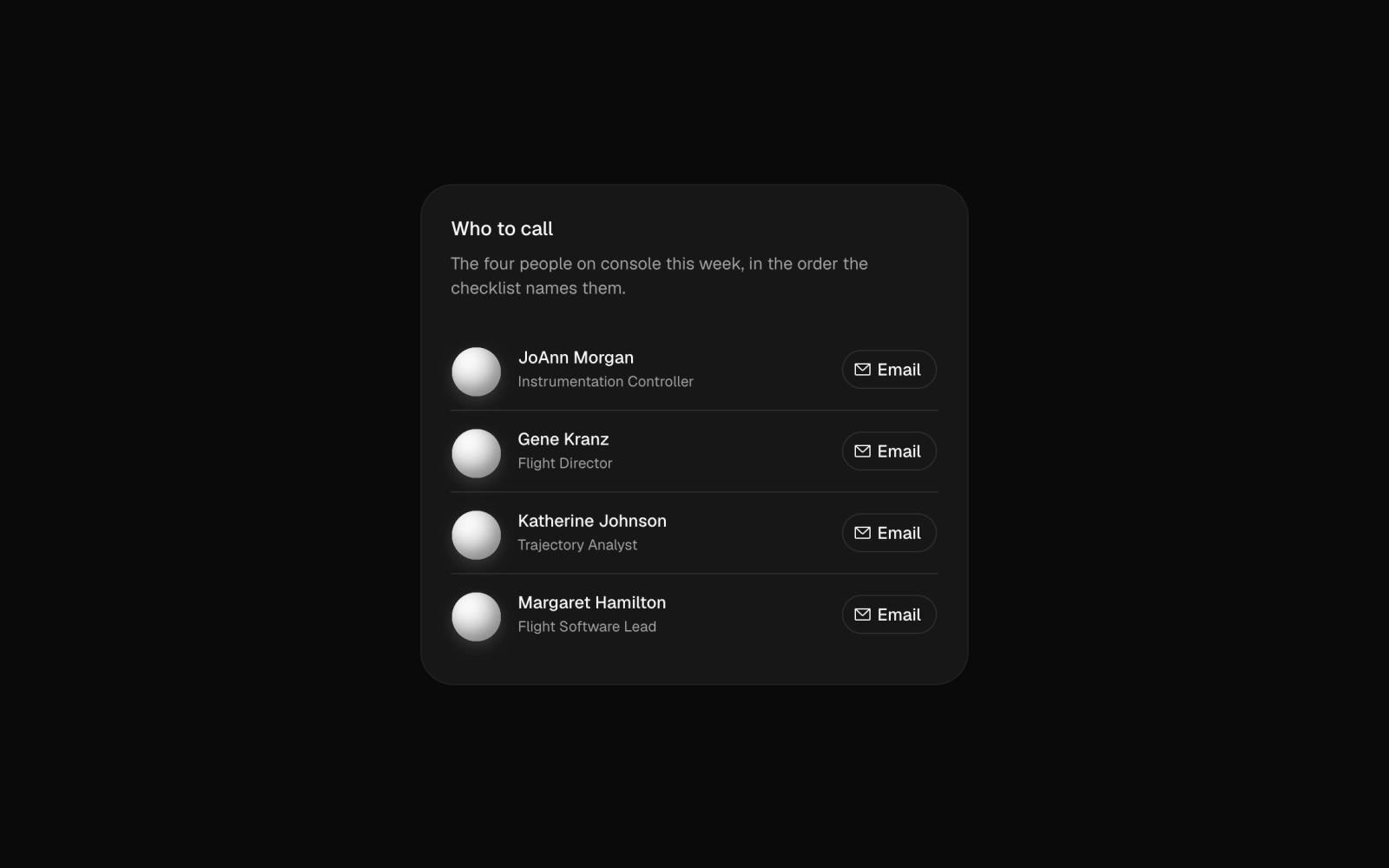
Support contacts card for on-call escalation: four rows each with a grayscale shape avatar, name, title and an outline Email button, divided by hairlines under a header and description.
members-bar-01
members-bar-01


Project members bar: stacked Celestograph avatars, an overflow count and a names summary, plus a Manage members button that opens a Member Sheet to add or remove people.
orb-drawer
orb-drawer
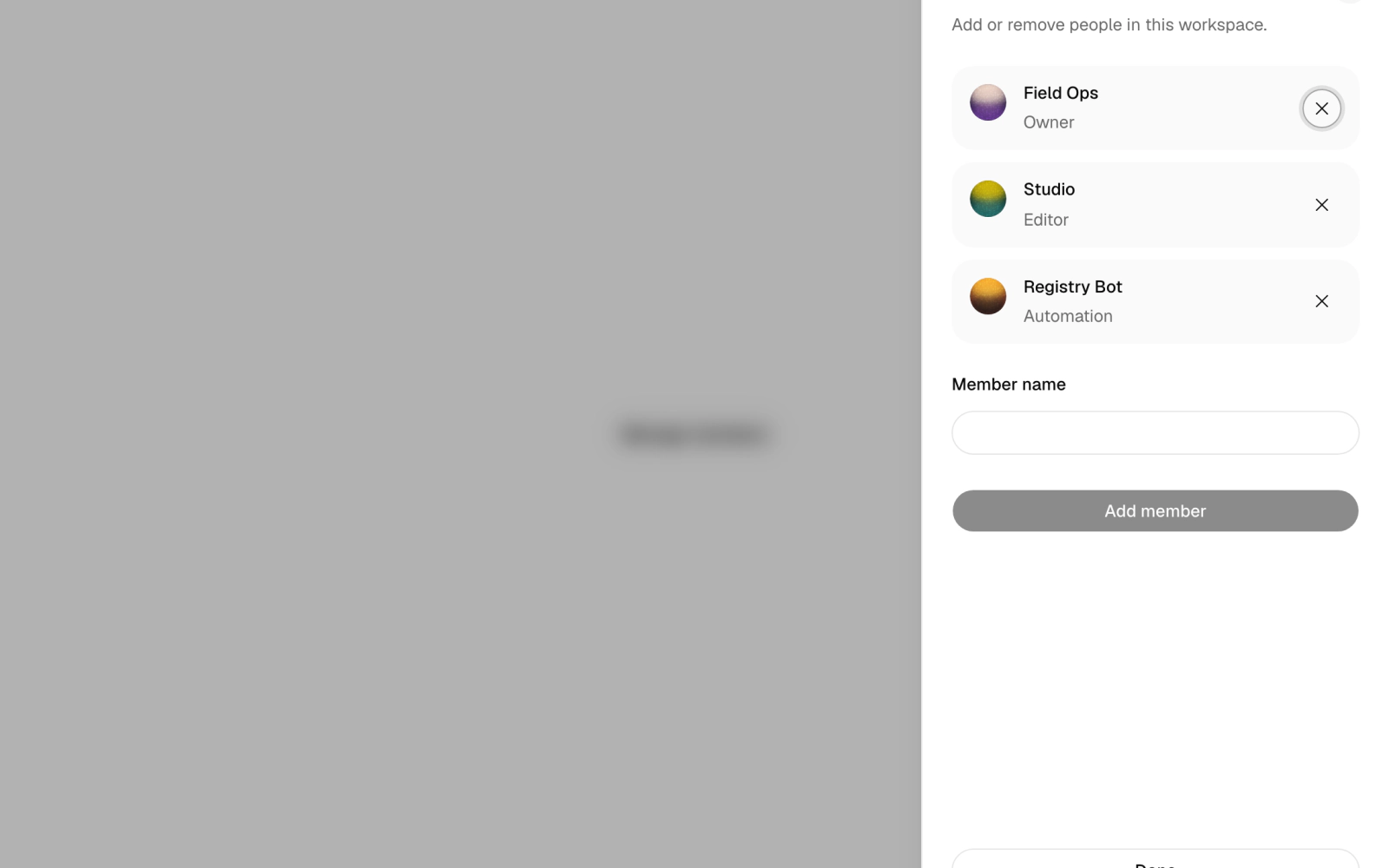
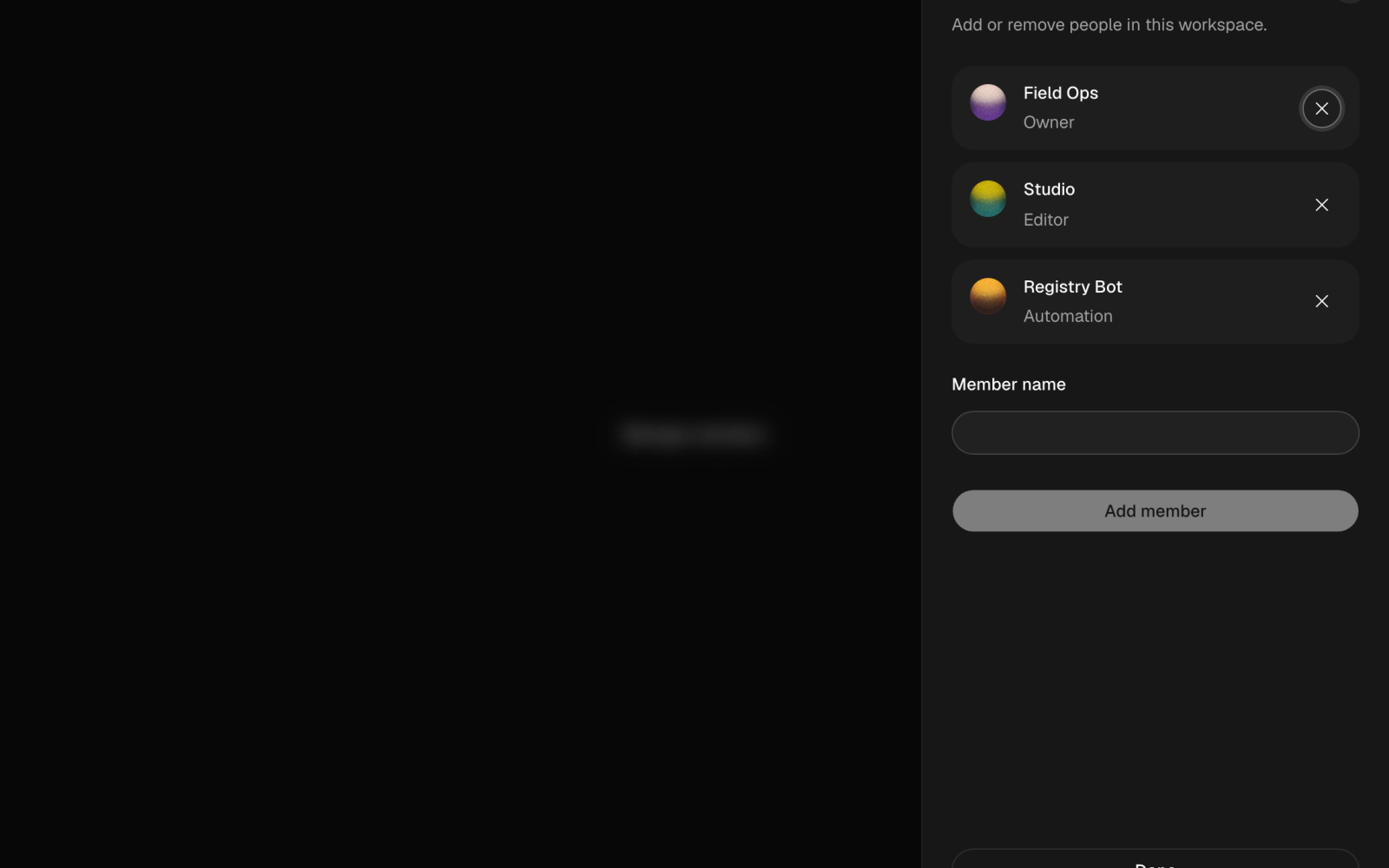
Team management slide-over sheet: a Manage members button opens a list of workspace members with small orb avatars, an add-member field and remove buttons that announce each change.
org-chart-01
org-chart-01
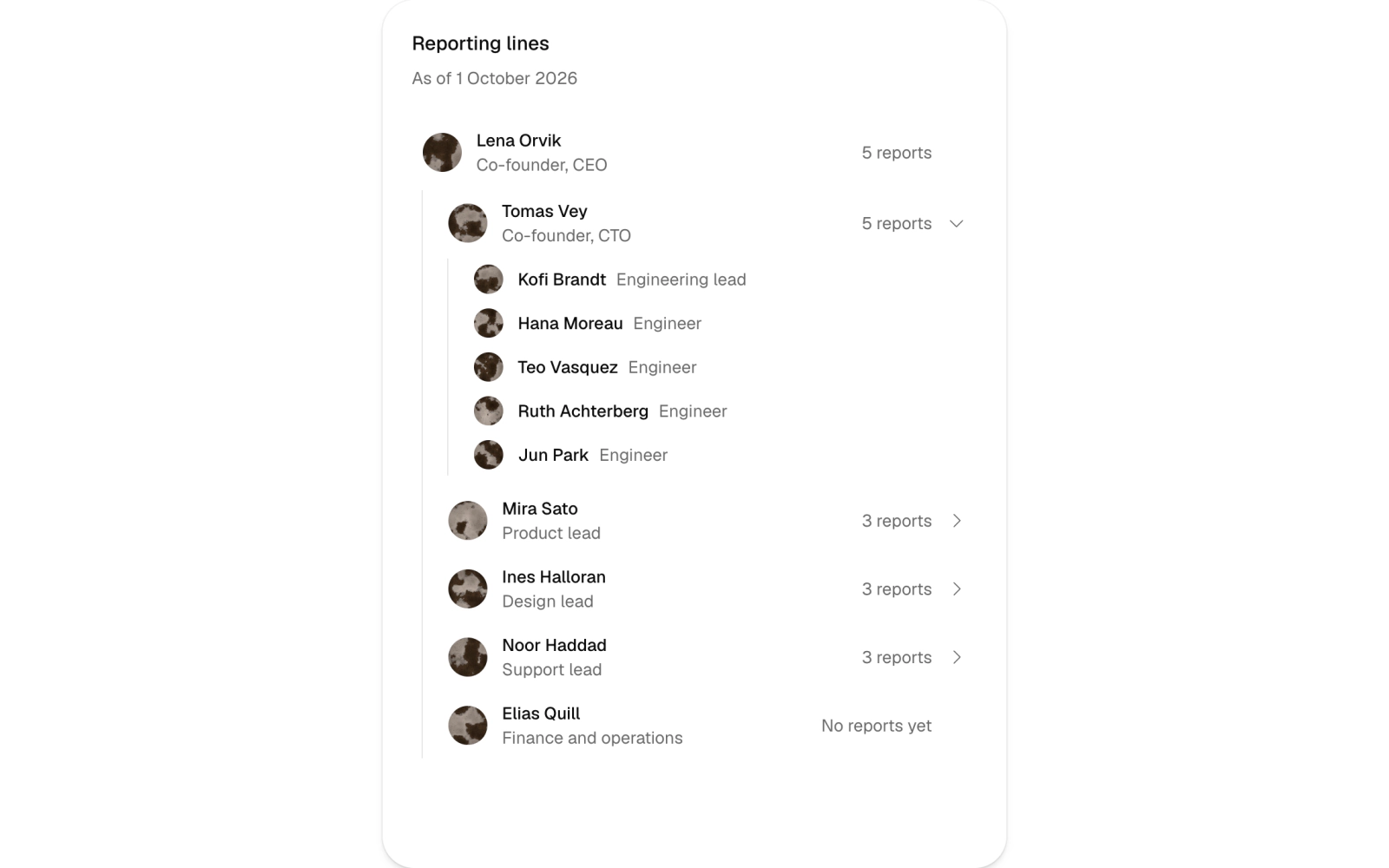

Org chart card: the CEO, then leads as collapsible rows with report counts that open into indented reports, each with a Celestograph avatar. Motion respects reduced motion. For reporting lines and company structure.
people-directory-01
people-directory-01
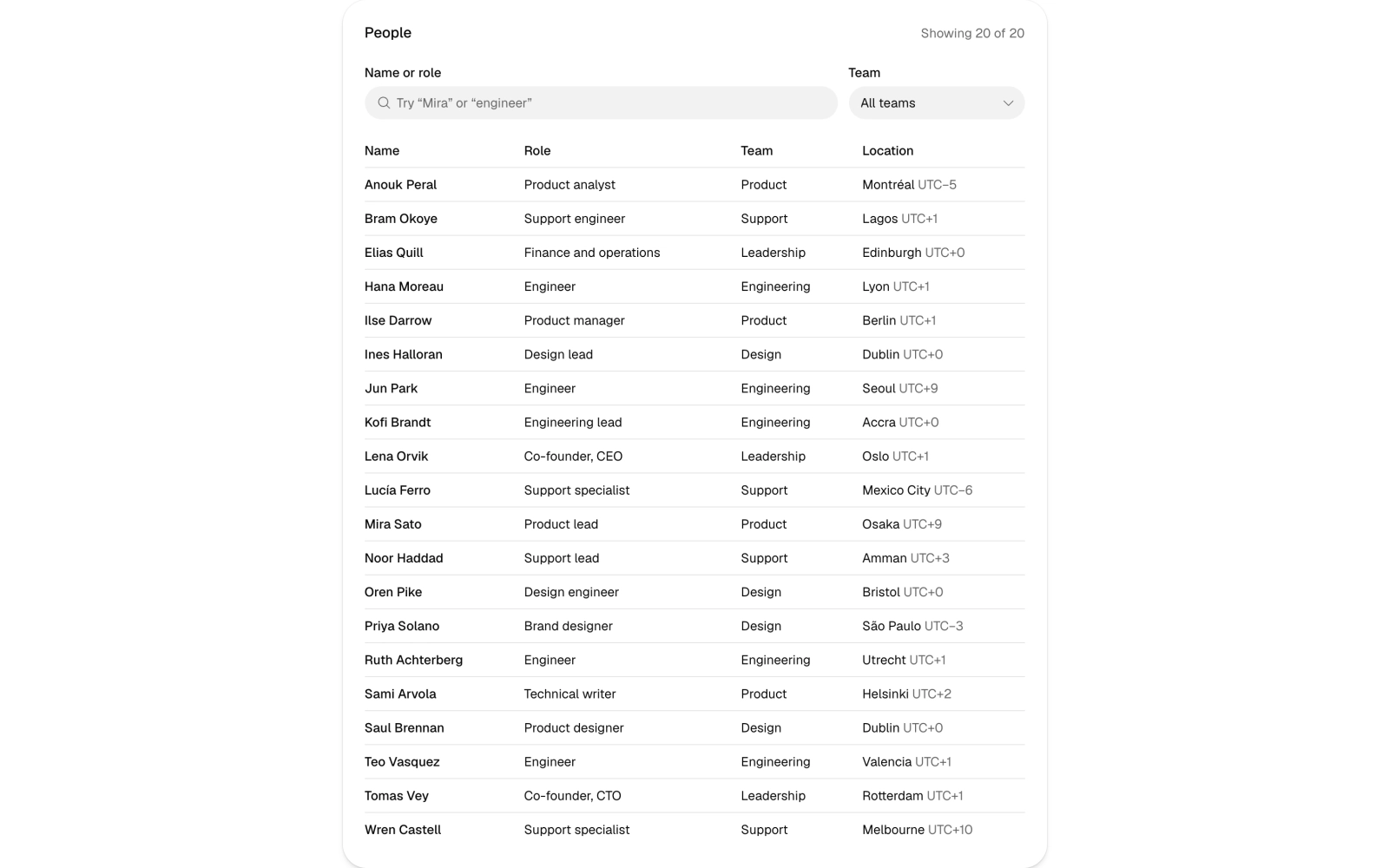
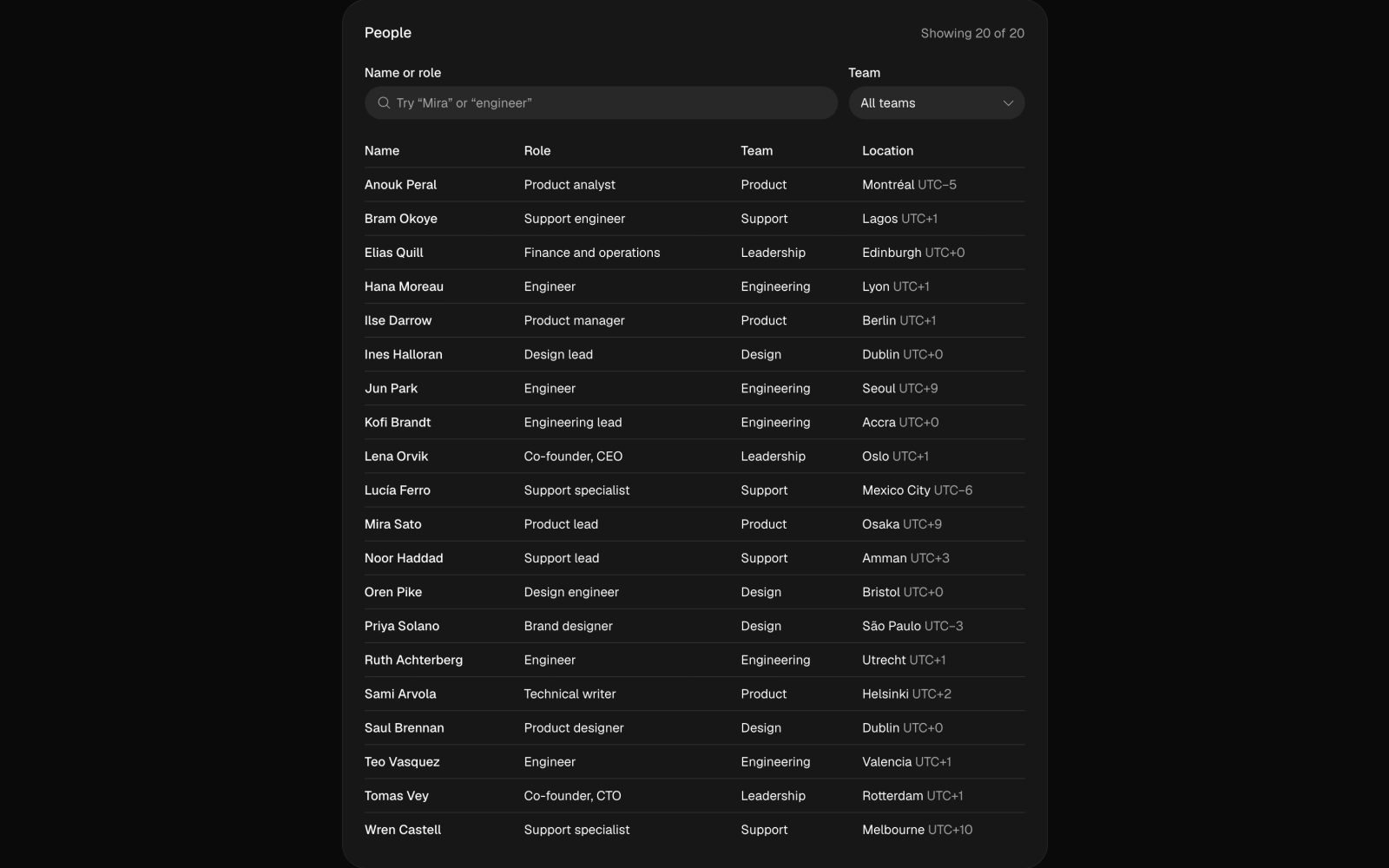
People directory card: a search field and team select filtering a table of name, role, team and location. Accent-insensitive search, a live result count and an empty state with Clear filters.
team-members
team-members
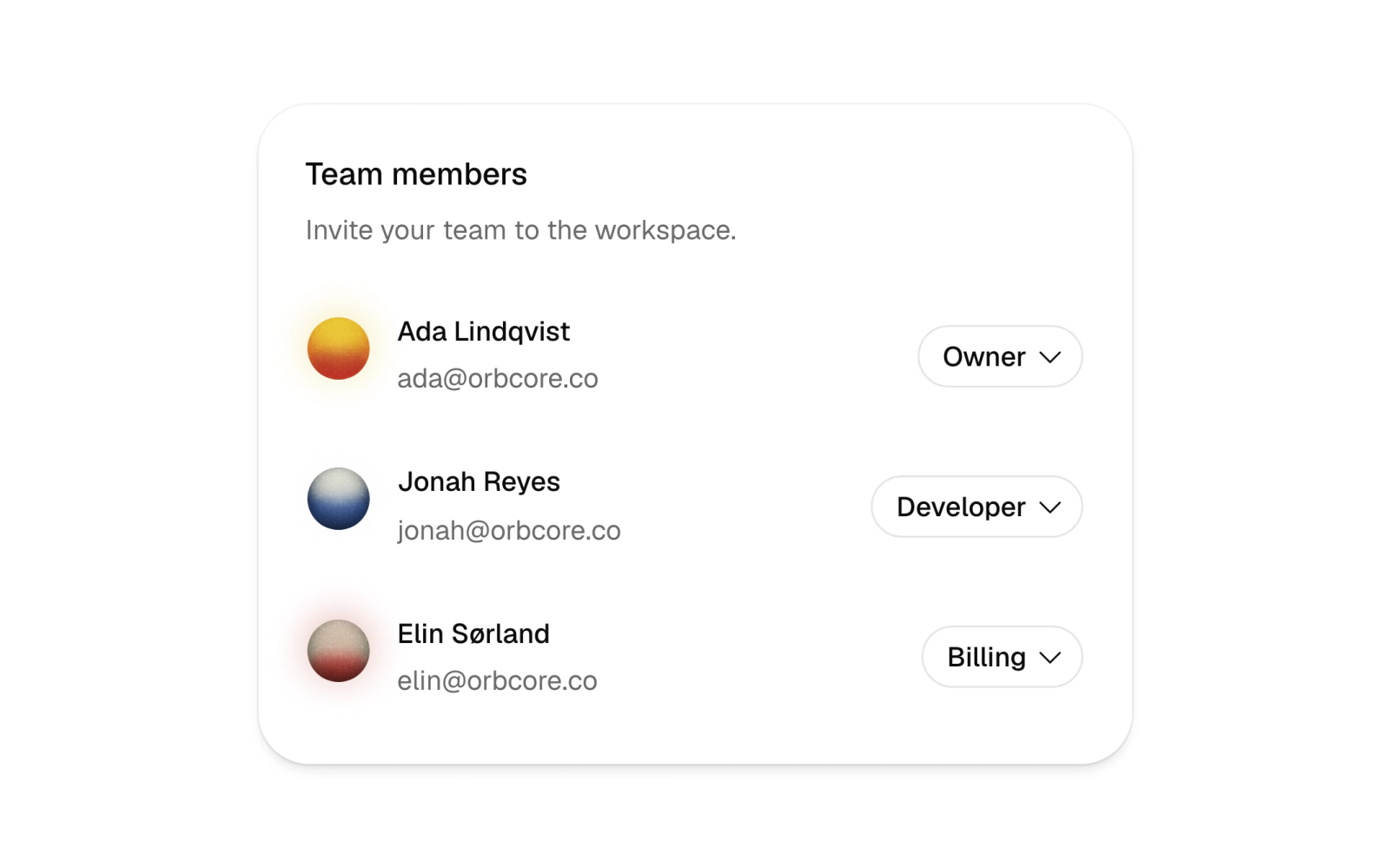
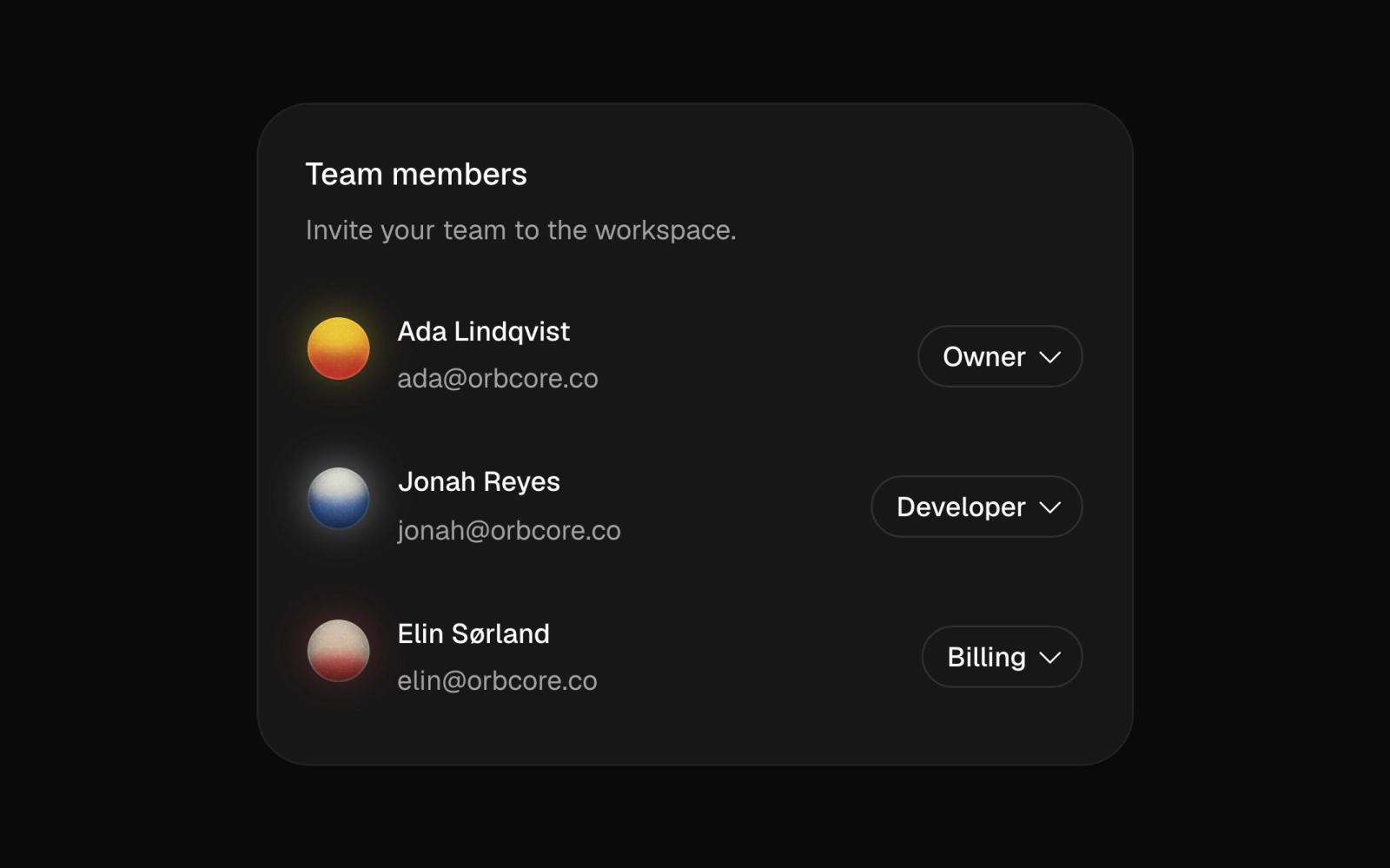
Team member list card for roles and permissions: orb avatars, emails and a searchable role combobox per person in a popover, choosing between Viewer, Developer, Billing and Owner.