All Alert blocks
Every Alert block side by side, with a picture and description of each. Open one for its preview, props and install.
10 blocks, A to Z.
Chat Failed Delivery
chat-failed-delivery-01
A thread with an offline alert and failed message bubbles that can be retried or discarded, moving through sending to sent.
Failed Run Alert
failed-run-01
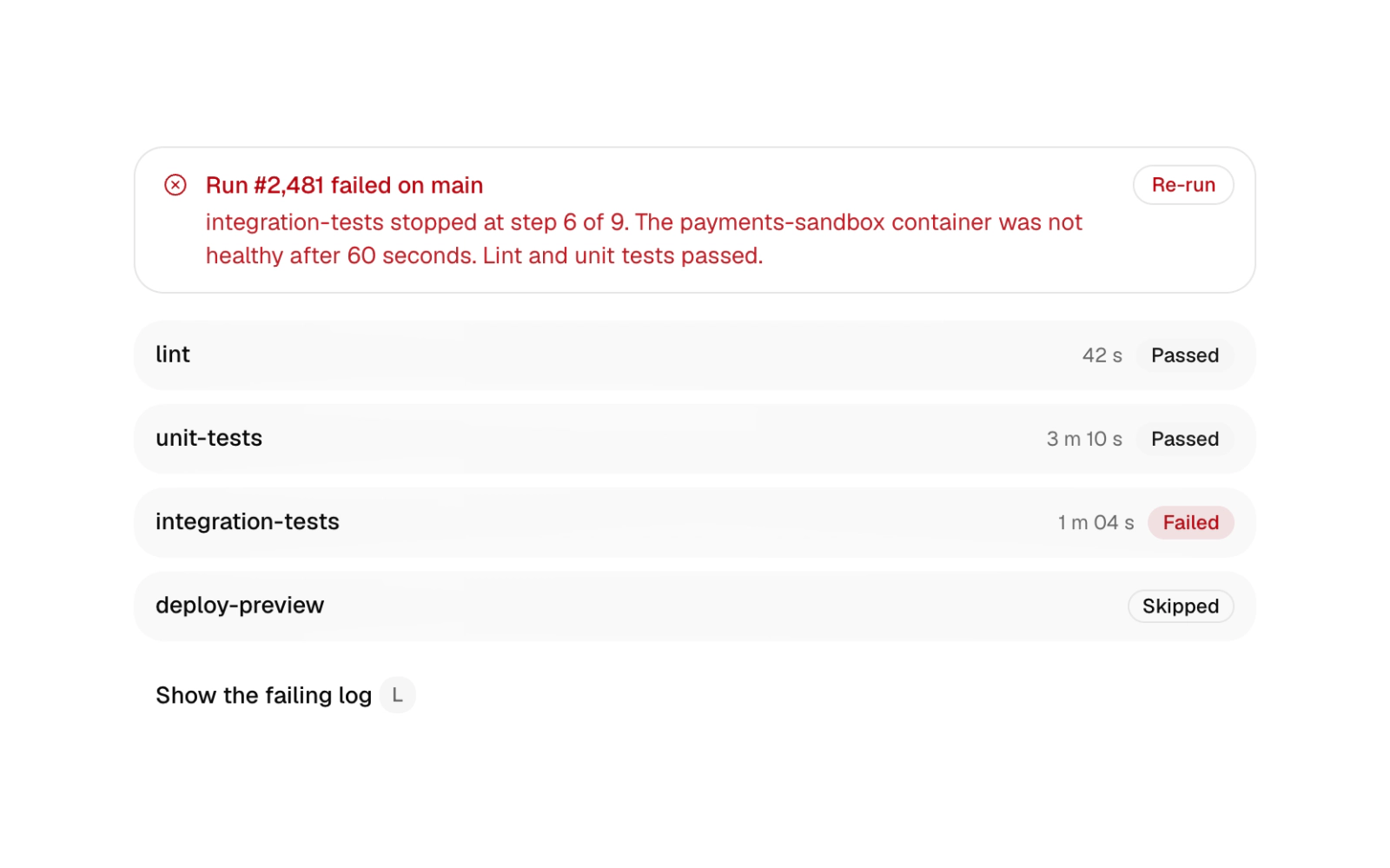
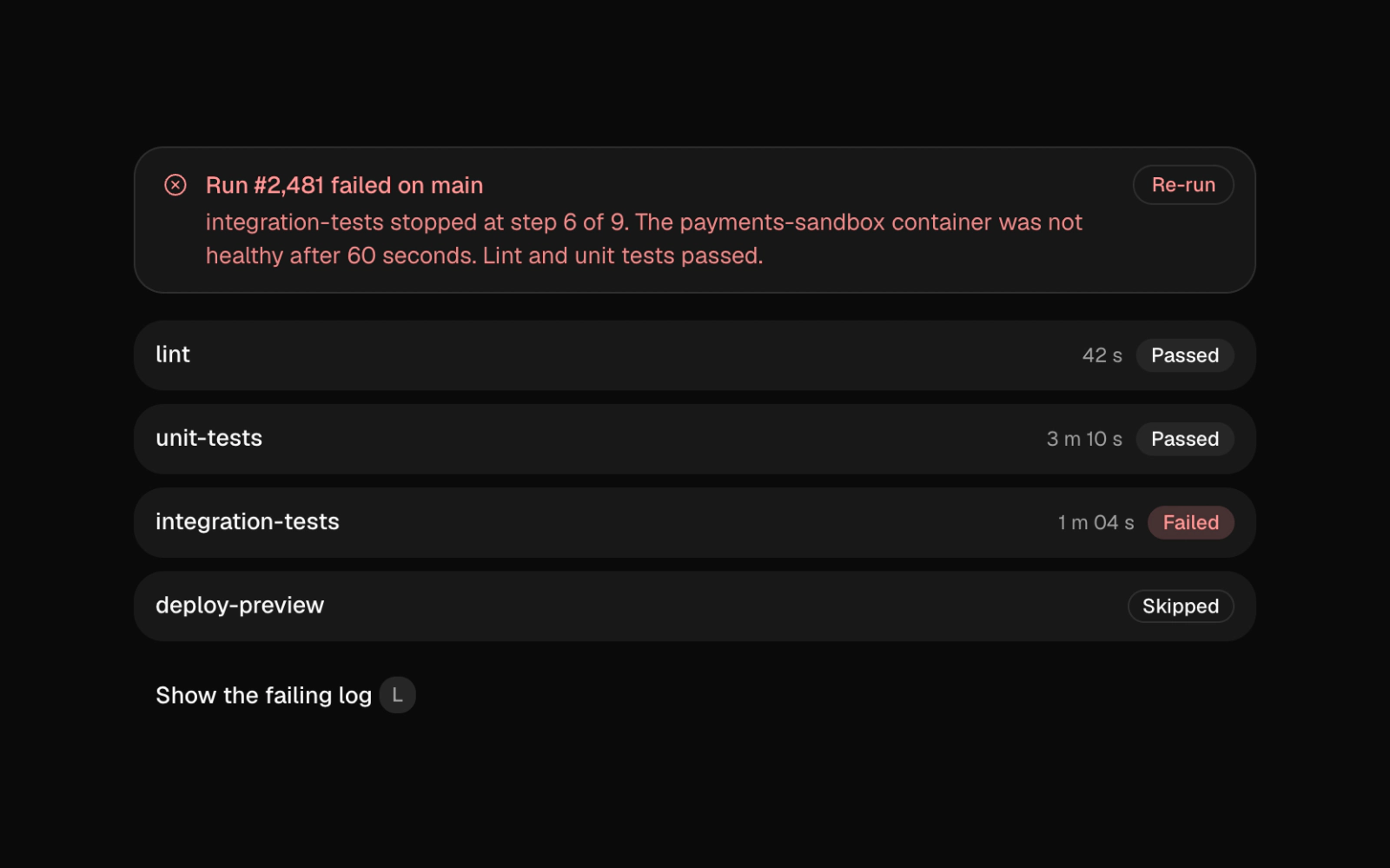
Failed run alert for a CI or deploy dashboard: a destructive alert with the failing step, a per-step list with timings and states, an L shortcut that opens the failing log, and Re-run that runs through to a passed state.
Offline Save Alert
alert-offline-save
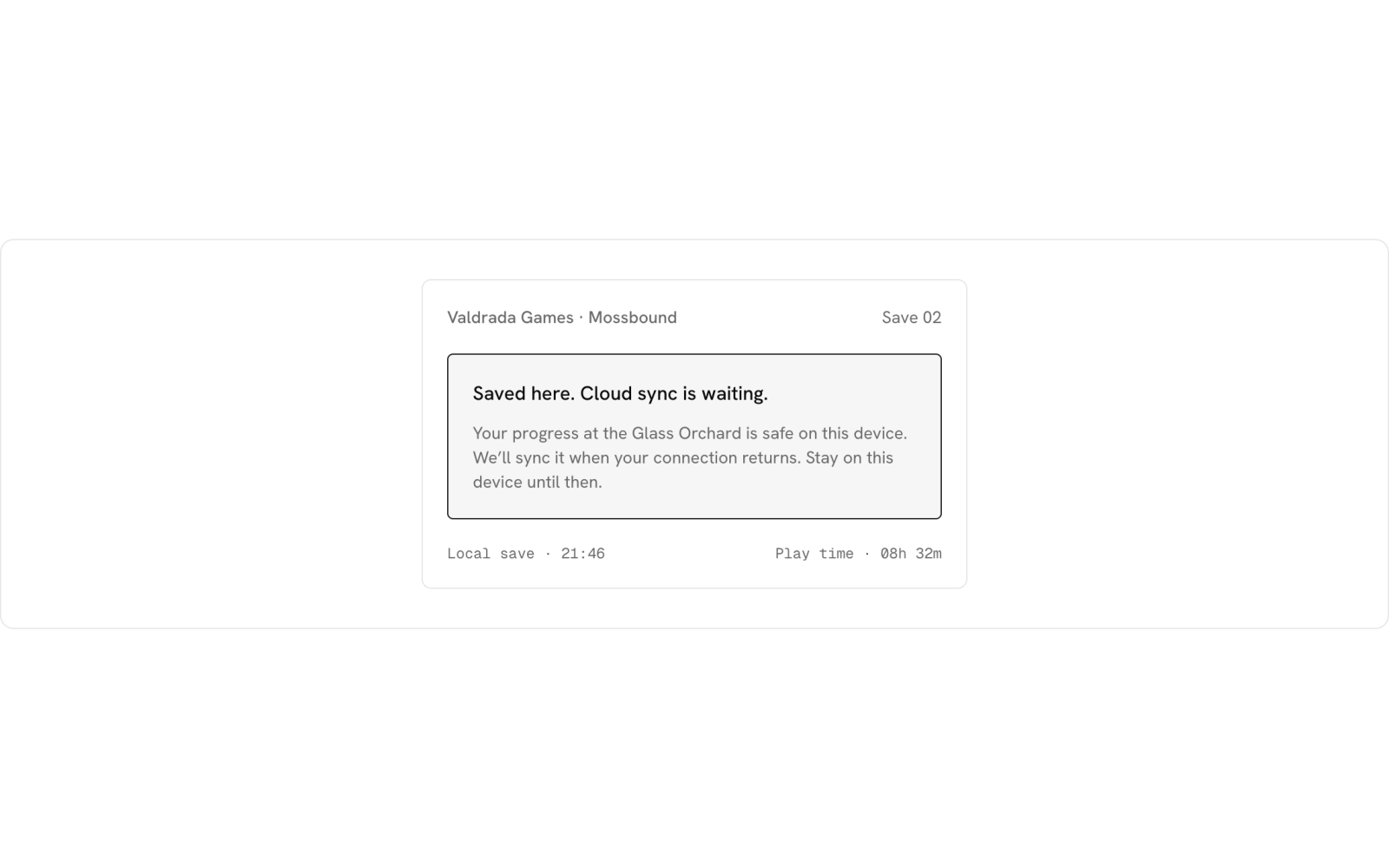
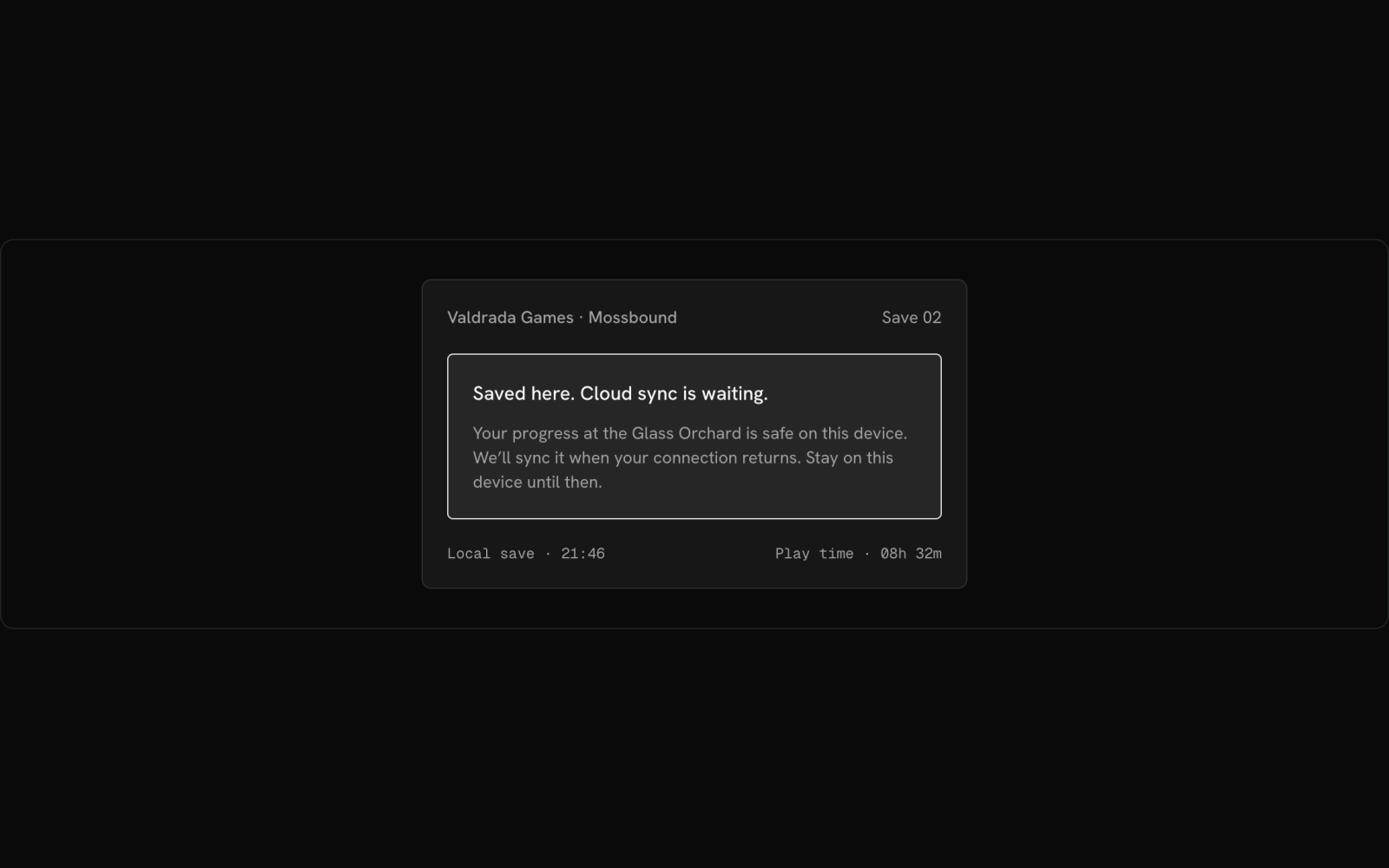
A notice explaining a save waiting to sync, on a game launcher card.
Offline State Alert
offline-maps-01
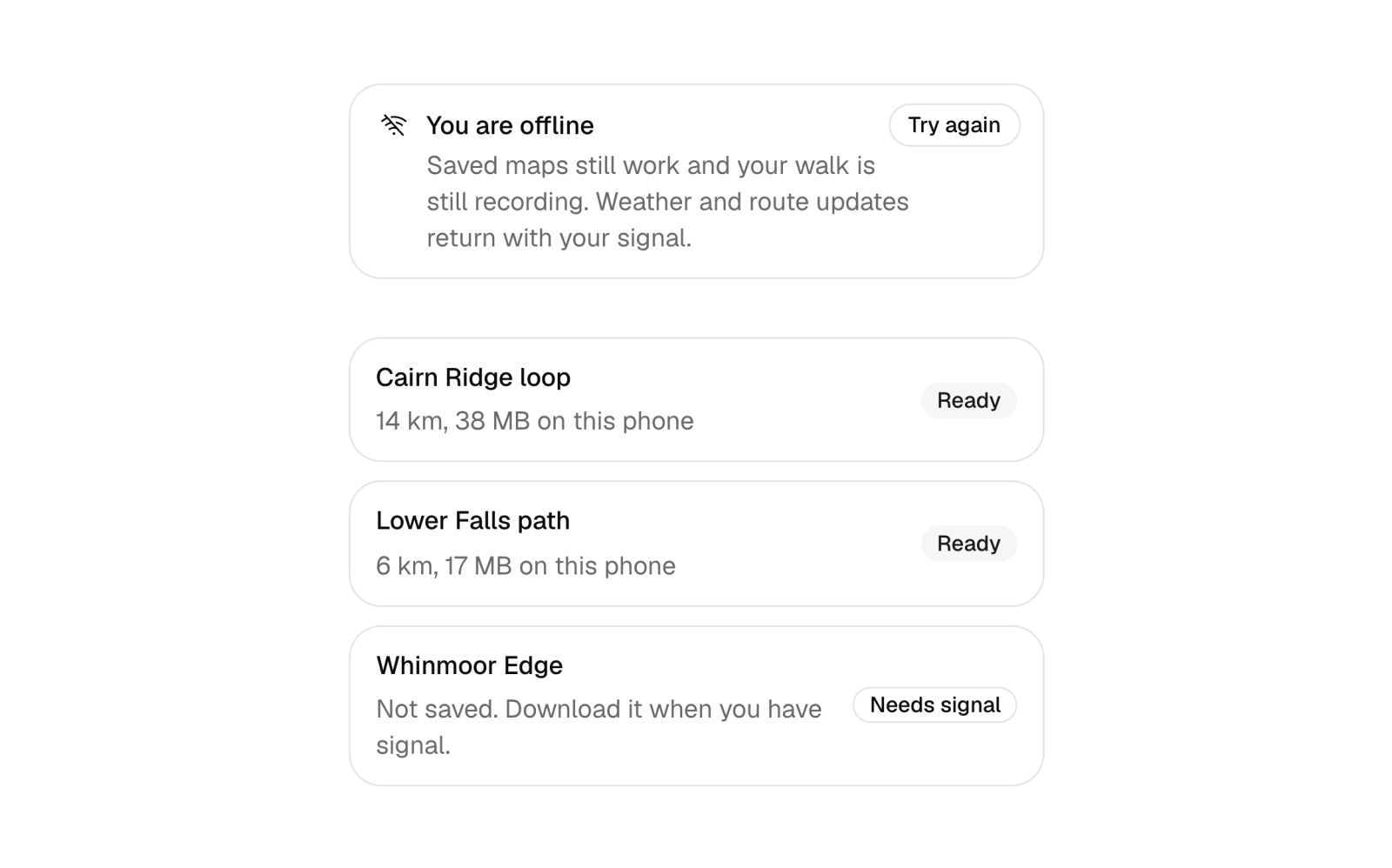
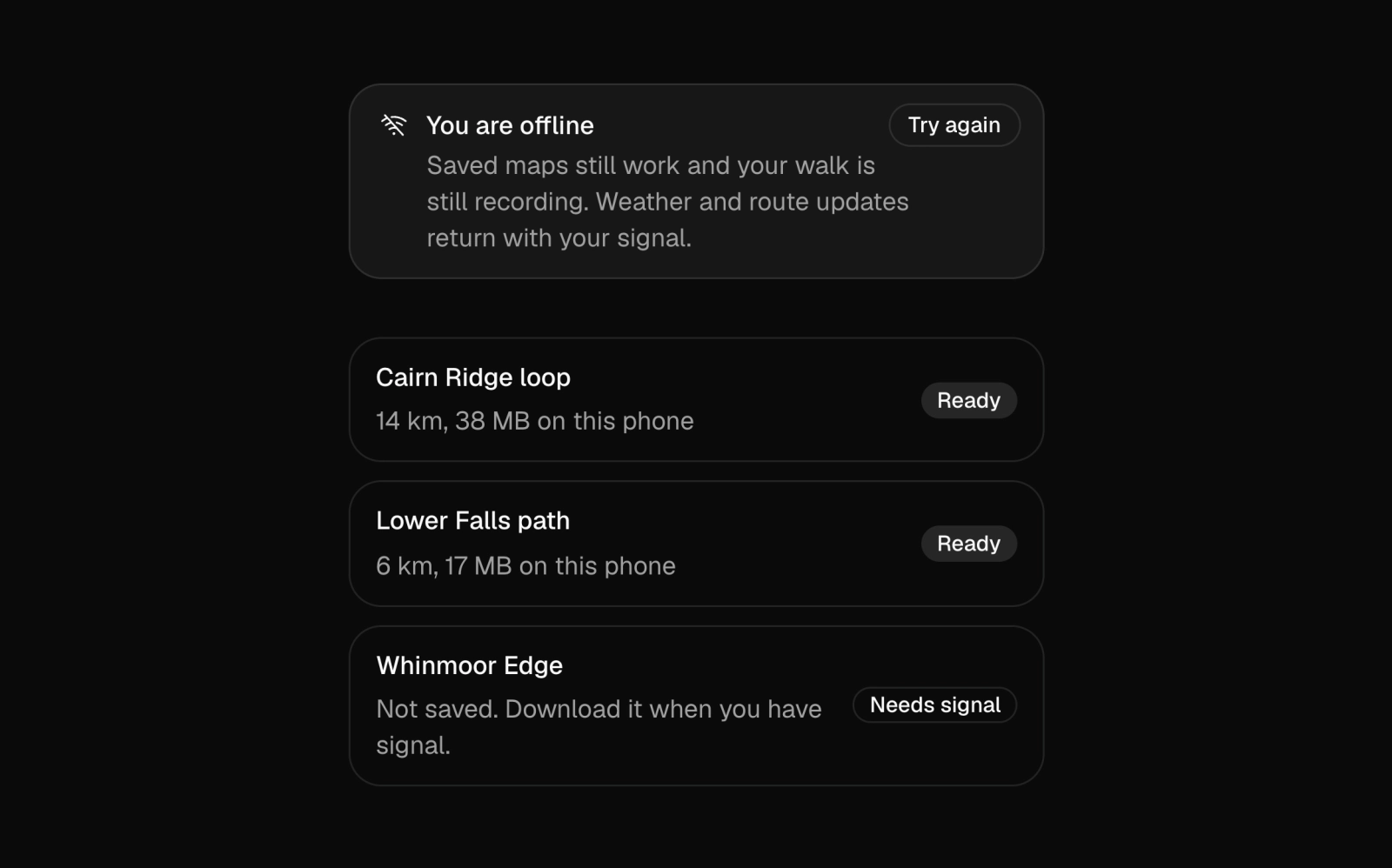
Offline state alert for an app that keeps working without a connection: what still works, a retry button that reports its result, and a list of resources saved on the device against those that need a signal.
Payment Failed Alert
payment-failed-01
Billing alert that retries a declined payment through to a paid state, with attempt history.
Platform Change Alert
alert-platform-change
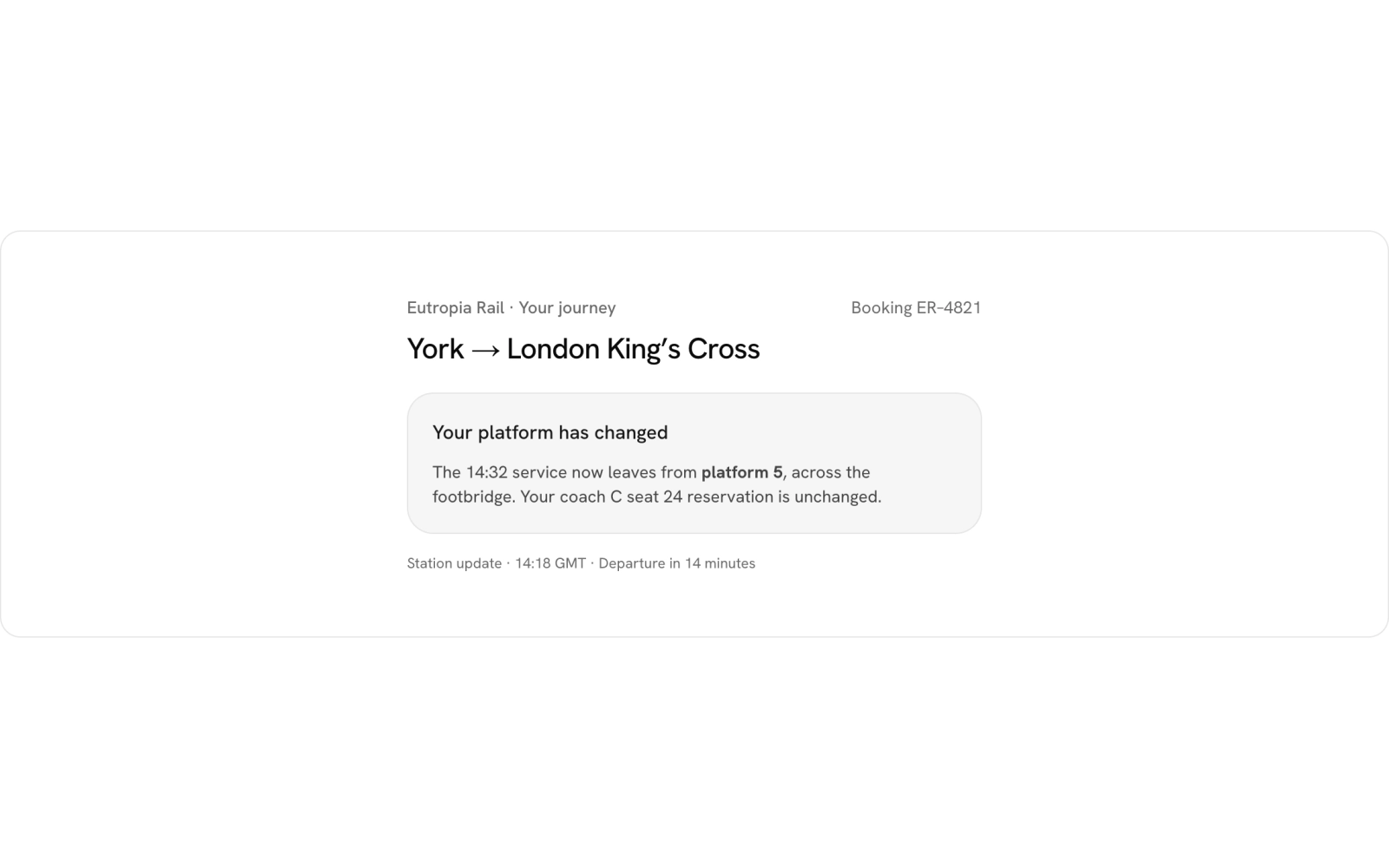
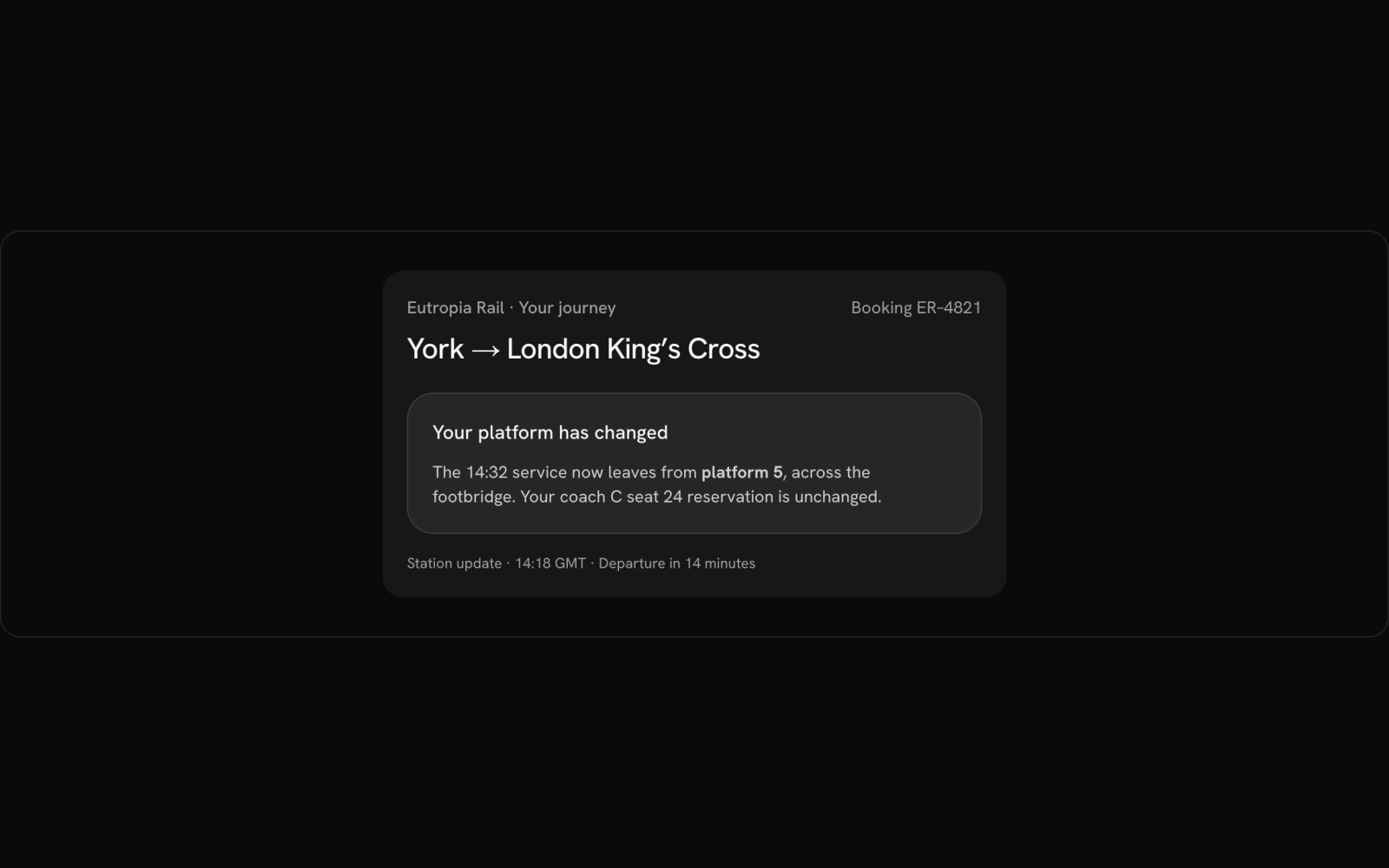
A flat notice on a train booking, set in accent color.
Quota Warning Banner
quota-warning-01
Dismissible quota warning alert with upgrade actions above per-resource usage meters.
Service Status Strip
status-strip-01
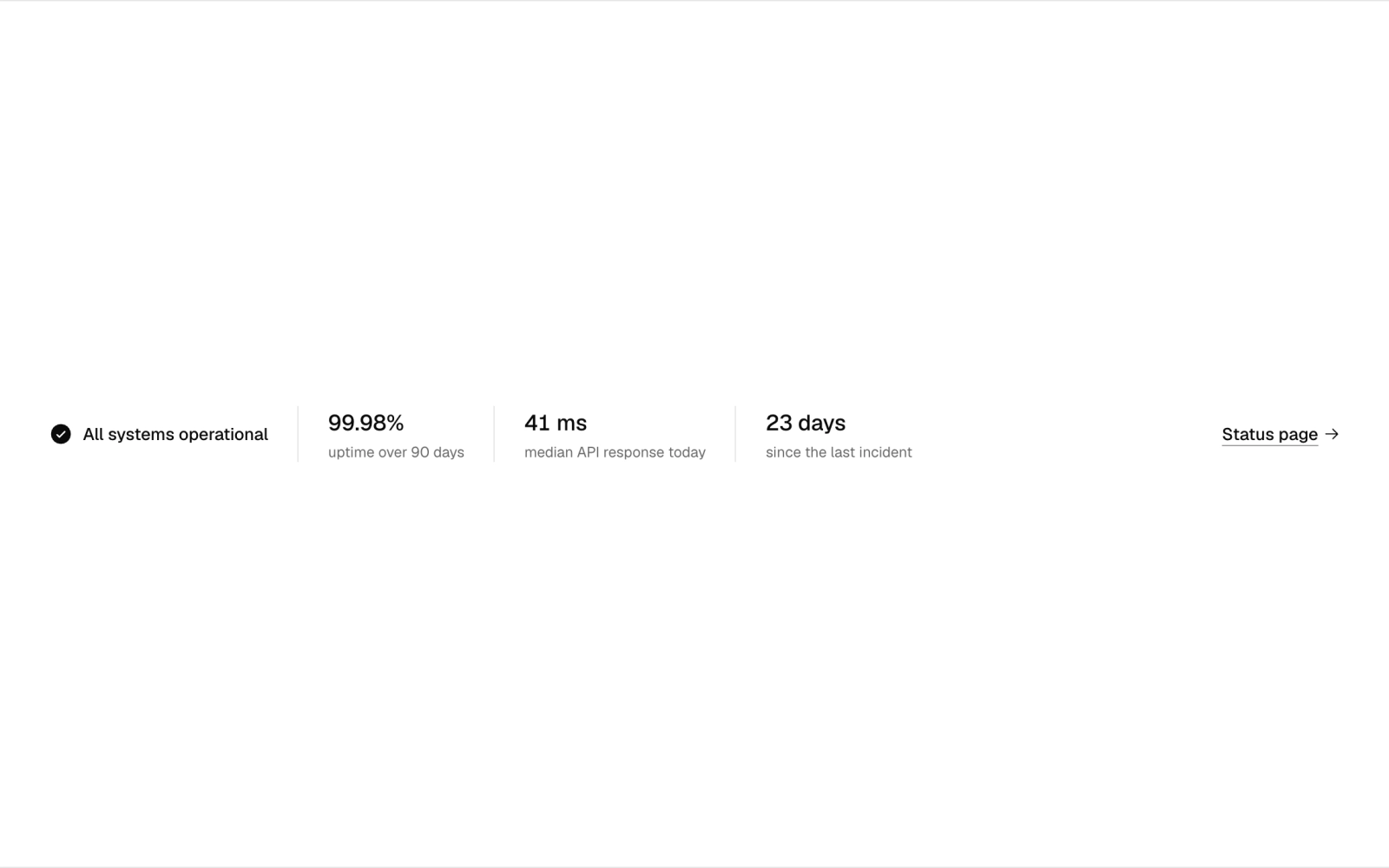
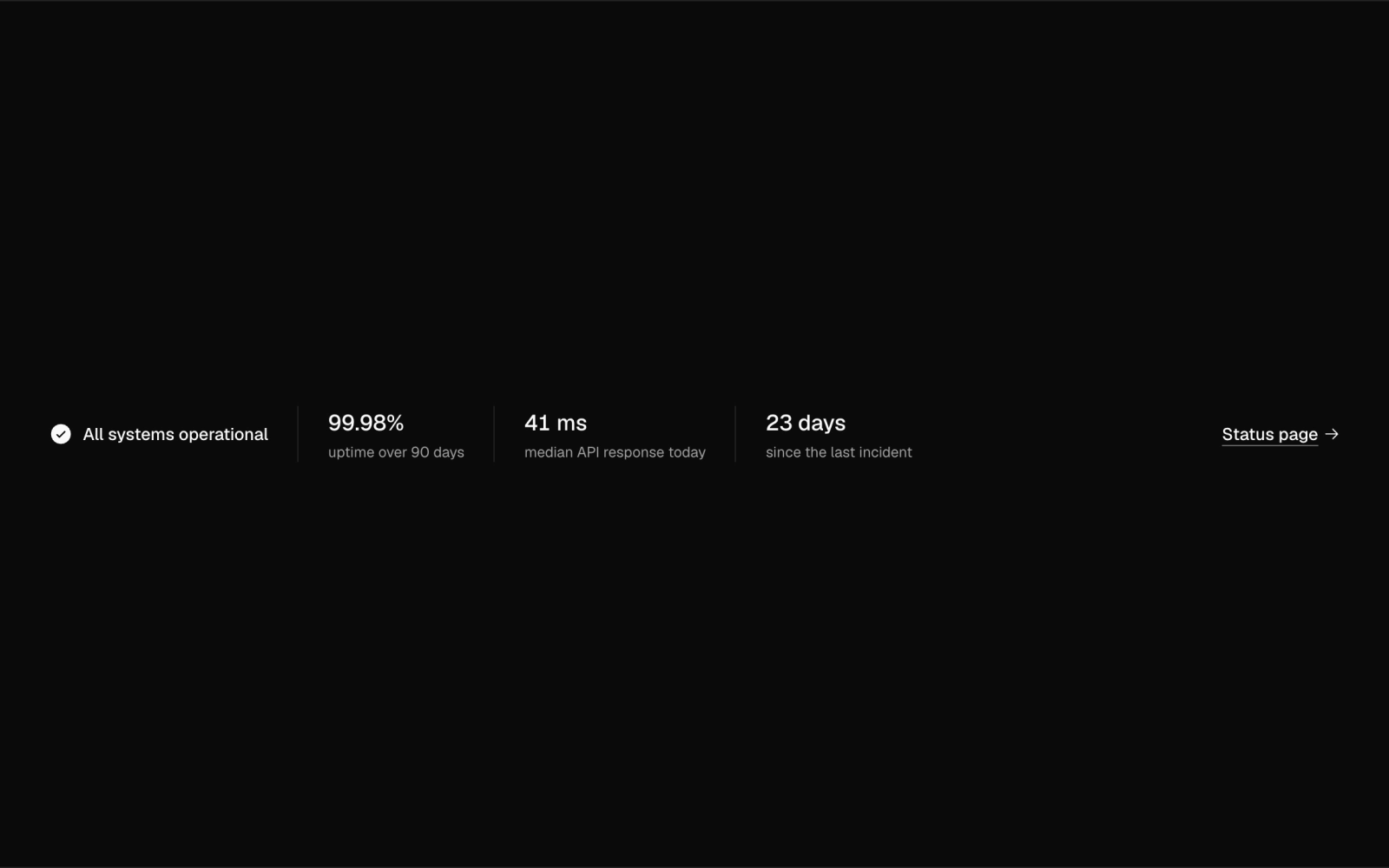
Service status strip: a slim bar with an operational check, three uptime and latency figures and a status page link. Reflows from stacked rows to a single line as it widens.
Two-Factor Setup Prompt
two-factor-prompt-01
Security prompt inviting two-factor setup, with an inline toggle once enabled.
Undo Delete Alert
undo-delete-01
Document list where deleting shows an alert with a timed undo.