Activity Feed blocks: compare
Every Activity Feed block side by side, with a picture and description of each. Open one for its preview, props and install.
All Activity Feed blocks
9 blocks, A to Z.
activity-feed
activity-feed
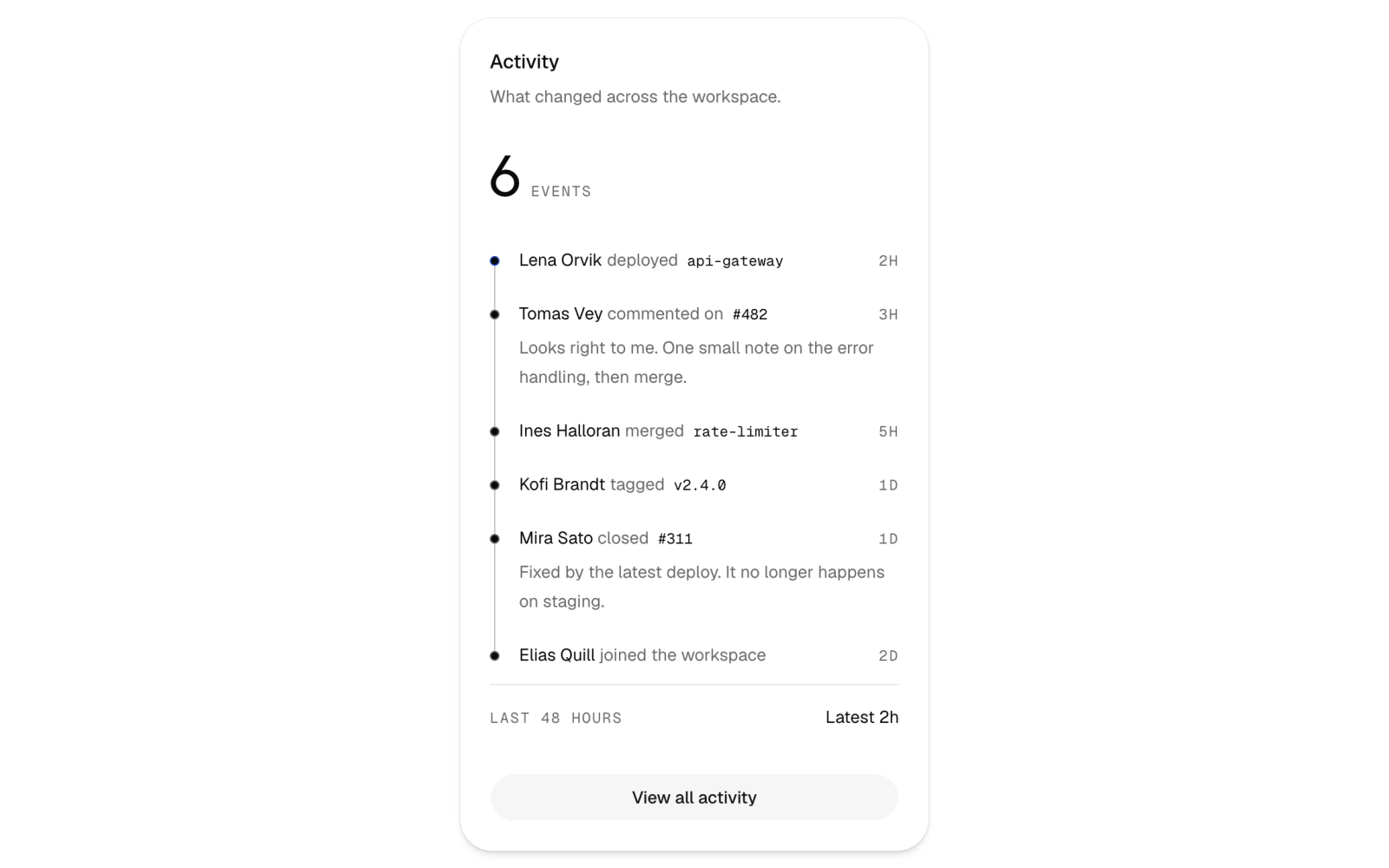
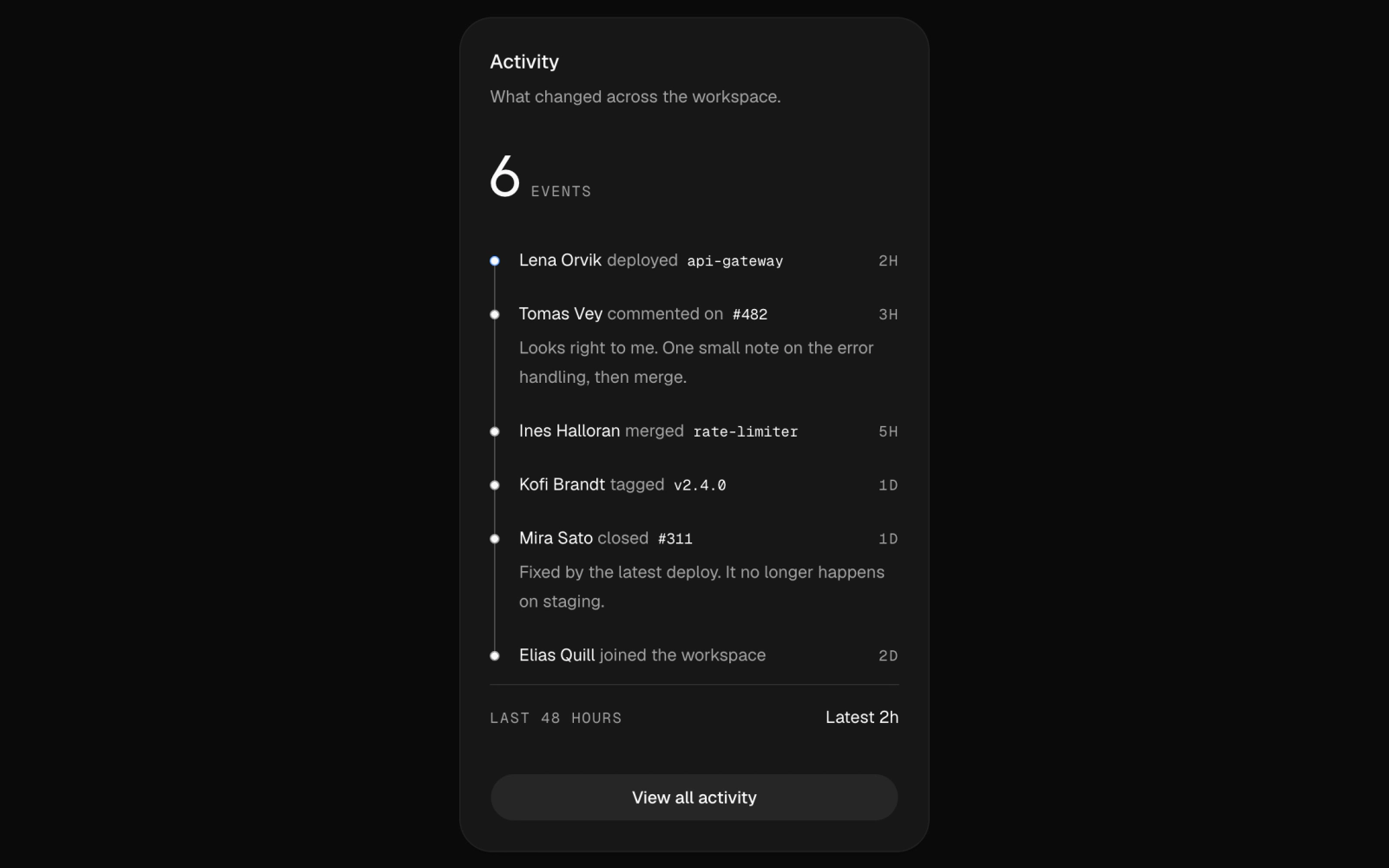
Activity feed card for a workspace dashboard, built on ActivityFeedCard: a large event count, a timeline of deploys, merges and comments with one highlighted event, a 48-hour summary row and a full-width View all link.
audit-log
audit-log
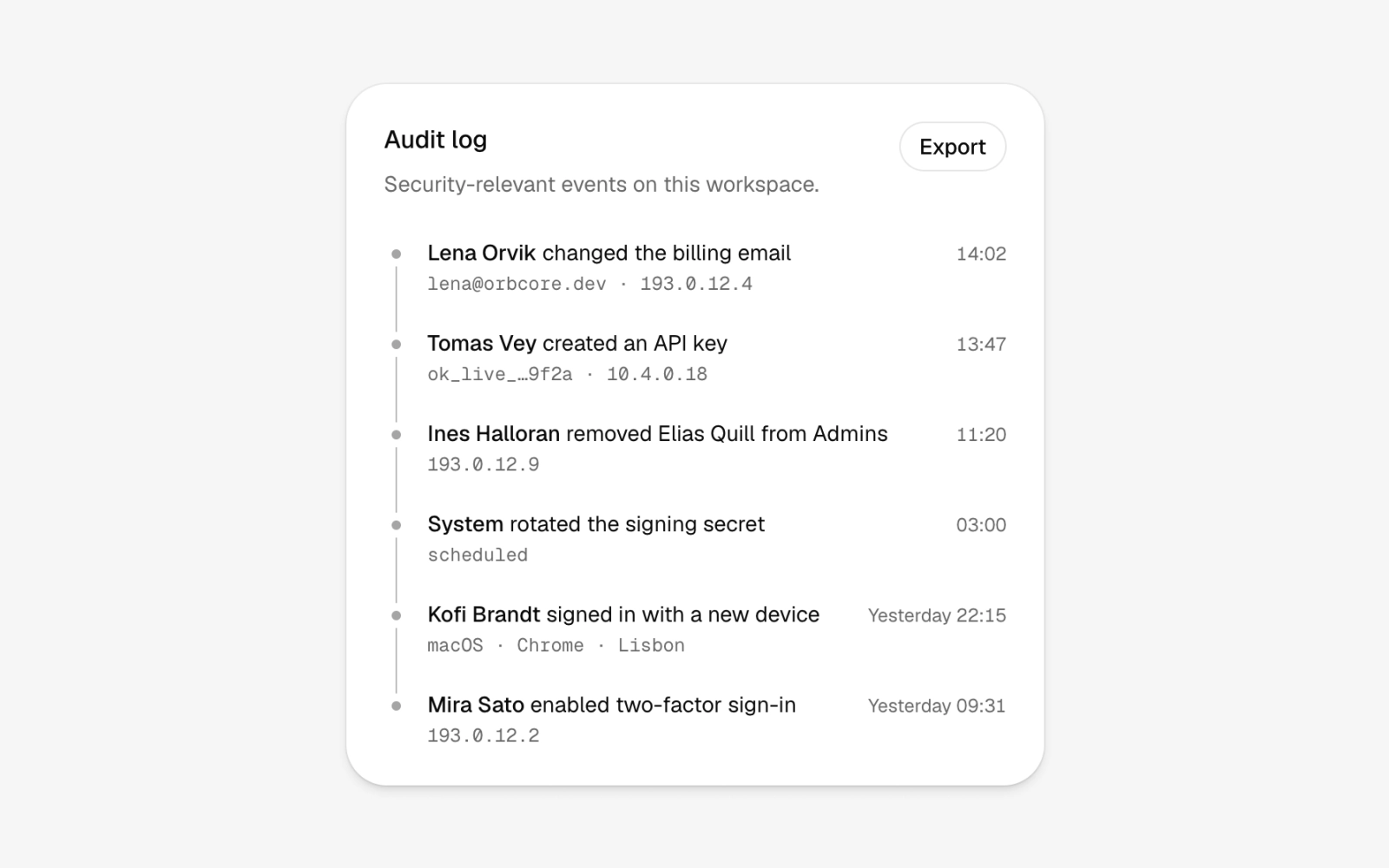
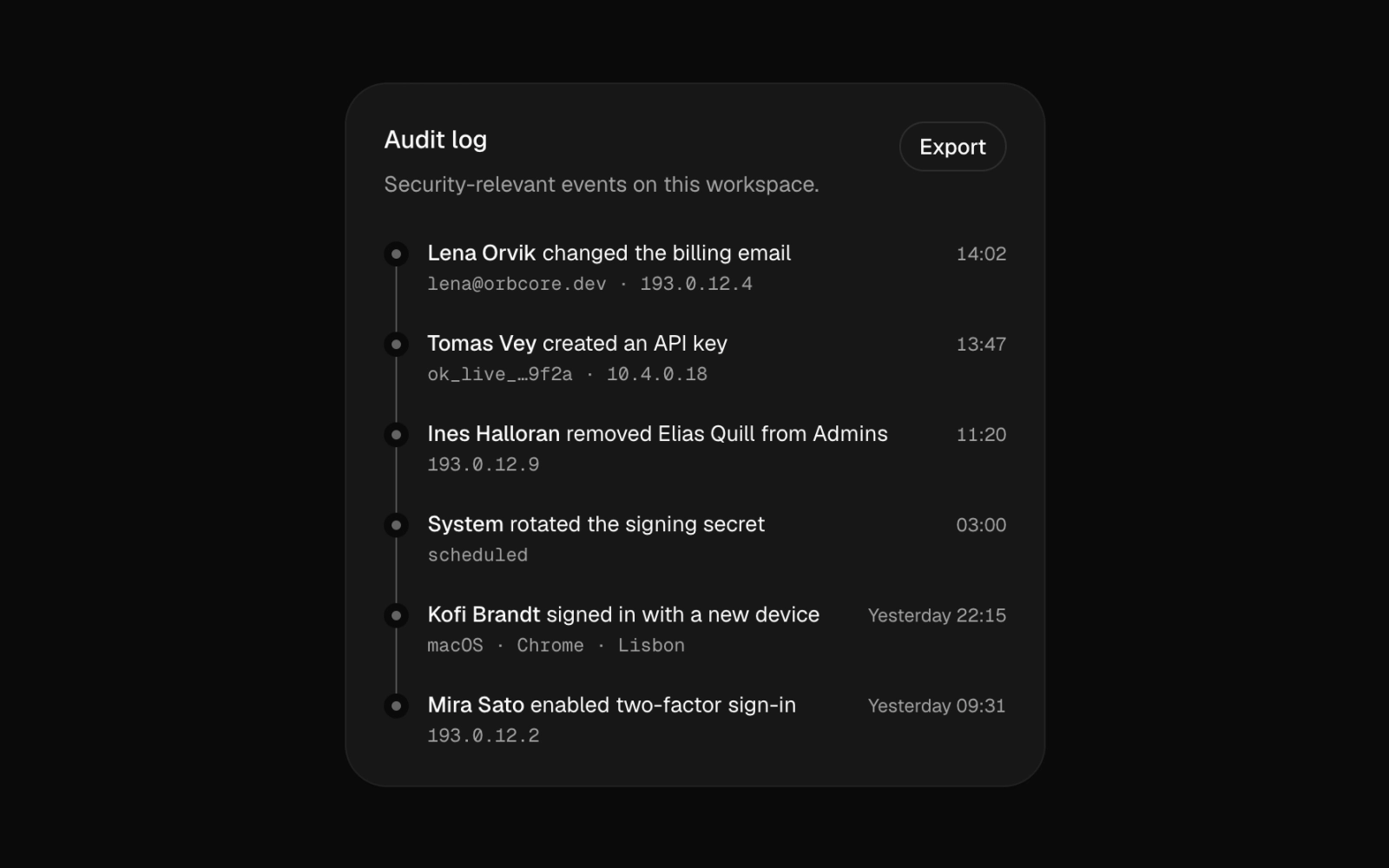
Security audit log card for admin dashboards: a dense timeline with one row per event, the actor in bold, a right-aligned time, a muted monospace line of IP, key or device detail, and an Export button.
comment-thread
comment-thread
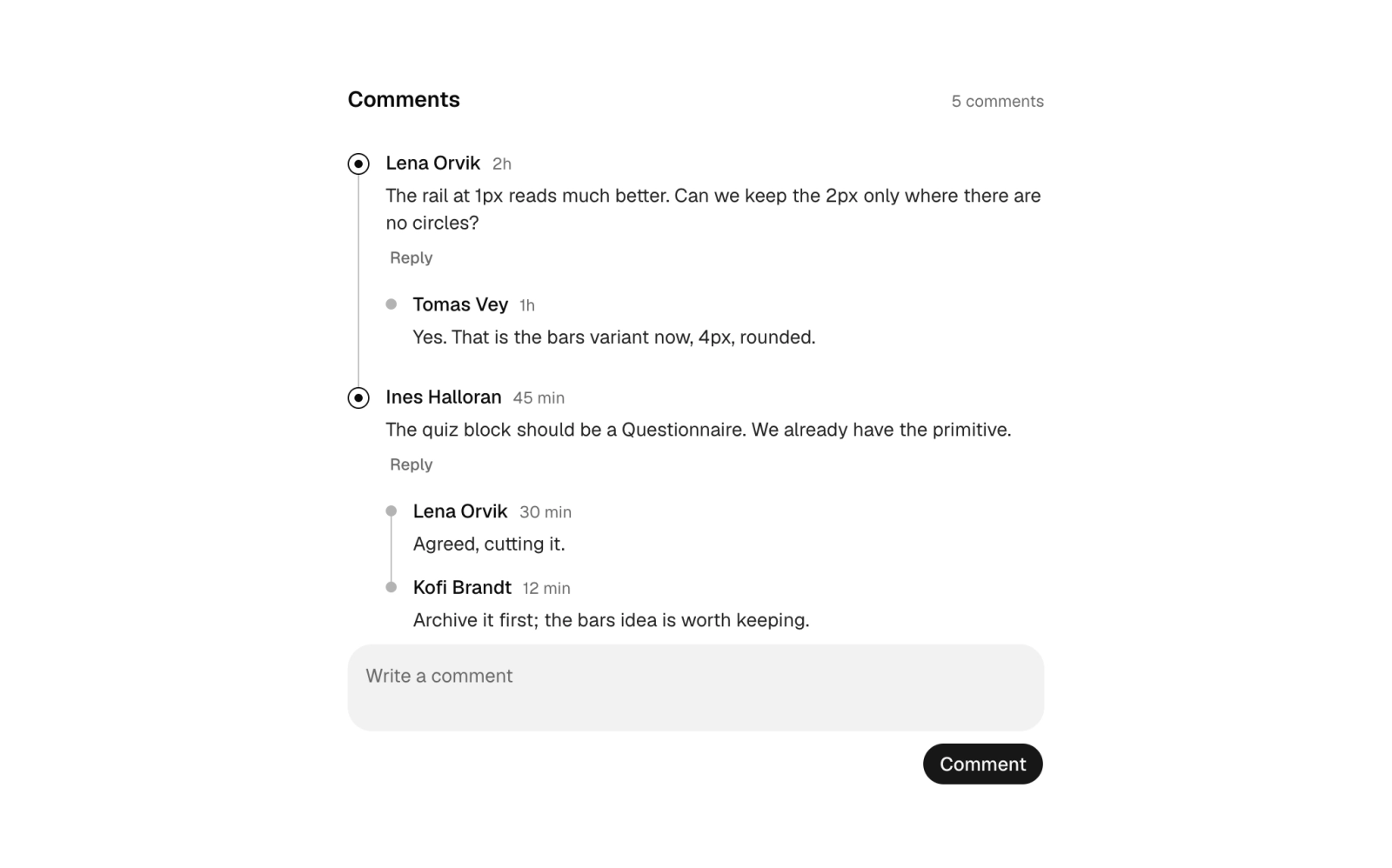
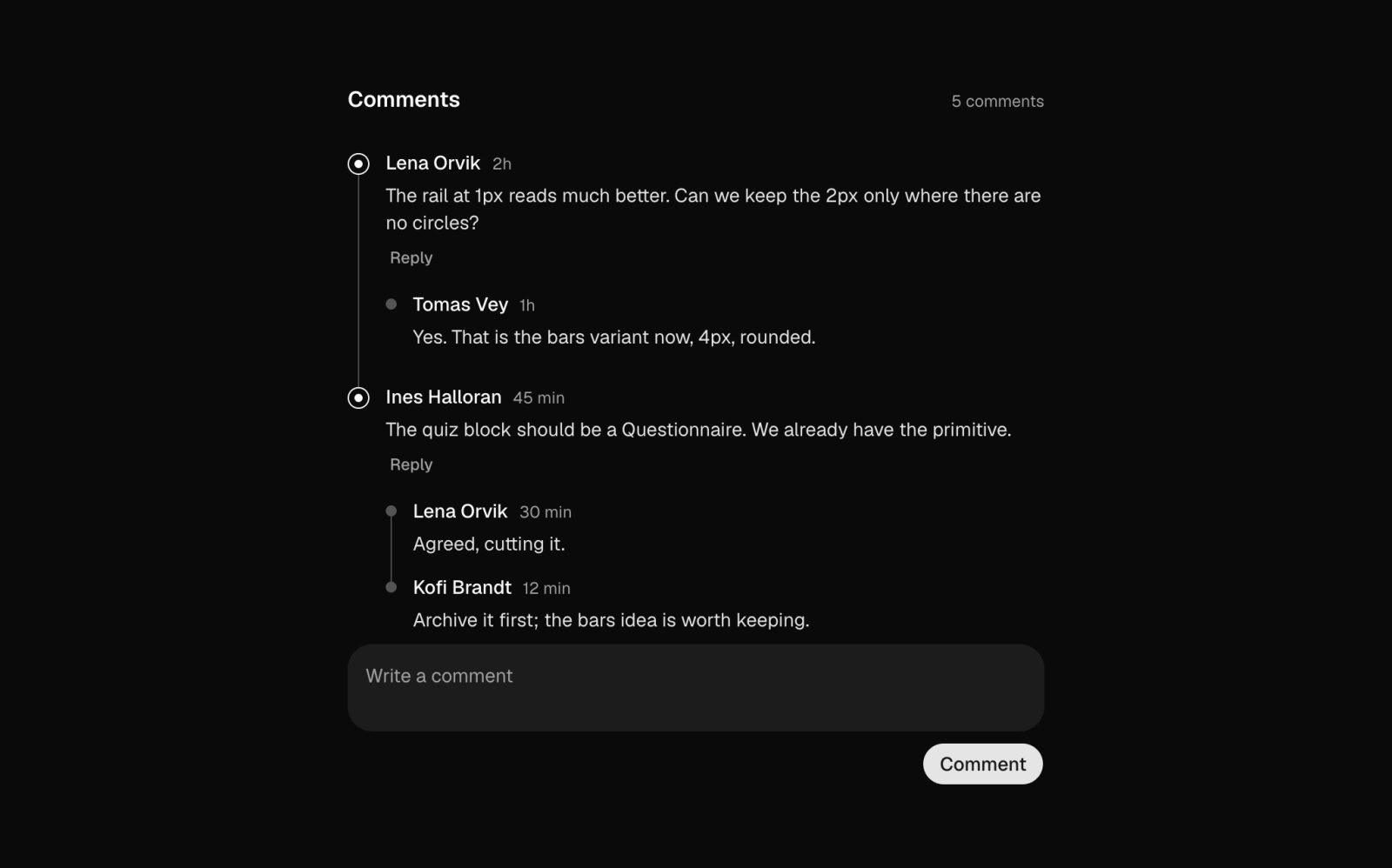
Comment thread on a timeline rail, with one level of nested replies drawn with smaller marks, a Reply button on each top-level comment and a textarea composer below. A client component for the form handler.
commit-history
commit-history
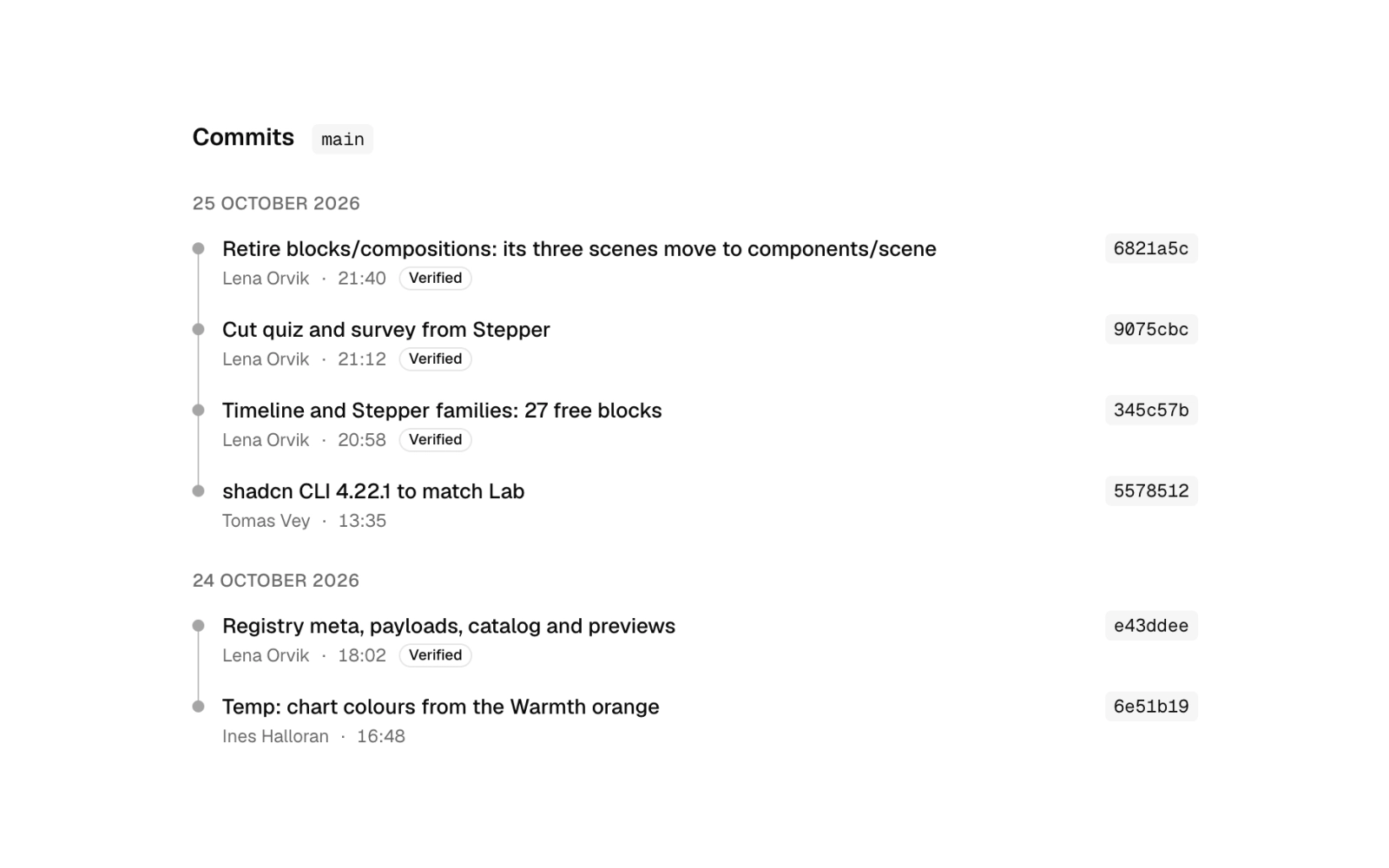
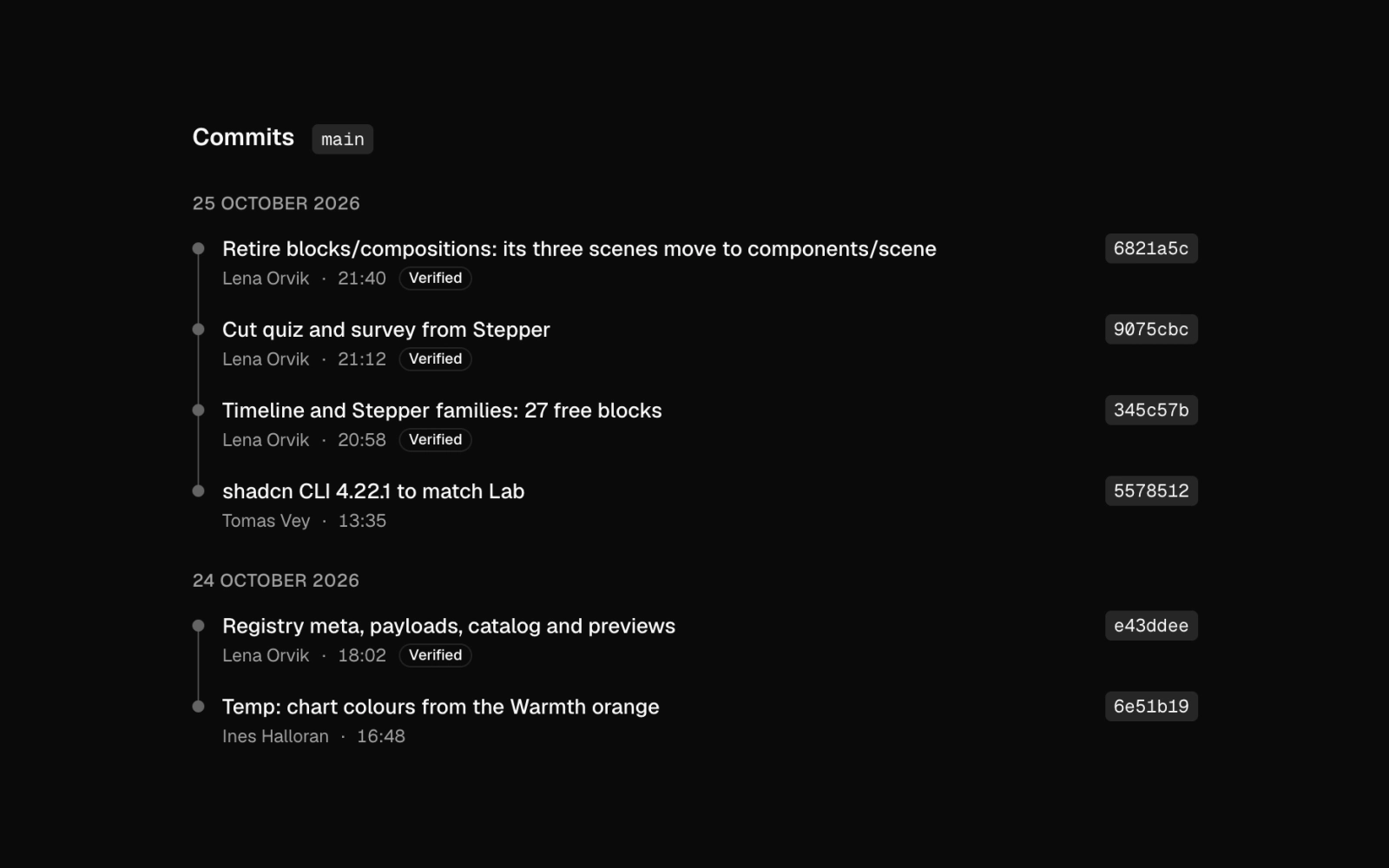
Commit history list grouped by day under a branch tag: small-dot timeline rows with a truncated message, author and time, a quiet Verified outline badge and the short sha as a monospace tag on the right.
deploy-history
deploy-history
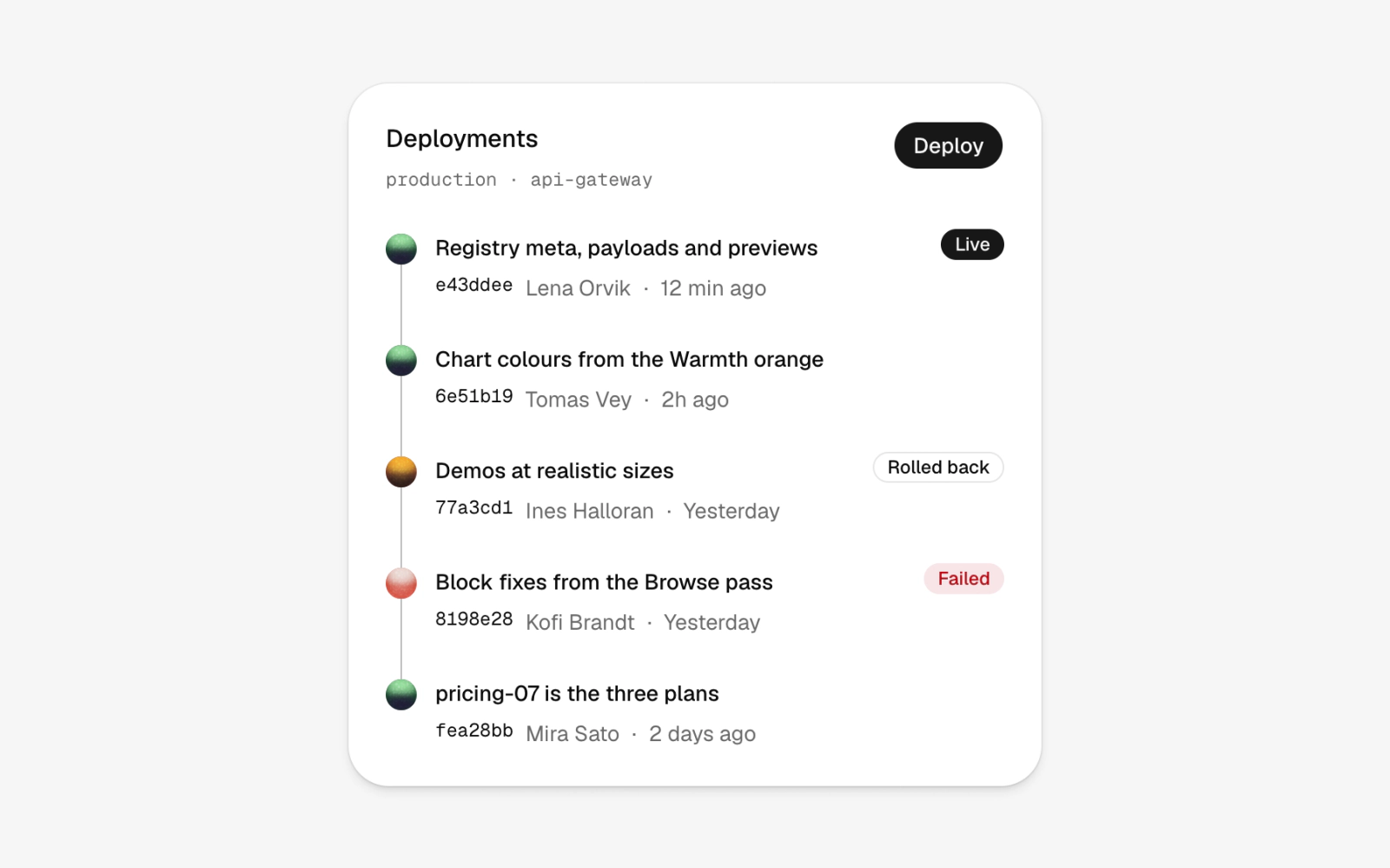
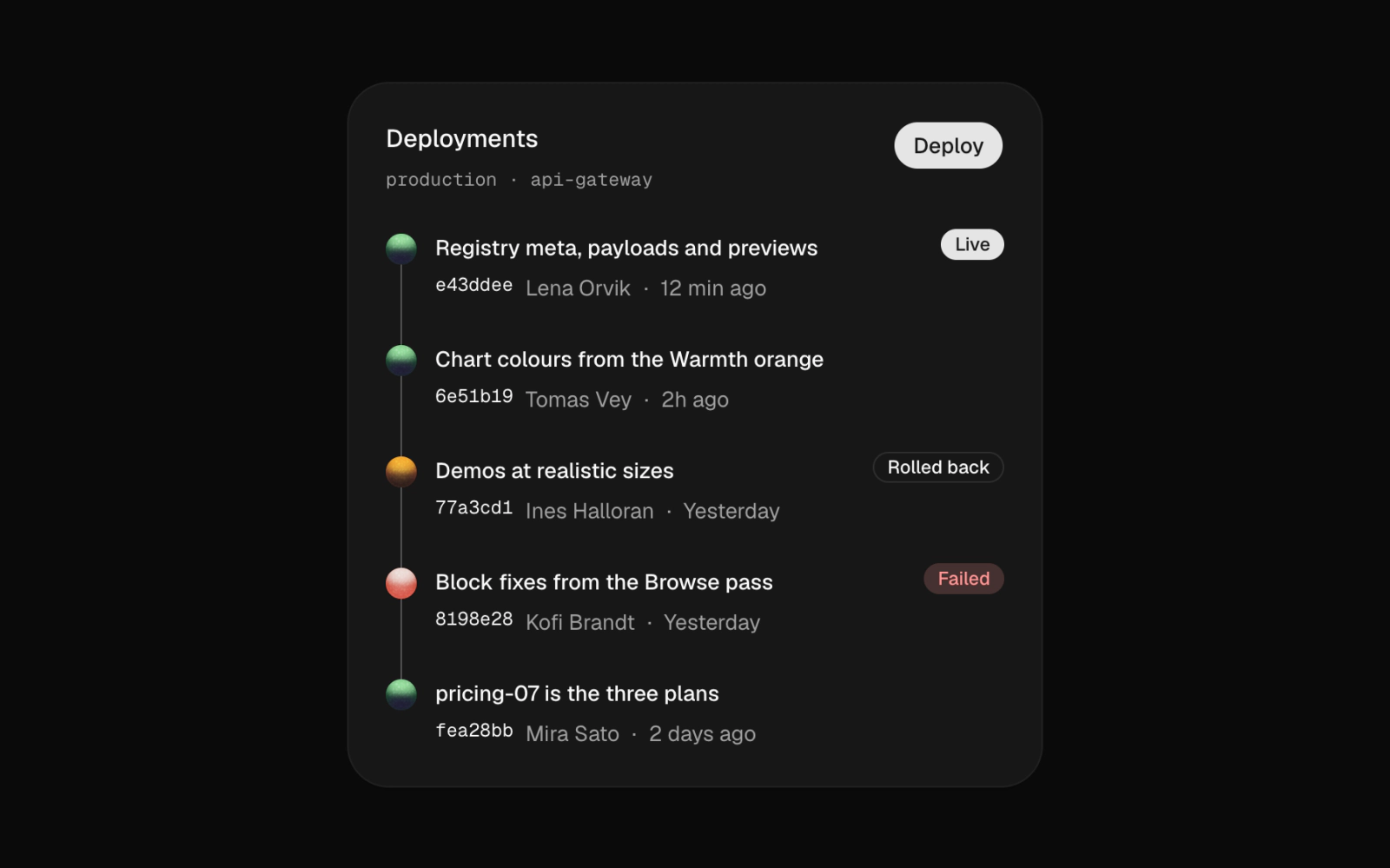
Deployment history card for a dev dashboard, where each timeline mark is a small orb colored by status: green when serving, marigold for a rollback, red for a failure, with badges labeling live, rolled-back and failed rows.
mentions
mentions
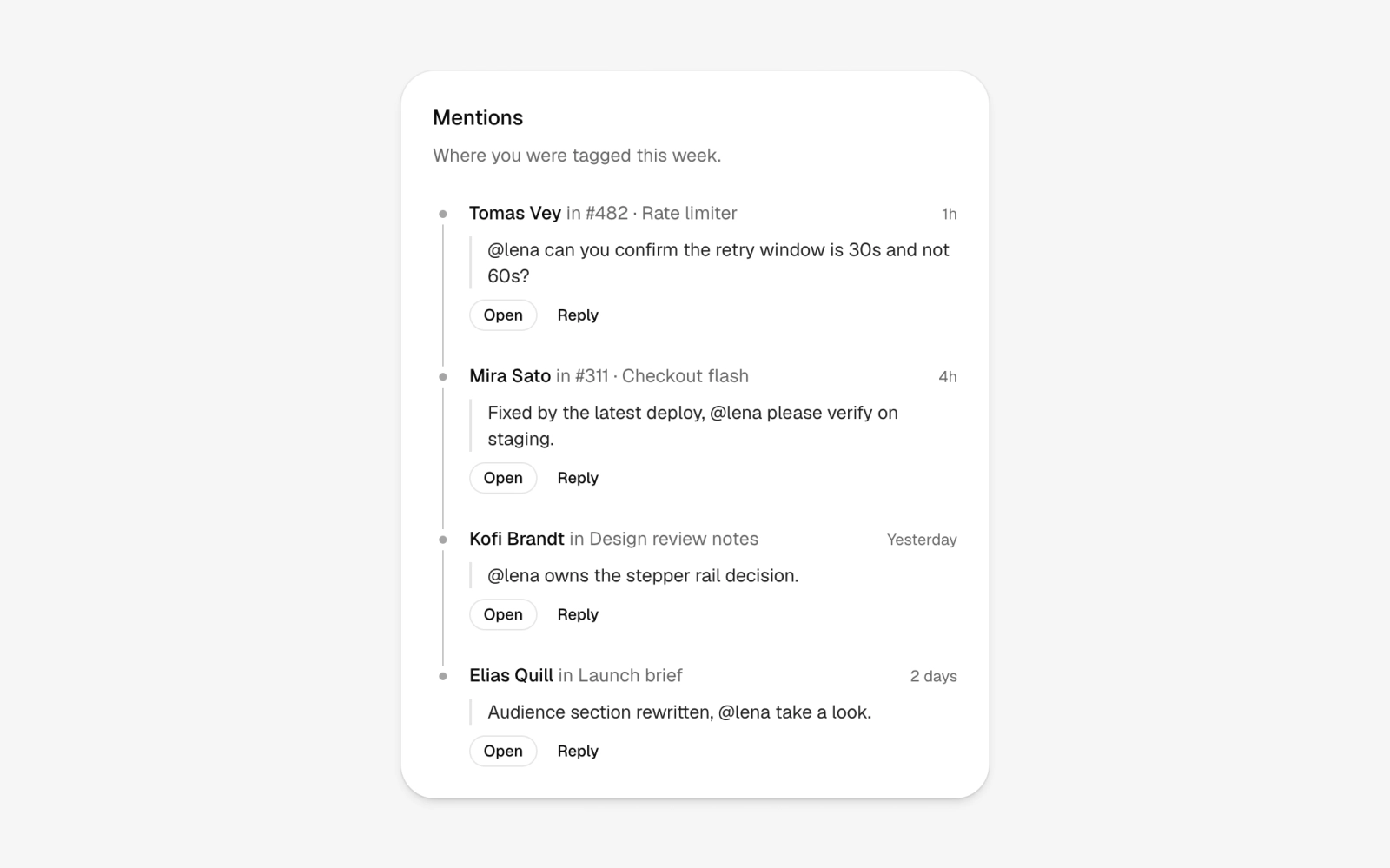
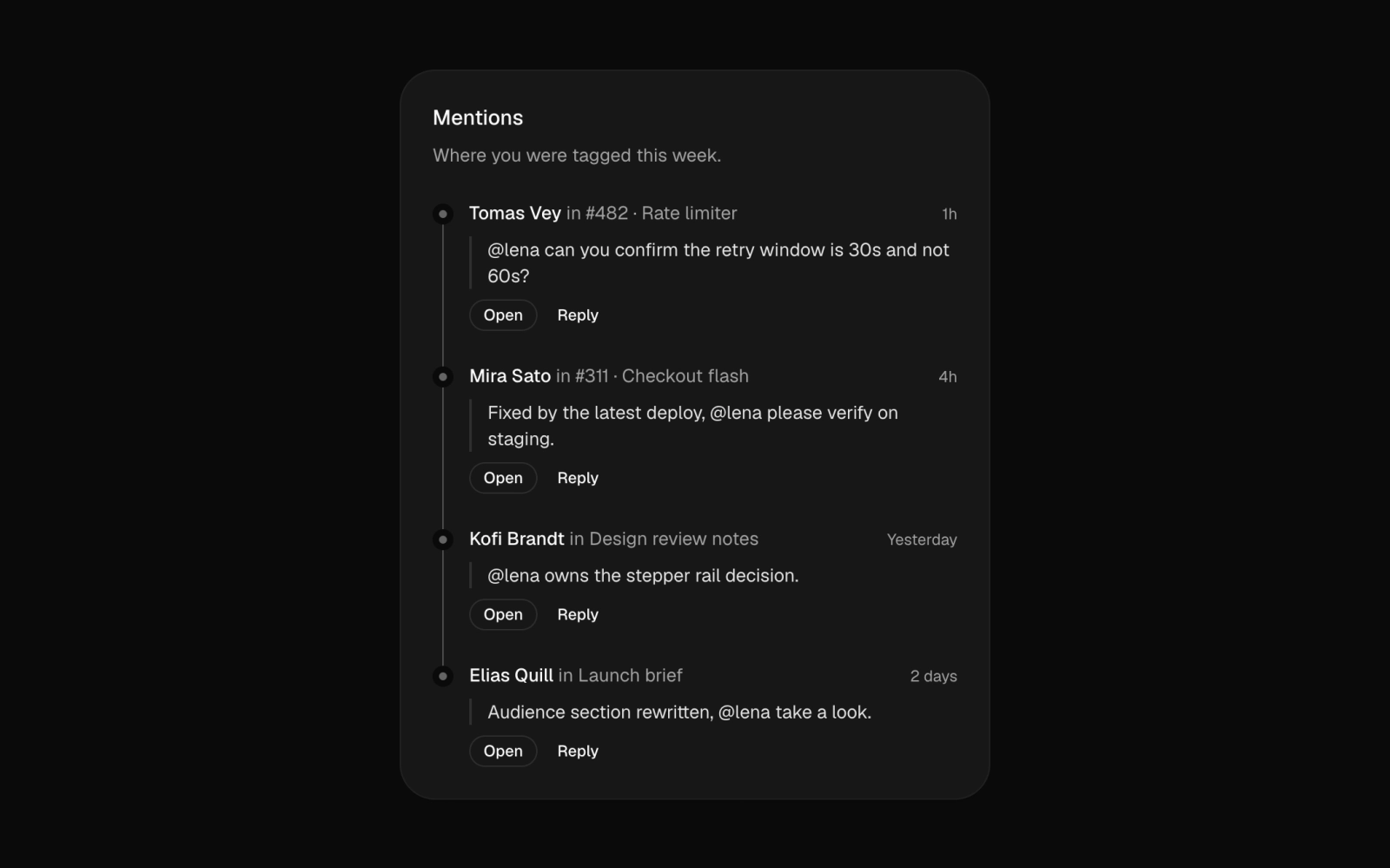
Mentions inbox card listing where you were tagged: each timeline row shows the actor and location, the quoted line in a bordered blockquote, and Open and Reply buttons beneath every mention.
notifications
notifications
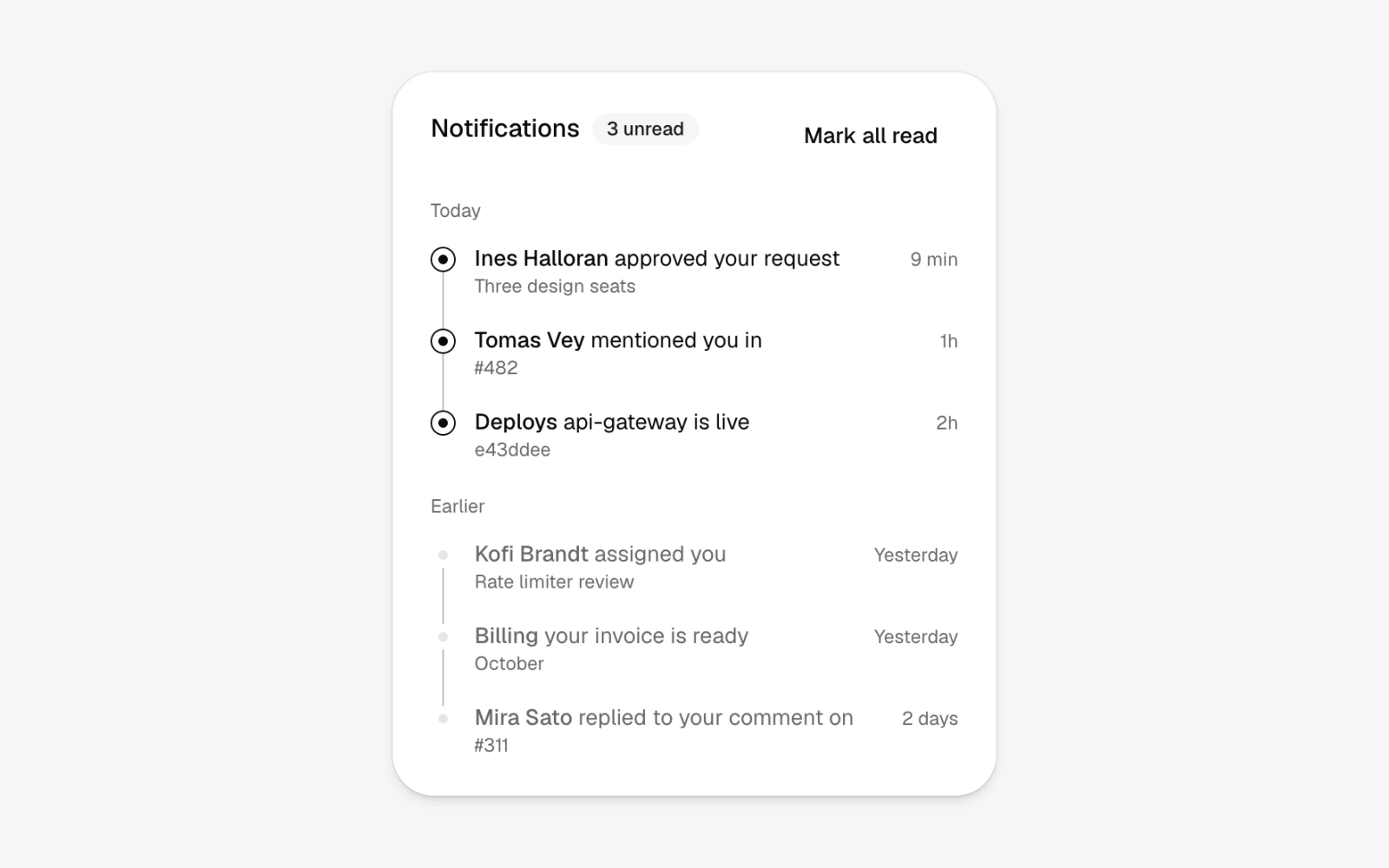
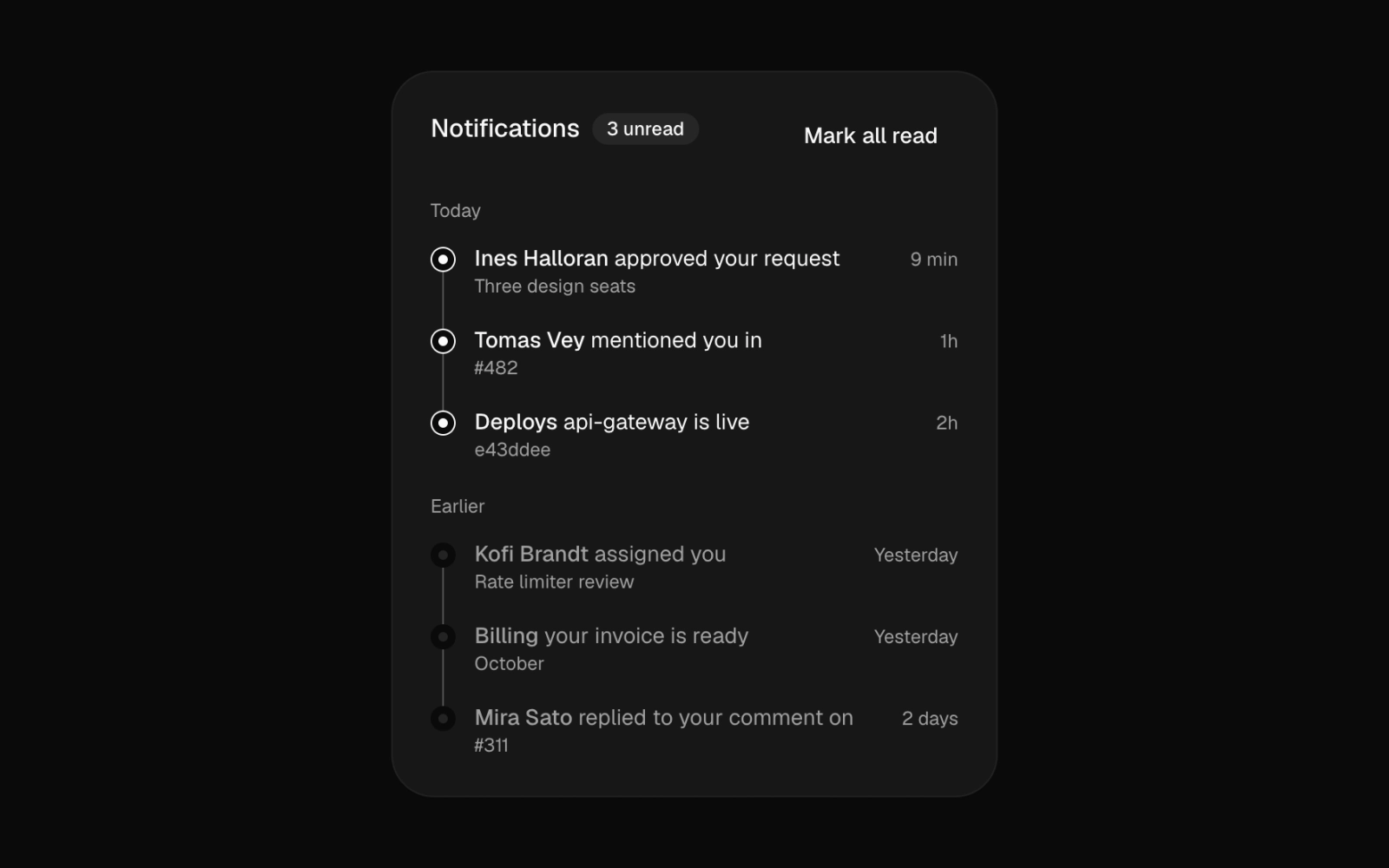
Notification card with an unread count badge and a Mark all read action, grouped into Today and Earlier. Unread rows keep a ringed timeline mark and full-strength text; read rows fade to muted.
order-events
order-events
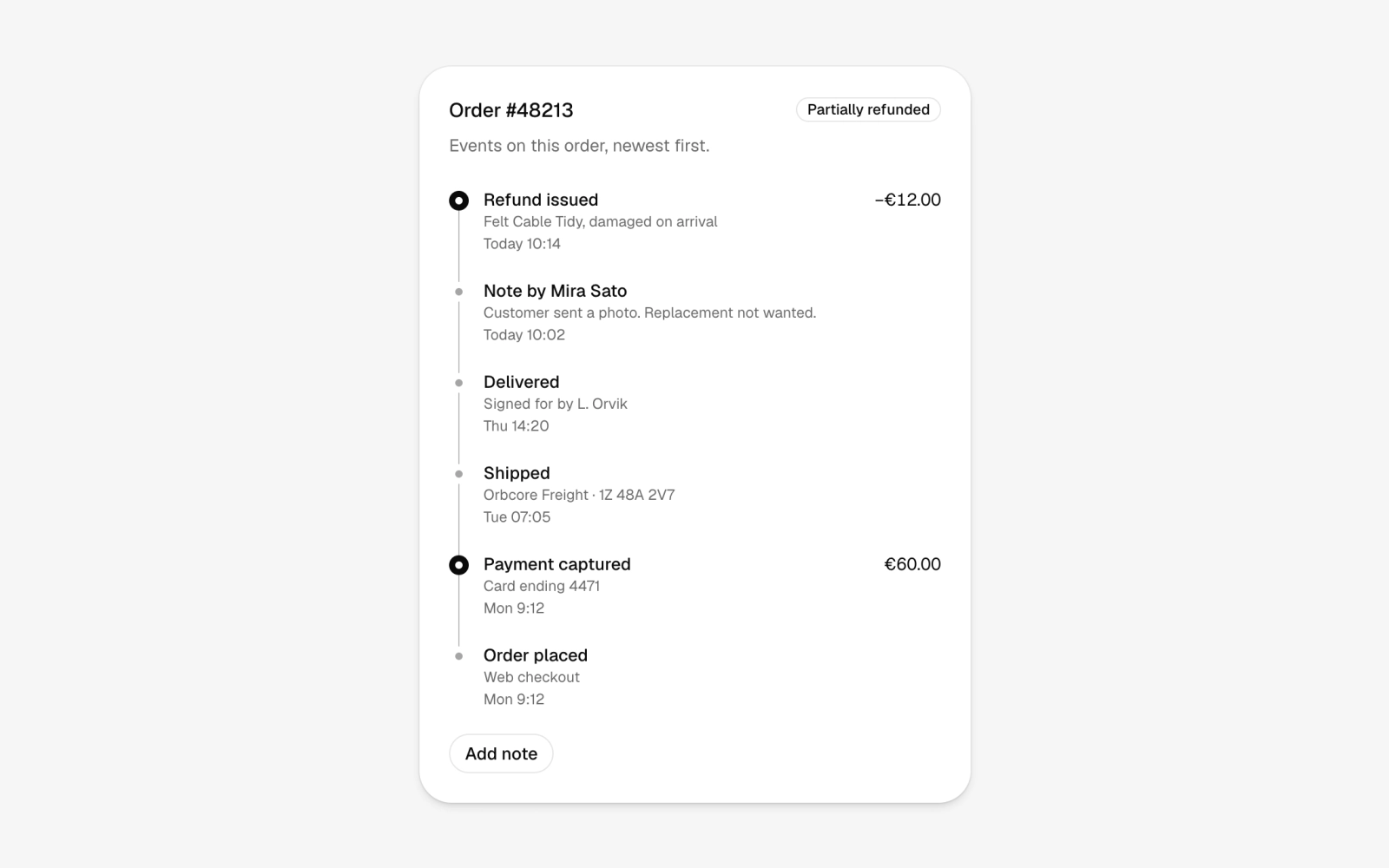
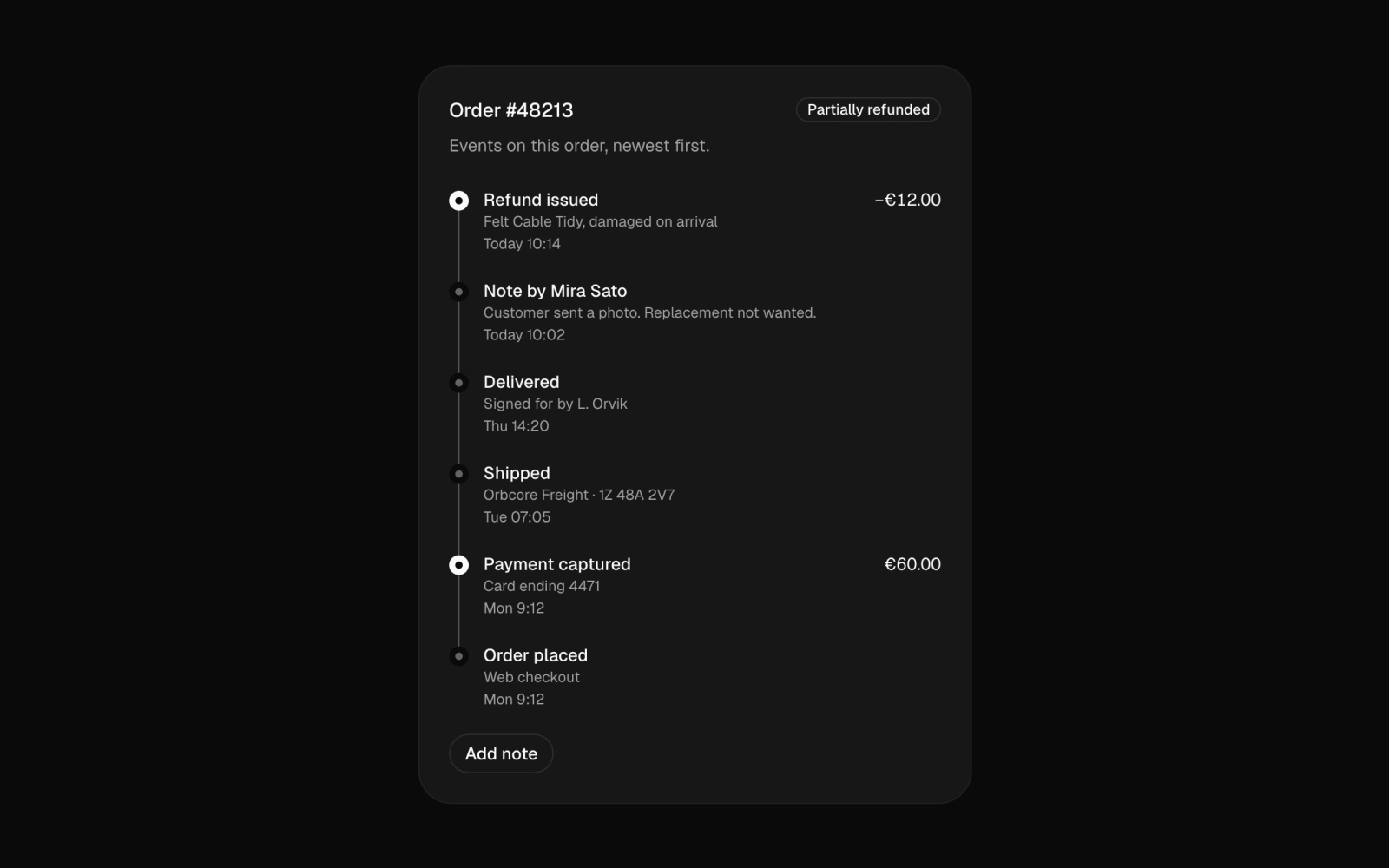
Order event history timeline for an ecommerce admin: payments and refunds get filled marks and right-aligned amounts, shipments, notes and system events get faint dots, with a status badge and an Add note button.
version-history
version-history
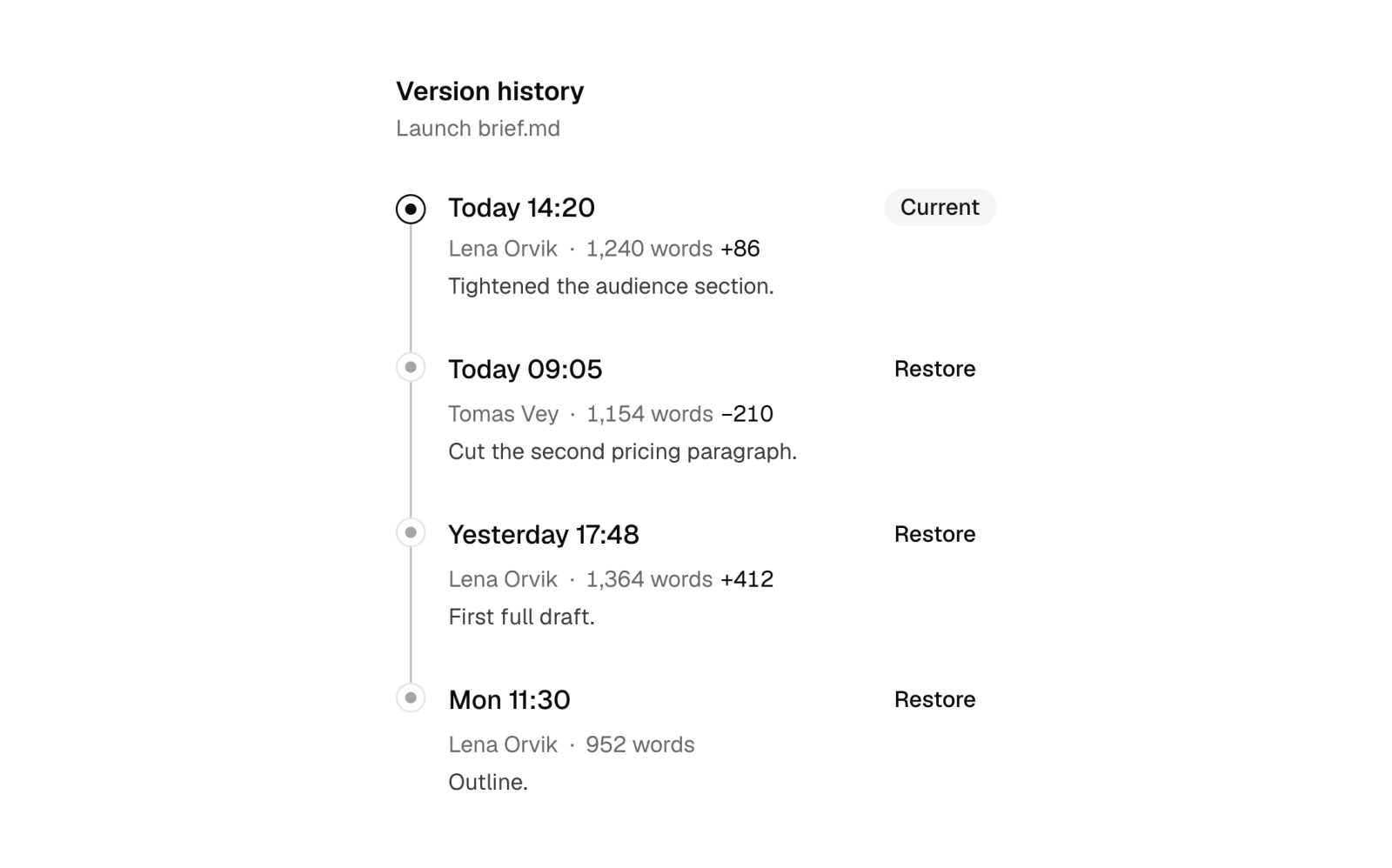
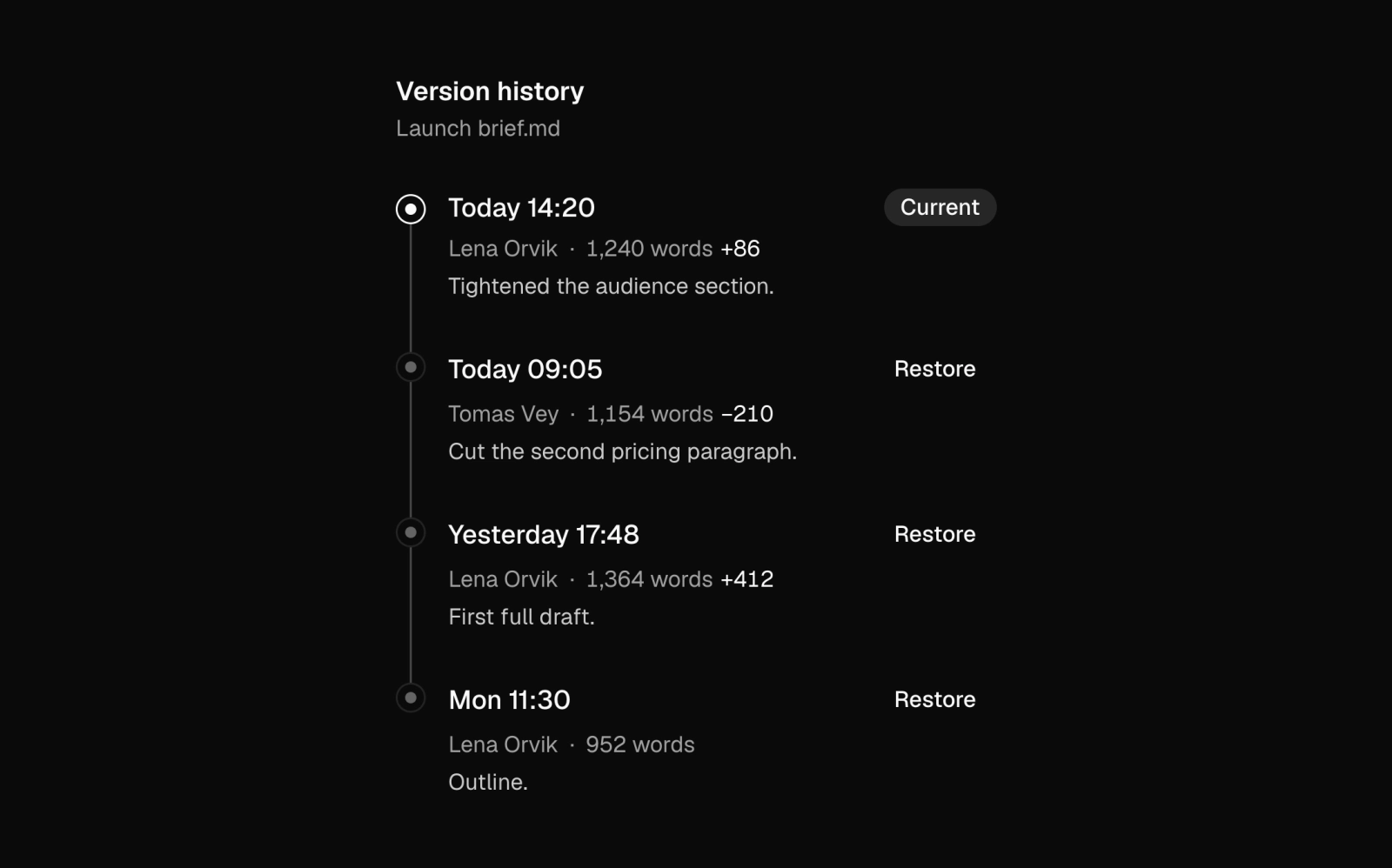
Document version history panel, narrow enough for a sidebar: each save shows time, author, word count, change delta and a note with a Restore button, and the current version gets a Current badge and a dark ring.